In this article 7 sections
Free WhatsApp number checkers do work, mostly as browser extensions, but their job ends when they hand back a clean list, and most need the tab kept open. The real choice is between a separate checker and sender, or one tool such as LeadTrapper that checks and sends.
- Free, genuinely functional WhatsApp number checkers exist, mostly as Chrome extensions and cloud automation actors — this isn't a category where free tools are all broken or fake.
- A standalone checker's job ends the moment it hands back a clean list. What happens next — loading those numbers into a sender, running a campaign — is a separate step with a separate tool.
- Most browser-extension checkers depend on the browser tab staying open during the check, the same limitation that applies to browser-extension senders.
- The real choice isn't 'free vs paid' as a quality question. It's whether checking and sending as two separate tools, or one connected workflow, fits how the work actually gets done.
The Category, Honestly
Searching for a WhatsApp number filter turns up a real, active category of tools. WA Number Checker and similar Chrome extensions batch-check numbers directly in the browser. WASender’s own WAChecker and Wassenger’s number validator offer free, standalone verification. CheckNumber.AI runs bulk checks through an API or a no-code upload, and Wakasoft’s number filter tool adds business-account detection on top of basic verification. This isn’t a niche with only broken or fake free tools in it. Several are genuinely built to do what they say.
What’s worth being precise about isn’t whether these tools work — it’s what job they’re actually built to finish.
What a Standalone Checker Actually Does
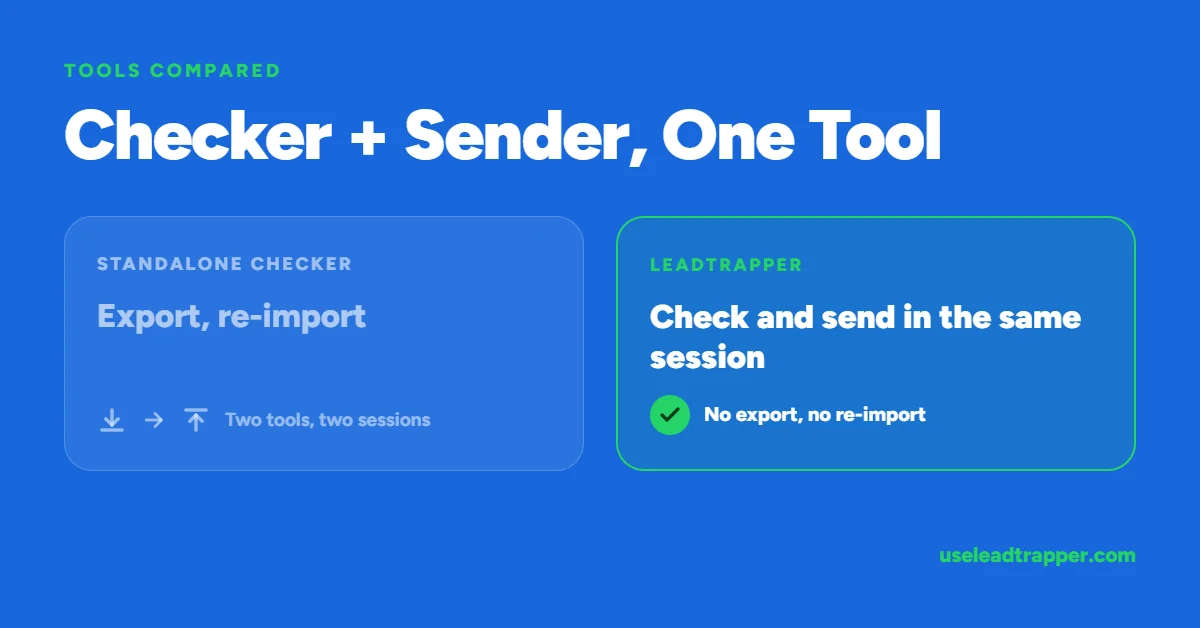
A dedicated checker has one job: take a list, check each number, hand back which ones are real. That’s the entire scope. Once that list comes back, what happens next — loading it into a sender, writing the campaign, actually reaching those contacts — is a separate step, usually in a separate tool, sometimes requiring an export and a re-import in between.
| ❌ Standalone checker workflow | ✅ Checker built into the sender |
| Check the list in Tool A | Check and send in the same session |
| Export the clean results | Verified numbers already loaded |
| Import into Tool B to actually send | No export/import step at all |
Neither approach is wrong. A team that already has a sender they’re happy with and just needs a one-time list cleaned has no real reason to switch tools for that alone.
The Browser Tab Limitation
Most of the free checkers in this category run as Chrome extensions, which brings the same structural limit that applies to browser-extension bulk senders: the check only runs while that browser tab stays open. Close it, let the browser sleep, or restart the computer mid-check, and the batch stops wherever it was. For a quick check of fifty numbers this rarely matters. For a list in the thousands, it means babysitting a tab for as long as the check takes.
Where an Integrated Checker Changes the Workflow
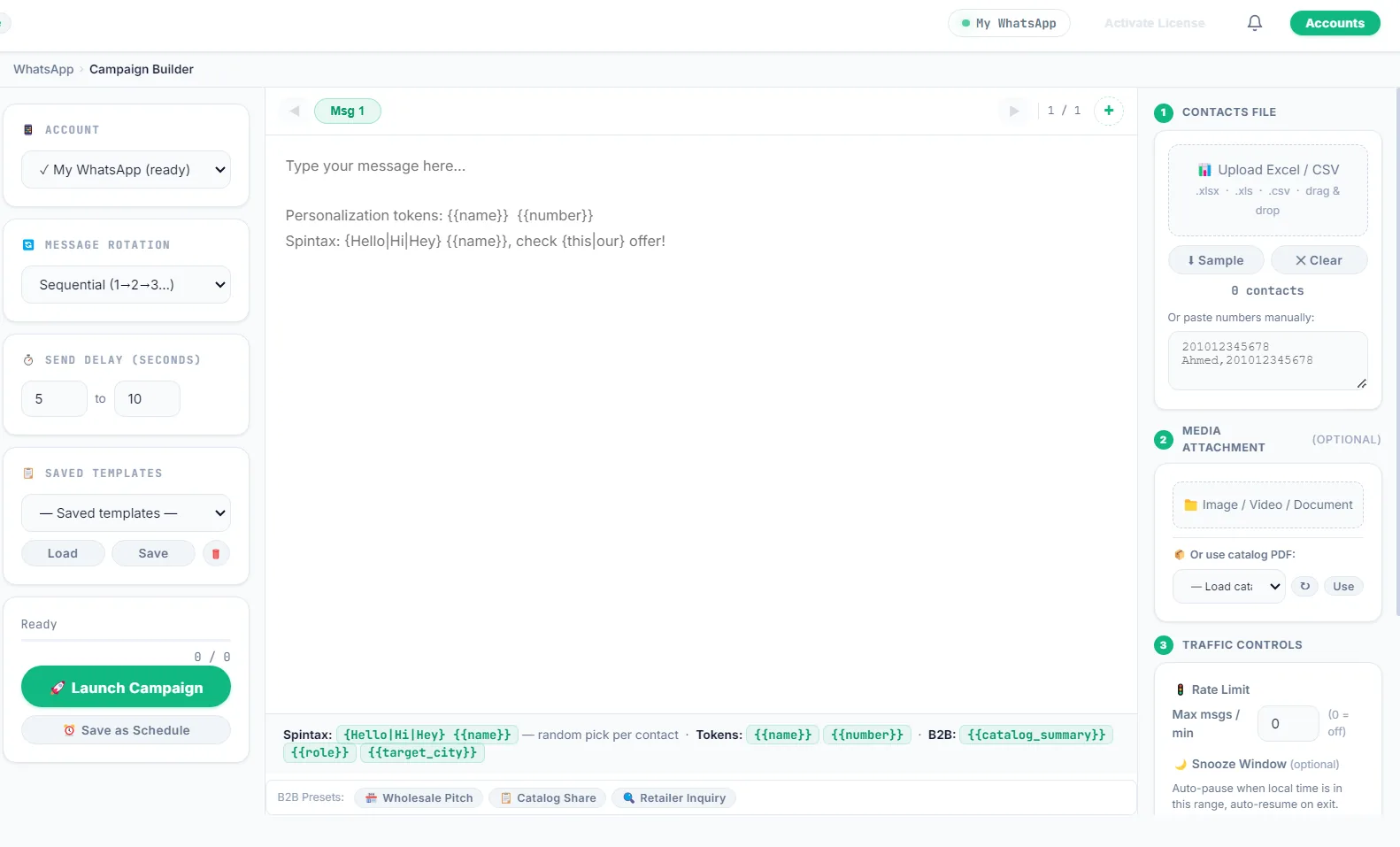
LeadTrapper’s number filter runs inside the same desktop app as the scraper and the sender, on the same connected WhatsApp account. A verified list doesn’t need exporting anywhere — it’s already sitting in the same place a campaign gets built from. And because it’s a desktop application rather than a browser extension, a check in progress doesn’t depend on a tab staying focused in the foreground.
This matters most for exactly the workflow that led to needing a checker in the first place: a list from Google Maps or another scraper, checked, then sent — all without leaving one tool or exporting a file in between.
The Real Question to Ask
Not “is the free tool good enough” — several are. The actual question is whether checking and sending as two separate tools, with an export and import step between them, fits how the work actually gets done, or whether one connected workflow saves the step that standalone tools all eventually hand back to the user to solve themselves.
What to Compare Before You Pick a Checker
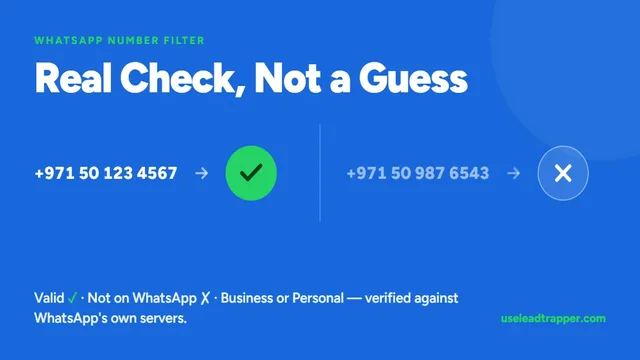
Most WhatsApp number checkers give the same basic answer, registered or not. The differences are in everything around that answer:
- Does it clean the list first? A checker that compares numbers as typed treats
050...and+971 50...as two numbers and checks both. - Whose account does the lookup? Some tools use your own connected WhatsApp account, others a service you can’t see.
- Does it show the account type? Knowing whether a number is a business or personal account helps you choose the message.
- What happens on a bad run? A checker that keeps going after many misses in a row can put your account at risk.
- What can you export? All results, or only the valid numbers ready for a campaign.
- Does it connect to sending? Or do you export, reformat and import into a separate sender?
How LeadTrapper's Number Filter Answers Those
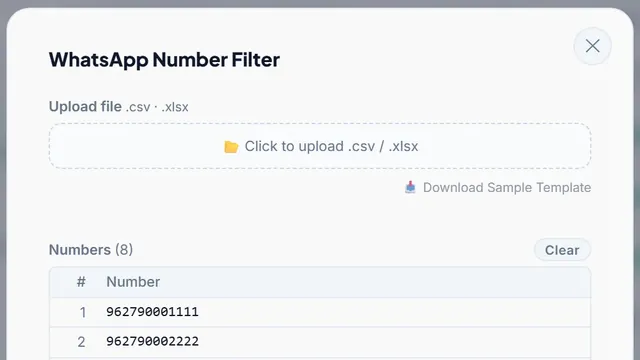
The WhatsApp Number Filter cleans formats, removes duplicates and adds your country code to local numbers before it checks anything. It checks each number through your own connected WhatsApp account, using the same lookup WhatsApp’s own web client uses, and no message is sent to the numbers you check.
Each valid number is marked as a business or personal account. You can set a short wait after a set number of checks, and after seven misses in a row it pauses for 15 minutes, then resumes where it stopped. Results export to Excel, either all of them or only the valid numbers, which go straight into the WhatsApp Bulk Sender. It is part of LeadTrapper at $50 a year, after a 14-day free trial.
Before you send: warm up new or quiet numbers first with the WhatsApp Account Warmer, which runs in the same app.
Frequently Asked Questions
Several free options are genuine, working tools, not broken freeware — Chrome extensions and browser-based checkers that do exactly what they claim: batch-check a list and flag which numbers exist. The honest limitation isn't reliability, it's scope: a standalone checker only checks. Everything after that — loading verified numbers into a sender, running the actual campaign — is a separate step.
In practice, the same thing — both terms describe a tool that checks a list of numbers against WhatsApp and reports which are real. 'Filter' is more common where the tool also removes invalid entries automatically rather than just flagging them.
No — a sender with an integrated checker covers the same job as a separate standalone tool. The distinction that actually matters is whether checking and sending share the same session (verified numbers flow straight into a campaign) or require exporting a file from one tool and importing it into another.
Most run as Chrome extensions, which by nature only execute while that browser tab is open and active. It's not a corner cut in a free tool specifically — it's the standard limitation of the extension format itself, the same one that applies to browser-extension bulk senders.
About LeadTrapper
LeadTrapper is a Windows app for finding business leads and contacting them on WhatsApp. It collects business contacts from Google Maps, Instagram, Facebook, TikTok, LinkedIn and business websites, checks which numbers are on WhatsApp with its Number Filter, and sends personalised campaigns with automatic delays from one or more WhatsApp accounts. It also has a chatbot, a shared inbox for every account, and Store Orders for online shops. It installs from the Microsoft Store, and the full app is free for 14 days, then $50 a year. Free web tools, browser extensions and a Wix app are listed on the Free Tools page.
Check and Send Without Switching Tools
LeadTrapper's WhatsApp Number Filter feeds verified numbers directly into the same bulk sender — one tool, one session. $50/year — all features included.