Free LeadTrapper plugin for WordPress
Free WhatsApp Order Button for WooCommerce Shops
Shoppers click once and WhatsApp opens with the product, chosen options, quantity, price and link already written. Add a floating chat or call button, see your clicks and orders in WordPress, and turn on order messages only if you want them. Free on WordPress.org.
Free · no paid plan · installs from WordPress.org
Updated Oct 30, 2026
1 clickChat opens with the product, options, quantity, price and link
Chat or callFloating button, on phones, computers or both
No APIWorks with a normal WhatsApp or WhatsApp Business number
What the plugin does
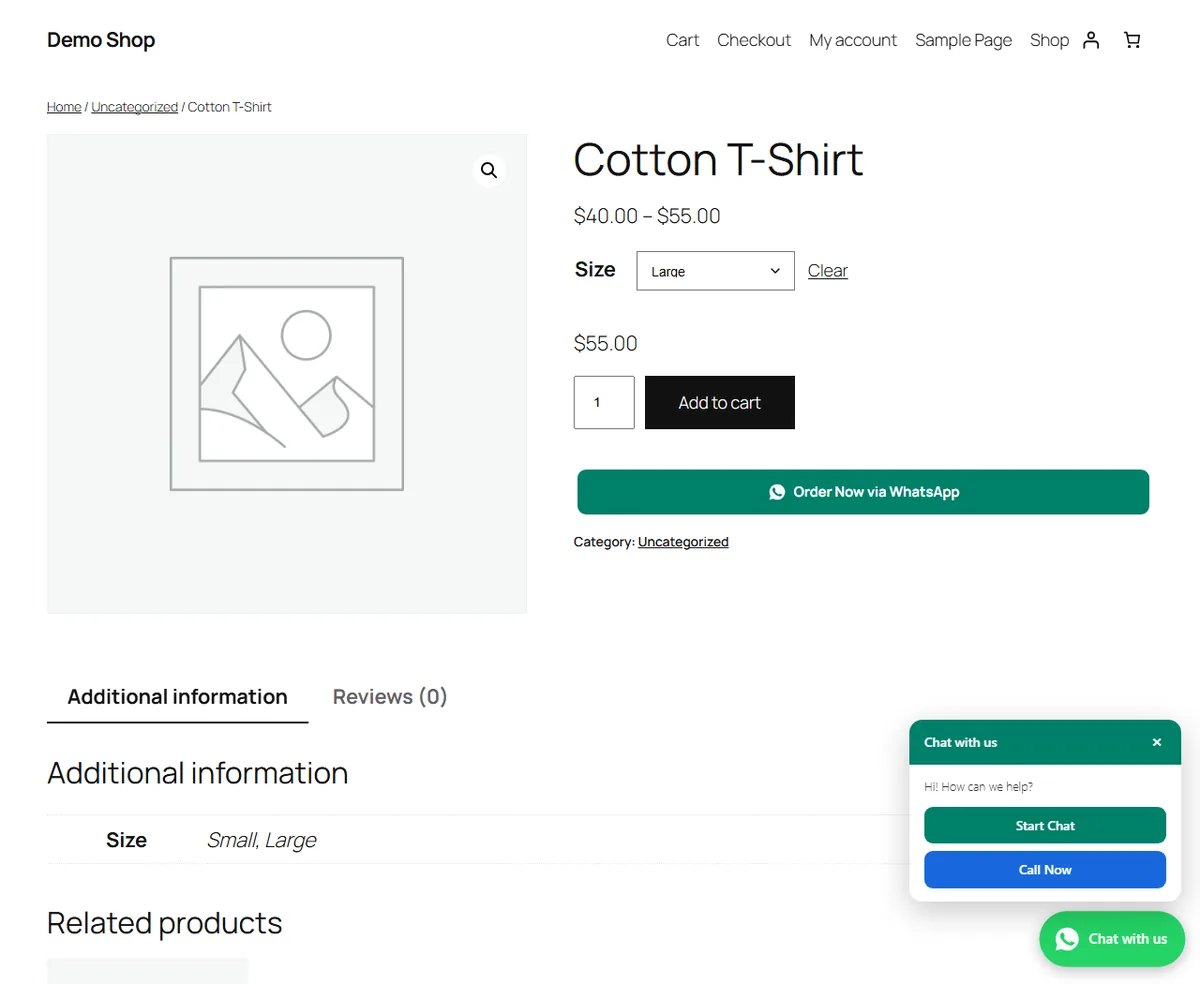
- Adds an order button to product pages. It sits under Add to cart and works with classic and block themes. One click opens WhatsApp with the product name, chosen options, quantity, price and link.
- Lets you choose the products. Show the button on all products, only chosen ones, or all except a few. It also shows on out-of-stock products, so you can still take the order by chat.
- Sends a whole cart. An “Order my cart via WhatsApp” button on the cart page puts every product, option and quantity and the total into one message.
- Adds a floating button. It can open a chat, call you, or offer both, on any WordPress site, with or without WooCommerce.
- Fits your shop and your hours. Choose the colour, size, shape and corner, show the button on phones, computers or both, and show it only during your opening hours. It stays off the checkout page by default, so shoppers finish paying.
What the video shows:
- 0:00 WhatsApp Order Button for WooCommerce
- 0:11 How to Add a WhatsApp Button in WordPress
- 0:23 Order on WhatsApp Button for WooCommerce
- 0:58 WooCommerce Cart to WhatsApp
- 1:10 Floating WhatsApp Button for WordPress
- 1:36 WooCommerce WhatsApp Order Notification Plugin
- 2:17 WooCommerce Cash on Delivery WhatsApp Confirmation
- 2:36 WooCommerce Abandoned Cart WhatsApp Reminder
- 2:56 WhatsApp Button Click Tracking and Orders
- 3:18 Install the WooCommerce WhatsApp Plugin
See your clicks and orders
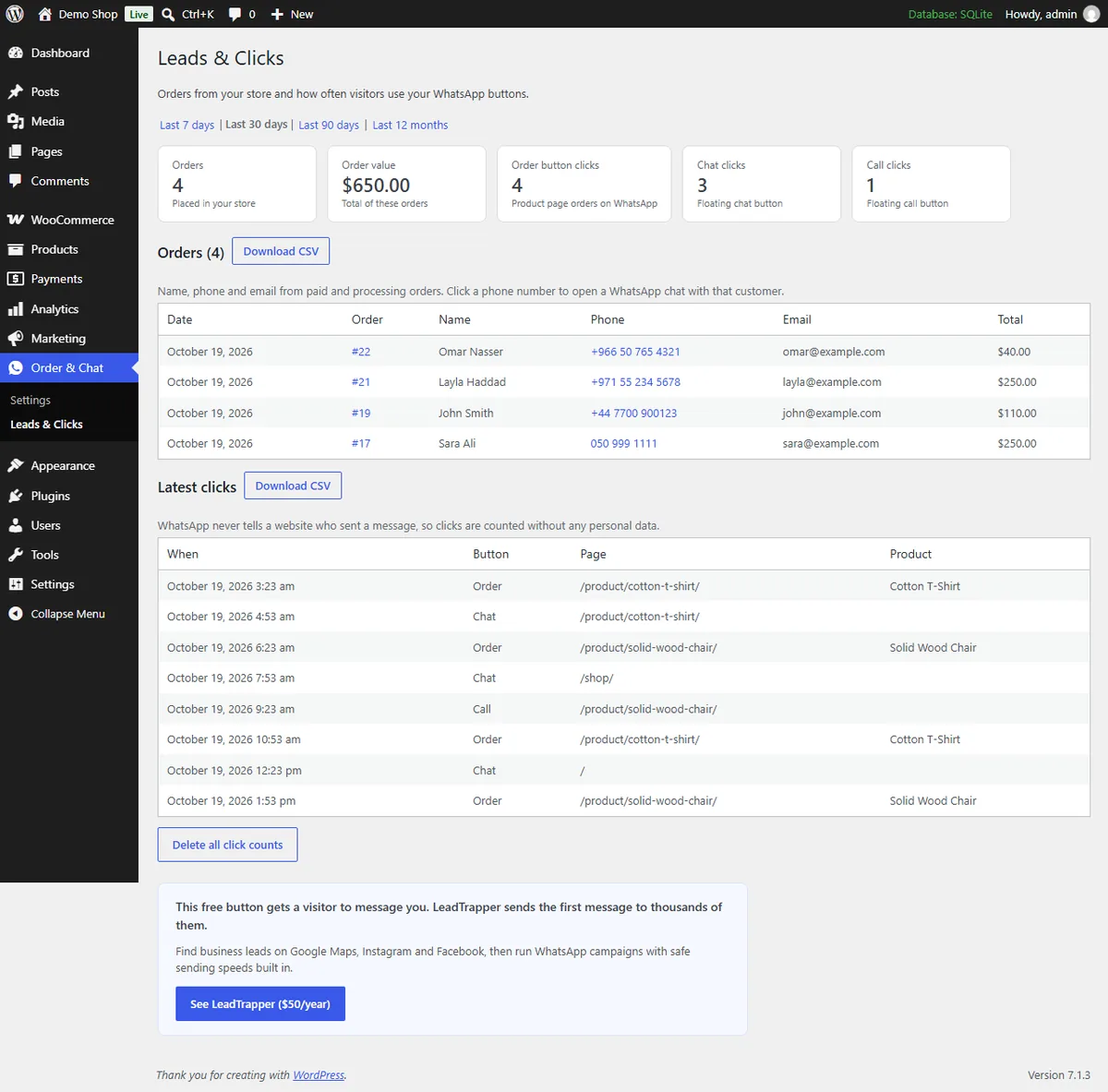
The Leads & Clicks page counts order, chat and call button clicks for the last 7, 30 or 90 days or 12 months. It lists your WooCommerce orders with name, phone and email, and clicking a phone number opens a WhatsApp chat with that customer. You can download orders and clicks as CSV files.
Click counts hold only the button type, the page and the product name: no names, no IP addresses and no cookies. The plugin loads no outside scripts, fonts or images.
Optional order messages with the LeadTrapper app for Windows
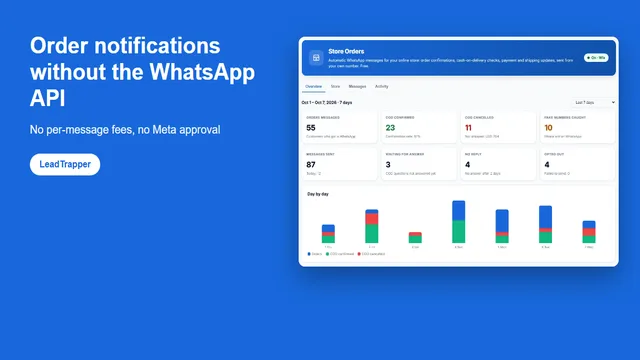
The buttons work on their own. If you also want automatic messages, connect the plugin to the free Store Orders feature in LeadTrapper for Windows. While the app is open on your computer, it can send these from your own WhatsApp number:
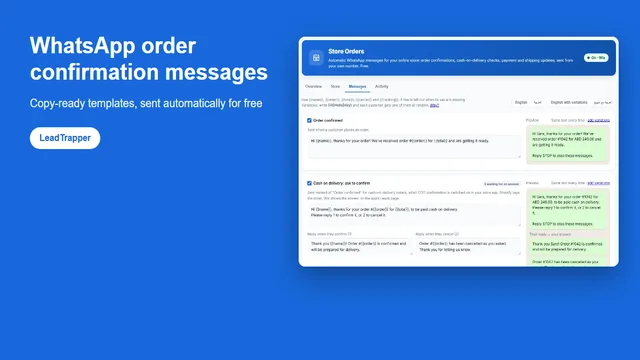
- Order updates. Order confirmation, payment received and “your order has shipped”, with the tracking link from WooCommerce Shipment Tracking or Advanced Shipment Tracking.
- Cash-on-delivery checks. Customers who pay later confirm or cancel on WhatsApp, and the answer appears on the order. See WhatsApp COD order confirmation.
- One abandoned cart reminder. A shopper who typed a phone number at checkout and left gets one message with a link that puts the same products back in the cart.
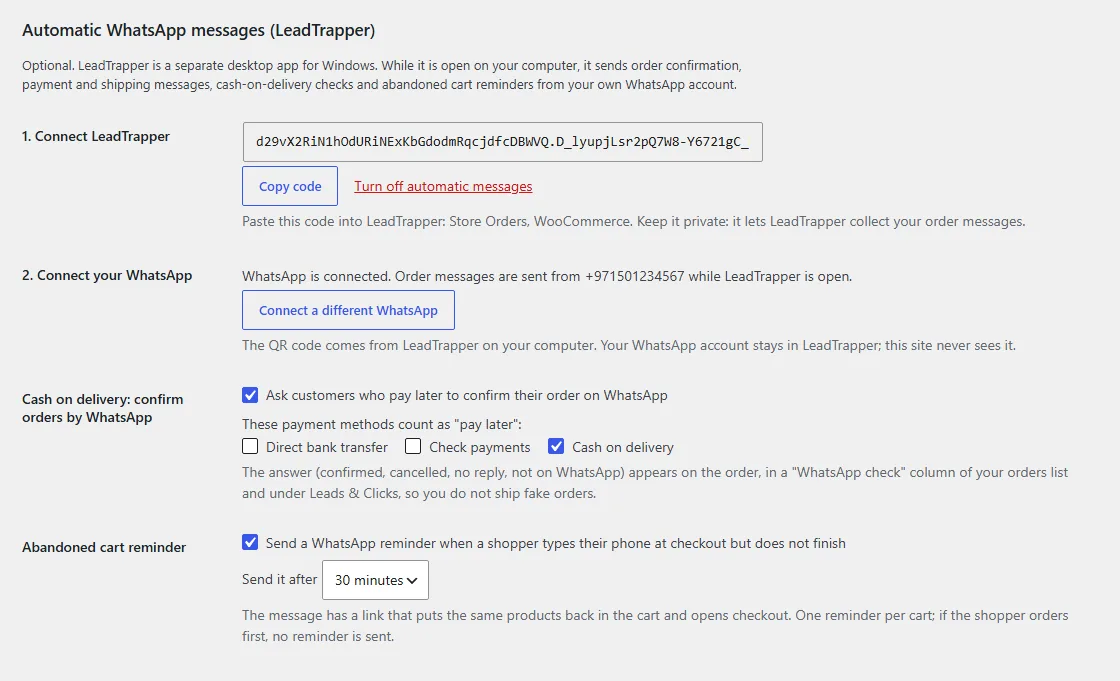
Everything stays off until you generate a connection code, and “Turn off automatic messages” stops it. Customers who reply STOP get nothing more until you allow them again. Customer details leave your site only when this is on: our privacy policy lists exactly what passes through and when it is deleted.
How to set it up
- Install. Get the plugin from WordPress.org, then activate it.
- Enter your number. Go to Order & Chat, Settings, pick your country, type your WhatsApp number and save. The buttons appear right away.
- Choose the buttons. Pick which products show the order button and how the floating button looks.
The full walkthrough is in how to add a WhatsApp order button to WooCommerce.
Get the free plugin on WordPress.org
Need more customers, not only more buttons?
The button helps visitors reach you. To reach new buyers yourself, LeadTrapper for Windows finds business contacts on Google Maps and social networks, and sends WhatsApp campaigns at safe speeds. It costs $50 a year after a 14-day free trial. The plugin’s buttons never need it.
Questions
Is the plugin free?
Yes. The plugin has no paid plan. The order button, the chat and call button and the Leads & Clicks page are free. The optional order messages use Store Orders in the LeadTrapper app for Windows, which also works without a paid licence.
Do I need WooCommerce?
Only for the order button and the orders list. The floating chat and call button works on any WordPress site.
Does the message include the size or colour the shopper picked?
Yes. On products with options, the chosen options, the quantity and the price of that option are added when the shopper clicks.
Can I show the order button only on some products?
Yes. Show it on all products, only on the products you choose, or on all except the ones you choose.
Do I need the WhatsApp Business API?
No. The buttons use standard wa.me links, which work with a normal WhatsApp or WhatsApp Business number. There is no API, no approval and no monthly fee.
What happens to the order messages if my computer is off?
They wait for up to 7 days and go out when the LeadTrapper app opens again. The app must be open on a Windows computer to send them. The buttons do not need it.
Learn
Guides
Step-by-step guides for the WhatsApp Order & Chat Button for WooCommerce, written from real tests in the app.