In this article 6 sections
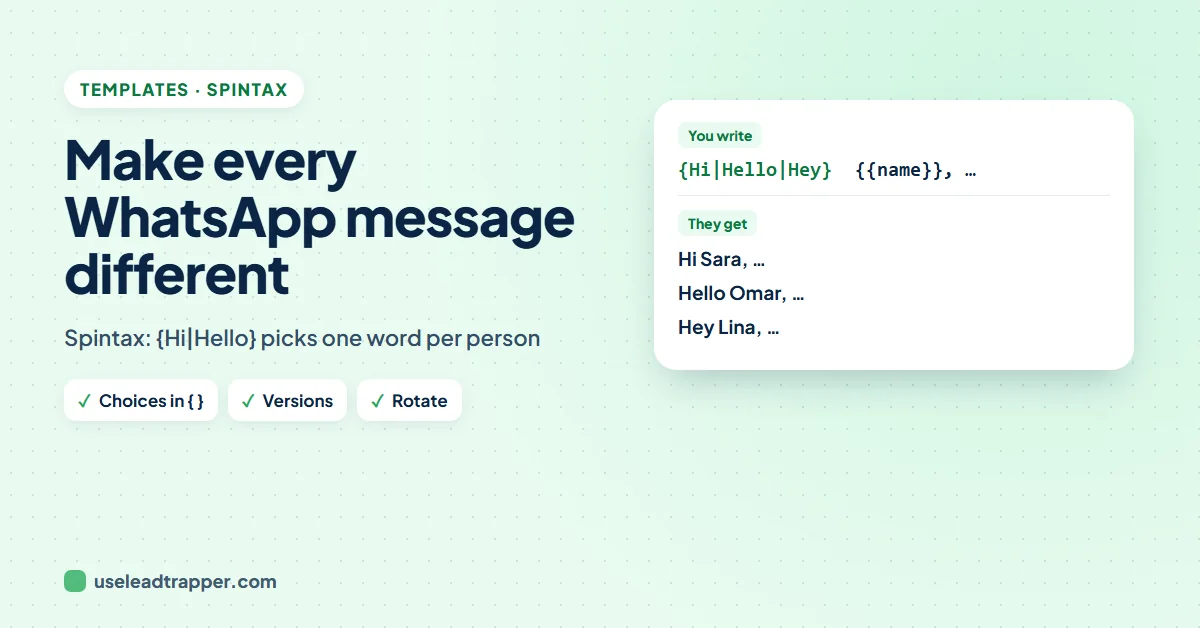
Spintax is a way to write choices into a message, such as {Hi|Hello|Hey}. When a bulk sender sends it, one choice is picked for each contact, so the messages are not identical. In LeadTrapper you can combine spintax with {{name}} and several full message versions.
- Spintax is written with curly brackets and straight lines: {Hi|Hello|Hey} sends one of the three words to each contact, picked at random.
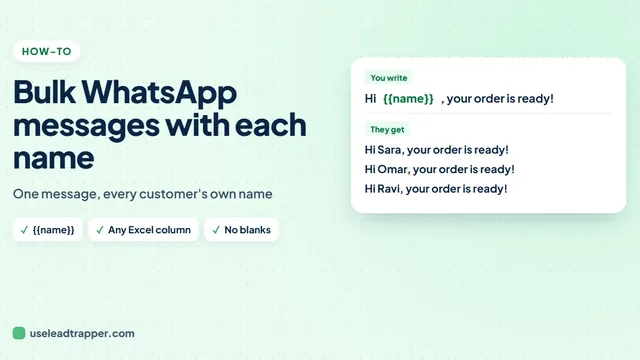
- Double curly brackets are different: {{name}} is a code that is filled in from your contact list. Codes are filled first, then the choices are picked.
- Message versions go further than spintax: you write the whole message two, three or four ways, and LeadTrapper uses every version once before it uses any of them again.
- Combining the two multiplies the variety: three versions, each with three greetings and two closings, give 18 different texts before names are even added.
- Variety makes messages look personal, but it does not make unwanted messages safe. Send to people who expect to hear from you.
Send the same 40 words to 400 people and they read like what they are: a mass message. Spintax is the simple trick bulk senders use to vary them. You write choices into the text, and the sender picks one for each contact. This guide explains how to write spintax for WhatsApp, how it combines with full message versions and each person’s name in LeadTrapper, and the mistakes that make it read badly.
What Spintax Is
Spintax, short for “spin syntax”, is a way to write alternatives in one template:
{Hi|Hello|Hey} {{name}}, {quick question|one question for you}: are you still looking for office cleaning?
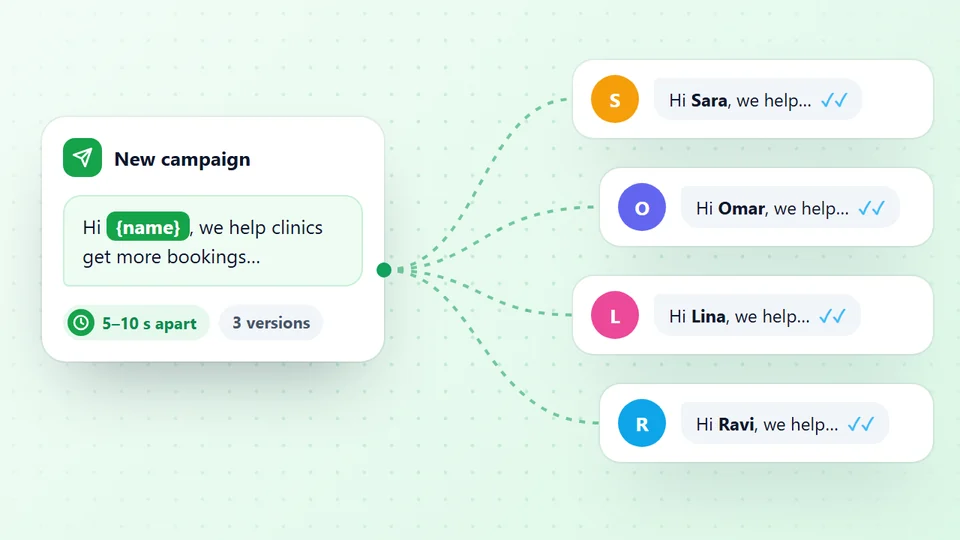
The sender reads each group in curly brackets and picks one of the choices, separated by straight lines, for each contact. One person reads “Hi Sara, quick question…”, the next “Hello Omar, one question for you…”. WhatsApp itself does not know about spintax: the WhatsApp bulk sender resolves the choices before the message is sent, so the recipient only ever sees normal text.
How to Write Spintax
- Single curly brackets, straight lines between choices:
{Hi|Hello|Hey}. In LeadTrapper one choice is picked at random for each contact. - Double curly brackets are codes, not choices:
{{name}}becomes the contact's name, and other columns in your Excel file work too, such as {{company}}. Codes are filled in first, then the choices are picked. The guide to sending a bulk WhatsApp message with each name covers codes. - One level only: write
{Hi|Hello} {there|again}as two groups, not one group inside another. - Every choice must fit the sentence. Read the message once with each choice to be sure.
Message Versions: Spintax for Whole Messages
Spintax swaps words. Versions swap the whole message. In step 3 of Send Bulk Messages, click + Add version and write the same offer in different words: a short one, a friendly one, one that leads with a question. Each version can use its own spintax and codes.
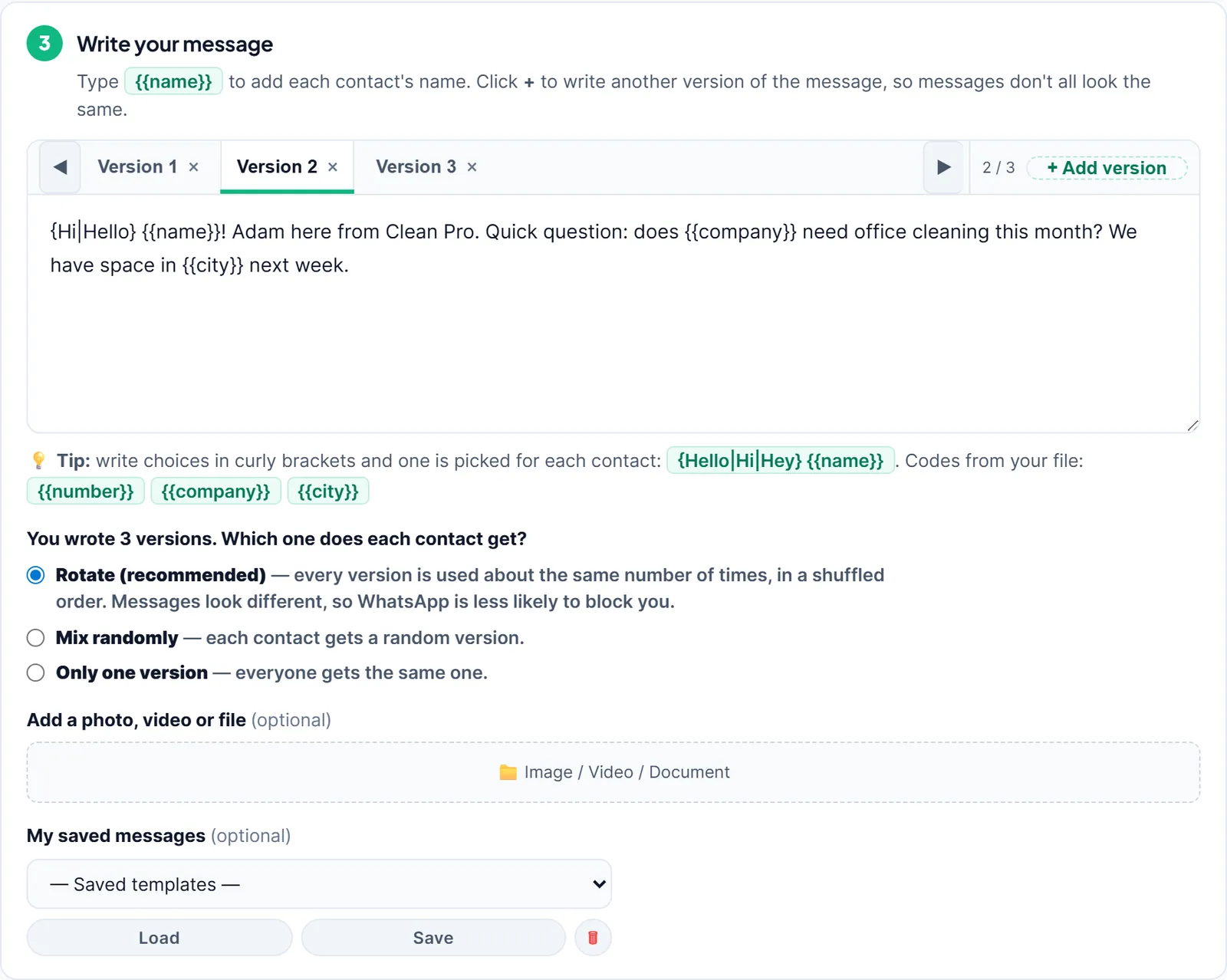
Once you have two or more versions, the app asks which one each contact gets. With Rotate or Mix randomly, LeadTrapper uses every version once before it uses any of them again, in a new order each round, so the versions are spread evenly across the list. Only one version sends the same version to everyone. If a message is not confirmed and LeadTrapper tries again later, the retry gets a fresh version and fresh choices, so it is not a copy of the first attempt.
Try spintax and versions free for 14 days
How Many Different Messages You Get
The variety multiplies. Take three versions, each with a greeting of three choices and a closing of two:
3 versions × 3 greetings × 2 closings = 18 different texts
Add each person’s name and their company, and practically no two people on a list of a few hundred get the same message. When the campaign is shared between several numbers, each number also picks its own versions, as the guide to sending bulk WhatsApp from multiple numbers describes.
Spintax Examples You Can Copy
{Hi|Hello|Good morning} {{name}}, {hope you are well|hope your week is going well}.{Quick question|One question}: {do you|would you} need {{service}} this month?(with a Service column in your file){Reply YES|Just reply YES} and I'll send {the prices|our price list}.{Thanks|Thank you} for {your order|shopping with us}, {{name}}!{If you'd rather not get offers from us|If this isn't for you}, reply STOP.
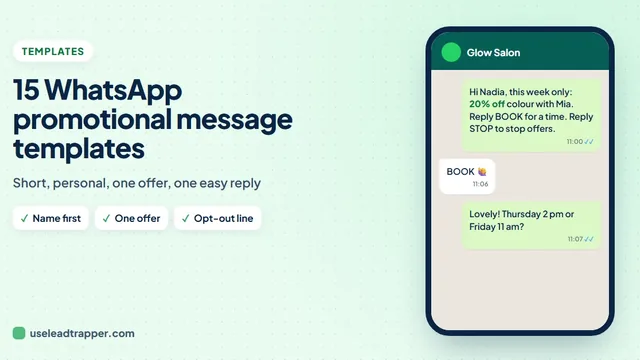
More complete messages are in the collection of WhatsApp promotional message templates.
Mistakes to Avoid
- Choices that change the meaning. {20%|30%} off is not variety, it is two different offers.
- Single brackets around a single word. {offer} has no choice in it, so the brackets are simply removed.
- Too many groups. Two or three per message read naturally; ten read like a puzzle.
- Treating variety as permission. Messages that look different are still unwanted if people did not ask for them. WhatsApp's terms of service name bulk messaging and auto-messaging among the uses they do not allow, so send to customers and contacts who expect to hear from you, at a calm pace.
LeadTrapper costs $50 a year with a 14-day free trial. LeadTrapper is not affiliated with or endorsed by WhatsApp.
Before you send: warm up new or quiet numbers first with the WhatsApp warmer (LeadTrapper's Account Warmer), which runs in the same app.
Frequently Asked Questions
Spintax is a way to write choices into a message, like {Hi|Hello|Hey}. A bulk sender that supports it picks one of the choices for each contact, so people receive slightly different texts instead of one identical message. WhatsApp itself does not read spintax; the sending tool does.
Put the choices inside single curly brackets and separate them with a straight line: {Hi|Hello|Hey}. You can use several in one message, such as {Hi|Hello} {{name}}, {quick question|one question}. Keep each choice a natural replacement for the others.
Single brackets with straight lines are choices: one is picked at random. Double brackets are codes: {{name}} is replaced with the contact's name from your list, and other Excel columns work the same way, such as {{company}}.
No. LeadTrapper reads one level of choices, so write {Hi|Hello} {there|again} as two separate groups rather than one group inside another.
Versions are whole alternative messages. Click + Add version in step 3 to write the same offer in other words. With two or more versions, LeadTrapper uses every version once before reusing any, in a new order each round, so the versions are spread evenly across your list.
About LeadTrapper
LeadTrapper is a Windows app for finding business leads and contacting them on WhatsApp. It collects business contacts from Google Maps, Instagram, Facebook, TikTok, LinkedIn and business websites, checks which numbers are on WhatsApp with its Number Filter, and sends personalised campaigns with automatic delays from one or more WhatsApp accounts. It also has a chatbot, a shared inbox for every account, and Store Orders for online shops. It installs from the Microsoft Store, and the full app is free for 14 days, then $50 a year. Free web tools, browser extensions and a Wix app are listed on the Free Tools page.
Make Every Message on Your List Different
LeadTrapper for Windows mixes spintax, message versions and each person's name in every bulk WhatsApp campaign. $50/year, 14-day free trial.