In this article 7 sections
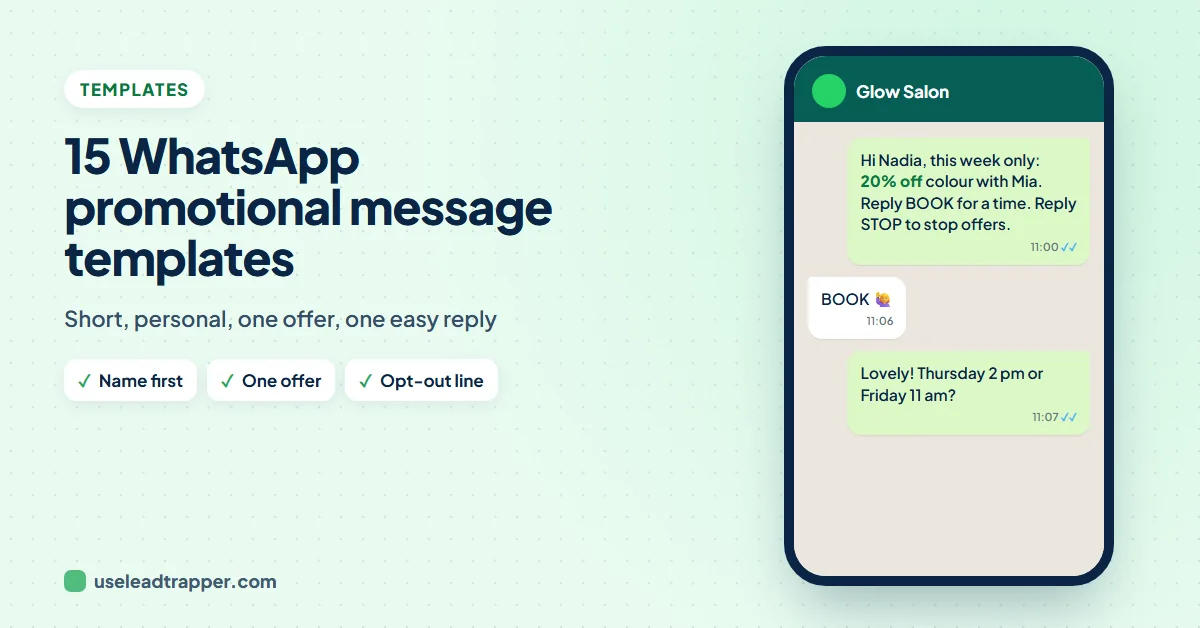
A good WhatsApp promotional message template is short, starts with the person's name, makes one offer and ends with one easy reply, plus an opt-out line. Below are 15 templates for offers, new products, events, follow-ups and greetings, with {{name}} codes ready for a bulk sender.
- Promotional messages that get replies are short: the person's name, one offer, one easy question and an opt-out line.
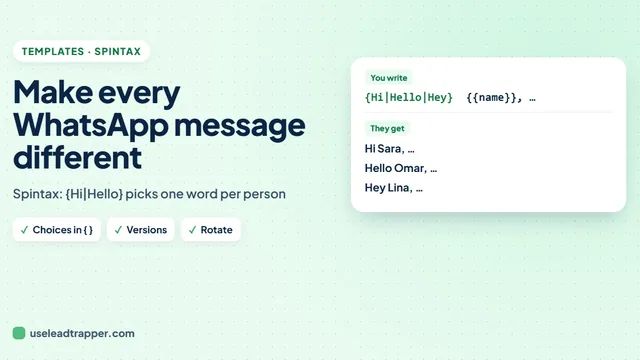
- {{name}} and other codes such as {{company}} are filled in from your Excel file; choices such as {Hi|Hello} vary the wording for each contact.
- End with a question that takes one word to answer, such as Reply YES, rather than a link to a long page.
- Save the templates you use often in LeadTrapper under My saved messages, and load them into any new campaign.
- Templates work best for people who already know you: customers, past enquiries and contacts who gave you their number.
Most promotional WhatsApp messages fail in the first line. “Dear valued customer, we are pleased to announce…” reads like a leaflet, and a leaflet gets swiped away. The templates below are written the way a person writes on WhatsApp: a name, one offer, one easy question. Each uses {{name}} and a few choices in curly brackets, ready to paste into a bulk campaign.
What Makes a Promotional Message Work
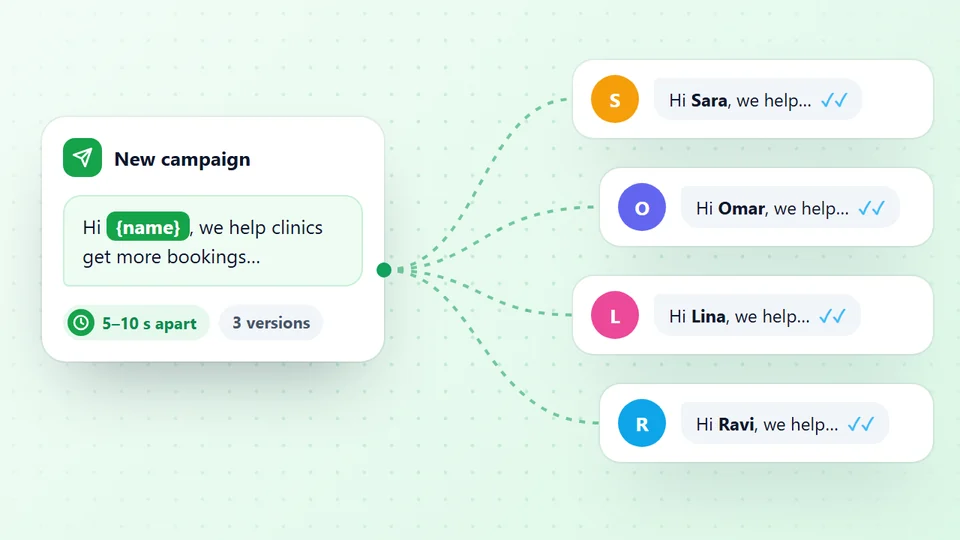
- Start with the name. {{name}} is filled in for each person from your Excel file; the guide to sending a bulk WhatsApp message with each name shows the setup.
- One offer, with a reason to act now. A date or a limited number of places.
- One easy reply. "Reply YES" takes a second. A long link asks for more.
- An opt-out line on offers, so people who are not interested reply STOP instead of blocking you. The guide to WhatsApp opt-out messages has more examples.
- Some variety. {Hi|Hello} picks a different word for each contact; the WhatsApp spintax guide explains how.
Offer and Discount Templates
{Hi|Hello} {{name}}, this week only: 20% off all services for our regular customers. Shall I book you in? Reply STOP if you'd rather not get offers.{{name}}, our winter sale starts today and ends on Sunday. Want me to send you the price list? Reply YES.{Hi|Hello} {{name}}! We kept a special price for customers who ordered last year: {{offer}}. Shall I reserve it for you?(with an Offer column in your file)
New Product and Service Templates
{Hi|Hello} {{name}}, we've just added {{product}} and you're one of the first to hear. Would you like a photo and the price?{{name}}, quick news from {{shop}}: we now deliver to {{city}}. Want me to send you this week's menu?Hi {{name}}, we've started a new service you asked about last time: home visits. Shall I send you the details?
Attach a photo or a PDF price list to any of these; the guide to sending a bulk WhatsApp message with an image shows how.
Event and Booking Templates
{Hi|Hello} {{name}}, we're holding an open day on Saturday from 10 to 2, with free consultations. Shall I save you a time?{{name}}, we have three appointments left this week. Would {Thursday|Friday} suit you? Reply with the day and I'll confirm.Hi {{name}}, a reminder that our workshop is tomorrow at 6 pm. Reply YES to keep your seat or NO to free it for someone else.
Send these templates free for 14 days
Follow-Up and Reminder Templates
Hi {{name}}, just checking you received the quote I sent on Monday. Any questions I can answer?{{name}}, it's been a while since your last visit. We'd love to see you again; this month your next service is 15% off. Reply YES to book.{Hi|Hello} {{name}}, your {{product}} is due for its yearly check. Shall I book it for next week?
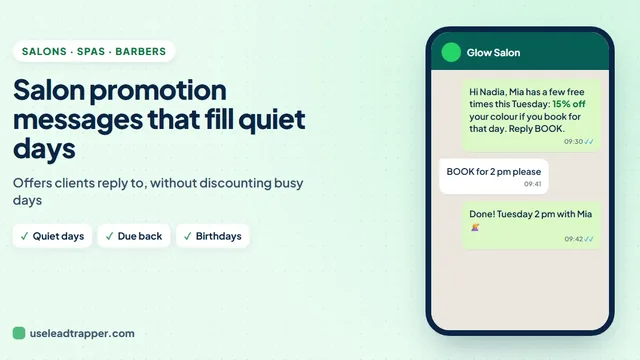
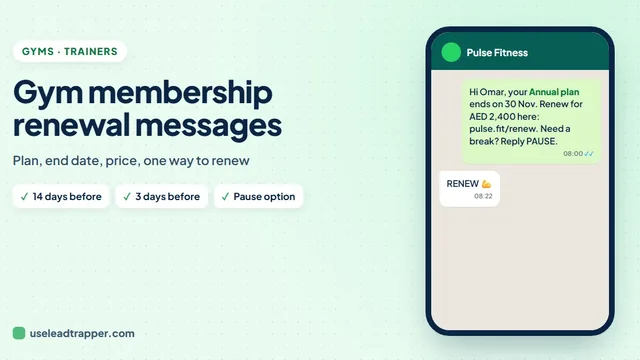
Membership businesses have their own follow-ups: the guide to gym membership renewal messages has renewal, expired and win-back samples, and the guide to salon promotion messages has offers by service and stylist for quiet days.
Greetings for Ramadan, Eid and New Year
Greetings work best with no sales pitch at all. They keep the conversation warm for the next offer.
{{name}}, Ramadan Kareem from all of us at {{shop}}. Wishing you and your family a blessed month.Eid Mubarak, {{name}}! Thank you for being with us this year.{Happy New Year|Wishing you a great year ahead}, {{name}}! Thank you for choosing us in 2026.
For the big dates of the year there are full sets with send plans: Black Friday templates for customers, Christmas and New Year templates, and Ramadan and Eid templates with the 2027 dates.
Industry versions are in the guides to WhatsApp marketing for real estate and WhatsApp marketing for restaurants. Codes such as {{product}}, {{shop}} or {{offer}} need a column with that heading in your Excel file. If the file has no such column, LeadTrapper warns you while you write, so nobody receives a blank.
Save and Reuse Your Templates
In step 3 of Send Bulk Messages, write or paste the template and press Save under My saved messages, then give it a name. Next time, pick it from the list and press Load.

These templates are for sending from your own WhatsApp number with the WhatsApp bulk sender in LeadTrapper. On the official WhatsApp Business API, marketing templates must be approved by Meta first; the do you need the WhatsApp Business API guide compares the two routes. Either way, send promotions to people who know you, and keep to a calm pace. LeadTrapper costs $50 a year with a 14-day free trial, and is not affiliated with or endorsed by WhatsApp.
Before you send: warm up new or quiet numbers first with the WhatsApp warmer (LeadTrapper's Account Warmer), which runs in the same app.
Frequently Asked Questions
The person's name, who you are, one clear offer with its deadline, one easy question to reply to, and a short opt-out line such as Reply STOP if you'd rather not get offers. Keep it under about 50 words.
Write {{name}} where the name goes and load an Excel file with a name column into a bulk sender such as LeadTrapper. Other columns become codes too, such as {{company}} or {{city}}, so each person gets their own details.
Yes. In step 3 of Send Bulk Messages, write the message and press Save under My saved messages, then give it a name. Next time, pick it from the list and press Load.
Short enough to read in the notification: one to three sentences. Put the offer and the question in the first lines, because the preview shows only the beginning.
Yes. On the WhatsApp Business API, marketing templates have to be submitted to Meta and approved before use. The templates on this page are for sending from your own number with a tool like LeadTrapper, which does not use the API.
About LeadTrapper
LeadTrapper is a Windows app for finding business leads and contacting them on WhatsApp. It collects business contacts from Google Maps, Instagram, Facebook, TikTok, LinkedIn and business websites, checks which numbers are on WhatsApp with its Number Filter, and sends personalised campaigns with automatic delays from one or more WhatsApp accounts. It also has a chatbot, a shared inbox for every account, and Store Orders for online shops. It installs from the Microsoft Store, and the full app is free for 14 days, then $50 a year. Free web tools, browser extensions and a Wix app are listed on the Free Tools page.
Send These Templates to Your Whole List
LeadTrapper for Windows fills each person's name into your template and sends it from your own WhatsApp number. $50/year, 14-day free trial.