In this article 5 sections
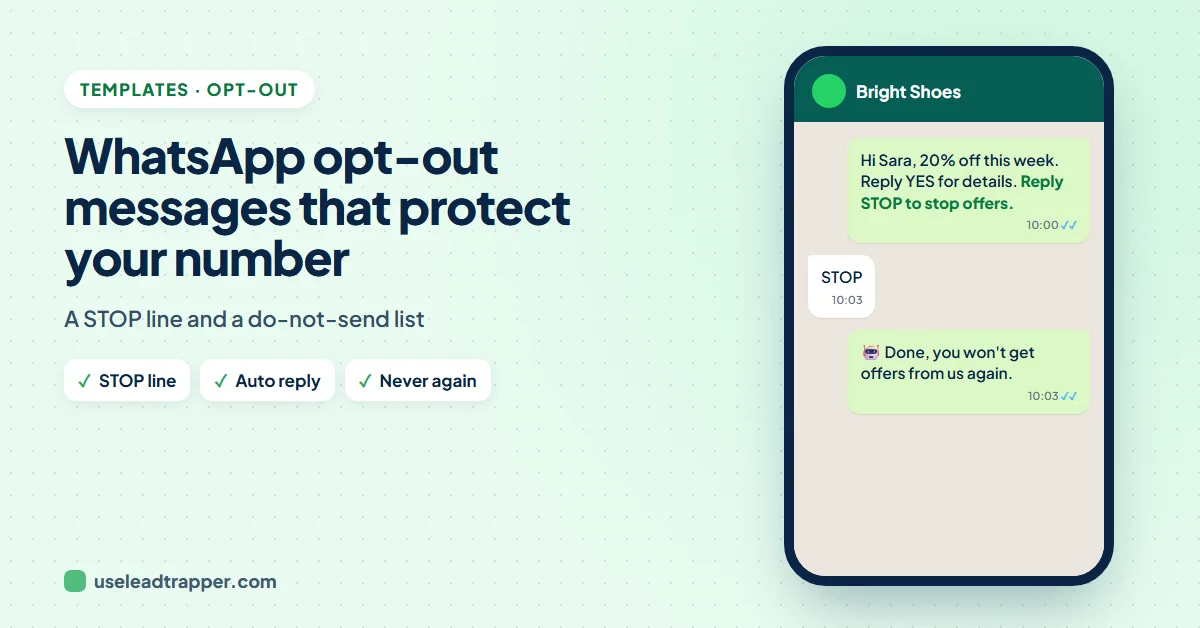
End promotional WhatsApp messages with a short opt-out line such as Reply STOP if you'd rather not get offers. In LeadTrapper, an Auto-Reply Bot rule for STOP can answer politely and add the person to the do-not-send list, which every later bulk campaign skips.
- An opt-out line is one short sentence at the end of a promotional message that tells people how to stop getting them, such as Reply STOP.
- Making it easy to leave lowers the number of people who block or report you instead, which protects your WhatsApp number.
- LeadTrapper has a do-not-send list in Send Bulk Messages: numbers on it are skipped by every bulk campaign, including scheduled ones.
- An Auto-Reply Bot rule can answer STOP for you and tick Add this person to the do-not-send list, so nobody has to do it by hand.
- Add the words your customers really use, such as STOP, unsubscribe or the Arabic ايقاف, and switch the bot on for the number that sends.
Every promotional list has people who no longer want your offers. If they cannot leave easily, the only buttons they have are Block and Report, and those hurt your WhatsApp number. A one-line opt-out turns that moment into a simple reply. This guide gives opt-out message examples you can copy, and shows how LeadTrapper answers STOP for you and keeps those numbers out of every future campaign.
Why an Opt-Out Line Matters
WhatsApp’s help page on account bans says it bans accounts that break its terms, such as by sending spam, and in practice many blocks and reports from people who did not expect a message are the strongest warning sign. A person who sees “Reply STOP” has a gentler option. It also keeps your list honest: the people who stay are the ones who want to hear from you, which shows in your reply rate. The guide WhatsApp banned my number covers the other causes.
Opt-Out Message Examples
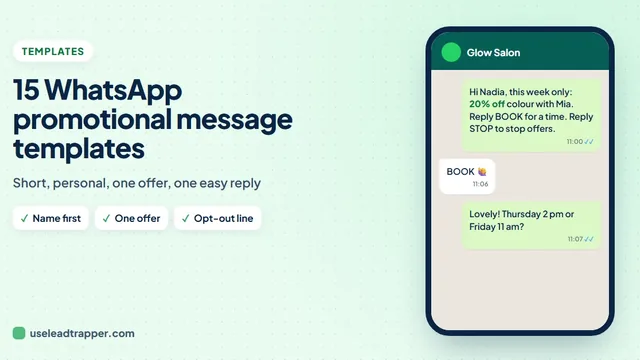
Put one of these at the end of the message, on its own line:
- Reply STOP if you'd rather not get offers from us.
- Not interested? Just reply STOP and we won't message you again.
- Reply STOP to stop these updates.
- If this isn't for you, reply STOP and we'll take you off our list.
- أرسل ايقاف إذا كنت لا ترغب في استلام عروضنا.
- للتوقف عن استلام الرسائل، أرسل ايقاف.
You can vary the line with spintax too, such as {Reply STOP|Just reply STOP} if you’d rather not get offers. The WhatsApp spintax guide explains how. Whatever wording you use, the word you ask for must be one your system listens for.
The Do-Not-Send List
In Send Bulk Messages, open Advanced settings under step 4. The Do-not-send list holds numbers that never get your bulk messages. Type a number with its country code and press + Add; each number on the list has a remove button.
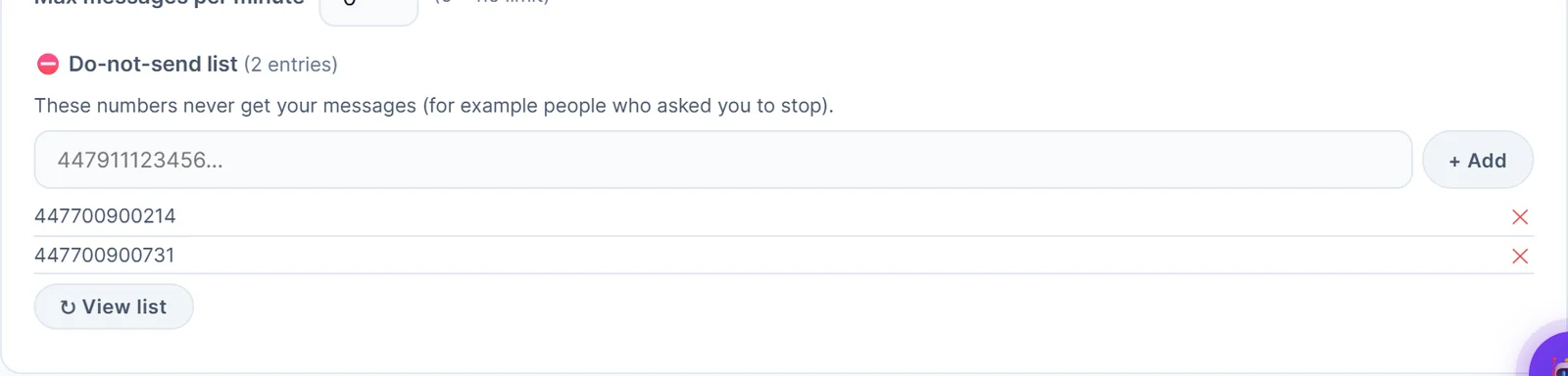
The list is checked for every contact in every bulk campaign, before anything is sent, including campaigns that start from a schedule. A skipped number shows in the results, so you can see that the list did its job.
Answer STOP Automatically
Adding numbers by hand works for a few replies a week. For more, let the Auto-Reply Bot do it:
- Open Auto-Reply Bot, pick the WhatsApp number that sends your campaigns and click + Add Auto-Reply.
- Give the rule a name, choose is exactly one of these words, and type the words, separated by commas: STOP, Stop, unsubscribe, ايقاف.
- Write a short reply, such as "Done, {{sender_name}}. You won't get any more offers from us."
- Under Also do this, tick Add this person to the do-not-send list (no more bulk messages) and save the rule.
- Switch the bot on for that number.
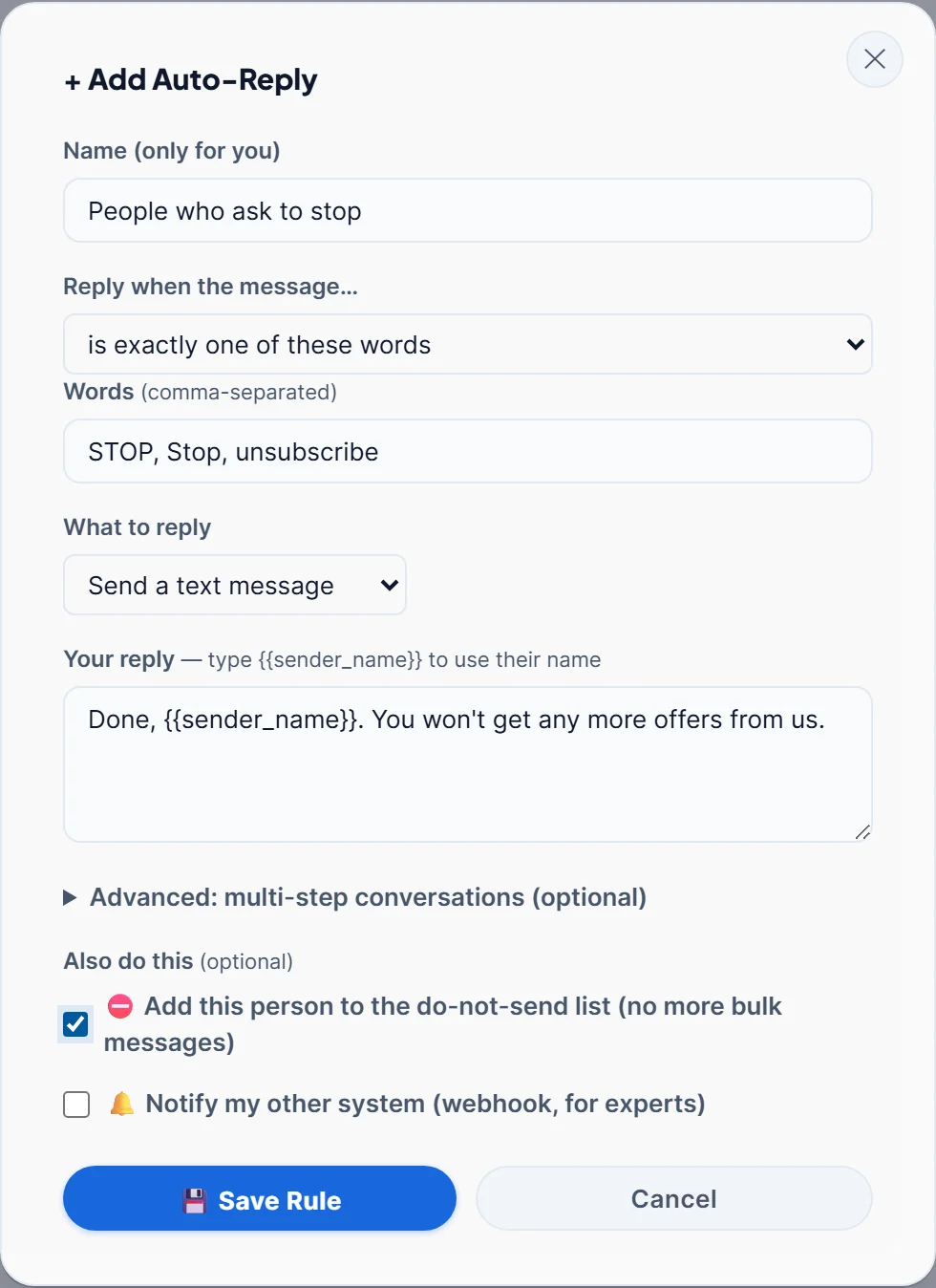
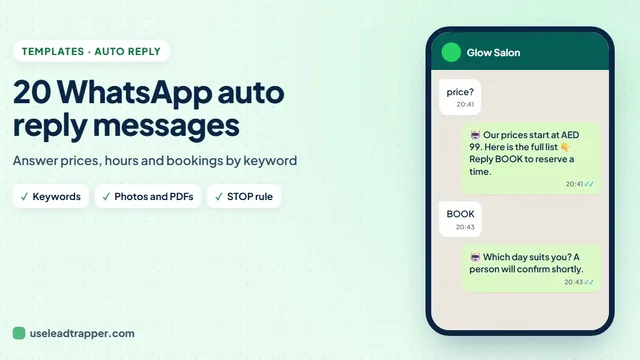
“Is exactly one of these words” matters: with “contains”, a message like “please don’t stop sending” would also match. The guide to WhatsApp auto reply messages has replies for other common questions.
Set up your do-not-send list free
Good Habits Around Opt-Outs
- Act on every request, including ones written in other words, such as "please remove me". Add those numbers by hand.
- Keep the list when you change tools or numbers. Someone who asked you to stop has not changed their mind because you did.
- Do not message to confirm. One short reply is polite; a follow-up offer is not.
- Know the rules where you send. Consent and opt-out rules differ between countries. This is not legal advice; the cold outreach policy guide explains WhatsApp's side.
The do-not-send list is part of the WhatsApp bulk sender in LeadTrapper, which costs $50 a year with a 14-day free trial. LeadTrapper is not affiliated with or endorsed by WhatsApp.
Before you send: warm up new or quiet numbers first with the WhatsApp warmer (LeadTrapper's Account Warmer), which runs in the same app.
Frequently Asked Questions
Keep it to one friendly line at the end of the message, for example: Reply STOP if you'd rather not get offers from us. In Arabic: أرسل ايقاف إذا كنت لا ترغب في استلام عروضنا. Make sure the word you mention is the word your system listens for.
In LeadTrapper, add their number to the do-not-send list in the Advanced settings of Send Bulk Messages. Every later campaign skips it. To do it automatically, create an Auto-Reply Bot rule for STOP and tick Add this person to the do-not-send list.
It helps. In practice, many blocks and reports from unhappy recipients are what put a number at risk, and someone who can simply reply STOP has less reason to do either. It does not make unwanted messages acceptable, so send to people who expect to hear from you.
Yes. Each number on the list has a remove button. Only do it when the person asks to hear from you again.
Yes. The list is checked for every contact in every bulk campaign, whether you press Start Sending or the campaign starts from a schedule.
About LeadTrapper
LeadTrapper is a Windows app for finding business leads and contacting them on WhatsApp. It collects business contacts from Google Maps, Instagram, Facebook, TikTok, LinkedIn and business websites, checks which numbers are on WhatsApp with its Number Filter, and sends personalised campaigns with automatic delays from one or more WhatsApp accounts. It also has a chatbot, a shared inbox for every account, and Store Orders for online shops. It installs from the Microsoft Store, and the full app is free for 14 days, then $50 a year. Free web tools, browser extensions and a Wix app are listed on the Free Tools page.
Let People Leave Cleanly, and Keep Your Number Safe
LeadTrapper for Windows keeps a do-not-send list for every bulk campaign and can answer STOP replies for you. $50/year, 14-day free trial.