In this article 9 sections
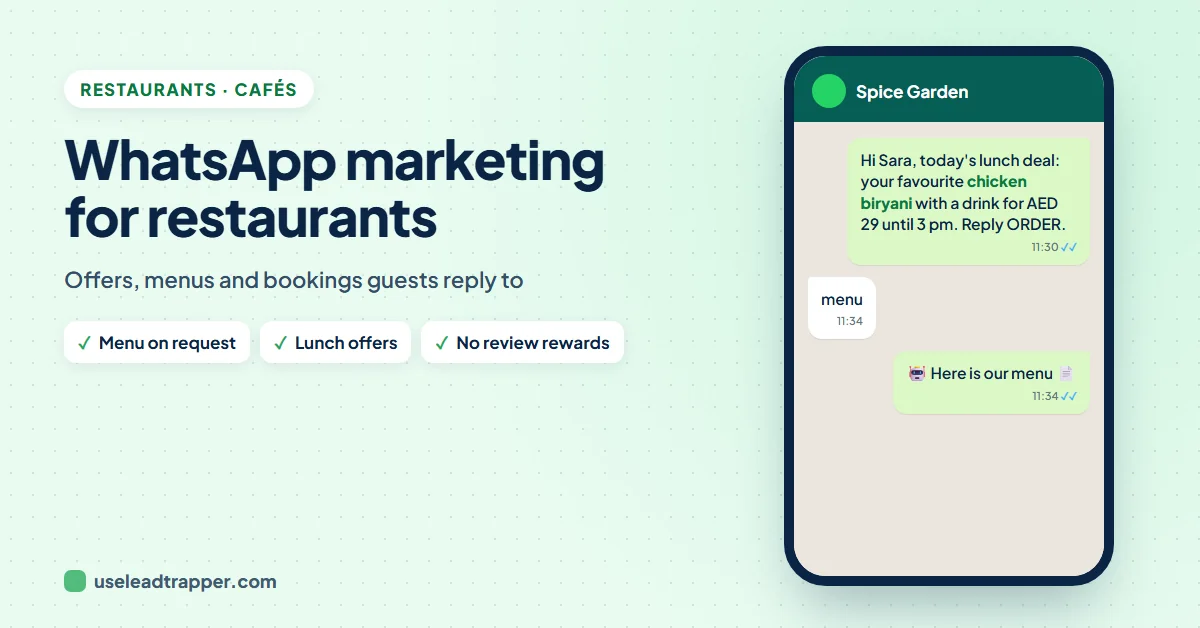
Restaurants use WhatsApp to send regular guests lunch deals, new dishes and event invitations with a photo, to take orders directly instead of paying a delivery-app commission, and to answer menu and booking questions. With LeadTrapper, one offer goes to your whole guest list at the right time, each with the guest's name and favourite dish, from your own number.
- Guests who gave you their number for offers are the best list a restaurant has: they already like your food.
- Every order that comes by WhatsApp instead of a delivery app is an order without the app's commission.
- A lunch deal with one good photo, sent around 11:30, reaches people when they decide where to eat.
- Ask every guest for a review the same way, and never offer a discount for one: Google's rules forbid both rewards and asking only happy guests.
- Don't promote alcohol on the WhatsApp Business app: WhatsApp's policy forbids messaging about regulated goods there.
A quiet Tuesday lunch is easier to fix than it looks. Your regulars already like your food; they just need a reason to come today. WhatsApp is the channel they read at 11:30 while deciding where to eat. This guide shows how restaurants use WhatsApp marketing to fill tables and take orders directly: building the guest list, sending the offer at the right time, answering questions while the kitchen is busy, and the rules that keep your number and your Google rating safe.
What WhatsApp Does for a Restaurant
- Offers that arrive at meal time, with a photo that makes people hungry.
- Direct orders through a WhatsApp button on your website or a QR code on the table, without a delivery app in between.
- Quick answers to "are you open?", "do you deliver?" and "can I book for 6?".
- Reviews, by thanking guests after a visit and sharing the review link.
Build Your Guest List
The best list is guests who chose to hear from you. Ways to build it:
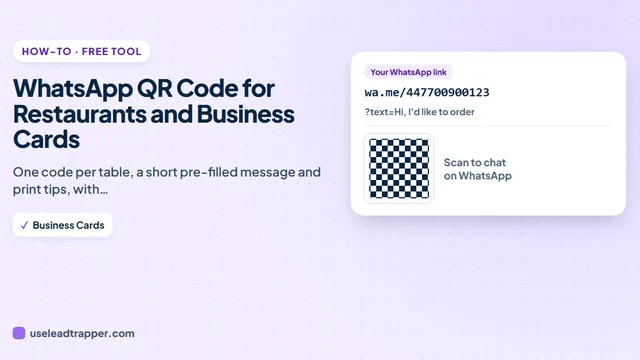
- A WhatsApp QR code on tables, menus and receipts: "Scan for our weekly deals". The guide to WhatsApp QR codes for restaurants and business cards shows how to make one for free.
- A WhatsApp order button on your website, such as the WhatsApp order button for Wix or for WooCommerce.
- Bookings: ask for a WhatsApp number when guests reserve a table, and ask whether they want offers.
Keep them in a sheet with a name and, if you know it, a favourite dish. A column that records how they agreed (“QR, March”) answers the question if anyone ever asks:
| Name | Phone | Favourite |
|---|---|---|
| Lina | 971504561234 | mixed grill |
| Yousef | 971556547890 | shawarma plate |
Send a Lunch Deal at the Right Time
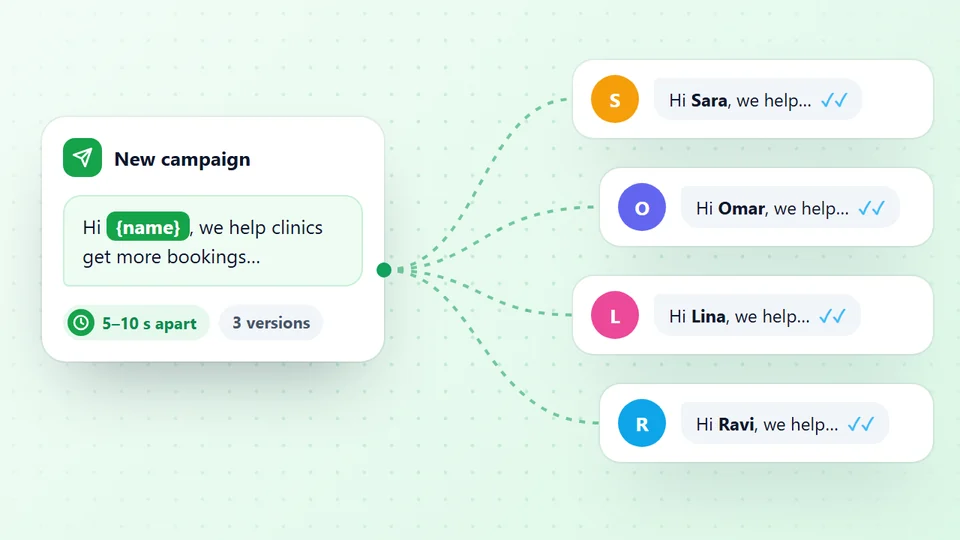
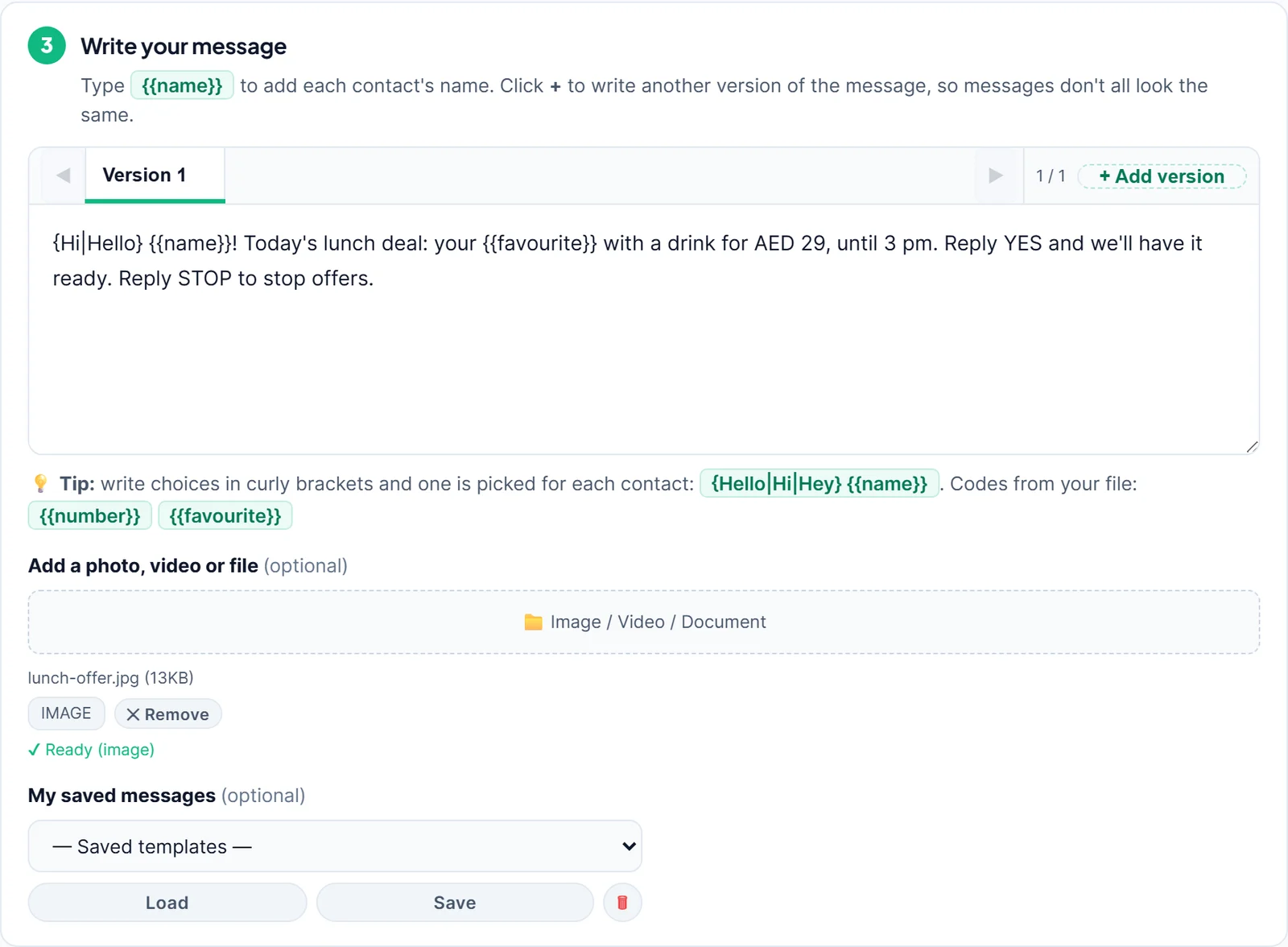
- Open Send Bulk Messages in LeadTrapper, choose your restaurant's number and upload the guest sheet.
- Write the offer with codes from the sheet:
{Hi|Hello} {{name}}! Today's lunch deal: your {{favourite}} with a drink for AED 29, until 3 pm. Reply YES and we'll have it ready. Reply STOP to stop offers. - Attach one good photo of the dish.
- Press Send Later (Schedule) and pick 11:30, so it arrives when people choose lunch.
Send your first offer free for 14 days
From LeadTrapper 2.1.120 every column in the sheet becomes a code, so {{favourite}} works as soon as the column exists. The guides to scheduling WhatsApp messages and sending a bulk WhatsApp message with an image go into detail, and the WhatsApp opt-out message guide shows how STOP replies are handled.
Both meal times also suit the UAE’s telemarketing rules: Cabinet Resolution No. 56 of 2024 allows marketing calls only between 9 am and 6 pm, and law firms such as Al Tamimi read the rules as covering marketing messages too. An 11:30 lunch deal and a 5 pm dinner offer stay inside that window. Keep offers to one or two a week; a guest who hears from you every day stops reading.
Take Orders Directly
Delivery apps bring new customers, but they take a commission on every order, and UAE restaurants have told Khaleej Times the rates are hard to live with. Your regulars already know you; they don’t need the app to find you. Every order a regular sends to your WhatsApp is an order you keep in full. Check your own app statement to see what each order costs you there, and give WhatsApp customers a reason to order direct, such as free pickup or a small extra.
Keep the ordering simple: a menu photo, “Reply with your order and pickup time”, and a confirmation from a person. Don’t take card numbers in the chat; send a payment link from your payment provider or take payment at pickup.
Greeting and Auto Replies
During service nobody has time to answer WhatsApp. A greeting message that answers the first question saves most of the back-and-forth:
Hi! Thanks for messaging Al Bait Kitchen. Reply MENU for today's menu, ORDER to order for pickup or delivery, or BOOK to reserve a table. We're open 12 pm to 11 pm.
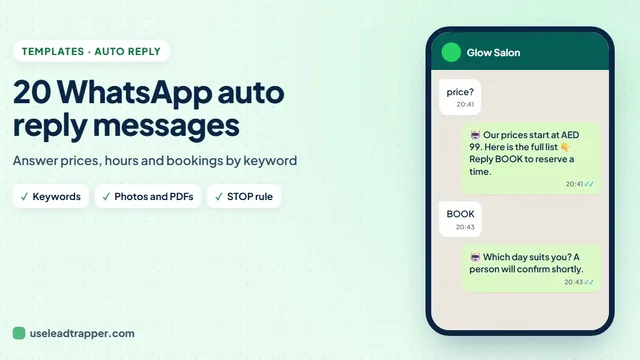
LeadTrapper’s Auto-Reply Bot can then answer by keyword: “menu” gets the menu PDF, “hours” gets your opening times, “location” gets the map link, and “book” gets a question about the day and number of guests. Leave allergy and ingredient questions to a person: an automatic “yes, it’s gluten-free” that turns out wrong can make a guest ill. The guide to WhatsApp auto reply messages has samples you can copy.
Ask for Reviews the Right Way
A thank-you message with your Google review link is one of the most useful messages a restaurant can send, but Google’s review policy sets two firm limits:
- No rewards. No discount, free dessert, gift or loyalty points for leaving a review, whatever the review says.
- Ask everyone the same way. Google doesn't allow businesses to discourage negative reviews or to ask only happy guests. "If you enjoyed it, leave a review" sent only to regulars who smiled is exactly what the rule forbids.
So send the same plain request to every guest after a visit: Thank you for dining with us, {{name}}! We’d be grateful for your honest review: https://g.page/r/yourlink
Restaurants in the UAE will find the number format, Arabic templates and Ramadan timing in the guide to the WhatsApp bulk sender in the UAE; in India, the guide to the WhatsApp bulk sender in India covers Hindi messages and festival timing.
What Never to Send
- Alcohol offers on the WhatsApp Business app. WhatsApp's business messaging policy lists alcohol among regulated goods and says businesses may not message about regulated goods on the WhatsApp Business app.
- Rewards for reviews, or review requests sent only to guests who liked their meal.
- Health promises you can't back, such as "allergen-free" or "healthy" without checking the recipe and kitchen.
- Offers to people who never asked for them. WhatsApp asks businesses to message only people who gave their number and agreed to be contacted, and to honour every request to stop.
- Daily messages. One or two offers a week keep people reading; more gets you muted, blocked or reported.
Message Ideas for Restaurants
{{name}}, new on the menu this week: slow-cooked lamb ouzi. Want us to save you a portion tonight?Hi {{name}}! Live music this Thursday from 8 pm. Reply BOOK and tell us how many guests.Rainy day deal, {{name}}: free delivery on all orders until 10 pm. Reply MENU to see today's dishes.Ramadan Kareem, {{name}}! Our iftar buffet starts at sunset every day. Reply YES to reserve a table.
مرحباً {{name}}! عرض الغداء اليوم: {{favourite}} مع مشروب بـ 29 درهماً حتى الساعة 3 عصراً. أرسل "نعم" وسنجهّزه لك. لإيقاف العروض أرسل "توقف".
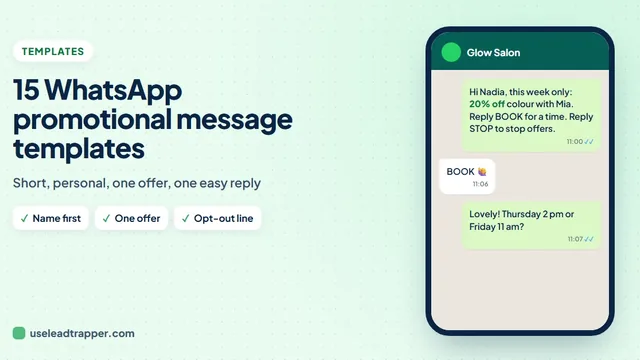
More are in the collection of WhatsApp promotional message templates.
Sources
- WhatsApp. WhatsApp Business Messaging Policy, updated 23 September 2026 (opt-in, opt-out, regulated goods).
- Al Tamimi & Company. New UAE telemarketing regulations (Cabinet Resolution No. 56 of 2024).
- Khaleej Times. Commission rates by delivery apps proving costly to UAE restaurants.
- Google. Maps user-generated content policy: prohibited and restricted content (incentives, and "selectively solicit positive reviews").
The WhatsApp bulk sender and Auto-Reply Bot are part of LeadTrapper for Windows, which costs $50 a year with a 14-day free trial. LeadTrapper is not affiliated with or endorsed by WhatsApp.
Before you send: warm up new or quiet numbers first with the WhatsApp warmer (LeadTrapper's Account Warmer), which runs in the same app.
Frequently Asked Questions
Send regular guests lunch deals, new dishes and event invitations with a photo, take orders directly, answer menu and booking questions quickly, and ask guests for reviews. Message only guests who gave you their number for offers, and let them opt out easily.
Put a WhatsApp QR code on tables, menus and receipts so guests can message you, add a WhatsApp order button to your website, and ask for a number when guests book. Keep the numbers in a sheet with the guest's name, and note that they agreed to receive offers.
A short welcome that answers the first question before it's asked: Hi! Thanks for messaging Al Bait Kitchen. Reply MENU for today's menu, ORDER to order for pickup or delivery, or BOOK to reserve a table. We're open 12 pm to 11 pm.
Shortly before the meal you are promoting: around 11:30 for lunch deals and around 5 pm for dinner. Both fall inside the 9 am to 6 pm window that UAE telemarketing rules set for marketing calls. Schedule the message so it goes out on time even when you are busy.
No. Google's review policy forbids rewards for reviews, such as discounts, free items or gifts, and forbids asking only happy customers. Ask every guest the same way with a plain link and no reward.
Yes. With LeadTrapper's Auto-Reply Bot, a rule for the word menu can send your menu as a photo or PDF whenever a guest asks.
About LeadTrapper
LeadTrapper is a Windows app for finding business leads and contacting them on WhatsApp. It collects business contacts from Google Maps, Instagram, Facebook, TikTok, LinkedIn and business websites, checks which numbers are on WhatsApp with its Number Filter, and sends personalised campaigns with automatic delays from one or more WhatsApp accounts. It also has a chatbot, a shared inbox for every account, and Store Orders for online shops. It installs from the Microsoft Store, and the full app is free for 14 days, then $50 a year. Free web tools, browser extensions and a Wix app are listed on the Free Tools page.
Send Tomorrow's Lunch Deal to Every Regular
LeadTrapper for Windows sends offers with photos to your guest list at the time you choose, from your own WhatsApp number. $50/year, 14-day free trial.