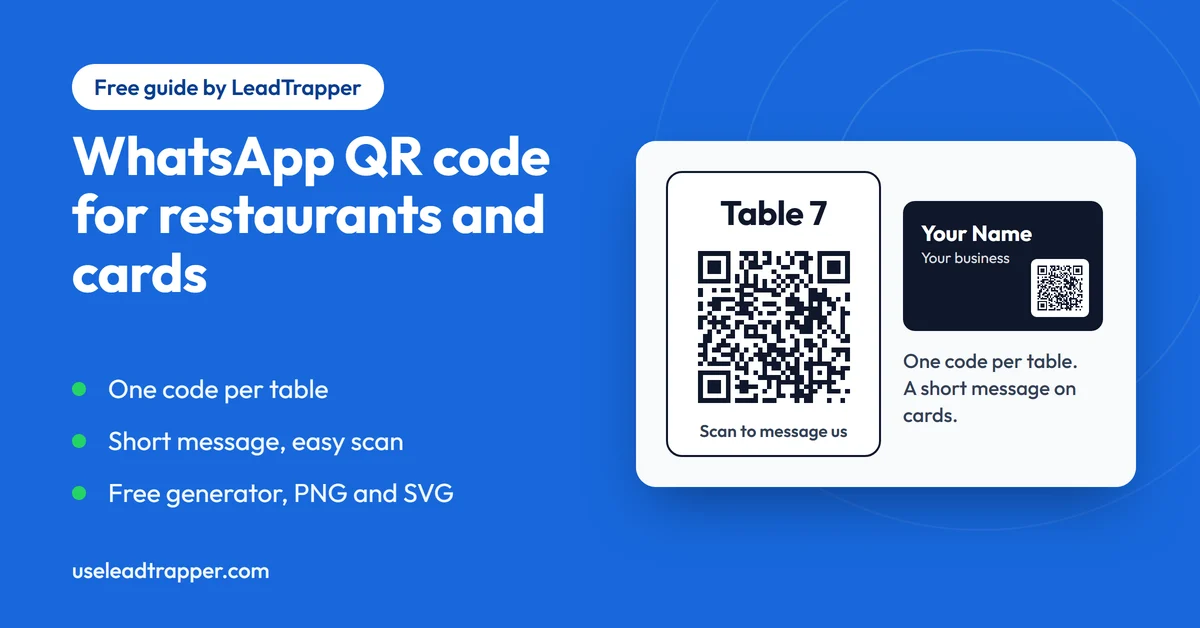
- A WhatsApp QR code opens a chat with your number and, if you add one, a message ready to send. It does not open a menu file. For that you need an ordinary QR code for a web address.
- For restaurants, make one code per table and put the table number in the pre-filled message, so staff can see who is writing from where. The generator names every file after the number, so rename each PNG as you save it.
- The longer the message, the denser the code. A bare link makes a 25 by 25 grid, a 60-character message makes 45 by 45, and 250 characters makes 77 by 77, which gets hard to scan when printed small.
- The WhatsApp Business app has its own QR code, but its help pages describe one default message. The free generator works with any WhatsApp number and can put a different message in every code.
- Customers who scan the code start the chat themselves, which is the safe direction. Print a test, scan it with two phones, and only then order a batch.
A WhatsApp QR code opens a chat with your number when someone scans it, with a message already typed if you want one. It suits a restaurant table, a shop counter or the back of a business card, anywhere a customer would rather scan than type your number. This guide shows how to make one with the free WhatsApp QR code generator, how to give every table its own code, and how to print a code that scans on the first try.
What a WhatsApp QR Code Does
The code holds a click-to-chat link, the same https://wa.me/ address you would put behind a button on a website. If you need the link itself explained, the guide on how to create a WhatsApp link covers the format. Scanning the code opens WhatsApp on the customer’s phone at a chat with your number, and any pre-filled message sits in the box. The customer presses send.
That is the whole job, and it is worth being clear about what it is not. A WhatsApp code does not open your menu, a PDF or a web page. If you want a scan to show a menu file, you need an ordinary QR code for that address, and any general QR code generator makes one. What a WhatsApp code does well is start a conversation: a question about the menu, a booking, an order for a takeaway, a request to the staff.
The codes from the generator are static. The link is written into the pattern itself, so no account, subscription or redirect sits behind it, and a printed code works for as long as the WhatsApp number does. You get no scan counts in return, and if the number or the message changes you make a new code.
Restaurants: One Code per Table
A single code on the door tells you a customer wrote to you. A code on each table also tells you where they are sitting, and that is the version worth making. Put the table number at the start of the pre-filled message, so the first line of every chat says where it came from.
Here is the routine with the generator:
- Pick the country and type the restaurant's WhatsApp number as you would dial it.
- In the message box, type something short that starts with the table, for example: Table 7 - I'd like to order.
- Press Download PNG, or Download SVG if a designer is laying out the table card.
- Change the message to Table 8 and download again.
The generator names every file after the phone number, for example whatsapp-qr-971501234567.png, so all your tables come out with the same name. Rename each file with its table number as you save it, or your browser will call them (1), (2), (3) and you will have to guess which is which. A restaurant with twelve tables needs twelve small edits to the message.
A booking code is simpler. One code near the entrance or on the takeaway menu, with a message such as “Hi, I’d like to book a table for 4 tonight at 8pm”, turns a scan into a booking request. The generator’s Restaurant use case fills that message in for you and shows it on a phone.
Whoever answers needs a way to keep up. The WhatsApp Business app has quick replies, labels, greeting messages and away messages, listed in WhatsApp’s Help Center. A quick reply for “Which table are you at?” and a label for each order state are easy to set up. One person on shift should own the number, and the phone should be somewhere they will see it.
Business Cards
On a card, the QR code replaces the line that says “add me on WhatsApp”. A message such as “Hello, I saw your card and would like more information” tells you the chat came from a card, and a keyword such as the event name works too if you handed the cards out at one. For a card, keep the message short or leave it out.
The reason is space. A card is small, and every character in the message makes the code denser, which shrinks each square at the same printed size. A 2.5 cm code holding the bare link has squares about 0.76 mm wide. The same code with a 60-character message has squares about 0.47 mm wide. Both can scan, but the plain one has a much bigger margin for a worn card, a poor print or an old phone.
Keep the Code Easy to Scan
We computed the size of the code for links with different message lengths, using the same QR library as the generator at its default medium error correction. The grid is the number of squares along one side. The last column is how wide one square is on a code printed 3 cm wide, including the plain border around it.
| Message length | Code grid | One square on a 3 cm print |
|---|---|---|
| None (bare link) | 25 x 25 | 0.91 mm |
| 20 characters | 37 x 37 | 0.67 mm |
| 40 characters | 41 x 41 | 0.61 mm |
| 60 characters | 45 x 45 | 0.57 mm |
| 120 characters | 57 x 57 | 0.46 mm |
| 250 characters | 77 x 77 | 0.35 mm |
We are not giving a minimum size, because the right answer depends on the print quality and how far away people will scan from. The pattern in the table is the useful part. A short message keeps the squares big. Our suggestion is to keep table and card messages to a line, and to save long ones for links on a website, where nothing is being printed.
A few more habits help:
- Dark code on a light background scans best. The generator warns you when the colours have too little contrast, and inverted colours may not scan at all.
- The PNG and SVG both include a plain border around the code. Leave it clear when you lay out the card, and do not crop it.
- Adding a logo covers part of the pattern. The generator switches to its highest error correction when you add one, which helps, but a logo is still a risk on a small print.
- Avoid glare. A glossy laminated table card under a spotlight can be hard to scan, so tilt one in the actual room.
Print one test at the real size and scan it with two different phones, one of them an older model, from the distance a guest will use. Only then order a hundred.
The WhatsApp Business App's Own QR Code
If your number is on the WhatsApp Business app, the app has a QR code of its own. WhatsApp’s Help Center has pages called About QR code for WhatsApp Business, How to print your QR code for WhatsApp Business and How to edit your default message for WhatsApp Business QR code. It is free and built into the app, so it is a reasonable choice when you already work there.
The differences are practical. The app’s help pages describe one default message for the QR code, so if you want a different message on every table, make separate codes with the generator. The generator also works with any WhatsApp number, not only a Business app account, and it lets you pick colours, add a logo, and save the code as a PNG at about 512, 1024 or 2048 pixels wide or as an SVG.
Customers Start the Chat
A table or card code works because the customer chooses to scan it, so the first message comes from them. That is the safe direction on WhatsApp. Someone who wrote to you has agreed to hear from you about what they asked.
It does not stretch to messaging a list of strangers. If you want to write to a list of people who agreed to hear from you, or to check which numbers are on WhatsApp before you do, that is the job of the LeadTrapper Windows app. Its WhatsApp bulk sender personalises each message and paces the sending, and the Number Filter checks a list against WhatsApp first. WhatsApp’s rules on who you may message still apply, and the cold outreach policy guide shows where the lines are. The app costs $50 a year with a 14-day free trial.
Frequently Asked Questions
No. A WhatsApp QR code opens a chat with your number. If you want a scan to open a menu file or a web page, make an ordinary QR code for that address with a general QR code generator. A WhatsApp code suits questions, bookings and orders.
Not the ones made by the free generator on this site. They are static codes with the link written into the pattern, so there is no account or subscription behind them. They keep working as long as the WhatsApp number does. The trade-off is that you get no scan counts.
Put the table number in the pre-filled message, for example Table 7, and make one code per table. When the chat arrives, the first line tells your staff where the guest is sitting. The customer can edit the message before sending, so treat it as a strong hint.
There is no single rule, and it depends on how far away people scan from. The width of each square matters most: a 3 cm code with a short link has squares about 0.9 mm wide, while one with a 250-character message has squares about 0.35 mm wide. Print a test at the real size and scan it with two different phones.
Yes, the generator lets you add a logo from your computer and switches the code to its highest error correction to make up for the covered area. A logo still hides part of the pattern, so scan the finished code with a phone before you print a batch.
Message Your Own List, Not Just One Chat
LeadTrapper for Windows: Google Maps scraper, Number Filter and WhatsApp bulk sender in one app. $50/year, 14-day free trial.
Related Articles
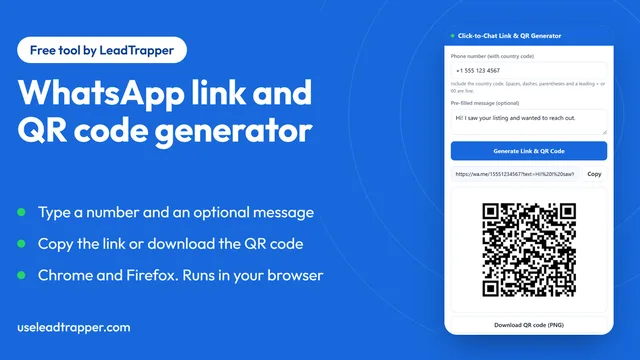
WhatsApp Link & QR Generator Extension: Chrome, Firefox
Make a WhatsApp click-to-chat link and QR code from any number with the free Chrome or Firefox exten…
Read article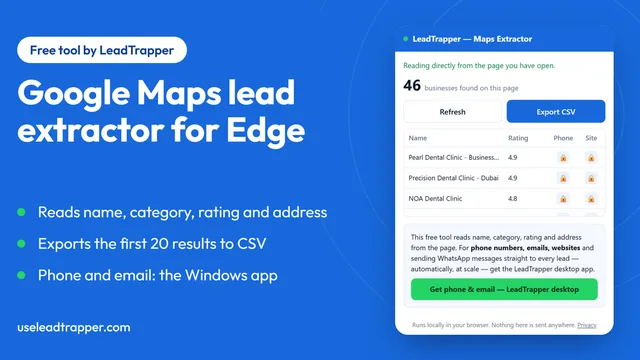
Google Maps Lead Extractor Extension for Edge (Free)
The free Maps Lead Extractor for Microsoft Edge reads names, ratings and addresses from Google Maps…
Read article