In this article 6 sections
Because Meta requires proven opt-in for marketing templates, and reviews every template before it can send. A scraped or bought list does not qualify. Ordinary WhatsApp has no such upfront gate, but blocks and reports from recipients still put the account at risk.
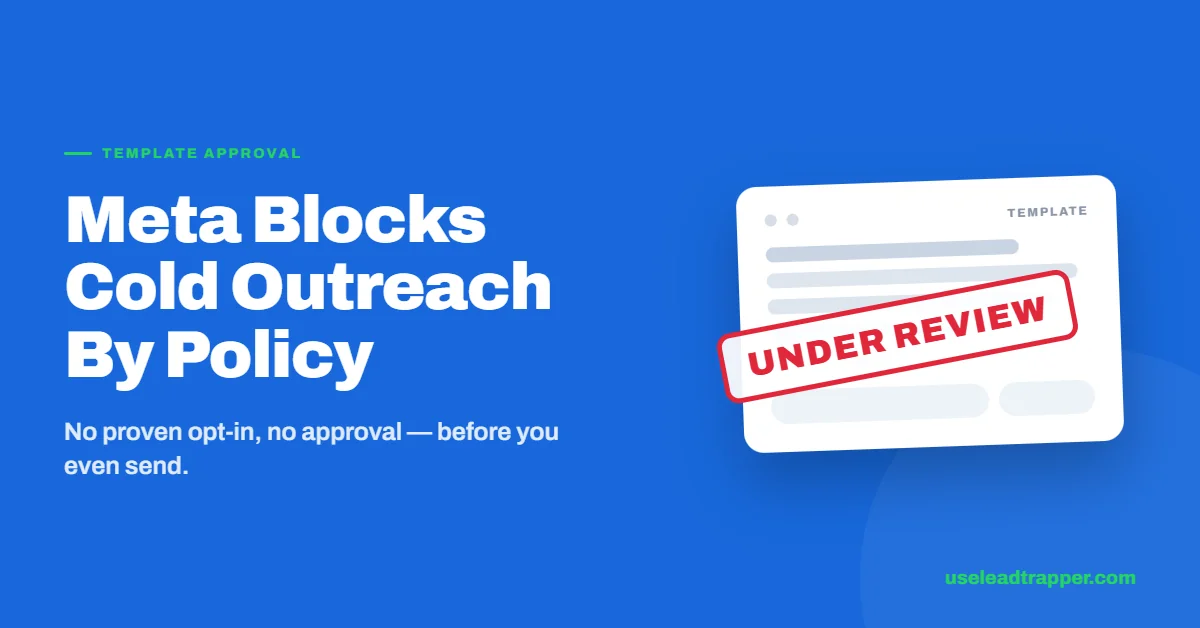
- Meta's Business Messaging Policy requires demonstrable opt-in for marketing template messages — a scraped or purchased list doesn't qualify, and templates are reviewed before they can send at all.
- This is a formal, upfront gate: Meta can reject a template before a single message goes out, not just penalize a sender after the fact.
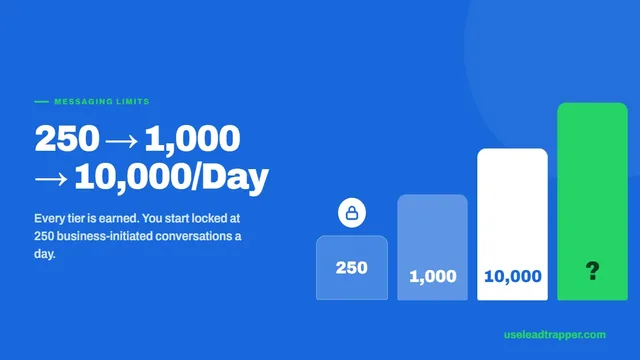
- An unverified WhatsApp Business Account is capped at 250 messages to unique contacts per 24 hours, rising to 1,000 only after business verification.
- LeadTrapper doesn't have this upfront approval gate — but that is a different enforcement mechanism, not the absence of risk. WhatsApp's own algorithmic block/report-rate detection still applies to the channel it automates.
- The honest comparison is: the API blocks cold outreach by policy, before you send. The regular WhatsApp channel doesn't have that policy gate, but carries its own real, ongoing ban risk from recipient reactions.
The WhatsApp Business API doesn’t just make cold outreach risky — Meta’s own policy formally blocks it before a message ever sends. That’s a different, stricter mechanism than most comparisons describe, and it’s worth understanding exactly how it works before assuming the API is simply “the safe option.”
Meta's Opt-In Requirement, in Plain Terms
Meta’s Business Messaging Policy requires that a business demonstrate real opt-in before sending marketing template messages — the contact must have taken an action naming the business and the purpose of messaging. A phone number sitting in a CRM doesn’t qualify. A list built from a Google Maps scrape or a purchased database doesn’t qualify either, regardless of how accurate or well-intentioned the outreach is.
This isn’t a suggestion or a best practice Meta hopes businesses follow. It’s a requirement checked at the template level.
What Actually Counts as Valid Opt-In
Meta is specific about what qualifies, and it rules out most of what a bulk-outreach list would try to lean on. A valid opt-in requires the contact to have taken a clear, active action — checking an empty checkbox (never one pre-checked by default), clicking a dedicated confirmation button, or sending an inbound message to trigger it — and at the time, being told the specific business name and the type of messages they’d receive. A website contact form with an unchecked “Send me updates via WhatsApp from [Business]” box counts. A Meta ad that opens WhatsApp with a pre-filled message, sent by the user, counts. A general marketing opt-in that never mentioned WhatsApp specifically does not automatically transfer over.
None of this can be satisfied retroactively by a list that was scraped from public listings or purchased from a data broker — there’s no action on the contact’s part to point to, which is exactly the gap that makes cold outreach fail this requirement structurally, not just as a matter of risk.
Template Review: Approved Before It Sends
Every marketing template a business wants to use goes through Meta’s own review process before it can be sent to anyone outside an active customer service window. Meta can reject a template outright — for wording, for category mismatch, or for policy concerns — meaning a business can build an entire cold-outreach campaign and have it refused before a single message reaches a single contact.
This is the part that gets understated in most comparisons: it’s not that cold outreach on the API is risky. It’s that Meta has a formal checkpoint specifically positioned to catch it before it starts.
The three template categories — marketing, utility, and authentication — get different levels of scrutiny at review. Authentication templates (one-time passcodes, login verification) and utility templates (order updates, appointment confirmations tied to a transaction that already happened) are reviewed against a narrower, more mechanical set of rules, since they’re inherently tied to something the recipient already did. Marketing templates get the strictest review, precisely because they’re the category most likely to be used for exactly the kind of outreach the opt-in policy exists to prevent. A rejected marketing template can be edited and resubmitted, but each resubmission goes through the same review queue again — there’s no fast-tracking a second attempt.
A business that miscategorizes a message to dodge stricter review — labeling an outreach campaign as a utility message, for instance — doesn’t get a lighter version of the policy. It gets flagged for the mismatch instead, since the content of a template is checked against the category it was submitted under, not just approved on the category label alone.
Testing Without Verification Caps You at 250/Day
Meta does allow building and testing an integration before completing business verification — a new WhatsApp Business Account can send to up to 250 unique contacts per 24 hours without it. Verification is what unlocks the next tier, starting at 1,000 unique contacts per day, and it asks for two distinct kinds of proof: legal entity documentation confirming the business is real and registered, and separate proof tying an address and phone number to that same entity, with the business name spelled consistently across every document, the website, and Meta’s own systems. Mismatches between how the name appears in different places are one of the most common reasons verification stalls.
Below verification, volume is capped hard regardless of template approval status — a business can have a perfectly approved template and still be unable to reach more than 250 people a day until that separate verification step clears.
Can the WhatsApp API Get Banned Anyway?
Yes — template approval isn’t the end of the story. Once a template is approved and messages are going out, the account’s quality rating (tracked separately, based on block and report rates from actual recipients) still determines whether the account keeps its messaging tier or gets frozen. A well-written, Meta-approved template sent to people who don’t want it can still tank an account’s standing after the fact. Approval reduces one kind of risk; it doesn’t remove the other.
What Running Without That Gate Actually Means
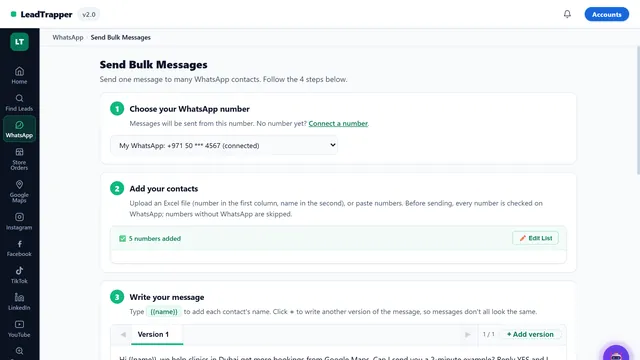
LeadTrapper connects to the regular WhatsApp Web/app session rather than Meta’s Business Platform, so there’s no template submission, no opt-in policy check, and no pre-approval wait. That’s a genuine, real difference in how the two paths work.
It is not the same as saying there’s no risk. The underlying WhatsApp platform enforces its own spam detection on this channel too — a high rate of failed or unwanted sends is a signal WhatsApp’s systems watch regardless of which door a message came through. The difference is where the enforcement happens: upfront and by policy on the API, or ongoing and algorithmic on the channel LeadTrapper’s WhatsApp Bulk Sender automates — which is exactly why pacing and account-safety controls exist on that side, instead of a review queue. Different mechanism, not an absence of one.
For what this policy gate actually costs to work around through official channels, see the real WhatsApp Business API pricing, or for the volume ceiling Meta enforces even for approved senders, see how messaging tiers work. Still deciding which tool actually fits? Start here.
Frequently Asked Questions
Yes. Even with template approval, an account can be restricted if its quality rating drops from block and report rates. Approval at the template level doesn't guarantee the account stays in good standing — recipient reactions still matter after a message is approved and sent.
For marketing template messages, yes. Meta's Business Messaging Policy requires demonstrable opt-in naming the business and the purpose of messaging — a phone number sitting in a CRM or a scraped contact list does not qualify. Utility and authentication templates tied to an existing transaction have different, narrower rules.
Yes, for testing — Meta allows building and sending before verification is complete. But an unverified account is capped at 250 messages to unique contacts per 24 hours. Verification is required to unlock the 1,000+ tier.
No — LeadTrapper doesn't route through Meta's Business Platform, so there's no template review or opt-in policy gate before sending. That does not mean there's no risk. WhatsApp's own spam detection, based on block and report rates, still applies to the channel LeadTrapper automates, which is why pacing and account-safety controls exist on that side instead of a policy gate.
About LeadTrapper
LeadTrapper is a Windows app for finding business leads and contacting them on WhatsApp. It collects business contacts from Google Maps, Instagram, Facebook, TikTok, LinkedIn and business websites, checks which numbers are on WhatsApp with its Number Filter, and sends personalised campaigns with automatic delays from one or more WhatsApp accounts. It also has a chatbot, a shared inbox for every account, and Store Orders for online shops. It installs from the Microsoft Store, and the full app is free for 14 days, then $50 a year. Free web tools, browser extensions and a Wix app are listed on the Free Tools page.
No Template Queue, No Approval Wait
LeadTrapper sends from a connected WhatsApp account without a template review step. $50/year — all features included.