In this article 9 sections
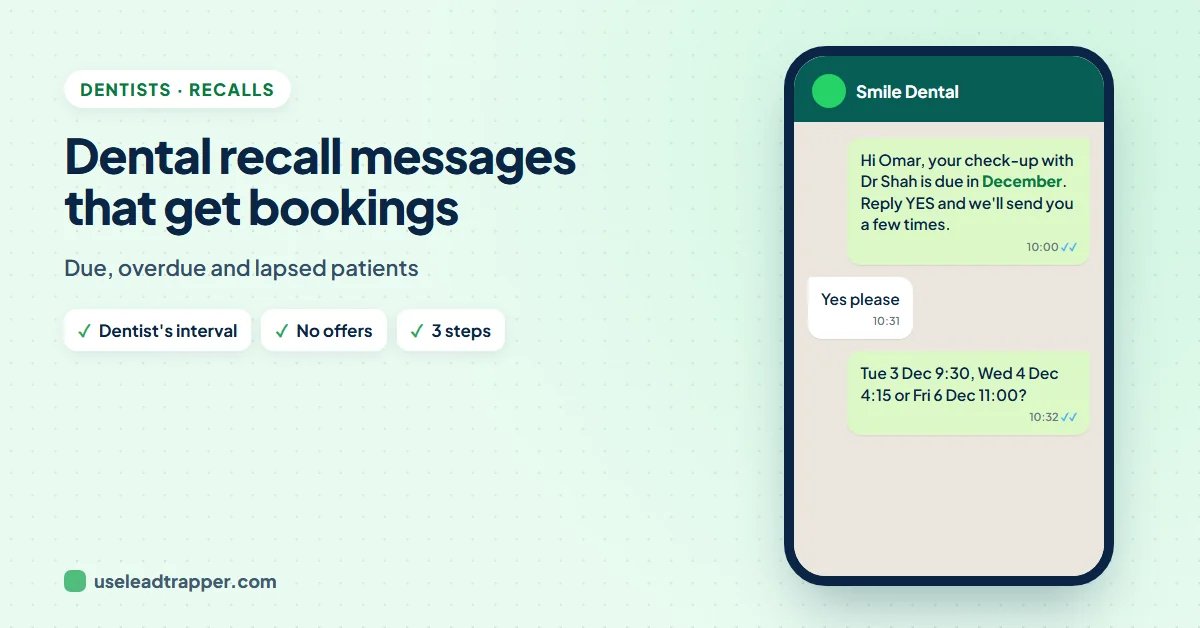
A good dental recall message names the patient and their dentist, says the check-up is due at the interval the dentist set, and asks for a one-word reply to book. Keep it free of offers, so it stays a care message. Send it when the check-up is due, one reminder two weeks later, then call.
- Base the recall on the interval the dentist set for each patient. NICE recommends tailored intervals, up to 24 months for adults, and the INTERVAL trial found no difference in gum health between 6-month, risk-based and 24-month check-ups.
- A recall that only says the check-up is due is a care message. Add a whitening offer and it becomes marketing, with stricter rules, so keep offers separate.
- Three steps are enough: the recall when due, one reminder about two weeks later, then a phone call.
- Lapsed patients need a different message: warm, no blame, and an easy way to say they've moved or changed dentist.
- Never name treatments, conditions or findings in a WhatsApp message.
Most patients leave the practice meaning to book their next check-up and then don’t. Months later they’re overdue, and a year after that they’re quietly no longer your patient. A recall system fixes most of that, but only if the message is easy to say yes to, arrives at the right time and doesn’t feel like an advert. Here’s how to set the interval, what to send, and how to bring back patients who stopped coming.
Why Recalls Slip
- Nobody books a check-up from memory. Without a prompt, "in six months" turns into "sometime".
- Letters and emails get missed. A recall letter can sit unopened; a WhatsApp message is usually read the same day.
- Booking feels like effort. "Call us to book" asks the patient to remember, find the number and call in opening hours. "Reply YES" asks for one word.
- Nervous patients put it off. For some people, the longer it's been, the harder it is to come back. A kind message lowers that barrier.
Start with the Right Interval
Six months is a habit, not a rule. The UK’s NICE guideline on dental recall says the interval should be set for each patient, based on their risk of disease: from 3 months up to 24 months for adults, and no longer than 12 months for under-18s.
The largest trial on the question backs that up. In the INTERVAL trial, 2,372 adults at 51 practices were given 6-month, risk-based or (if suitable) 24-month check-ups for four years. There was no difference in gum bleeding or in oral-health quality of life between the groups. The authors also note that patients value frequent check-ups.
For your recall list, that means one thing: each patient’s due date should come from the interval their dentist set, not a blanket six months. Keep it as a column in your practice software, and your recall messages will be right by default.
Keep Recalls Free of Offers
A recall that only says “your check-up is due” is part of looking after the patient. UK guidance treats messages that give only administrative information and promote nothing as service messages, not marketing; NHS England’s guidance lists appointment reminders as an example.
Add “and 20% off whitening this month!” and the whole message can become marketing, which needs consent and an opt-out under the ICO’s rules. So:
- Recalls: to every patient with a due check-up, neutral, no offers.
- Offers: a separate message, only to patients who agreed to hear offers, with a way to stop, as the guide to opt-out lines explains.
Outside the UK the details differ, but the habit protects you everywhere. This is a summary, not legal advice.
The Three-Step Recall
- When due. The recall message, in the month the check-up is due. Some practices send it two to four weeks before, so the patient can book a time that suits.
- About two weeks later. One short reminder to anyone who hasn't replied or booked.
- Then a call. A third message adds little. A phone call from reception finds out what's in the way, whether it's cost, nerves, a new job or a move.
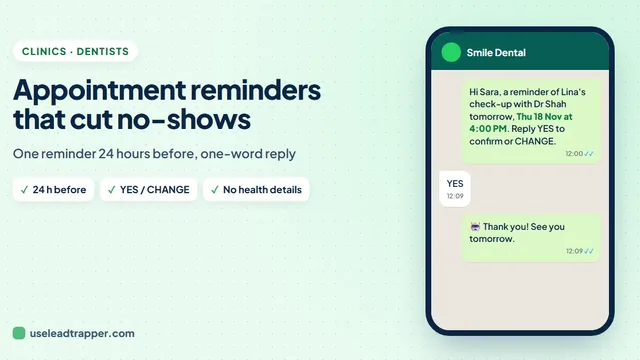
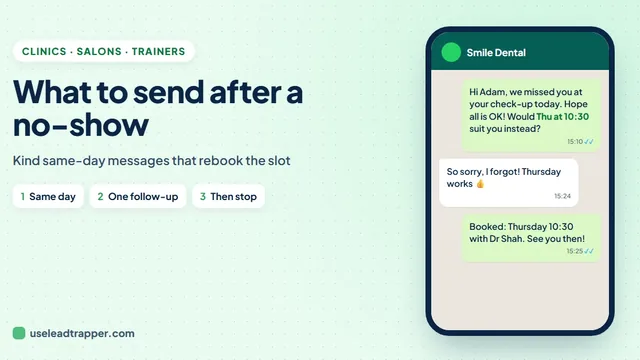
When someone books and then doesn’t come, that’s a different message: see what to send after a no-show. The reminder the day before the appointment is covered in the clinic appointment reminder guide.
Dental Recall Message Samples
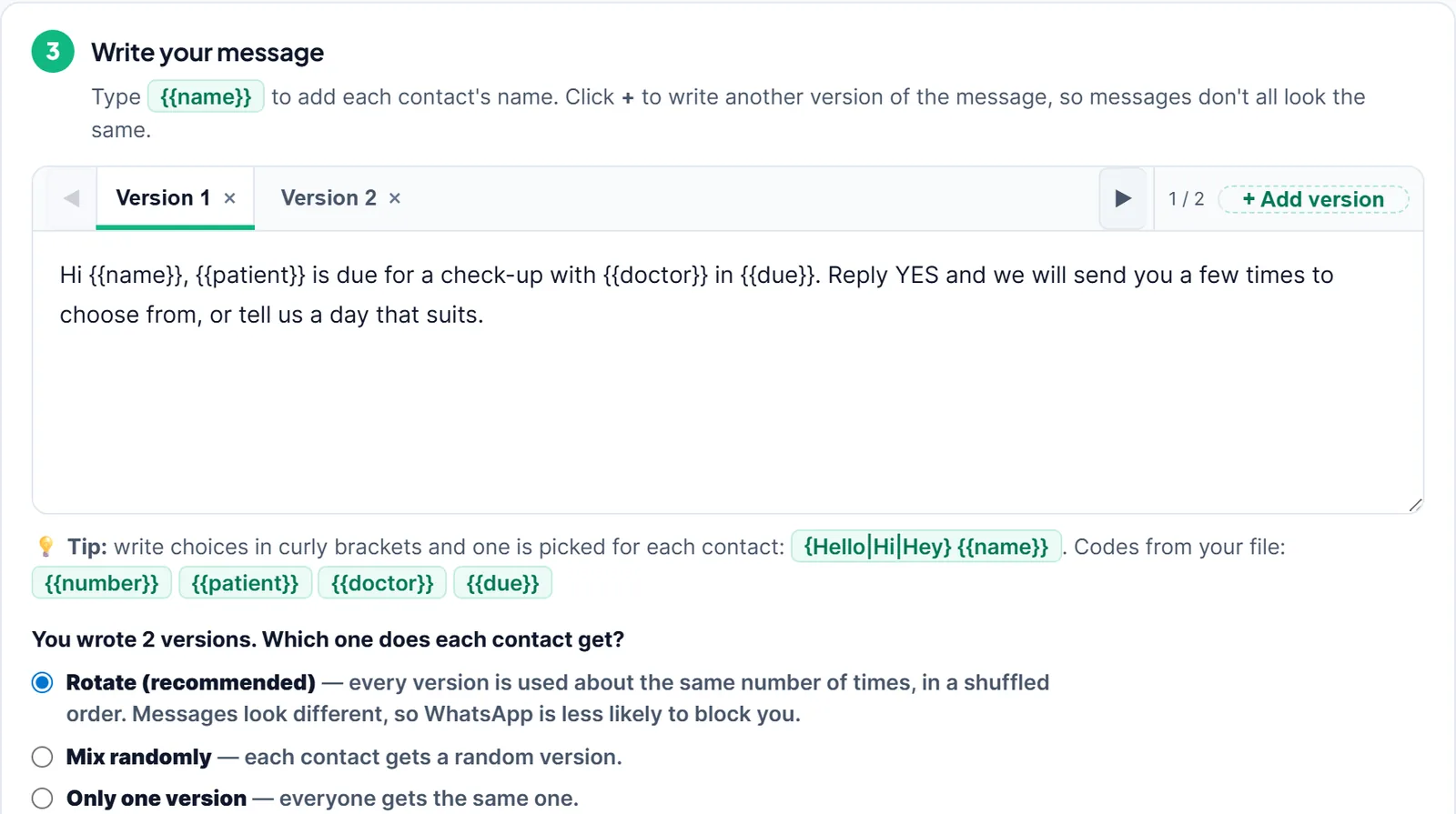
Replace the codes with columns from your recall list: {{name}} is who gets the message, {{patient}} who the check-up is for, plus {{doctor}} and {{due}}.
Check-up due
Hi {{name}}, your check-up with {{doctor}} is due in {{due}}. Reply YES and we'll send you a few times to choose from, or tell us a day that suits.Hello {{name}}, a quick note from Smile Dental: it's time for your next check-up with {{doctor}}. Shall we book it? Reply YES for times.
Children (to the parent)
Hi {{name}}, {{patient}} is due for a check-up with {{doctor}} in {{due}}. We have after-school times available; reply YES and we'll send a few.
Reminder, two weeks later
Hi {{name}}, just checking you saw our message: your check-up with {{doctor}} is due. Reply YES for times, or let us know if there's a better month.
Hygienist visits
Hi {{name}}, you're due for your hygiene appointment in {{due}}. Reply YES and we'll find you a time.
Nervous patients
Hi {{name}}, it's time for your check-up with {{doctor}}. If you'd like a longer appointment or a chat first about what to expect, just say so and we'll arrange it. Reply YES for times.
Arabic and English
مرحباً {{name}}، حان موعد الفحص الدوري مع {{doctor}}. أرسل "نعم" ونرسل لك بعض المواعيد المتاحة.
Hi {{name}}, your routine check-up with {{doctor}} is due. Reply YES and we'll send you some available times.
The Arabic sample was written by us, not checked by a native-speaking copywriter; read it over before sending.
Send this month's recalls free for 14 days
Patients Who Stopped Coming
A patient who hasn’t been in for 18 months or more needs a different message. Many feel awkward about how long it’s been, some have moved, and some have another dentist. A good reactivation message makes all three easy to say.
Hi {{name}}, it's been a while since your last visit with us, and we'd be glad to see you again. Would you like us to book a check-up? Reply YES, or let us know if you've moved or now see another dentist, and we'll update our records.Hello {{name}}, no matter how long it's been, you're welcome back at Smile Dental. A check-up is the easiest place to start. Reply YES and we'll find you a time.
Then act on the replies: book the yeses, update the records of patients who moved, and stop messaging anyone who says no. Companies selling recall software publish reactivation rates, but we couldn’t find independent research to confirm them, so measure your own: how many replied and how many booked.
What Never to Send
- Treatments, findings or conditions. "Your filling needs checking" or "your gum disease" doesn't belong in a WhatsApp message. "Your check-up" is enough.
- Scare tactics. "Don't let your teeth rot!" puts nervous patients off for longer.
- Offers inside recalls. Keep promotions separate, as above.
- Group chats or visible lists. Every recall is a private message.
- Messages that never stop. Two messages and a call, then wait until the next recall date.
A Monthly Recall Routine
LeadTrapper doesn’t connect to your practice software, so the routine starts with an export once a month:
- In your practice software, export the patients whose check-up is due next month to Excel, with columns such as Name, Phone, Patient, Doctor and Due. Format the Due column the way patients should read it, such as "December".
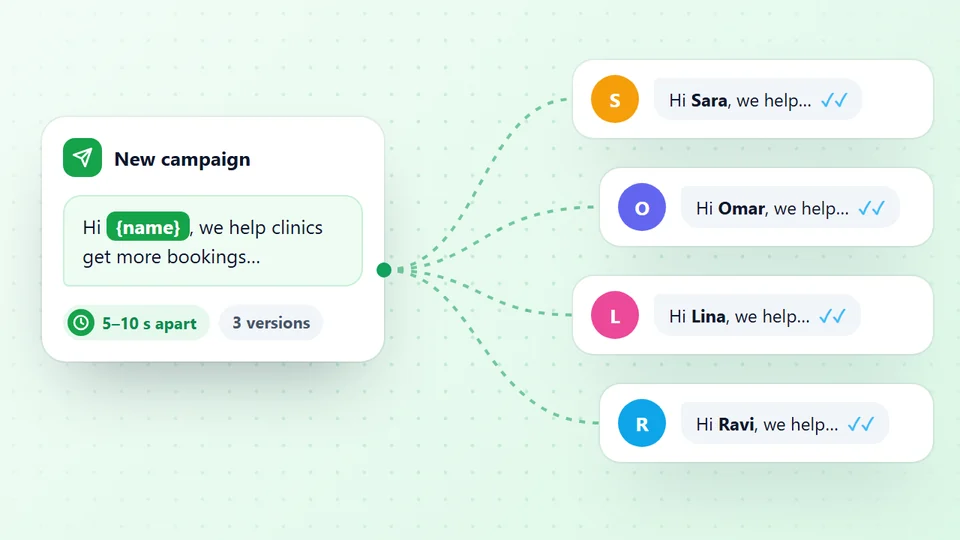
- Open Send Bulk Messages in LeadTrapper's WhatsApp bulk sender and upload the file. Every column becomes a code. Upload it here directly rather than through Check Numbers, so two children with one parent's number both get their recall.
- Write the recall once, add a second version, choose Rotate and the Safe speed.
- Press Send Later for a weekday morning. The app needs to be open at that time.
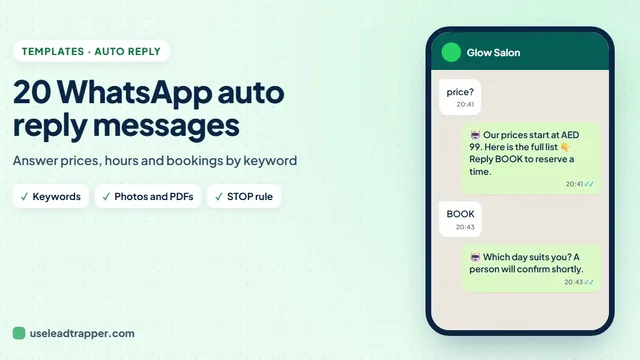
- Let the Auto-Reply Bot answer YES with your booking times, and set a STOP rule that adds the person to the do-not-send list, as the auto reply message guide shows.
Two weeks later, export the patients who still haven’t booked and send the reminder the same way. Download Results and Replies shows who already answered YES, so they don’t get the reminder (version 2.1.124 or later).
If your export has the exact due date as a column, the recall can also run every day by itself: in Send Later, tick Repeat every day at this time and choose rows where the due date is in 14 days. Keep a second, readable column such as “December” for the message itself.
Sources
- NICE. Dental checks: intervals between oral health reviews (CG19).
- Clarkson J.E. et al. Risk-based, 6-monthly and 24-monthly dental check-ups for adults: the INTERVAL three-arm RCT. Health Technology Assessment, 2020.
- NHS England Transformation Directorate. What is and isn't direct marketing.
- ICO. Key concepts for direct marketing using electronic mail.
- WhatsApp. WhatsApp Business Messaging Policy.
The WhatsApp bulk sender is part of LeadTrapper for Windows, which costs $50 a year with a 14-day free trial. LeadTrapper is not affiliated with or endorsed by WhatsApp.
Before you send: warm up new or quiet numbers first with the WhatsApp warmer (LeadTrapper's Account Warmer), which runs in the same app.
Frequently Asked Questions
The patient's name, the dentist, that the check-up is due, and one easy reply. For example: Hi Sara, your check-up with Dr Shah is due this month. Reply YES and we'll send you a few times to choose from.
When the patient's own interval is up, not on a fixed six-month cycle for everyone. NICE recommends intervals set for each patient, from 3 months up to 24 months for adults and up to 12 months for under-18s. Send one reminder about two weeks after the first message, then call.
A recall that only tells the patient their check-up is due is generally treated as a service message. If it also promotes whitening, a discount or another treatment, the whole message can count as marketing, which needs consent and an opt-out. Keep recalls and offers separate.
Send a short, warm message with no blame: say it's been a while, ask if they'd like to book, and make it easy to say they've moved or have another dentist. Update your records from the replies, and call the patients you most want back.
About LeadTrapper
LeadTrapper is a Windows app for finding business leads and contacting them on WhatsApp. It collects business contacts from Google Maps, Instagram, Facebook, TikTok, LinkedIn and business websites, checks which numbers are on WhatsApp with its Number Filter, and sends personalised campaigns with automatic delays from one or more WhatsApp accounts. It also has a chatbot, a shared inbox for every account, and Store Orders for online shops. It installs from the Microsoft Store, and the full app is free for 14 days, then $50 a year. Free web tools, browser extensions and a Wix app are listed on the Free Tools page.
Send This Month's Recalls in Minutes
LeadTrapper for Windows sends each patient their own recall with their dentist and due month, from your practice's WhatsApp number, and answers the YES replies. $50/year, 14-day free trial.