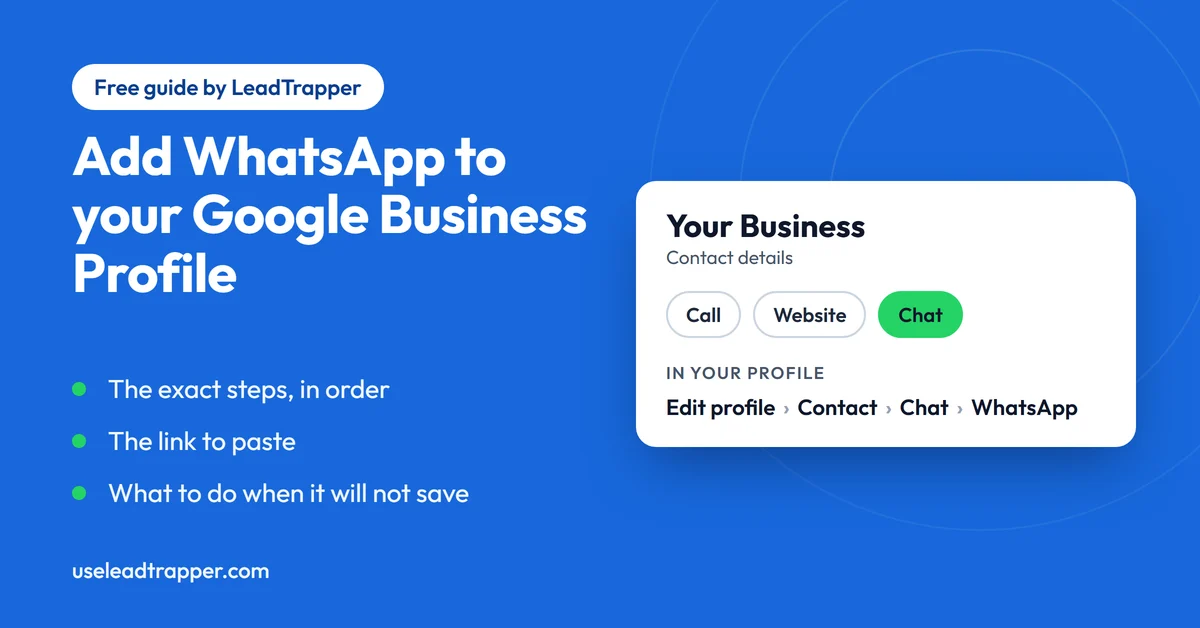
- Google says a claimed and verified Business Profile can add a WhatsApp or text message option to its contact info. The option is currently available in select regions only, so it may not appear for every business.
- The steps in Google's and WhatsApp's help pages match: Edit profile, then Contact, then the Chat section, choose WhatsApp, paste your WhatsApp click-to-chat URL and press Save.
- The value you paste is a wa.me link. Google says it must follow WhatsApp's URL guidelines. Start with the plain link, and add a message only if the profile accepts it.
- If both text message and WhatsApp are added, Google shows only the text message option, so choose one.
- The same WhatsApp link can be used on different profiles, and WhatsApp says you can add more than one WhatsApp Business number to a profile.
Adding WhatsApp to your Google Business Profile puts a chat option in your contact details, so someone who finds you on Google Search or Maps can message you in one tap. The steps take a few minutes. What trips people up is the link they have to paste and the fact that the option is not available to every business yet. This guide follows the steps in Google’s and WhatsApp’s own help pages and adds how to make the link.
What Adding WhatsApp Does
Google’s help page, Chat with customers from your Business Profile, says a business with a claimed and verified profile can add a WhatsApp or text messaging option to its contact info. The idea is to give customers a direct way to ask questions in real time and to encourage them to visit.
WhatsApp describes the same thing from its side in How to create a link to your WhatsApp from your Google Business Profile. It says businesses that add their number automatically receive a WhatsApp click to chat button that shows to customers when the business appears in Google Search and Google Maps results, and that clicking it sends them to WhatsApp to start a chat with the business.
Before You Start
Check four things first.
- Your Business Profile is claimed and verified. Google says only these profiles can add a chat option.
- The option is available where you are. Google states that chat options are currently available for select regions and might not be available for your business.
- You have a WhatsApp number to use. WhatsApp's page talks about a valid WhatsApp Business phone number in international format, so use the number your customers will actually reach.
- You are choosing WhatsApp over text messaging. If you add both, Google says only the text message option is shown to customers.
Make the WhatsApp Link
The field asks for a WhatsApp click-to-chat URL. That is the https://wa.me/ address followed by your number in international format, digits only. It is easy to get wrong, because the number has to lose its leading 0 and gain the country code. Google’s page says the link must follow WhatsApp’s URL guidelines, which are the ones in WhatsApp’s How to use click to chat page.
The quickest way is the free WhatsApp link generator. Pick your country, type the number as you dial it locally and copy the link. It shows the number it will use above the link, and the Test it button opens the chat so you can check it. If you want to see how the format works underneath, the guide on how to create a WhatsApp link explains it.
Start with the plain link, with no message. A pre-filled message such as “Hi, I found you on Google” is a good idea, because it tells you which chats came from your profile. Google’s help page does not say whether a profile accepts a link with a message, so add it once the plain link has saved, test the result, and go back to the plain link if the profile will not take it.
Add It to Your Profile
The steps in Google’s help page and WhatsApp’s page match:
- Go to your Business Profile and choose Edit profile.
- Choose Contact.
- Find the Chat section and open its dropdown, or press its edit icon.
- Select WhatsApp.
- Paste your WhatsApp click-to-chat URL.
- Press Save.
Once it saves, look at your listing the way a customer does and tap the option from a phone. Check that the chat opens with your number and, if you added one, your message.
Both companies also say something useful for businesses with several places. Google says different profiles can use the same WhatsApp link, so a chain can point every location to one number. WhatsApp says you can add more than one WhatsApp Business phone number to a Business Profile.
When the Option Is Missing or Will Not Save
Owners run into trouble often enough that Google’s Business Profile community has several threads with titles such as “Can’t add WhatsApp link” and “Issue with Adding WhatsApp Chat Link to My Google Business Profile”. That fits Google’s own note that the option is limited to select regions. If yours does not work, go through these in order.
- Confirm the profile is verified. An unverified profile cannot use chat options.
- Look for the Chat section under Contact. If it is not there, the option may not be available for your business yet, and there is nothing to change on your side.
- Use the plain wa.me link with digits only. A leading 0, a plus sign, spaces or a missing country code are the usual reasons for a rejected link.
- Remove the pre-filled message, save, and add it back if you want it.
- Open the link on a phone. If it does not start a chat with the right number, fix the link before you blame Google.
After It Is Live: Answer Fast
The option is a promise that someone will reply, and a customer who taps it from Maps may be deciding where to go right now. Decide who owns the number, and keep your opening hours accurate on the profile. If you use the WhatsApp Business app, its Help Center lists greeting messages, away messages, quick replies and labels, and an away message keeps the promise honest outside your hours.
A profile chat brings customers to you one at a time. If you also want to write to a list of people who agreed to hear from you, the LeadTrapper Windows app has a WhatsApp bulk sender that personalises each message and paces the sending, and it can build a contact list from Google Maps. The Number Filter checks which numbers are on WhatsApp first. WhatsApp’s rules on who you may message apply, and the cold outreach policy guide shows where the lines are. The same link also works in your Instagram profile and on your website, and as a printed WhatsApp QR code. The app costs $50 a year with a 14-day free trial.
Frequently Asked Questions
Sign in to your claimed and verified profile, choose Edit profile, then Contact. Open the Chat section, pick WhatsApp from the dropdown, paste your WhatsApp click-to-chat link and press Save. Both Google's and WhatsApp's help pages give these steps.
Google states that chat options are currently available for select regions and might not be available for your business. The profile must also be claimed and verified. If the option is missing, check those two things first. Google's own help page is the place to see whether your region has been added.
Your WhatsApp click-to-chat link, which is https://wa.me/ followed by your number in international format. Google says the link must follow WhatsApp's URL guidelines. Start with the plain number link. A pre-filled message can be added with ?text=, but Google's help page does not say whether the profile accepts one, so test it.
Not in Google's current design. If you add both, Google says only the text message option is shown to customers. Pick the channel you will answer fastest.
Yes. Google says different profiles can share the same WhatsApp link. WhatsApp adds that you can put more than one WhatsApp Business phone number on a single Business Profile.
Message Your Own List, Not Just One Chat
LeadTrapper for Windows: Google Maps scraper, Number Filter and WhatsApp bulk sender in one app. $50/year, 14-day free trial.
Related Articles
WhatsApp Link & QR Generator Extension: Chrome, Firefox
Make a WhatsApp click-to-chat link and QR code from any number with the free Chrome or Firefox exten…
Read article
Google Maps Lead Extractor Extension for Edge (Free)
The free Maps Lead Extractor for Microsoft Edge reads names, ratings and addresses from Google Maps…
Read article