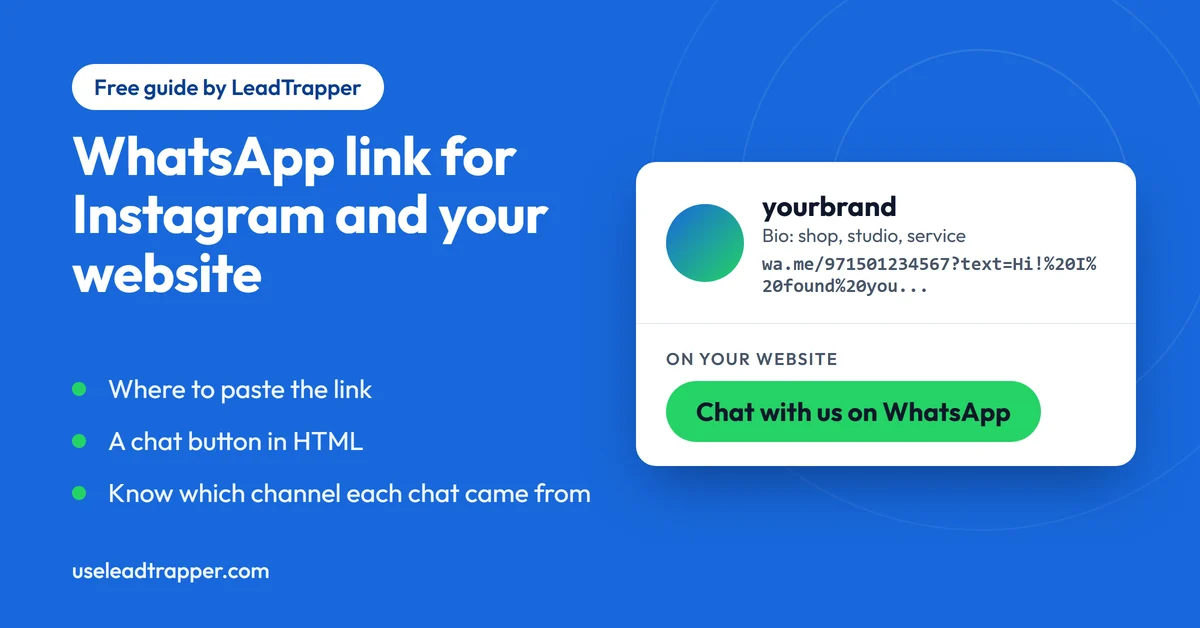
- Make one WhatsApp link per channel and give each a different pre-filled message, such as Hi! I found you on Instagram. The first line of each chat then tells you which channel it came from.
- On Instagram you paste the link into the website or links field of your profile. Instagram's Help Center says this is done in the app on Android or iPhone, not on a computer.
- On a website a plain link or a button is enough. WhatsApp publishes an official Chat on WhatsApp button, in green or white and three sizes, and asks you to use it unchanged.
- A link that starts with https://wa.me/? and has no number opens a contact list, so it makes a Share on WhatsApp button, not a chat with you.
- A chat button is a promise to reply. Put your opening hours next to it, and set an away message in the WhatsApp Business app if you use it.
A WhatsApp link in your Instagram profile or on your website turns a visitor into a chat with one tap. The link is simple to make. What people miss is that one link is not enough, because a link used everywhere tells you nothing about where your customers came from. This guide covers where to paste the link on Instagram and your website, how to add a chat button, and the small message trick that fixes the tracking problem.
Make the Link First
Every place below needs a click-to-chat link, the https://wa.me/ address with your number in international format. The free WhatsApp link generator builds it from the number as you dial it: pick your country, type the number and add a message. If you would like the format explained, the guide on how to create a WhatsApp link goes through it step by step.
The generator’s Social bio and Website use cases already contain suggested messages, and the button under each fills the tool with it. Open the link once yourself before you paste it anywhere.
Add It to Your Instagram Profile
Instagram has a Help Center page called Add a website to your Instagram profile. It says the feature is not available on computers but is available on Android and iPhone, so this is done in the app. The usual route is to open your profile, tap Edit profile, and paste the link into the website or links field. Instagram moves that field around now and then, so follow the steps on its help page for your phone if the screen looks different.
Instagram now lets a profile carry more than one link. That helps, because your WhatsApp link can sit next to your website or shop link instead of replacing it. Check in the current app how many links your account allows.
Give the link a message that fits the place. For a profile, something like “Hi! I found you on Instagram and have a question” works, since it gives a follower a first sentence to send instead of a blank box.
Know Which Channel Each Chat Came From
A wa.me link has no click counter. Whether it sits in your Instagram profile, your website header or your email signature, the chat that arrives looks the same. The way around it costs nothing: give each place its own link with its own pre-filled message.
- Instagram profile: Hi! I found you on Instagram and have a question.
- Website header: Hi! I found you on your website.
- Email signature: Hi, I'm following up on your email.
- Printed flyer: Hi! I saw your flyer.
When a chat comes in, its first line tells you the channel. At the end of the week you can count how many started each way. It is not a precise measure, because the customer can change the message before sending and some will. It is still far better than guessing, and it takes a minute to set up. The link generator makes the change as easy as editing the message and copying the new link.
Website: A Link or a Chat Button
On a website the simplest option is an ordinary link. In HTML it looks like this:
<a href="https://wa.me/971501234567?text=Hi!%20I%20found%20you%20on%20your%20website" target="_blank" rel="noopener">Chat with us on WhatsApp</a>
Swap in your own number and message. The generator gives you the finished address, and you can style the link as a button in your website builder or with a little CSS.
WhatsApp also publishes an official button. Its click to chat help page describes a Chat on WhatsApp button that follows WhatsApp’s brand guidelines, available in green and white and in three sizes: small, medium and large. The page says the button is currently available only in English and asks you to use it as it is, without changing it, so that customers recognise it. You can find the button and its best-practice notes on WhatsApp’s How to use click to chat page.
Where you place it matters more than which style you pick. Put it where a visitor decides to get in touch: the header, the contact page, and beside the price or the product on pages where people have questions.
A Share on WhatsApp Button
A link without a number does a different job. WhatsApp’s help page describes https://wa.me/?text= followed by the URL-encoded message. When someone clicks it, WhatsApp shows a list of contacts to send the message to. That makes it a share button: a visitor can send your offer or article to a friend.
For example, this link shares the message “Have a look at this offer https://example.com/offer”:
<a href="https://wa.me/?text=Have%20a%20look%20at%20this%20offer%20https%3A%2F%2Fexample.com%2Foffer">Share on WhatsApp</a>
Keep it separate from your chat button. One sends a visitor to you, and the other sends your page to somebody else.
Other Places for the Link
Any field that accepts a link can carry one. The usual places are a Facebook page’s website or contact section, a TikTok or YouTube profile link, the description under a video, a Google Business Profile, an email signature and a printed QR code. Each one is a chance to use a message that names it. A Google Business Profile has its own steps, which the guide to adding WhatsApp to your Google Business Profile covers, and printed material works well with a WhatsApp QR code.
Be Ready to Answer
A chat button is a promise that someone will reply. Put your opening hours near it, so a visitor at midnight knows what to expect. If you use the WhatsApp Business app, its Help Center lists greeting messages, away messages, quick replies and labels, and an away message is a good first setup for a number that is not watched around the clock.
The link starts one conversation at a time. If the chats add up and you also want to write to a list of people who agreed to hear from you, the LeadTrapper Windows app has a WhatsApp bulk sender that personalises each message and paces the sending. The Number Filter checks which numbers are on WhatsApp before you send, and WhatsApp’s rules on who you may message still apply. The cold outreach policy guide shows where the lines are. The app costs $50 a year with a 14-day free trial.
Frequently Asked Questions
Make a click-to-chat link for your number, then open your profile in the Instagram app, tap Edit profile and paste the link into the website or links field. Instagram's Help Center explains that the field is edited in the app on Android or iPhone and not on a computer, and the layout changes over time, so follow its current steps.
Instagram now lets a profile carry more than one link, so a WhatsApp link can sit beside your website or shop link. How many links your account shows is worth checking in the current app, because Instagram changes this from time to time.
Link a button or text to your wa.me link, for example a link that reads Chat with us on WhatsApp. WhatsApp also publishes an official Chat on WhatsApp button in green and white and three sizes, which it asks you to use as it is. Put it where a visitor decides to get in touch, such as the header, a contact page and product pages.
A wa.me link has no click statistics of its own. The simple workaround is a different pre-filled message for each place the link appears, such as Hi! I found you on Instagram, and then counting the chats that start that way. The customer can edit the message before sending, so the counts are a good guide and not a precise measure.
Click to chat needs the visitor to have WhatsApp on their phone or to use WhatsApp Web. Someone with neither cannot start the chat, so keep a phone number or a contact form on the page as a second way to reach you.
Message Your Own List, Not Just One Chat
LeadTrapper for Windows: Google Maps scraper, Number Filter and WhatsApp bulk sender in one app. $50/year, 14-day free trial.
Related Articles
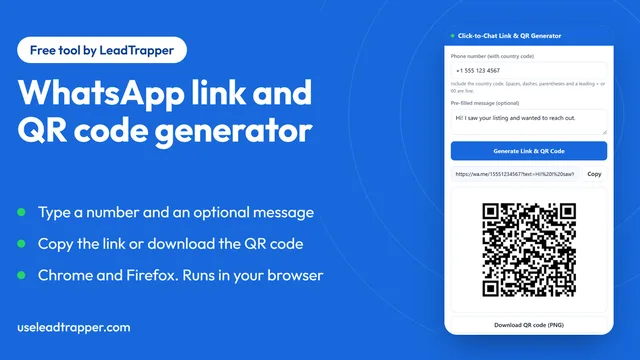
WhatsApp Link & QR Generator Extension: Chrome, Firefox
Make a WhatsApp click-to-chat link and QR code from any number with the free Chrome or Firefox exten…
Read article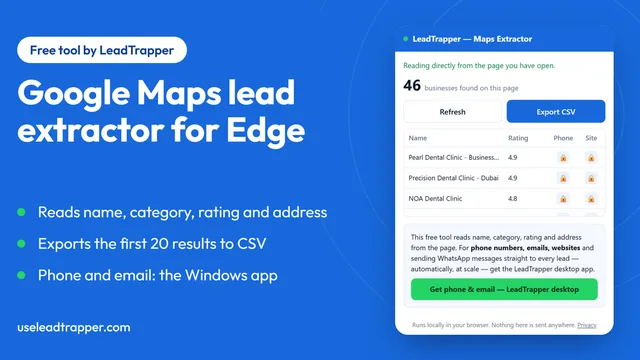
Google Maps Lead Extractor Extension for Edge (Free)
The free Maps Lead Extractor for Microsoft Edge reads names, ratings and addresses from Google Maps…
Read article