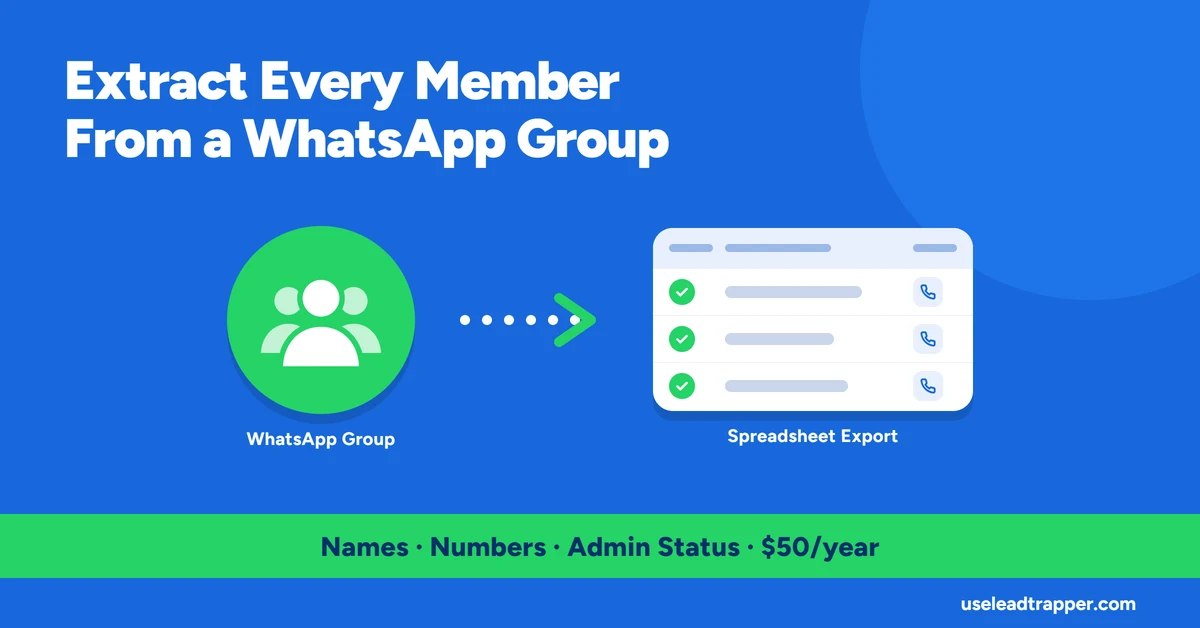
- LeadTrapper's Group Member Extractor reads a group's member list directly from WhatsApp Web's own internal data for any group you're already a member of — it doesn't scrape anything WhatsApp doesn't already show your own session.
- Each member comes back with phone number (when resolvable), display name, admin status, and a business-account flag, exportable straight to Excel.
- Since WhatsApp's 2026 migration to LID-based contact identifiers, some members can't be resolved to a phone number at all if they've never been in your contacts — LeadTrapper shows their LID identifier instead of silently dropping them.
- An 'Include Admins only' filter narrows the export to group organizers, useful when you specifically want the people running a community, not every member in it.
- Extracted numbers should be run through validation and deduplication before any campaign — see the number filter and contact-cleaning articles for why.
Every WhatsApp group you’re already a member of has a full member list sitting behind it — WhatsApp Web itself already has it loaded to render the group’s participant panel. LeadTrapper’s Group Member Extractor reads that same data directly and turns it into an exportable list, rather than asking you to scroll and copy names by hand. Here’s exactly what it does and doesn’t do, verified against the code.
What This Actually Reads
The extractor calls into WhatsApp Web’s own internal group metadata for a specific group ID — the same data structure the WhatsApp Web interface itself uses to show you who’s in a group. That means it only works for groups the connected account is already a member of; there’s no mechanism to pull members from a group you haven’t joined, because the data simply isn’t available to a session that was never added to it.
How to Extract a Group's Members
The flow is three fields: pick the connected WhatsApp account, pick the group (loaded live from that account’s real group list), and optionally check “Include Admins only” if you specifically want the people running the group rather than every member in it. Run it, and the results table fills in — with a one-click export to Excel once you’re ready to use the list elsewhere.
What Comes Back Per Member
Each row includes the phone number when it can be resolved, the member’s display name (pulled from your contact store or their own push name), whether they’re a regular member or an admin/super-admin, and whether the account is flagged as a WhatsApp Business account. A typical resolved row looks like: number 971501234567, name “Sara — Marketing”, not an admin, not a business account. None of this is invented or estimated — every field maps directly to a property WhatsApp Web’s own client already tracks for that participant, not a guess or an enrichment layer added on top.
This also means the extractor is only as complete as WhatsApp Web’s own participant list for that group at the moment you run it. A member who left five minutes ago won’t appear; someone added while the extraction is running is captured or missed depending on exactly when the group metadata was read. There’s no separate “cached” copy behind this — it’s a live read every time.
Why Some Numbers Don't Resolve
WhatsApp shifted to a LID (linked ID) system for contact identifiers in 2026, and it changes how a group participant’s real phone number is discoverable. If someone in the group is already in your contacts, resolving their number is direct. But if they’re a stranger to your contact list — a common case in larger public or community groups — their participant record may only carry their LID, not a phone-shaped identifier, and no amount of local lookup recovers a number WhatsApp Web’s own session was never given.
LeadTrapper doesn’t give up after one lookup attempt. It first checks a reverse map built from your entire contact store — scanning every saved contact for a LID reference that matches the participant. If that fails, it tries a direct contact lookup by the participant’s own identifier, then checks two older WhatsApp contact fields that sometimes carry a usable number even when the primary lookup doesn’t. Only when all of those come back empty does it fall back to showing the raw LID. That’s a deliberate choice: a visibly present LID tells you the member is real and in the group, just not phone-resolvable from your side — which is more honest than either hiding the row or fabricating a number that isn’t there.
Real Uses for an Extracted Member List
The most direct use is exactly what it sounds like: you run or moderate a WhatsApp community group and want a real contact list out of it — for a newsletter migration, a CRM import, or simply having your own community’s contacts somewhere more durable than a group you don’t control the platform for. The admin filter matters here specifically when you want to reach the people organizing a community, not its full membership, without scrolling a participant list by hand to find them.
The business-account flag has its own separate use: in a group with a mix of personal and business numbers — a local trade group, a supplier network, a regional business community — filtering by that flag surfaces the accounts already set up to receive business outreach, rather than treating a personal number and a registered business the same way.
After Extraction: Clean the List Before You Use It
A raw group export is a starting point, not a ready-to-send list. Large groups accumulate duplicate entries across re-adds and admin changes, and not every resolved number is guaranteed to be an active WhatsApp account rather than a stale one. Before pointing an extracted list at any real outreach, it’s worth running it through the same steps as any other contact source: cleaning a contact list before your first campaign and deduplicating so you’re not paying to message the same person twice. Both apply exactly the same way to a group export as to a scraped or purchased list — the source doesn’t change what a clean list requires, a standard also reflected in how the official WhatsApp Business Platform treats contact data generally: valid, deduplicated, and consented to, regardless of where it came from.
Frequently Asked Questions
Only groups the connected WhatsApp account is already a member of. It reads the group's member list from WhatsApp Web's own data for that session — it has no access to groups you haven't joined.
WhatsApp migrated contact identifiers to a LID (linked ID) system in 2026. If a member has never been saved in your contacts, their real phone number sometimes isn't resolvable from the group data alone — LeadTrapper shows their LID identifier in that case instead of leaving the row blank or guessing.
Yes. Every extracted member includes an admin/super-admin flag, and there's a dedicated 'Include Admins only' checkbox to export just the group's organizers.
Yes, there's a one-click export to .xlsx once the member list loads.
Turn Any WhatsApp Group Into a Clean Contact List
LeadTrapper's Group Member Extractor exports names, numbers, and admin status in one click. $50/year — all features included.
Related Articles
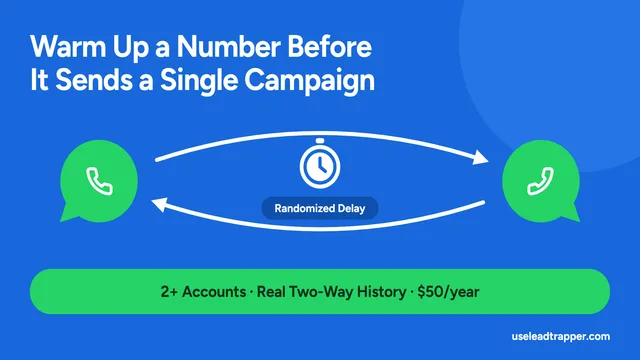
WhatsApp Account Warmer: How to Warm Up a Number
LeadTrapper's Account Warmer runs a real two-way conversation between your own WhatsApp accounts bef…
Read article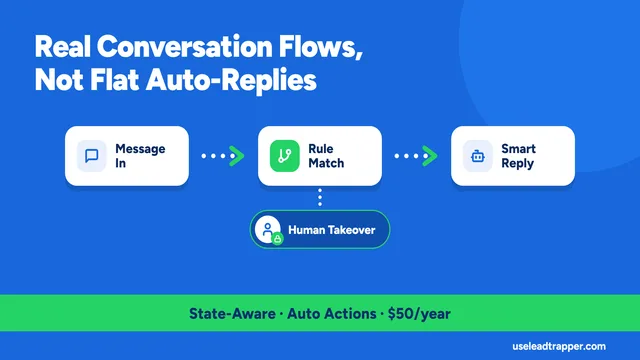
WhatsApp Chatbot for Business: How the Rule Engine Works
LeadTrapper's chatbot runs real multi-step conversation flows, not flat auto-replies, and steps asid…
Read articleBrowse All Articles
Lead generation, WhatsApp marketing, Google Maps, Instagram, and Facebook scraping guides.
See all