In this article 5 sections
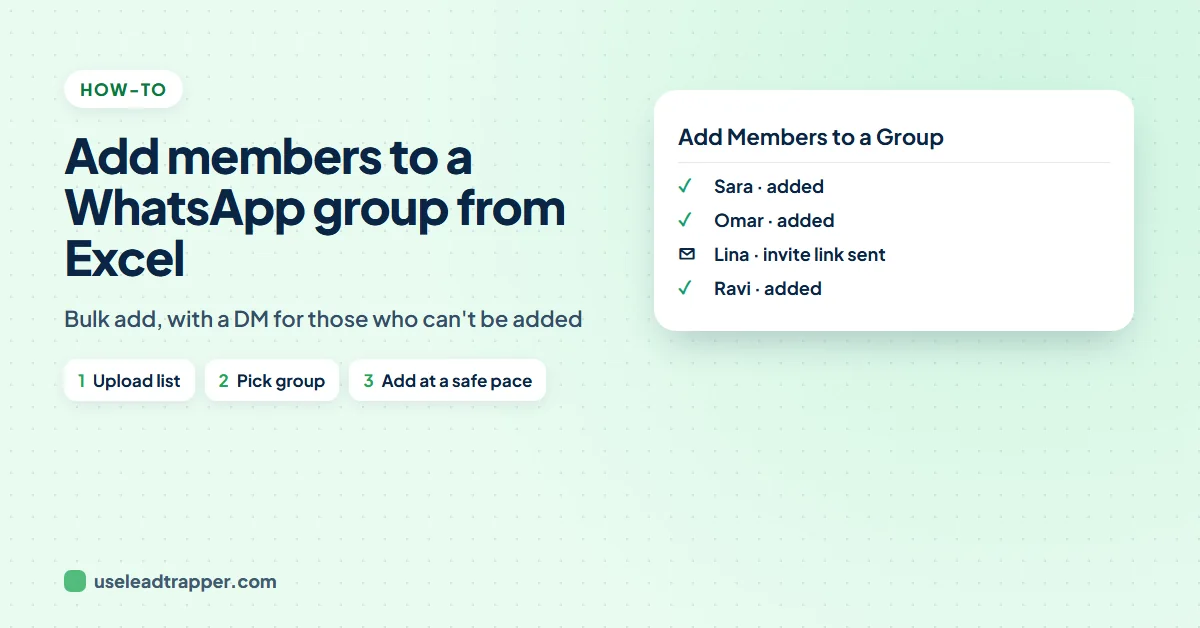
WhatsApp has no import button for groups. In LeadTrapper's Bulk Add Group Members, paste or upload the numbers, choose the group, set a time window, and the app adds people one by one with long random gaps. Anyone whose privacy settings block adding gets your invite link in a message instead.
- WhatsApp's own app adds group members one at a time from your saved contacts; there is no Excel import.
- LeadTrapper's Bulk Add Group Members takes a pasted list or a CSV or Excel file, adds the country code to local numbers and checks each number on WhatsApp first.
- You choose a start and end time, and the adds are spread across that window with random gaps, plus a 60-minute break after every 8 to 10 successful adds.
- When someone's privacy settings stop you adding them, they get a message with the group's invite link instead, so they can join themselves.
- Your number must be allowed to add members to the group, and a WhatsApp group holds up to 1,024 members.
A new customer group, a class, a members’ club: you have the list in Excel and a WhatsApp group waiting. On the phone, you can only add people one by one from your saved contacts. This guide shows how to add members to a WhatsApp group from an Excel list with LeadTrapper, how to space the adds out so your number stays safe, and what happens with people whose privacy settings stop you adding them.
What WhatsApp Lets You Do on Its Own
In the WhatsApp app you open the group, tap Add members and pick people from your phone’s contacts. There is no import from a spreadsheet, and numbers have to be saved on the phone first. That works for ten people and becomes an afternoon’s work for three hundred.
Add Members From a List, Step by Step
LeadTrapper’s Bulk Add Group Members does the adding from your own connected WhatsApp number. In the app, open the WhatsApp menu and click Add Members to a Group. In versions before 2.1.122 it is under Automation, then More Tools, as Bulk Add Members. A four-step window opens.
- Contacts. Paste the numbers, one per line, or upload a .csv or .txt file. Pick the country code that is added to local numbers, such as +971 for 050 123 4567. With the Spreadsheet (CSV / XLSX) tab you upload an Excel file and choose which column holds the phone numbers.
- Target group. Tick the WhatsApp number or numbers to add from, press Load Groups and tick the group.
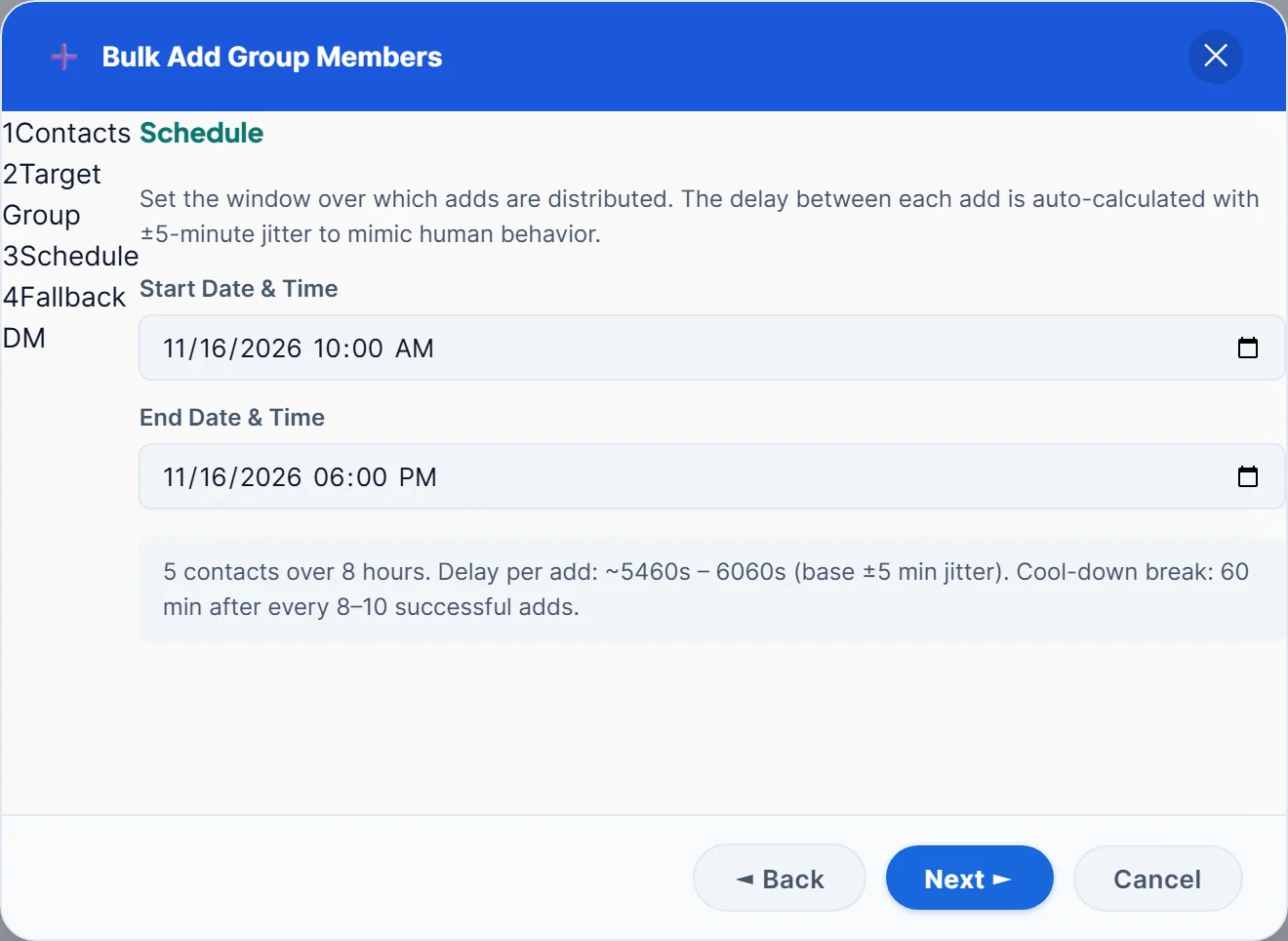
- Schedule. Pick a start and end time for the job.
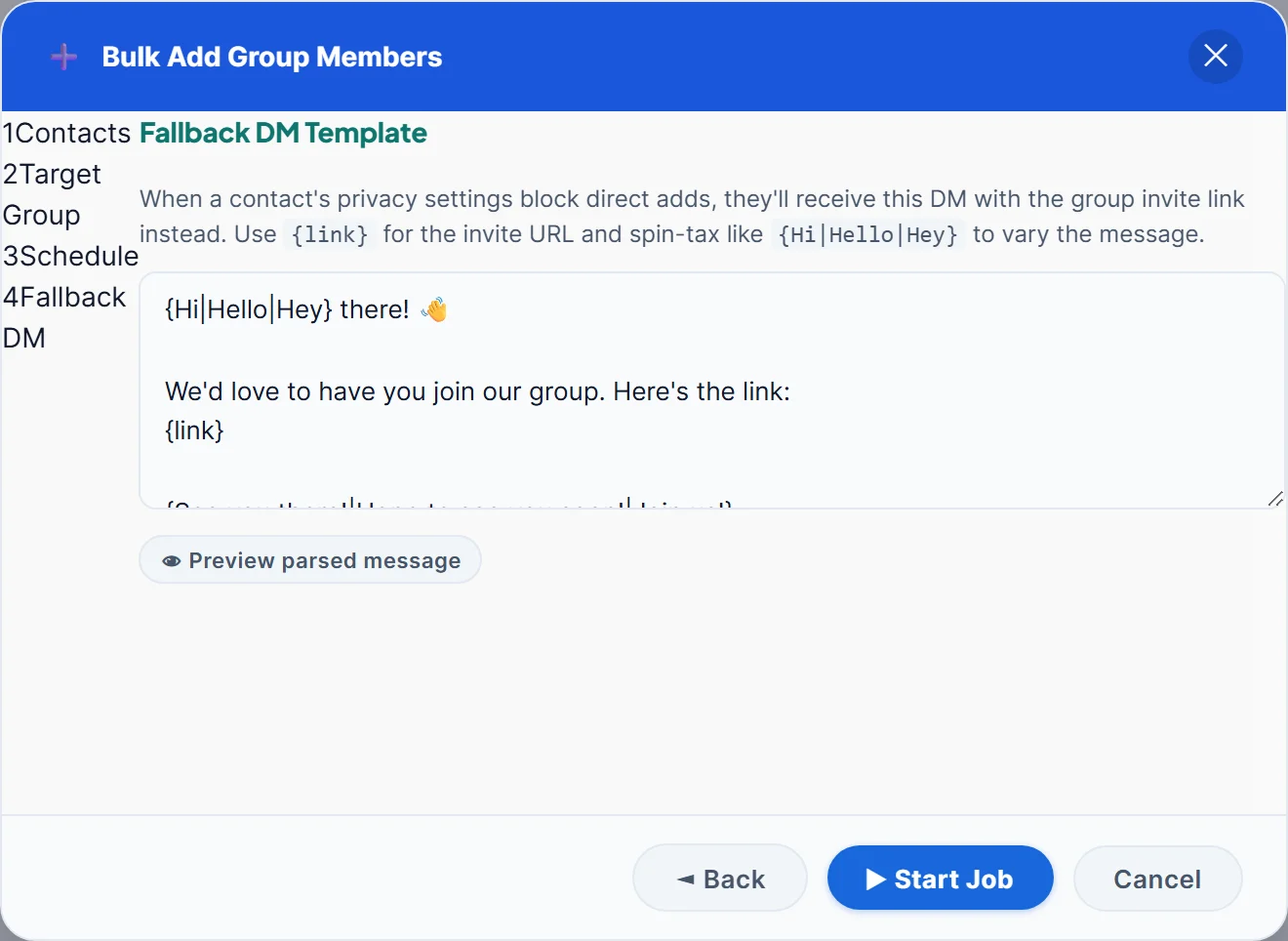
- Fallback DM. Write the message people get when they cannot be added, then press Start Job.
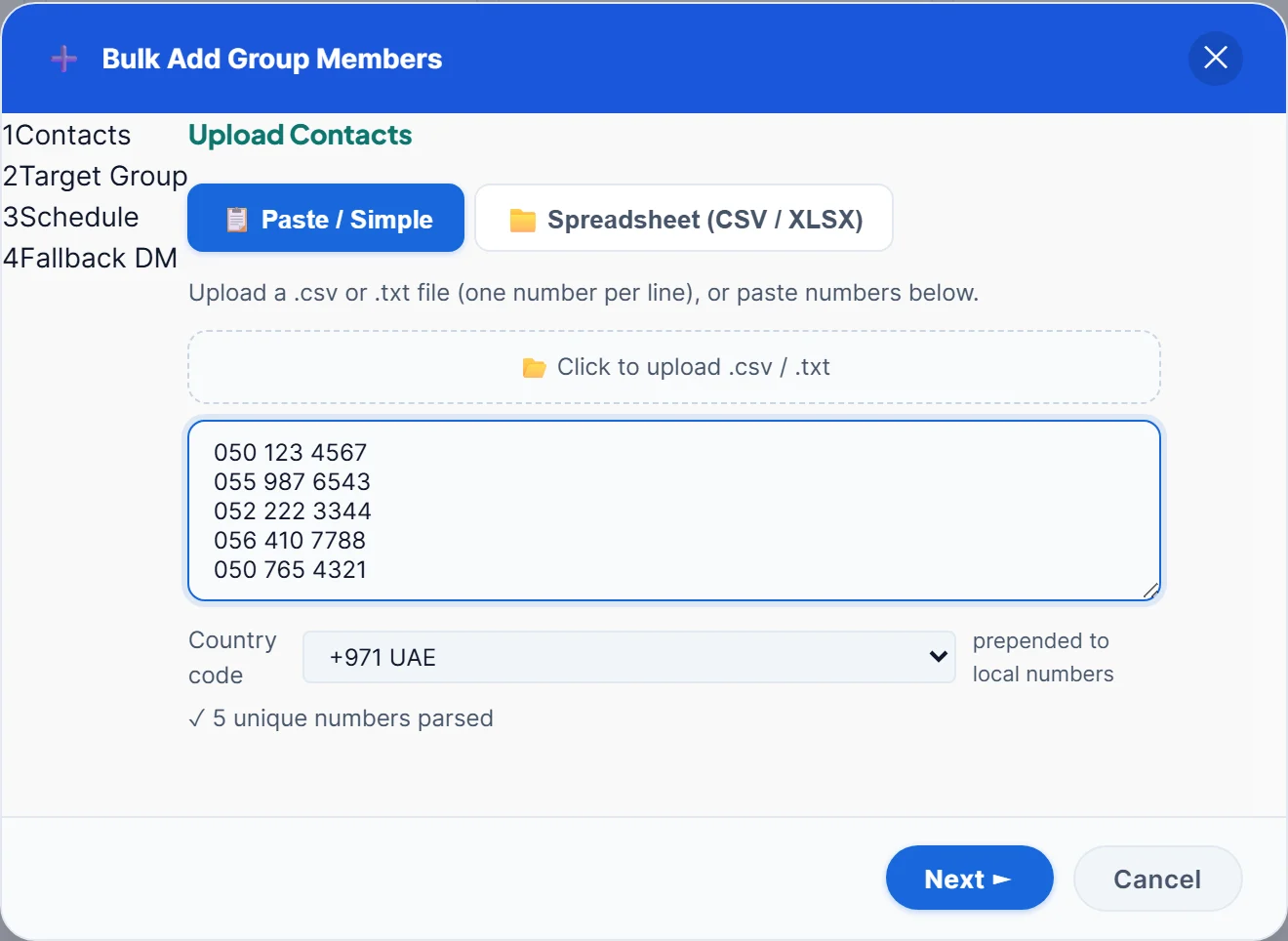
Before anything is added, every number is checked on WhatsApp, and numbers without WhatsApp are left out. If the numbers in your sheet are messy, the free WhatsApp number formatter cleans them first.
Spread the Adds Over Time
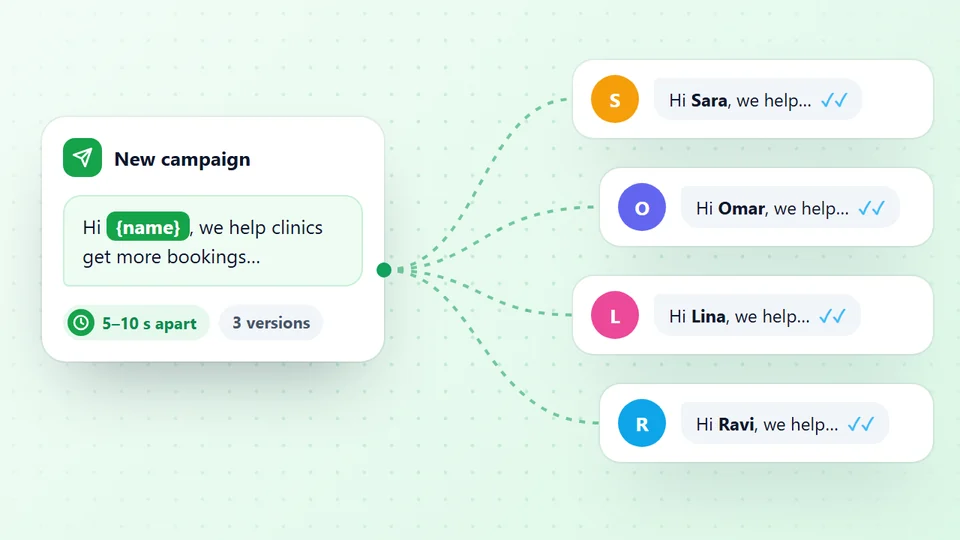
Adding hundreds of people in a few minutes looks like nothing a person would do. So you set a window, for example 10:00 to 18:00, and LeadTrapper spreads the adds evenly across it, with up to five minutes of random variation on every gap. After every 8 to 10 successful adds it also takes a 60-minute break. The window shows the gap it will use before you start.
If you picked several of your numbers in step 2, they take turns adding people, which spreads the work. Each number should be well used before it does this; the WhatsApp warm-up schedule shows how to prepare a new one. If the job is interrupted, LeadTrapper saves its place, and you can continue it from Job History with Resume.
People Who Can't Be Added
Every WhatsApp user chooses who can add them to groups: Everyone, My contacts, or nobody except chosen people. When someone’s setting stops you, LeadTrapper sends them a private message with the group’s invite link instead, so the choice is theirs. The default message is:
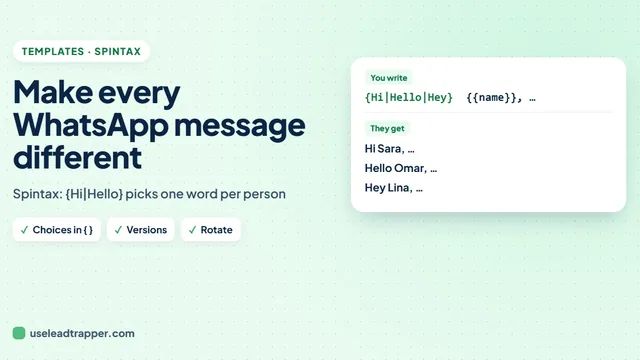
{Hi|Hello|Hey} there! We'd love to have you join our group. Here's the link: {link}
{link} is replaced with the group’s real invite link, and the choices in curly brackets give each person slightly different wording, as the WhatsApp spintax guide explains. Say who you are and why they are getting the link; a bare link from an unknown number looks like spam.
Rules and Limits to Know
- Your number must be allowed to add members. Normally that means it is a group admin.
- A group holds up to 1,024 members. For more, WhatsApp Communities connect several groups.
- Add people who expect it. Customers, students or members who agreed to join. People added to groups they never asked for leave, block and report, and that puts your number at risk. The guide WhatsApp banned my number explains why.
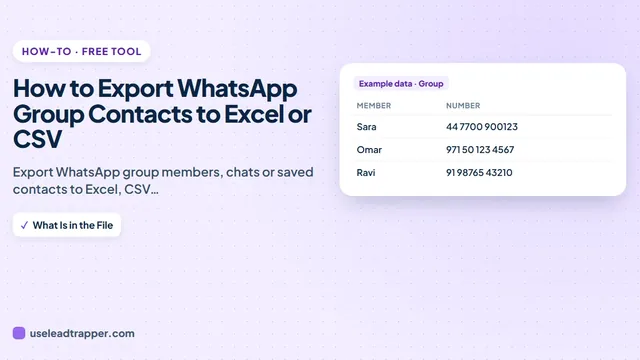
- Want the opposite? To take the member list out of a group into Excel, see how to export WhatsApp group contacts.
Bulk Add Group Members is part of LeadTrapper for Windows, alongside the WhatsApp bulk sender for messaging the same list one to one. It costs $50 a year with a 14-day free trial. WhatsApp’s rules apply to any tool, and LeadTrapper is not affiliated with or endorsed by WhatsApp.
Before you send: warm up new or quiet numbers first with the WhatsApp warmer (LeadTrapper's Account Warmer), which runs in the same app.
Frequently Asked Questions
WhatsApp cannot import a spreadsheet into a group. In LeadTrapper, open Bulk Add Group Members, paste the numbers or upload the CSV or Excel file, choose your WhatsApp number and the group, set a time window and start. The app adds people one by one and sends an invite link to anyone who cannot be added.
Yes, with LeadTrapper you do not need to save the numbers on your phone first. Each number is checked on WhatsApp and then added to the group from your connected number, as long as your number is allowed to add members.
WhatsApp lets each person choose who can add them to groups in their privacy settings. If they chose My contacts or Nobody, you cannot add them directly. LeadTrapper then sends them your invite link in a message so they can join if they want.
A WhatsApp group can have up to 1,024 members. For bigger audiences, WhatsApp Communities group several groups together.
Adding many strangers quickly is a common reason numbers get reported. Add people who agreed to join, such as customers or members, and spread the adds over hours. LeadTrapper spaces them out with random gaps and a one-hour break after every 8 to 10 adds.
About LeadTrapper
LeadTrapper is a Windows app for finding business leads and contacting them on WhatsApp. It collects business contacts from Google Maps, Instagram, Facebook, TikTok, LinkedIn and business websites, checks which numbers are on WhatsApp with its Number Filter, and sends personalised campaigns with automatic delays from one or more WhatsApp accounts. It also has a chatbot, a shared inbox for every account, and Store Orders for online shops. It installs from the Microsoft Store, and the full app is free for 14 days, then $50 a year. Free web tools, browser extensions and a Wix app are listed on the Free Tools page.
Fill Your Group Without Adding People by Hand
LeadTrapper for Windows adds members to WhatsApp groups from your list, spaced out safely, with an invite link for everyone else. $50/year, 14-day free trial.