In this article 5 sections
The best email finder depends on who you sell to. For a named person at a large company, a database finder such as Hunter or Snov.io guesses and verifies addresses for credits. For local and small businesses, a tool that reads each business's own website, such as LeadTrapper, finds what they publish, with phones and WhatsApp too.
- Email finders work in two ways: they search a database of known and guessed addresses, or they read each business's own website.
- Database finders such as Hunter and Snov.io are strongest for a named person at a company with its own domain; each lookup costs credits.
- Website readers are strongest for local and small businesses, which publish a general address, a phone and often a WhatsApp number on their own site.
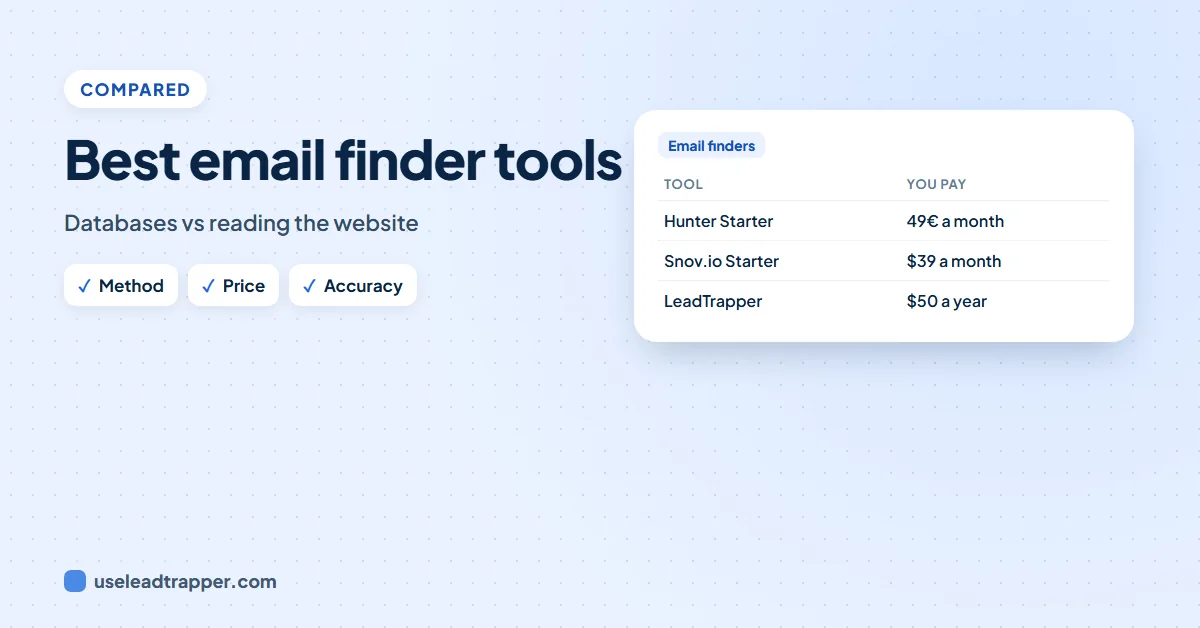
- Hunter's Starter plan was 49€ a month and Snov.io's Starter $39 a month on 25 October 2026; LeadTrapper is $50 a year with no credits, and its Contact Finder extension is free.
- Judge accuracy claims by how they were measured. LeadTrapper's email finder found 85.7% of the published emails on 148 hand-checked business websites, with 2.6% wrong.
“Best email finder” lists usually rank tools by features. The more useful question is how each one finds an email, because that decides who it works for. A tool built for named people at big companies and a tool built for local businesses can both be “the best”, for different jobs.
Two Ways to Find an Email
Searching a database. Tools such as Hunter and Snov.io keep a large index of addresses seen on the web, and of the patterns companies use, such as firstname.lastname@company.com. You give a domain, or a name and a domain, and they return known addresses or a guess with a confidence score, then verify it. Each lookup costs a credit.
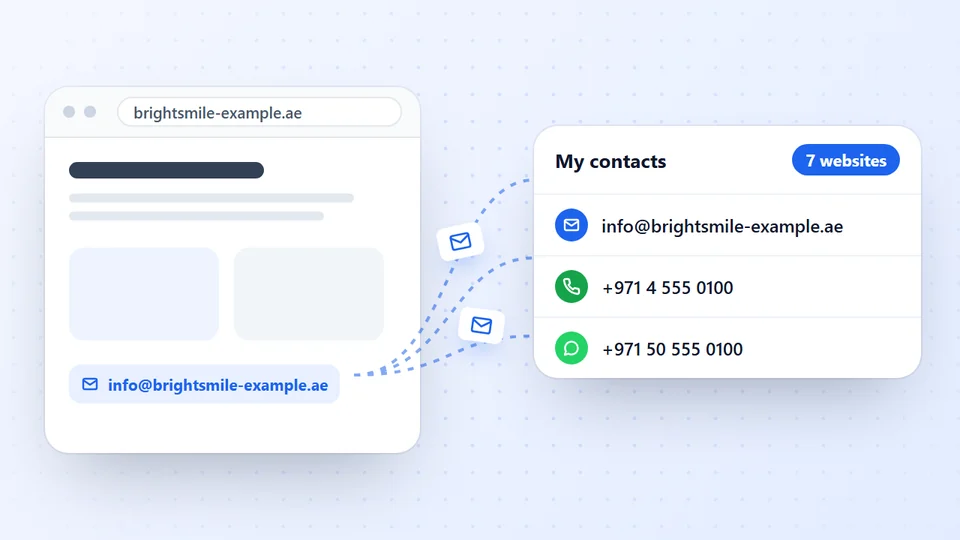
Reading the business’s own website. A website reader opens each business’s site and its contact, team, about and branch pages, and collects what the business published for customers: the general inbox, departments, named people, phones, WhatsApp numbers. It finds nothing a website does not show, and guesses nothing.
The Tools Compared
Prices as each company’s pricing page showed them on 25 October 2026.
| Tool | Method | Price | Best for |
|---|---|---|---|
| Hunter | Database search, pattern guesses, verification | Free: 50 credits a month; Starter 49€ a month | Named people at companies with their own domain |
| Snov.io | Database search, verification, email campaigns | Trial: 50 credits; Starter $39 a month | Prospecting plus sending from one tool |
| Contact Finder (free extension) | Reads the websites you open or list | Free, no credit limit | A handful of websites, in your browser |
| LeadTrapper email finder | Reads each business’s website; finds businesses on Google Maps | $50 a year, no credits | Local and small businesses, emails plus phones and WhatsApp |
For browser extensions in particular, see our comparison of email extractor Chrome extensions, and for Hunter in detail, the Hunter.io alternative guide.
What Each Approach Misses
| Compared | Database finder | Website reader |
|---|---|---|
| A business that publishes only info@ | May return a guessed personal address | Returns info@, the address the business reads |
| A named person at a large company | Strong: pattern and verification | Only if the website names them with an address |
| Phone and WhatsApp numbers | Mostly not | Yes, from the same pages |
| A website with a security check | Not affected | Must be opened by you |
| Brand-new businesses | Often not in the database yet | Found as soon as their website is live |
| Cost of a large list | Grows with every lookup | The same, however many websites |
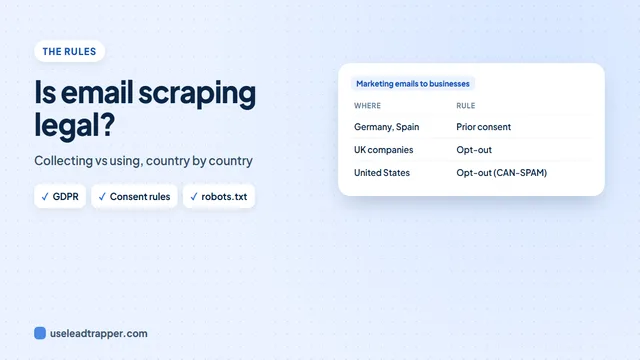
A guessed address can bounce, and writing to a personal address you guessed is more sensitive under privacy law than writing to one the business published; see whether email scraping is legal.
How to Judge an Accuracy Claim
“95% accurate” can mean many things. Ask how it was measured: is it the share of returned addresses that exist, or the share of all addresses the tool found? On which websites? Checked by hand, or against the tool’s own data?
We publish ours, measured by hand: on 148 real business websites, LeadTrapper’s email finder found 85.7% of the published emails and 78.2% of the phone numbers, with 2.6% and 4.7% of its results wrong. The method, every site type and what it misses are in our hand-checked accuracy test of 190 websites. No tool finds 100%.
Which to Pick
- You sell to named roles at larger companies: a database finder, used with care.
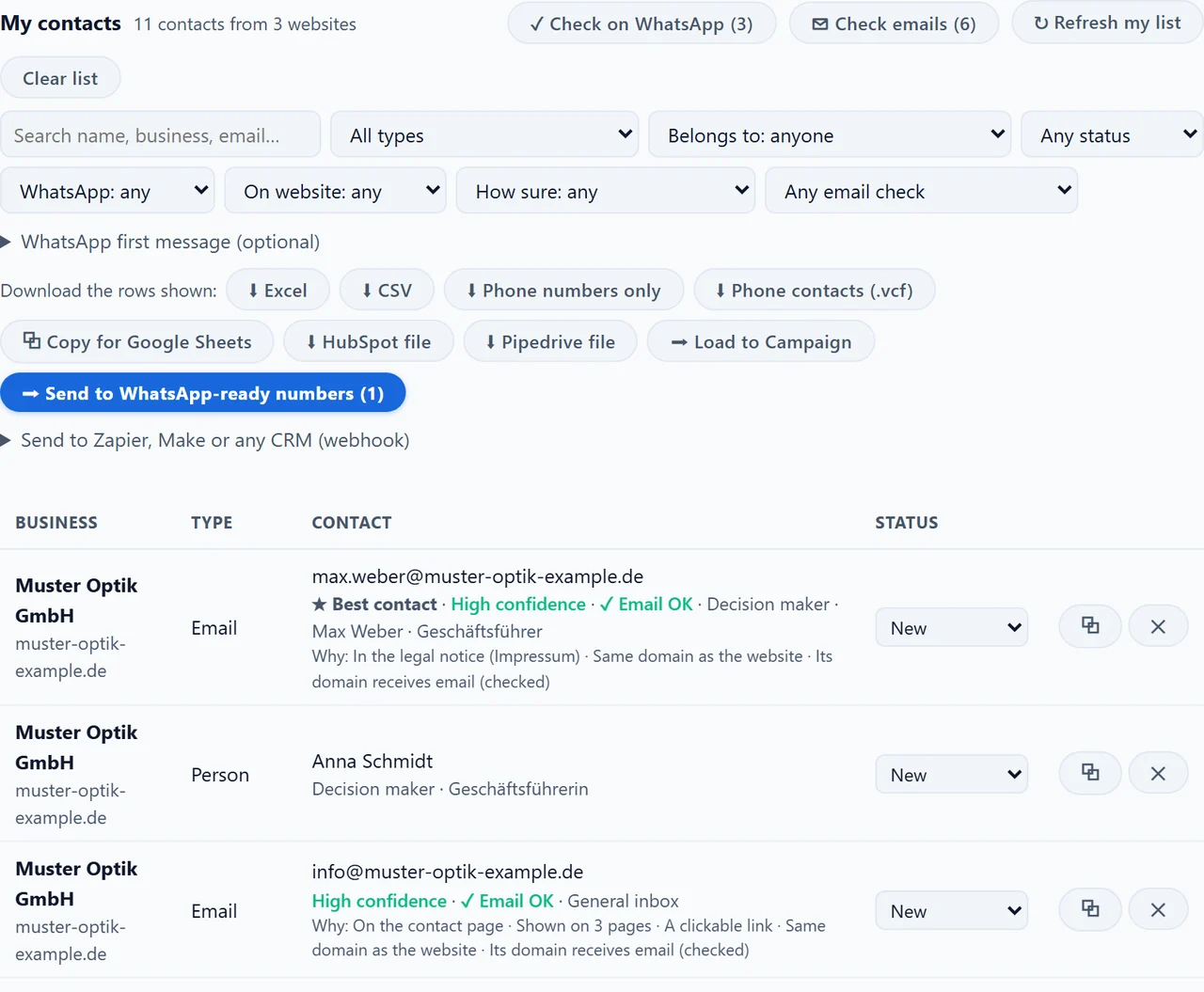
- You sell to local businesses, clinics, shops, agencies: a website reader, ideally one that finds the businesses too. The email finder in the LeadTrapper Windows app searches Google Maps for a business type in several cities, reads each website, marks decision makers and best contacts, and checks which numbers are on WhatsApp.
- You only need a few websites: the free Contact Finder extension.
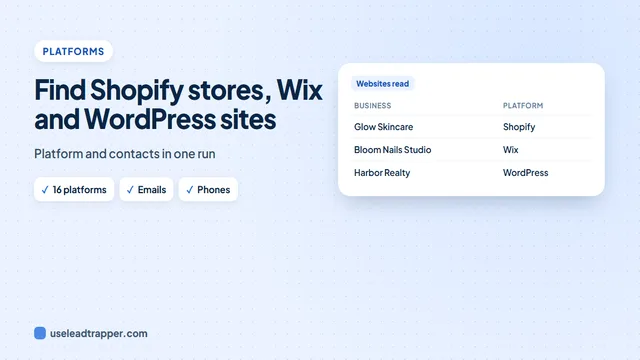
- You sell to businesses on one platform: see finding Shopify stores, Wix and WordPress sites, which reads the platform and the contacts together.
Many teams use both: a website reader for the business’s own contacts, then a database lookup for one specific person.
Frequently Asked Questions
For a named person at a larger company, a database finder such as Hunter or Snov.io, which guesses and verifies addresses from company patterns. For local and small businesses, a tool that reads each business's own website, such as LeadTrapper's email finder, because those businesses publish their own contacts and rarely follow a naming pattern.
Hunter and Snov.io each give 50 free credits a month or on trial. LeadTrapper's Contact Finder extension for Chrome and Edge is free with no credit limit: it reads the websites you open or list and collects the emails, phones and WhatsApp numbers they publish.
It depends on the method and on how accuracy is measured. A verification rate says an address exists, not that the tool found every address. In our hand-checked test of 148 business websites, LeadTrapper found 85.7% of the published emails, with 2.6% of its results wrong.
Database finders focus on emails. A website reader collects whatever the business publishes, so LeadTrapper also returns phone and WhatsApp numbers, addresses, social profiles and contact forms, and marks each number mobile or landline.
A website reader, ideally one that finds the businesses too. LeadTrapper's email finder searches Google Maps for a business type in one or more cities, reads each website, and can mark which phone numbers are on WhatsApp, for $50 a year.
About LeadTrapper
LeadTrapper is a Windows app for finding business leads and contacting them on WhatsApp. It collects business contacts from Google Maps, Instagram, Facebook, TikTok, LinkedIn and business websites, checks which numbers are on WhatsApp with its Number Filter, and sends personalised campaigns with automatic delays from one or more WhatsApp accounts. It also has a chatbot, a shared inbox for every account, and Store Orders for online shops. It installs from the Microsoft Store, and the full app is free for 14 days, then $50 a year. Free web tools, browser extensions and a Wix app are listed on the Free Tools page.
Find Every Contact a Business Publishes
LeadTrapper for Windows finds businesses by type and city and reads their websites for emails, phones, WhatsApp numbers and decision makers. $50/year, 14-day free trial.