In this article 5 sections
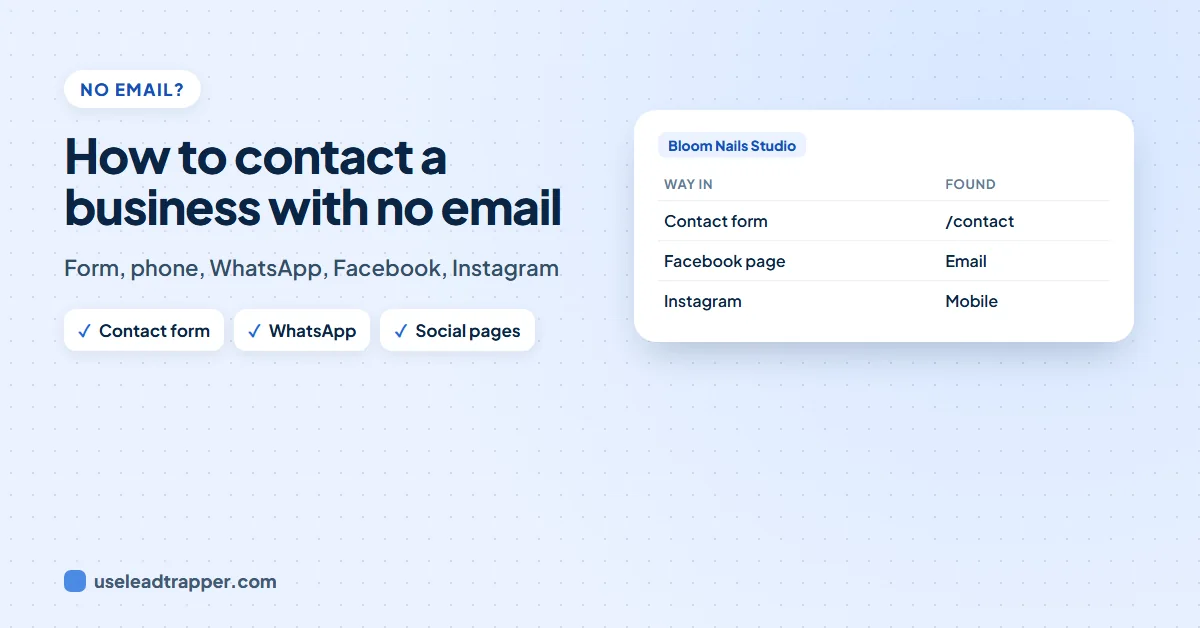
Many small businesses publish no email, only a contact form, a phone number, WhatsApp or social media. Use the contact form with a short message, call or message the published number, or check the business's own Facebook page or Instagram profile, where many list an email. The LeadTrapper app collects all of these, so no business is a dead end.
- Many small businesses publish no email at all, by choice: they prefer a contact form, the phone or WhatsApp.
- A contact form reaches the business as reliably as an email; write the same short message you would send by email.
- Phone and WhatsApp are often the fastest way to reach a small business. Check the number is on WhatsApp before you message it.
- A business's own Facebook page or Instagram profile often lists an email that the website does not.
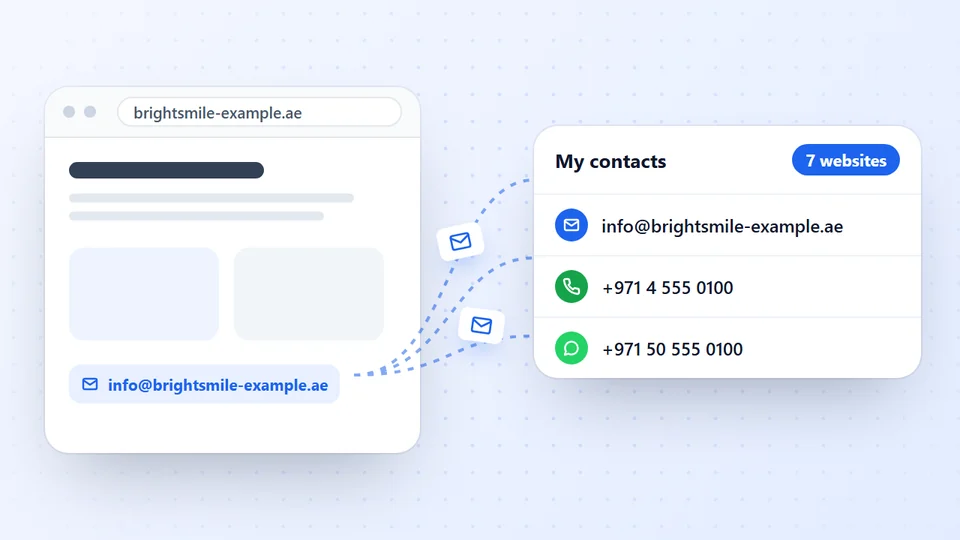
- The LeadTrapper app saves the contact-form page with what the form asks for, collects phones, WhatsApp, QR codes and contact cards, and can check the Facebook and Instagram pages of websites with no email.
You have a list of businesses and some of them show no email anywhere. That is normal: plenty of small businesses, from salons to workshops, deliberately publish no address. It does not mean they cannot be reached, only that they chose another way.
Why Some Businesses Publish No Email
An email printed on a website collects spam. Many owners would rather take messages through a form, which filters robots, or by phone and WhatsApp, which they already answer all day. Some simply never set up an email on their own domain and use a personal address they do not publish.
Before deciding a business has no email, check the places it often hides: the legal notice or Impressum, the privacy policy, pictures and PDFs on the contact page. Our guides to finding a website owner’s email and reading emails from images and PDFs cover those.
The Other Ways In
| Way | Best for | Watch out for |
|---|---|---|
| Contact form | A first written message | You cannot attach files; keep it short |
| Phone | A quick question in office hours | Landlines reach reception, not the owner |
| Small businesses, outside office hours | Check the number is on WhatsApp first | |
| Facebook page or Instagram profile | Finding an email or messaging the owner | Use the business’s own page, linked from its website |
| Google Maps listing | A phone number when the website is down | Listings can be out of date |
A mobile number is the most likely to be on WhatsApp; our guide to telling a mobile from a landline shows how to tell from the number.
Facebook and Instagram
Business pages on Facebook and business profiles on Instagram have a contact section, and many owners put an email and phone there even when their website has none. Follow the link from the business’s own website, so you know it is the right page and not a namesake.
Collecting Them for a Whole List
The email finder in the LeadTrapper Windows app makes sure a business without an email still ends up in your list with a way to reach it:
- The contact form. When a website has a form, its page is saved as its own row, with what the form asks for, such as name, email, phone and message. A website with only a form is marked Contact form only in the results.
- Phone and WhatsApp numbers from the website, each marked mobile or landline, with WhatsApp chat buttons recognised.
- QR codes and contact cards on the website, which often hold a WhatsApp number or a mobile.
- Facebook and Instagram, as an option. Tick No email on the website? Check its Facebook and Instagram page before a run. After the websites are read, the app checks the Facebook page or Instagram profile that each email-less website links to, with your connected accounts and the same safe pace and safety stops as its own Facebook and Instagram screens. Contacts found there are marked “from its Facebook page” or “from its Instagram profile”.
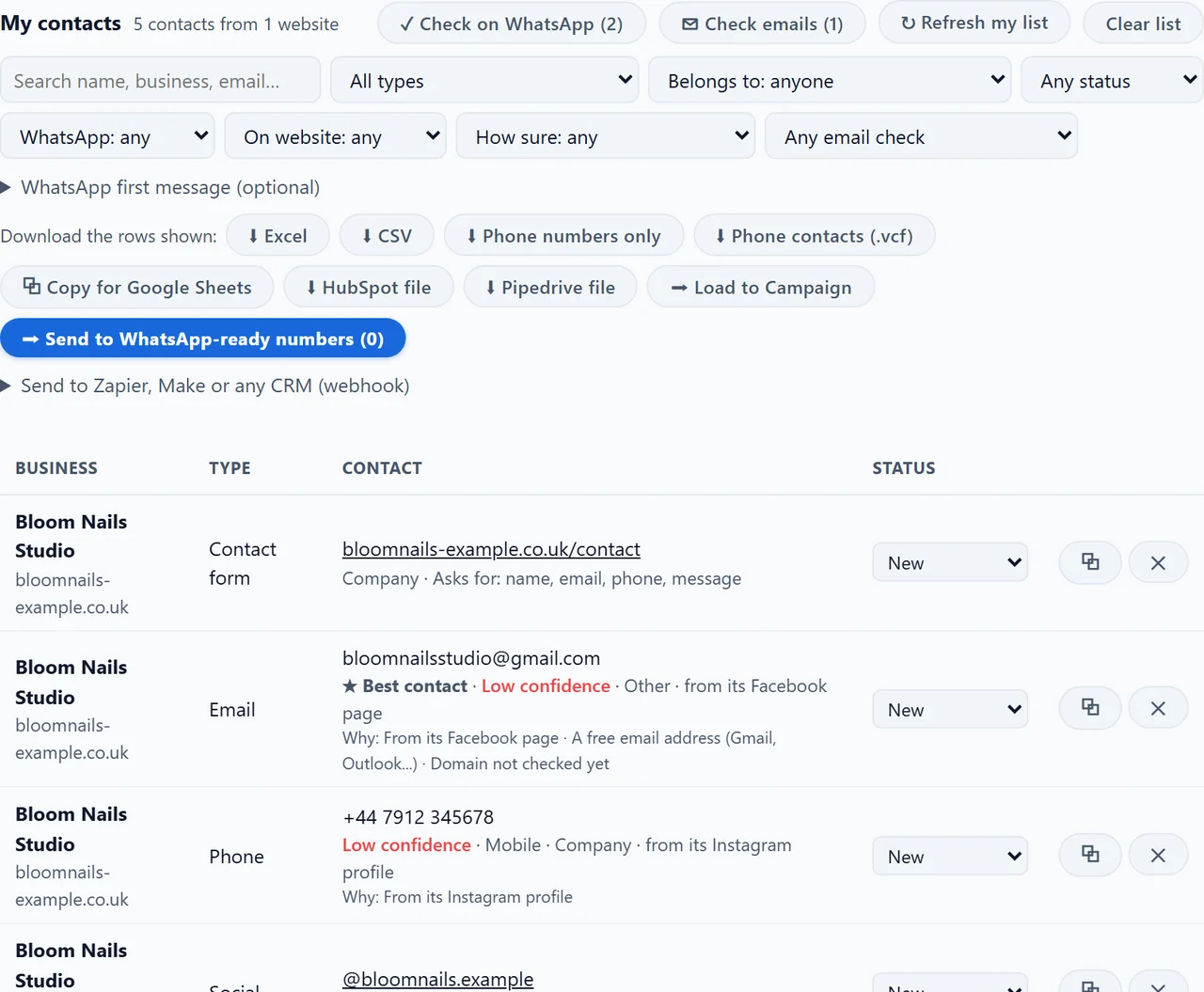
Then press Check on WhatsApp to mark which numbers are on WhatsApp, and send to them with the WhatsApp bulk sender.
What to Write
Whatever the channel, the first message is the same: who you are, why you are writing to this business, one clear question, and an easy way to say no. On a contact form, add your email and phone so they can answer. On WhatsApp, keep it shorter still, and write during their working hours.
Our guide on how to find business email addresses covers the businesses that do publish one, and the bulk email extractor guide explains why some websites return none.
Frequently Asked Questions
Use what it publishes instead: the contact form on its website, its phone or WhatsApp number, or its social media. Many businesses list an email on their Facebook page or Instagram profile even when their website shows none.
For a first message, yes. The form usually lands in the same inbox, and the business chose it as the way to be reached. Keep the message short, say who you are and why you are writing, and leave an email or phone for the reply.
Often. Business pages on Facebook and business profiles on Instagram have a contact section where many owners put an email and a phone. Look at the business's own page, the one its website links to.
Yes, as an option. Tick 'No email on the website? Check its Facebook and Instagram page' before a run. After the websites are read, the app checks the Facebook page or Instagram profile that each email-less website links to, using your connected accounts with the same safe pace and safety stops as its Facebook and Instagram screens.
The website publishes no email or phone number, only a contact form. The app saves the form's page as its own row, with what the form asks for, such as name, email, phone and message, so you can still reach the business.
About LeadTrapper
LeadTrapper is a Windows app for finding business leads and contacting them on WhatsApp. It collects business contacts from Google Maps, Instagram, Facebook, TikTok, LinkedIn and business websites, checks which numbers are on WhatsApp with its Number Filter, and sends personalised campaigns with automatic delays from one or more WhatsApp accounts. It also has a chatbot, a shared inbox for every account, and Store Orders for online shops. It installs from the Microsoft Store, and the full app is free for 14 days, then $50 a year. Free web tools, browser extensions and a Wix app are listed on the Free Tools page.
Reach Every Business on Your List
LeadTrapper for Windows collects emails, phones, WhatsApp numbers, contact forms and social pages from business websites, and sends on WhatsApp with safe delays. $50/year, 14-day free trial.