In this article 5 sections
On a PC you have five options: a desktop app such as LeadTrapper ($50 a year, Windows), the WASender desktop app (free plan or $29.90 a month), the WASender Chrome extension, WhatsApp Business broadcast lists (free, but only to people who saved your number) and the official WhatsApp Business API, which charges per message.
- There are five realistic ways to send bulk WhatsApp messages from a PC: a desktop app, a Chrome extension, WhatsApp Business broadcast lists, the official WhatsApp Business API, or a mix.
- Broadcast lists in the WhatsApp Business app are free, but a message only reaches people who saved your number.
- The official WhatsApp Business API charges per delivered template message, about $0.025 for marketing in the US, plus a provider subscription, and needs opt-in and approved templates.
- Desktop apps and extensions send from your own WhatsApp account through WhatsApp Web. They are cheaper and faster to start, and the account risk is yours to manage.
- LeadTrapper is a $50-a-year Windows app that also builds the list, with a Google Maps scraper, a Number Filter and an Account Warmer in the same app.
Sending one WhatsApp message to hundreds of people from a computer can mean very different things: a free broadcast list, a browser extension, a desktop app or the official API. Each has a different price, a different limit and a different risk. This guide compares the five options a PC user realistically has. One of them, LeadTrapper, is ours, and we say so wherever it appears.
What to Look For
- Unsaved numbers. Can it message numbers that aren’t in your phone’s contacts? Broadcast lists can’t.
- Personalisation. Does each person see their own name, company or city, and does the wording vary between messages?
- Pacing and safety. Does it space out the sends, stop when something looks wrong, and support more than one account?
- The list itself. Does it help you find contacts and check which numbers are on WhatsApp, or do you bring a finished list?
- Price model. Free, monthly, yearly, or per message.
- Where it runs. A Windows app, a Mac app, or a tab in Chrome.
The Five Options
1. LeadTrapper (Windows app)
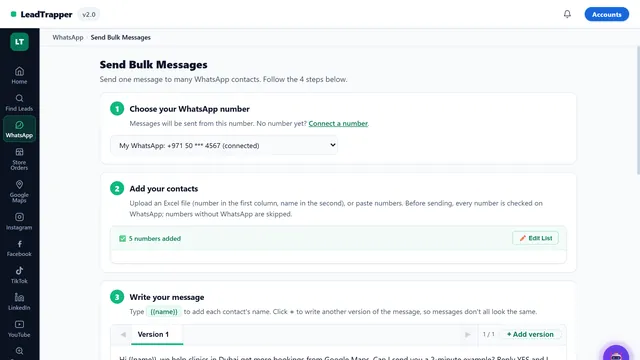
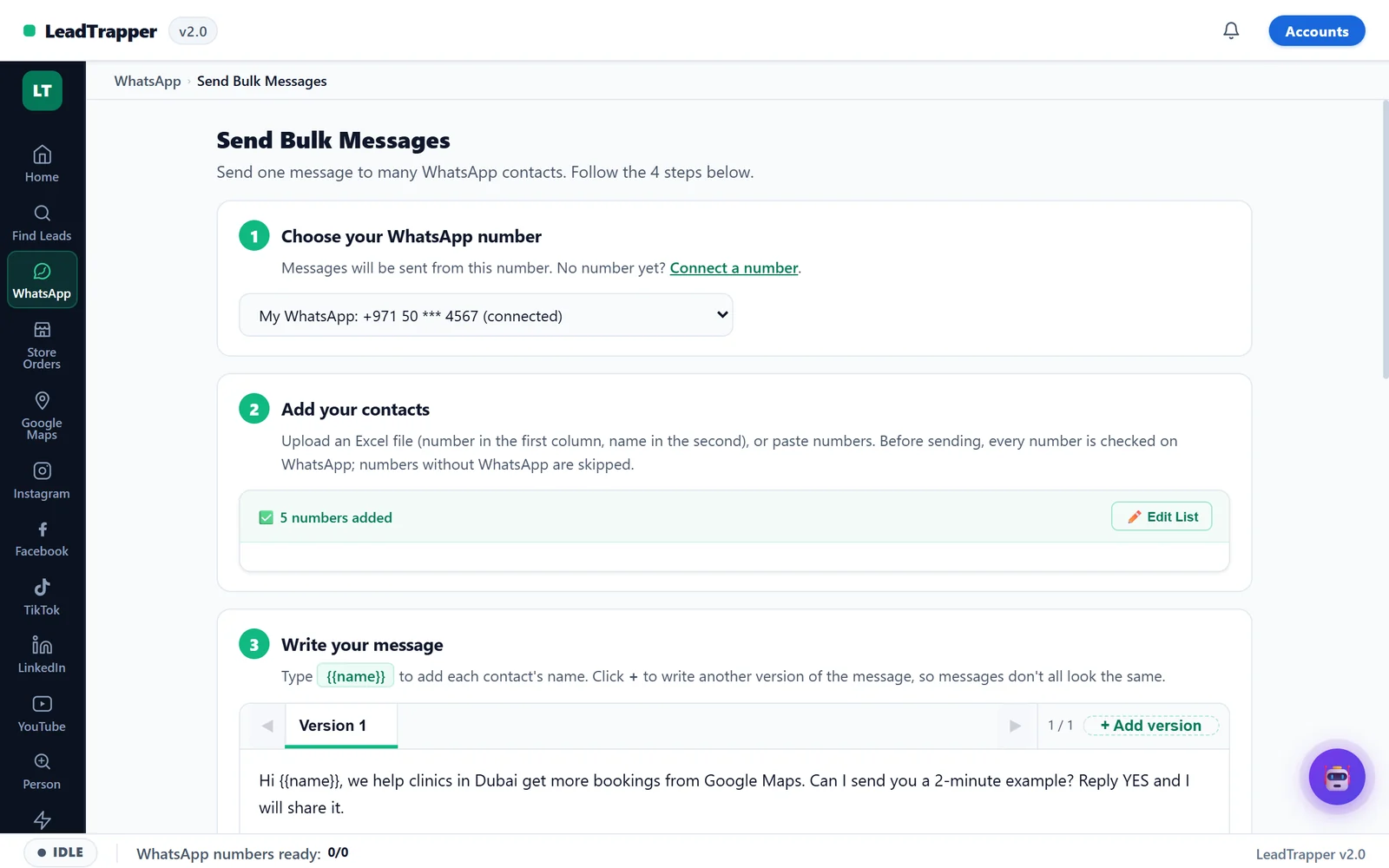
The LeadTrapper WhatsApp Bulk Sender sends a personalised message to every number on an Excel or CSV list from your own WhatsApp accounts, with no Business API. Names and any column from your file fill into the message, spin syntax varies the wording, files can be attached, and campaigns can be scheduled. A random delay, a messages-per-minute limit and an optional snooze window pace the sends, and a campaign stops itself after 5 failed sends within an hour.
What sets it apart is everything around the sending. The Google Maps scraper builds the list, the WhatsApp Number Filter removes numbers that aren’t on WhatsApp, and the Account Warmer prepares new numbers before a campaign. It costs $50 a year after a 14-day free trial, and runs on Windows 10 and 11 only.
Try LeadTrapper free for 14 days
2. WASender desktop app (by WADesk)
A desktop app for Windows and macOS that processes data locally. On 24 September 2026 its pricing page listed number verification, bulk and group messaging, scheduled Status posts, and a fingerprint and an independent proxy for each account. The Free plan allows one WhatsApp account and 30 uses of each task type. Pro costs $29.90 a month ($19.90 the first month) for five accounts. It listed no lead scrapers. More detail in the WASender alternative guide.
3. WASender Chrome extension (wasender.com)
A different product with the same name, running inside WhatsApp Web in Chrome. On 25 October 2026 its Chrome Web Store page showed about 200,000 users and around 1,500 ratings. Its homepage lists Excel upload, attachments, personalised messages, batching with a time gap, contact filtering and reports, plus AI features. It is free to install, with a paid Pro plan.
4. WhatsApp Business broadcast lists
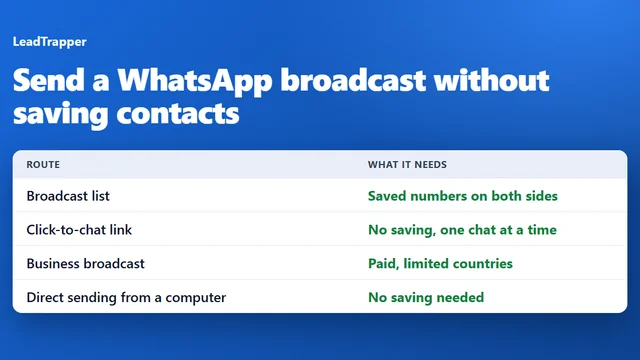
Built into the free WhatsApp Business app on your phone. You pick up to 256 contacts and send one message that arrives as a private chat. The catch is that a broadcast only reaches people who saved your number, so it suits existing customers, not new leads. See sending a broadcast without saving contacts for what works instead.
5. The official WhatsApp Business API
Meta’s WhatsApp Business Platform, used through a provider. It charges per delivered template message, from about $0.0094 for marketing in India to over $0.124 in Germany, with the US around $0.025, and a provider subscription adds about $39 to $229 a month. Messages need opt-in and approved templates. It is the approved route for automated messaging at scale. The full numbers are in WhatsApp Business API cost in 2026, and do you need the API or a bulk sender helps you choose.
The Comparison Table
| Compared | LeadTrapper | WASender desktop | WASender extension | Broadcast lists | Business API |
|---|---|---|---|---|---|
| Runs on | Windows | Windows and macOS | Chrome | The WhatsApp Business app | Through a provider |
| Price | $50 a year | Free plan, or $29.90 a month | Free install, paid Pro | Free | Per message, plus provider fee |
| Unsaved numbers | Yes | Yes | Yes | No | Yes, with opt-in |
| Personalisation | Columns and spin syntax | Not on its pricing page | Listed | No | Template variables |
| Several accounts | Yes | 5 on Pro | Not on its homepage | One | Depends on the provider |
| Builds the list | Maps, social and email tools | No | No | No | No |
| Checks numbers first | Number Filter | Number verification | Contact filtering | No | Not needed with opt-in |
“Not on its pricing page” or “not on its homepage” means the page didn’t mention it, not that the product lacks it.
Which One Fits Your Job
- You message existing customers who saved your number: start with free broadcast lists.
- You send automated, opted-in messages at volume, such as order updates: the official API.
- You’re on a Mac and already have your list: the WASender desktop app or the Chrome extension.
- You’re on Windows and need to find contacts, check them and message them: LeadTrapper does all three in one app for $50 a year.
Staying Within WhatsApp's Rules
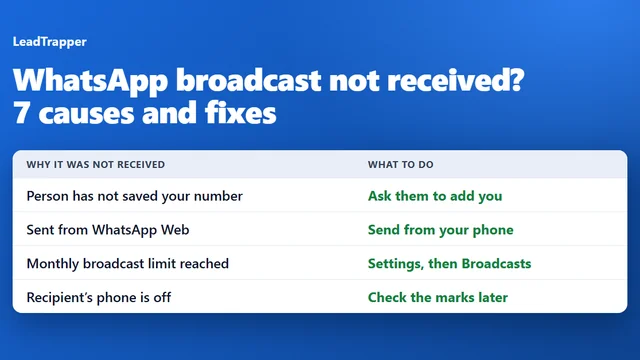
WhatsApp’s terms prohibit unsolicited bulk messaging, and enforcement is automatic, driven by how often people block or report you. Whatever tool you choose, send to people with a reason to hear from you, filter out numbers that aren’t on WhatsApp, warm up new numbers and pace the campaign. How to send bulk WhatsApp messages without a ban walks through each step.
Frequently Asked Questions
It depends on the job. For sending to contacts who saved your number, WhatsApp Business broadcast lists are free. For automated, opted-in messages at scale, the official API is the approved route. For campaigns to your own list from your own number, a desktop app such as LeadTrapper or WASender is the usual choice, and LeadTrapper also builds and checks the list.
WhatsApp Business broadcast lists are free, but only reach people who saved your number. The WASender desktop app has a free plan with one account and 30 uses of each task type, and the WASender Chrome extension is free to install with a paid Pro plan. LeadTrapper has a 14-day free trial.
Yes. Desktop apps and extensions send from your own WhatsApp account through WhatsApp Web, with no Business API. WhatsApp's terms prohibit unsolicited bulk messaging, so send to people who expect to hear from you, and pace the campaign.
No tool can guarantee WhatsApp won't restrict an account. What lowers the risk is sending only to numbers that are on WhatsApp, warming up new numbers first, varying the message, pacing the sends, and messaging people who know you. LeadTrapper includes a Number Filter, an Account Warmer, spin syntax and calculated delays for that reason.
No. LeadTrapper is a Windows app for Windows 10 and 11. On a Mac, the WASender desktop app, which runs on Windows and macOS, or a Chrome extension are the options in this list.
About LeadTrapper
LeadTrapper is a Windows app for finding business leads and contacting them on WhatsApp. It collects business contacts from Google Maps, Instagram, Facebook, TikTok, LinkedIn and business websites, checks which numbers are on WhatsApp with its Number Filter, and sends personalised campaigns with automatic delays from one or more WhatsApp accounts. It also has a chatbot, a shared inbox for every account, and Store Orders for online shops. It installs from the Microsoft Store, and the full app is free for 14 days, then $50 a year. Free web tools, browser extensions and a Wix app are listed on the Free Tools page.
Build the List, Check It, Send It: One App
The WhatsApp bulk sender, Number Filter, Account Warmer and Google Maps scraper all come with LeadTrapper. $50/year, all features included.