In this article 7 sections
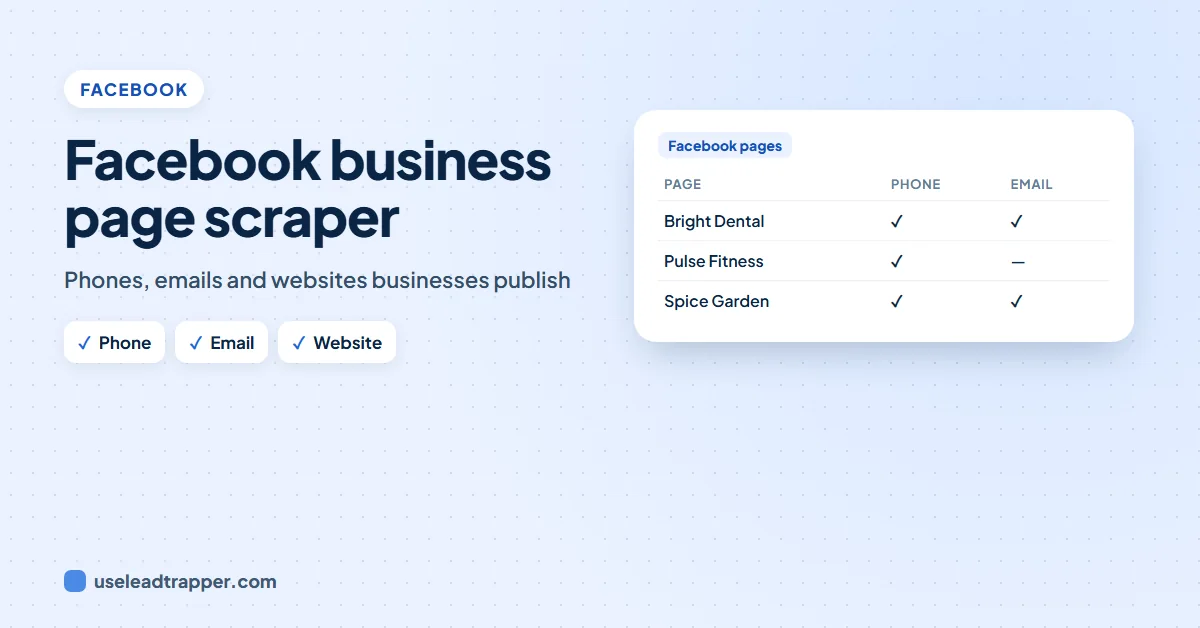
A Facebook business page scraper searches Facebook pages by keyword and city and collects what each page publishes: name, category, email, phone, website, followers, rating and whether it runs ads. In LeadTrapper, Business Leads does this for one or more keywords, keeps or drops pages by your words, and exports to Excel or WhatsApp.
- Many small businesses keep their phone and email on a Facebook page rather than a website, which makes Facebook a good source of local leads.
- LeadTrapper's Business Leads search takes one or more keywords and a city, and runs a separate Facebook search for each keyword.
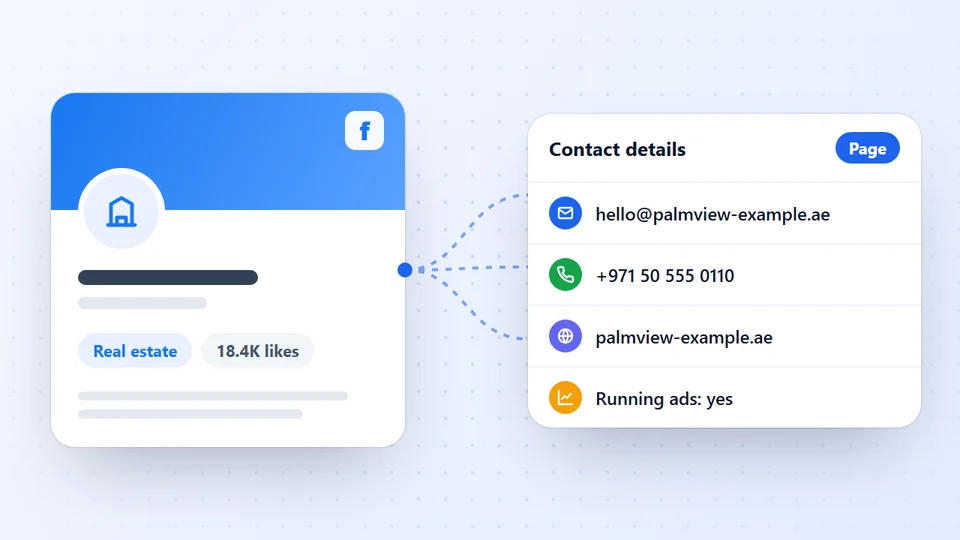
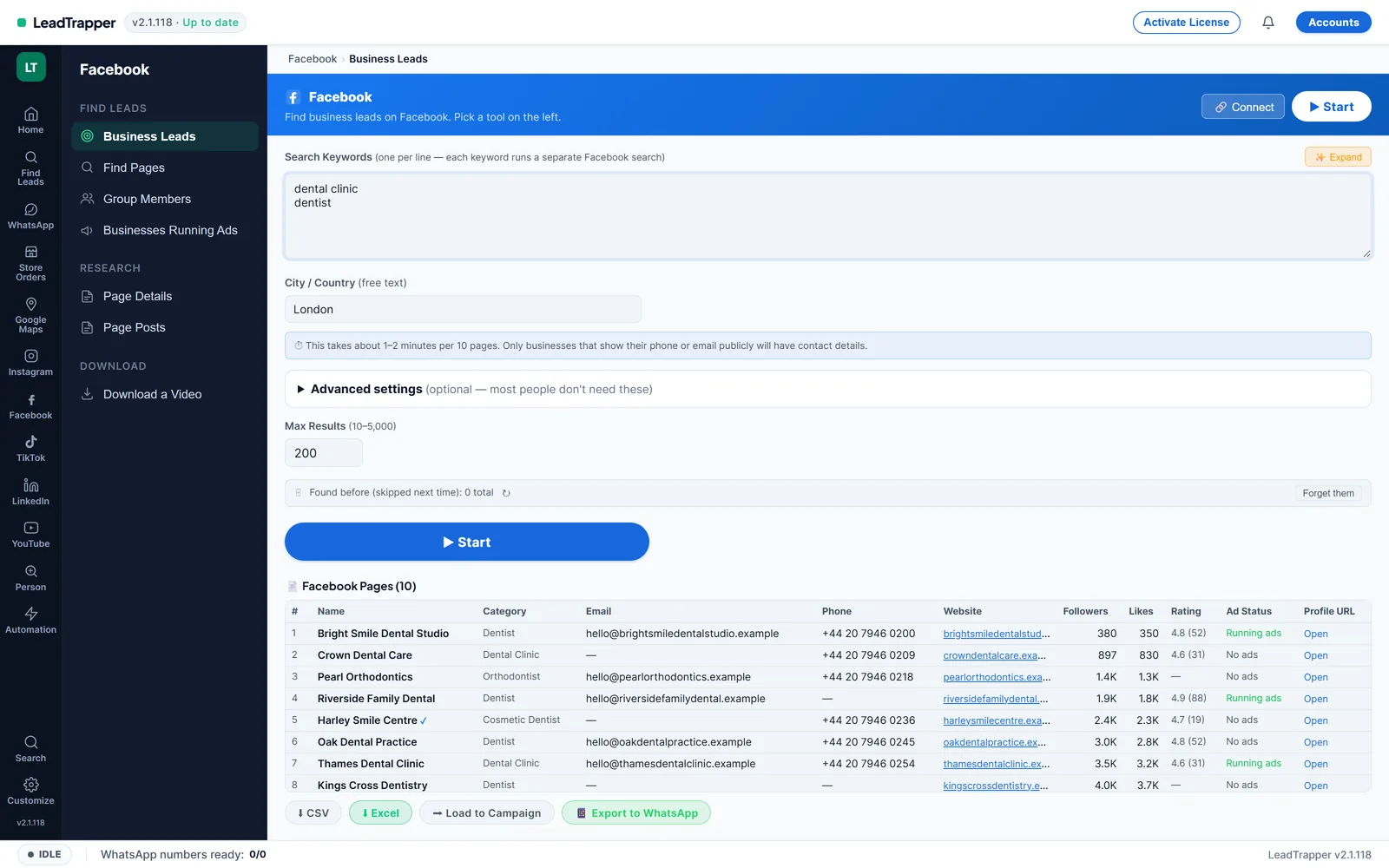
- For each page it collects the name, category, email, phone, website, followers, likes, rating and whether the page is running ads.
- Keep and drop words remove pages you don't want; pages found before are skipped next time.
- Meta's terms prohibit automated collection without permission, so the risk is yours: use an account you can afford to have limited and keep runs modest.
In many cities, small businesses run on a Facebook page instead of a website: salons, clinics, tradesmen, caterers, shops. Their page often lists a phone number, an email and opening hours that you won’t find anywhere else. A Facebook business page scraper collects those details for a whole list of businesses at once. Here’s how it works in LeadTrapper, step by step.
Why Facebook Pages Are Good Local Leads
Google Maps is the first place most people look for local businesses, and LeadTrapper’s Google Maps scraper covers it. Facebook adds two things Maps doesn’t show: businesses that are active on social media, and whether they are running ads, which tells you they already pay for marketing. That makes Facebook pages especially useful for agencies, suppliers and anyone selling to small businesses.
How to Scrape Facebook Business Pages
In LeadTrapper, open Facebook and then Business Leads:
- Type your keywords, one per line, for example “dental clinic” and “dentist”. Each keyword runs its own Facebook search.
- Type the city or country, for example “London”.
- Optional: open Advanced settings to add keep words (only pages that mention them stay) and drop words (pages that mention them are removed).
- Set Max Results, from 10 to 5,000.
- Press Start. LeadTrapper opens each page to read its details, about 1 to 2 minutes per 10 pages.
Log in to Facebook first with the Connect button: you get more and better results. Pages you found in an earlier run are skipped next time, so repeated searches only add new businesses.
What You Get for Each Page
| Column | What it is |
|---|---|
| Name and category | The page name and the category it chose, such as Dentist |
| Email, phone, website | As published on the page, when it publishes them |
| Followers and likes | How big the page’s audience is |
| Rating | The page’s reviews, when it has them |
| Ad status | Whether the page is running ads right now |
| Page link | To open the page yourself |
Many pages publish no email or phone; that’s normal. For those with a website, the Email Finder reads the contact and team pages of the site. Download the list as CSV or Excel, or use Load to Campaign to send the phone numbers to the WhatsApp bulk sender, which checks each number on WhatsApp before sending.
Facebook Pages or Google Maps?
Both list local businesses, and the best lists usually use both. They answer different questions:
| Compared | Facebook pages | Google Maps |
|---|---|---|
| Strongest for | Businesses active on social media | Almost every business with an address |
| Contact details | Email, phone, website when the page lists them | Phone for nearly every business, plus website |
| Extra signal | Whether the page is running ads, followers, likes | Rating, review count, opening hours, area |
| Best search | Keyword and city | Business type and city, area by area |
A worked example. A catering supplier wants cafes and bakeries in one city. A Google Maps search gives the full list of places with their phone numbers and ratings. A Facebook Business Leads search for “bakery” and “cafe” in the same city adds the businesses that sell through their page, often with an email that Maps doesn’t show, and marks which ones advertise. Combine the two exports and remove duplicates by phone number; the WhatsApp Number Filter does that and keeps only numbers that are on WhatsApp.
Start with the source your customers use most. For restaurants, salons and clinics that’s usually Google Maps; for home bakers, boutiques and online shops it’s often Facebook or Instagram.
Tips for a Better List
- Use two or three keywords for the same business type; each finds pages the others miss.
- Add drop words like “jobs”, “course” or “supplies” so training pages and suppliers don’t fill your list.
- Sort by ad status if you sell marketing: businesses already running ads are used to paying for it. The Facebook Ad Library scraper finds advertisers by keyword directly.
- Already have page links? Paste them into Page Details to read the same details for a list you made yourself.
- Keep runs modest. Several smaller runs over a few days are gentler on your account than one huge run.
From List to Customers
A list of pages is only the start. A simple routine turns it into conversations:
- Sort and pick. Sort by followers, rating or ad status and pick the 30 to 50 businesses that best fit what you sell.
- Fill the gaps. For pages without an email, run their websites through the Email Finder; for pages without a phone, check the business on Google Maps.
- Check the numbers. Load the phone numbers into a campaign: every number is checked on WhatsApp before anything is sent, and numbers without WhatsApp are skipped.
- Send a short, personal first message. Their business name, why you’re writing to them, and one easy question. A few at a time, from a warmed-up number.
- Reply fast and follow up once. Then note what worked, and run the next search in a new city or niche.
Repeat the search every few weeks: new businesses open all the time, and pages found before are skipped, so each run only adds what’s new.
Facebook's Rules and Your Account
Meta’s Terms of Service prohibit accessing or collecting data from its products by automated means without Meta’s prior permission, and LeadTrapper can’t grant that permission, so the risk is yours. This isn’t legal advice. Use a Facebook account you can afford to have limited. When Facebook shows a security check, LeadTrapper pauses Facebook runs for 24 hours; after three blocked responses in a row it pauses for two hours.
The Facebook scraper page lists everything else it does, from group members to page posts. For Instagram, the same kind of search is covered in the Instagram email extractor guide.
In short: Facebook pages are a good second source of local leads after Google Maps, especially for businesses that live on social media and for anyone selling marketing, because the ad status shows who already spends money on it. Search by keyword and city, filter with keep and drop words, read each page’s contact details, then check the numbers and send a short personal message to the best fits. Keep runs modest, use an account you can afford to have limited, and remember that Meta’s terms make the risk yours. A careful list of fifty good fits is worth more than five thousand random pages.
Frequently Asked Questions
For each page: name, category, email, phone, website, followers, likes, rating, whether it is running ads, and the page link. Email and phone are only there when the page publishes them.
Type the business type as keywords, one per line, and the city or country in the City / Country box. Each keyword runs its own Facebook search, so 'dental clinic' and 'dentist' together find more pages than one word.
The app estimates about 1 to 2 minutes per 10 pages, because it opens each page to read its details. Set Max Results between 10 and 5,000 to control the size.
Meta's Terms of Service prohibit collecting data from its products by automated means without Meta's prior permission, and LeadTrapper can't grant that permission. The risk is yours. This isn't legal advice.
Yes. Pages with a phone number can be sent to Send Bulk Messages with Load to Campaign, where every number is checked on WhatsApp before anything is sent.
About LeadTrapper
LeadTrapper is a Windows app for finding business leads and contacting them on WhatsApp. It collects business contacts from Google Maps, Instagram, Facebook, TikTok, LinkedIn and business websites, checks which numbers are on WhatsApp with its Number Filter, and sends personalised campaigns with automatic delays from one or more WhatsApp accounts. It also has a chatbot, a shared inbox for every account, and Store Orders for online shops. It installs from the Microsoft Store, and the full app is free for 14 days, then $50 a year. Free web tools, browser extensions and a Wix app are listed on the Free Tools page.
Find Local Businesses on Facebook, With Phone and Email
LeadTrapper's Facebook Scraper finds business pages by keyword and city and collects their contact details. $50/year after a 14-day free trial.