In this article 7 sections
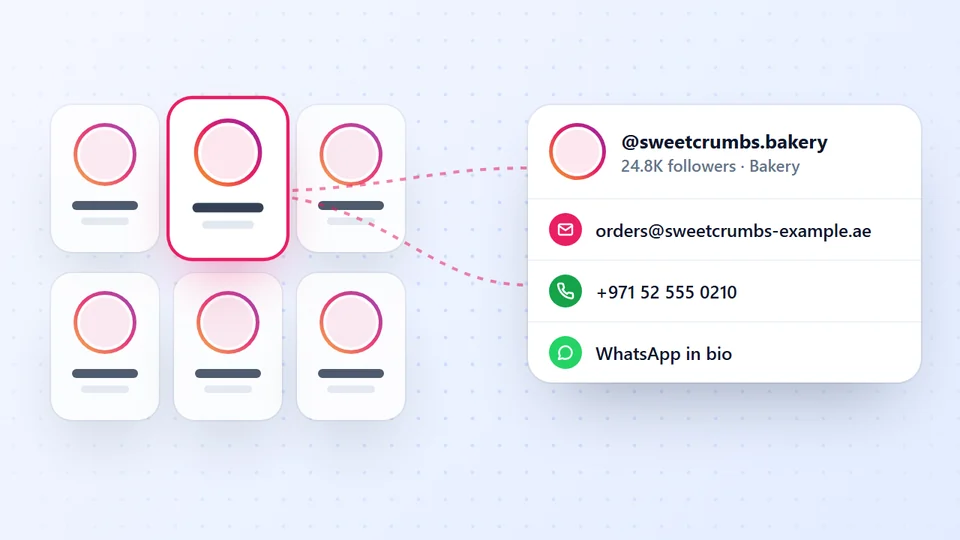
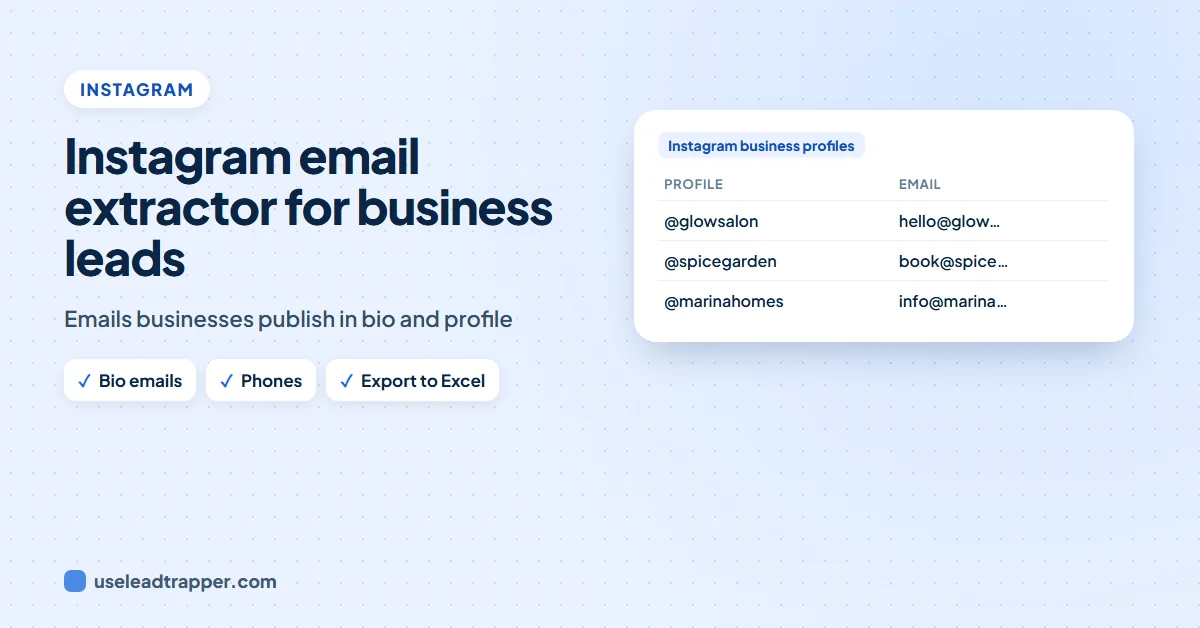
An Instagram email extractor collects the email and phone number that business profiles publish. LeadTrapper's Instagram Business Leads search finds business accounts by keyword and city, reads the contact details on each profile, follows the link in the bio when the profile shows none, and exports the list to Excel or WhatsApp.
- Instagram business and creator accounts can publish an email and phone number; an extractor collects those for many profiles at once.
- LeadTrapper's Business Leads search takes keywords and a city, opens each business profile and reads its public contact details.
- When a profile shows no email or phone, it follows a Linktree-style link in the bio, and it picks up WhatsApp numbers written in the bio.
- Only profiles that publish contact details have them; empty cells are normal.
- Meta's terms prohibit automated collection without permission, so use an account you can afford to have limited and keep runs modest.
Salons, clinics, boutiques, cafes and coaches often put their email and phone on their Instagram profile, because that’s where their customers find them. Copying them one profile at a time is slow. An Instagram email extractor does it for a whole search. Here’s what one can honestly collect, and how LeadTrapper does it.
What an Instagram Email Extractor Can and Can't Do
Instagram business and creator accounts can choose to show contact details: an email button, a call button, a website link. An extractor reads what those profiles publish. It can’t reveal an email a profile keeps private, and personal accounts usually publish nothing. Any tool that claims to find the private email of any account is guessing, or worse.
How to Extract Emails From Instagram Business Profiles
In LeadTrapper, open Instagram and then Business Leads:
- Type your keywords, one per line, for example “dentist london” and “cosmetic dentist”. Each keyword runs its own search.
- Type the city or country in the City / Country box.
- Optional: open Advanced settings for keep words (“clinic”, “salon”) and drop words (“giveaway”).
- Set Max Results, from 10 to 5,000.
- Press Start. LeadTrapper opens each business profile and reads its public contact details, about 1 to 2 minutes per 10 accounts.
Log in to Instagram first with the Connect button for more and better results. Accounts found in an earlier run are skipped next time.
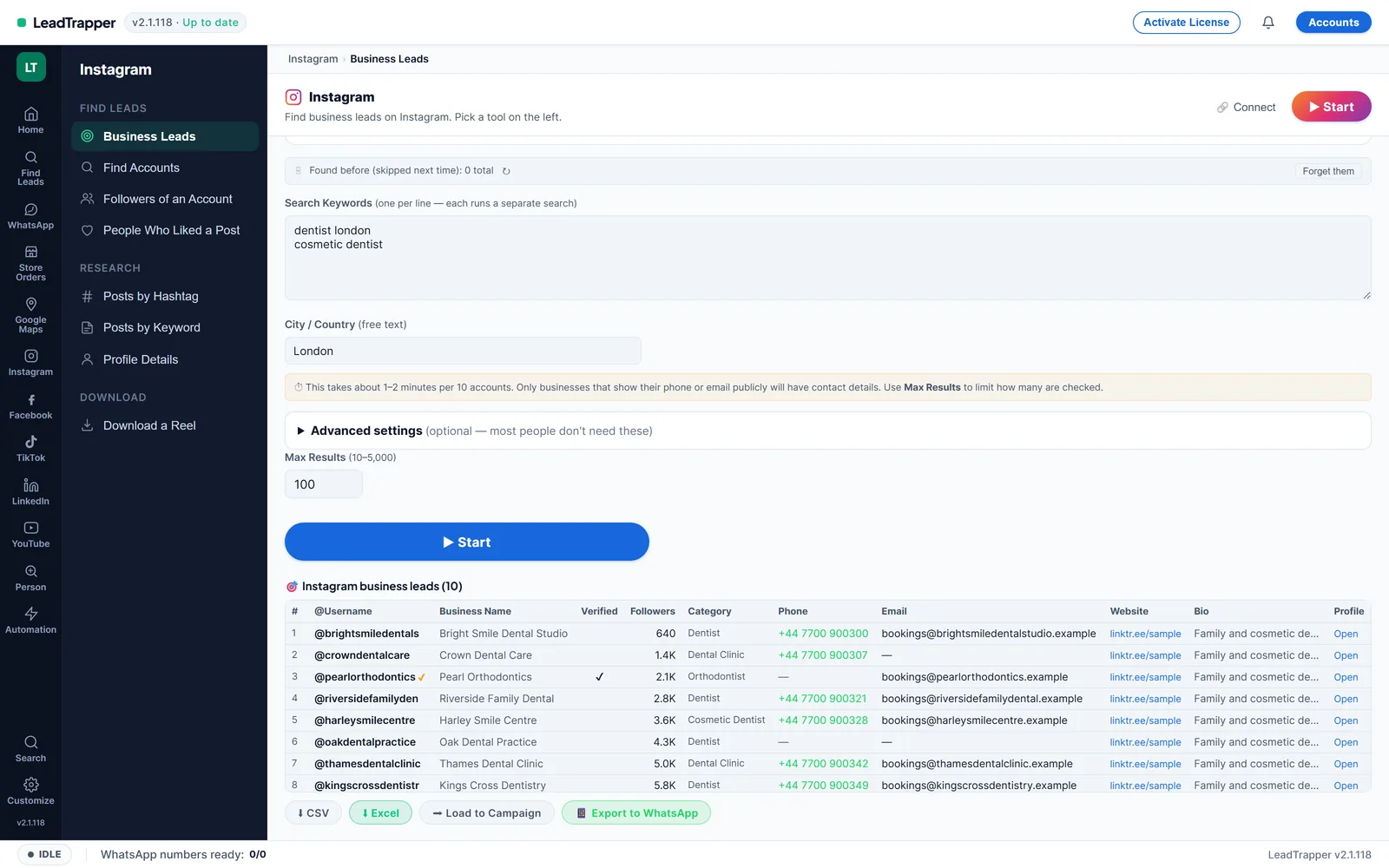
What You Get for Each Profile
| Column | What it is |
|---|---|
| Username and business name | The handle and the name on the profile |
| Verified | Whether the account has a blue tick |
| Followers and category | Audience size and the category the business chose |
| Phone and email | As published on the profile, when it publishes them |
| Website | The link in the bio |
| Bio | The profile text |
Download the list as CSV or Excel, or use Load to Campaign to send the phone numbers to the WhatsApp bulk sender, which checks each number on WhatsApp before sending.
Getting More Emails
- Bio links are read too. When a profile shows no email or phone, LeadTrapper follows a Linktree-style link in the bio and looks there, and it picks up WhatsApp numbers written in the bio.
- Read the business website. For profiles with a website but no email, the Email Finder reads the site’s contact, team and branch pages.
- Start from a competitor or a hashtag. The Instagram scraper also finds accounts by hashtag, from an account’s followers, or from the people who liked or commented on a post; the guide to scraping Instagram followers shows how.
- Use local keywords. “dentist london” finds businesses you can actually serve; “dentist” finds the world.
For the wider picture of finding customers on Instagram, see the Instagram lead scraper guide. For Facebook pages, the Facebook business page scraper guide covers the same kind of search.
Which Businesses Publish Emails on Instagram
Contact buttons are most common where customers book or buy through Instagram itself. In those niches an extractor finds the most emails and phone numbers:
- Beauty and wellness: salons, barbers, nail studios, aesthetic clinics, spas.
- Health: dentists, physiotherapists, private clinics.
- Food: cafes, bakeries, home cooks, caterers.
- Shops: boutiques, jewellery, flowers, gifts, small online brands.
- Services: photographers, event planners, fitness coaches, tutors.
Large brands and personal accounts usually publish less, so expect more empty cells there.
What to send first. A business that put its email or phone on Instagram is open to customers, not to sales pitches. Keep the first message short and specific: their name, why you’re writing to them in one line, and one easy question. Send to a small group first and read the replies before you send more. If you contact them on WhatsApp, every number is checked first and the sends are paced, and the guide to B2B outreach on WhatsApp covers what works.
Keep the list clean. Remove accounts that say no, and don’t add the same business twice from different searches: LeadTrapper skips accounts it found in earlier runs, and the guide to duplicate contacts explains why it matters before a campaign.
Instagram DMs or WhatsApp?
Once you have the list, you can contact businesses where they listed themselves. Each channel has its place:
| Compared | Instagram DM | ||
|---|---|---|---|
| Where it lands | Often in message requests, easy to miss | The owner’s phone, usually read quickly | An inbox, sometimes shared |
| Best when | The business only lists Instagram | The profile shows a phone or WhatsApp number | The profile shows an email |
| Personal touch | High, but manual | High, with name fields | Medium |
| Effort for a list | One by one | A campaign, checked and paced | A mail tool |
Messages from people a business doesn’t follow land in Instagram’s message requests, where they are easy to miss, so a published phone or WhatsApp number is often the most useful column. Use the channel the business itself chose to publish, keep the first message short, and stop for anyone who says no.
Instagram's Rules and Your Account
Instagram’s Terms of Use and Meta’s terms prohibit collecting information by automated means without permission, and LeadTrapper can’t grant that permission, so the risk is yours. Contact details are personal data in many countries; only contact businesses with an offer that fits them. This isn’t legal advice. After three blocked responses in a row, LeadTrapper pauses Instagram runs for two hours; only one Instagram task runs at a time.
In short: an Instagram email extractor can only collect what business profiles choose to publish, but in beauty, health, food and small retail that is often an email, a phone number or a WhatsApp number. Search by keyword and city, let the tool read each profile and its bio link, then fill the gaps from the business website. Contact each business on the channel it published, with a short and specific first message, and stop for anyone who says no. Keep runs small and spread over days, and remember that Instagram’s terms make the risk of automated collection yours.
Frequently Asked Questions
No. Only the email and phone a business or creator account chooses to show on its profile, or on the link in its bio. Personal accounts usually publish nothing, and LeadTrapper doesn't guess emails.
For each business profile: username, business name, whether it is verified, followers, category, phone, email, website or bio link, the bio and the profile link.
Type the business type as keywords, one per line, such as 'dentist london', and the city in the City / Country box. Keep and drop words in Advanced settings remove accounts you don't want.
The app estimates about 1 to 2 minutes per 10 accounts, because it opens each profile. Max Results can be set from 10 to 5,000.
Meta's Terms of Service prohibit collecting data from its products by automated means without Meta's prior permission, and LeadTrapper can't grant that permission. The risk is yours, and contact details are personal data in many countries. This isn't legal advice.
About LeadTrapper
LeadTrapper is a Windows app for finding business leads and contacting them on WhatsApp. It collects business contacts from Google Maps, Instagram, Facebook, TikTok, LinkedIn and business websites, checks which numbers are on WhatsApp with its Number Filter, and sends personalised campaigns with automatic delays from one or more WhatsApp accounts. It also has a chatbot, a shared inbox for every account, and Store Orders for online shops. It installs from the Microsoft Store, and the full app is free for 14 days, then $50 a year. Free web tools, browser extensions and a Wix app are listed on the Free Tools page.
Collect Instagram Business Emails and Phones by City
LeadTrapper's Instagram Scraper finds business profiles by keyword and city and collects the contact details they publish. $50/year after a 14-day free trial.