In this article 8 sections
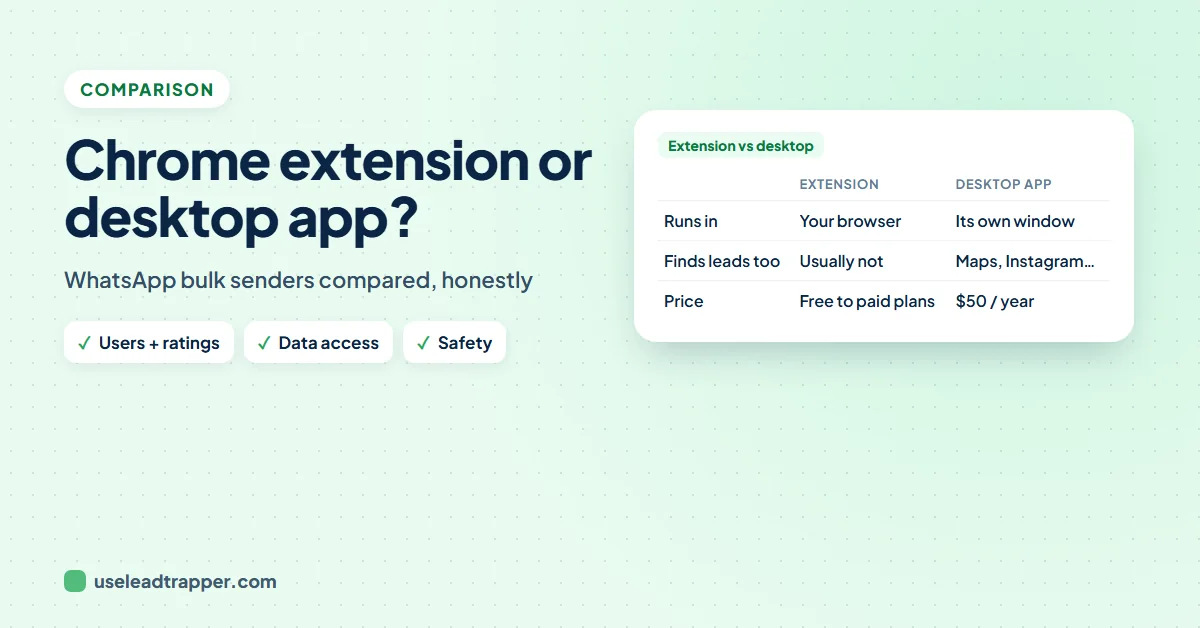
A WhatsApp bulk sender Chrome extension adds a sending panel to WhatsApp Web in your browser: quick to install, but one number per browser profile, sending only while that tab stays open, and access to your chats. A desktop app such as LeadTrapper runs its own WhatsApp sessions, sends from several numbers and checks numbers first.
- A Chrome extension works inside the WhatsApp Web tab: it sends from the one number logged in there, and only while the tab and computer stay on.
- To send messages for you, an extension needs access to WhatsApp Web, which means it can also read your chats; install only from developers you can identify.
- A desktop app runs its own WhatsApp sessions, so one campaign can be shared across several numbers while your browser stays free.
- Both are unofficial tools built on WhatsApp Web. Neither is the WhatsApp Business API, and the ban risk depends on how you send, not on the tool's shape.
- Before installing any sender, check the developer, the permissions, where your contact list goes, and what the free plan really allows.
Search for a WhatsApp bulk sender and the first thing you’ll find is a Chrome extension: install, scan the code, paste numbers, send. It’s the quickest way to start, and for a small list it can be enough. But an extension and a desktop app work in different ways, and those differences decide how many numbers you can use, what the tool can see in your chats, and what happens when you close your laptop. This guide explains both honestly, so you can pick the one that fits.
How a Chrome Extension Sends
A WhatsApp bulk sender Chrome extension adds a panel to WhatsApp Web in your browser. You open web.whatsapp.com, log in with the QR code as usual, and the extension adds buttons for pasting numbers, uploading a sheet and writing the message. When you press send, it works through that open page, one chat after another.
That design has three consequences:
- One number at a time. A WhatsApp Web tab holds one logged-in number. To send from a second number you need a second browser profile.
- The tab must stay open. Close the tab, close Chrome or let the computer sleep, and the sending stops.
- WhatsApp Web changes break it. When WhatsApp updates its web page, extensions that depend on its layout can stop working until their developer catches up.
Many extensions are free to install, with a paid plan for more messages or features. The guide to free WhatsApp bulk senders covers what free plans usually include.
How a Desktop App Sends
A desktop app is a program on your computer that runs its own WhatsApp Web sessions in its own window. LeadTrapper’s WhatsApp bulk sender is one: you connect each number once with its QR code, and the app sends from those numbers while your browser stays free for other work.
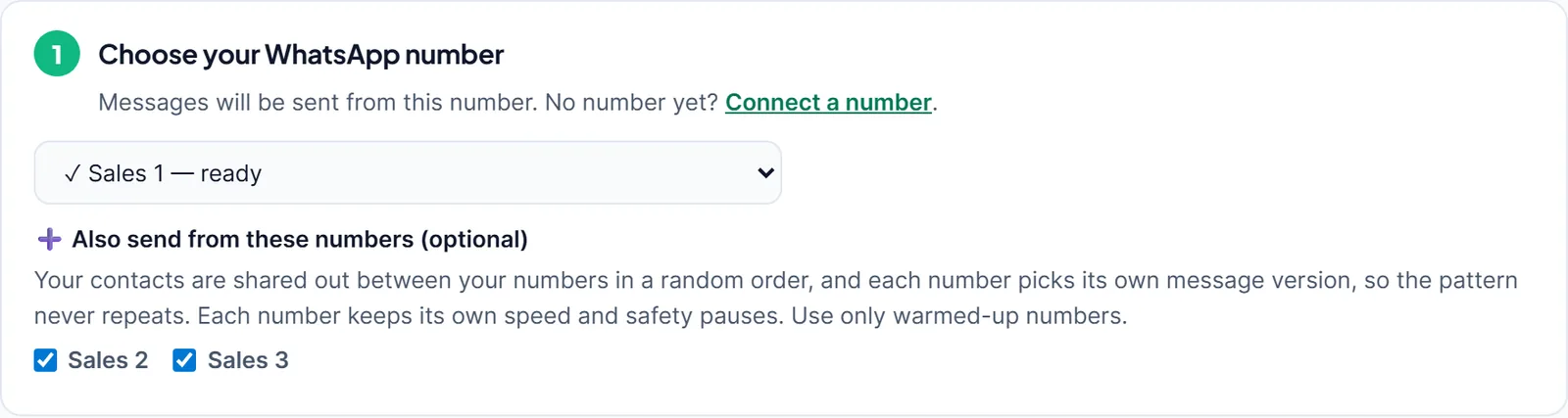
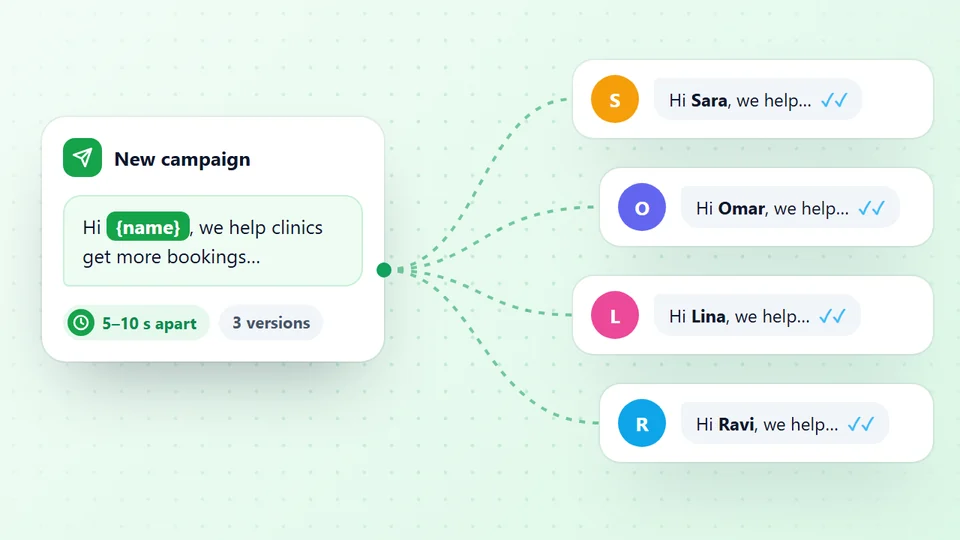
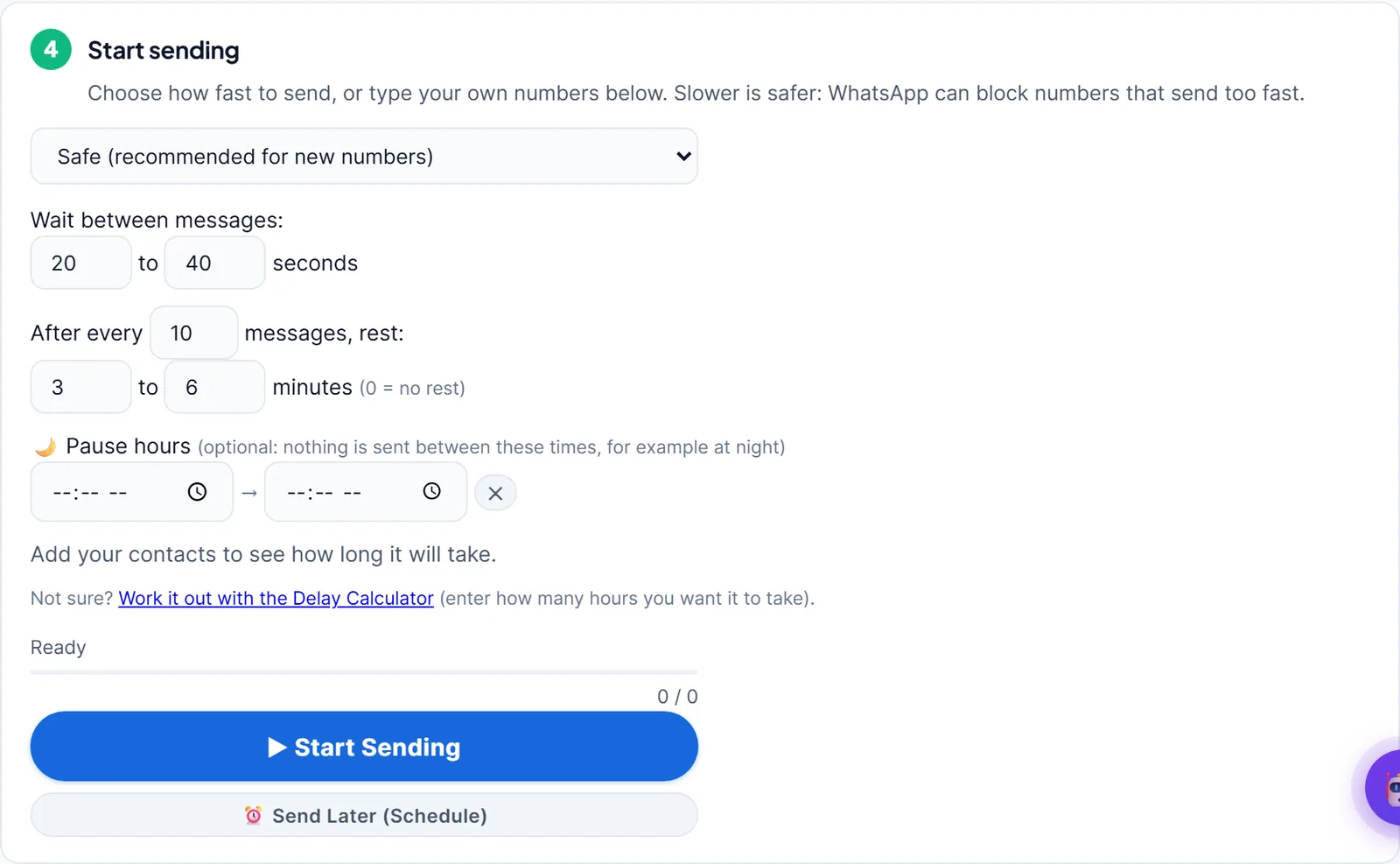
Because the app controls the sessions, it can do things a single tab can’t: share one list across several numbers in a random order, check every number on WhatsApp before sending, pace each number with random gaps and rests, pause at night, and keep a results file. It still needs the computer on and the app open, and it runs on Windows only.
Try the desktop app free for 14 days
Side by Side
| Compared | Chrome extension | Desktop app (LeadTrapper) | WhatsApp Business API |
|---|---|---|---|
| Where it runs | Inside the WhatsApp Web tab in Chrome | Its own window on Windows | A provider’s servers |
| Numbers per campaign | One per browser profile | Several, shared at random | Depends on the provider |
| Browser while sending | Tab must stay open | Free for other work | Not needed |
| Checks numbers first | Varies by extension | Yes, every number | Not needed with opt-in |
| Pacing | Varies by extension | Random gaps, rests, pause hours | Set by Meta’s limits |
| Can read your chats | Yes, to work inside WhatsApp Web | Yes, it runs your sessions | No, separate system |
| Official | No | No | Yes |
| Price | Often free install, paid plans | $50 a year | Per message plus provider fee |
The last two rows matter most. Extensions and desktop apps are both unofficial tools built on WhatsApp Web; only the WhatsApp Business API is Meta’s official route, and it costs per message. Neither shape of unofficial tool is “safe” by itself: what keeps a number healthy is sending slowly, to people who expect you, after removing numbers that aren’t on WhatsApp, as the guide to bulk sending without a ban explains.
The Most-Installed Extensions
A search for “WhatsApp bulk sender” on the Chrome Web Store on 14 November 2026 listed these as the most-installed. The numbers and the privacy column come from each listing; the privacy column shows what the developer disclosed in the store’s privacy section, not an audit by us.
| Extension | Users | Rating (ratings) | Last updated | Data the developer discloses collecting |
|---|---|---|---|---|
| WA Bulk Message Sender | 200,000 | 4.8 (2.7K) | 28 Oct 2026 | Declares no data collected |
| WASender Free Bulk Messaging Plugin | 200,000 | 3.5 (1.5K) | 19 Sep 2026 | Personally identifiable information |
| WA Bulk Message Sender - WAMessager | 50,000 | 4.7 (322) | 22 Oct 2026 | Personally identifiable information |
| Pro Sender - Free Bulk WhatsApp Sender | 30,000 | 4.7 (547) | 13 Oct 2026 | Declares no data collected |
| WABiz Free Bulk Sender (Lite) | 20,000 | 4.8 (364) | 14 Sep 2026 | Website content |
| WABiz Bulk Sender | 20,000 | 4.0 (51) | 16 Oct 2026 | Website content |
| WA Bulk Message Sender Extension | 20,000 | 4.7 (151) | 7 Nov 2026 | Declares no data collected |
| WA Message Sender | 10,000 | 4.8 (79) | 7 Nov 2026 | Declares no data collected |
Three things stand out. Two extensions share the top spot at 200,000 users each, so popularity alone doesn’t pick a winner. Ratings range from 3.5 to 4.8, and a high rating with few ratings tells you less than a slightly lower rating with thousands. And the privacy disclosures differ: some developers declare they collect no data, others disclose collecting personally identifiable information or website content, which on WhatsApp Web can mean your chats and contacts. Open the listing’s privacy section before installing, and read the developer’s privacy policy.
What an Extension Can Read
To type and send messages for you, an extension needs access to the WhatsApp Web page. Chrome warns you about this when you install it, as Google’s guide to extension permission warnings explains. Access to the page means access to what’s on it: your chats, your contacts and the lists you upload.
Most developers use that access only to send. But you are trusting them with your whole WhatsApp, so treat the install like handing someone your phone. A desktop app runs your sessions too, so the same question applies: who makes it, and where does your data go? LeadTrapper keeps your lists and results on your own computer.
Checklist Before You Install Any Sender
- Who makes it? A real website, a contact address and a privacy policy. Be wary of extensions with no developer site.
- When was it last updated? WhatsApp Web changes often; an extension not updated in months may be broken.
- What does the free plan really allow? Message limits per day, watermarks, or features locked behind the paid plan.
- Where does your list go? Some tools upload contacts to their servers. Read the privacy policy before uploading customer data.
- Does it check numbers and pace sending? Messages to numbers that aren't on WhatsApp, sent quickly, are a common cause of bans, as the guide on invalid numbers and ban risk explains.
- Will you need more than one number? If yes, a single browser tab won't be enough.
Which One Fits You
- A Chrome extension fits if you send to a small list now and then, from one number, and you're comfortable leaving a tab open while it runs.
- A desktop app fits if you send regularly, want to share the work across several warmed-up numbers, need every number checked before sending, or want your browser free while campaigns run.
- The official API fits large brands sending to customers who opted in, who need Meta's approved templates and can pay per message. The guide to WhatsApp Business API costs shows what that adds up to.
For a wider comparison of desktop senders, see the best WhatsApp bulk sender for PC, and for what each kind of tool costs, the guide to WhatsApp bulk sender prices.
Sources
- Chrome Web Store listings for the extensions in the table above, checked 14 November 2026.
- Google Chrome for Developers. Declare permissions and warn users.
- WhatsApp. WhatsApp Business Messaging Policy, updated 23 September 2026.
The WhatsApp bulk sender is part of LeadTrapper for Windows, which costs $50 a year with a 14-day free trial. LeadTrapper is not affiliated with or endorsed by WhatsApp.
Before you send: warm up new or quiet numbers first with the WhatsApp warmer (LeadTrapper's Account Warmer), which runs in the same app.
Frequently Asked Questions
Yes, many. On 14 November 2026 the two most-installed on the Chrome Web Store had 200,000 users each. They add a panel to WhatsApp Web in Chrome where you paste numbers or upload a sheet and send one message after another. They work only while the WhatsApp Web tab is open and send from the number logged in there.
It depends on the developer and on how you send. To send messages for you, an extension needs access to WhatsApp Web, which also lets it read chats and contacts. Install only from a developer with a real website and privacy policy, and send slowly to people who expect your message.
One WhatsApp Web tab holds one number, so an extension sends from one number at a time unless you run separate browser profiles. A desktop app such as LeadTrapper can share one campaign across several connected numbers.
Yes. The extension works through the open WhatsApp Web page, so closing the tab, closing Chrome or letting the computer sleep stops the campaign. A desktop app also needs the computer on, but your browser stays free.
Any tool built on WhatsApp Web, extension or desktop app, can lead to a ban if it sends too fast, to people who didn't expect it, or to many numbers that aren't on WhatsApp. Pacing, number checks and wanted messages matter more than the type of tool.
About LeadTrapper
LeadTrapper is a Windows app for finding business leads and contacting them on WhatsApp. It collects business contacts from Google Maps, Instagram, Facebook, TikTok, LinkedIn and business websites, checks which numbers are on WhatsApp with its Number Filter, and sends personalised campaigns with automatic delays from one or more WhatsApp accounts. It also has a chatbot, a shared inbox for every account, and Store Orders for online shops. It installs from the Microsoft Store, and the full app is free for 14 days, then $50 a year. Free web tools, browser extensions and a Wix app are listed on the Free Tools page.
Send From Several Numbers, Not One Browser Tab
LeadTrapper for Windows runs its own WhatsApp sessions, checks every number first and paces each number safely. $50/year, 14-day free trial.