In this article 5 sections
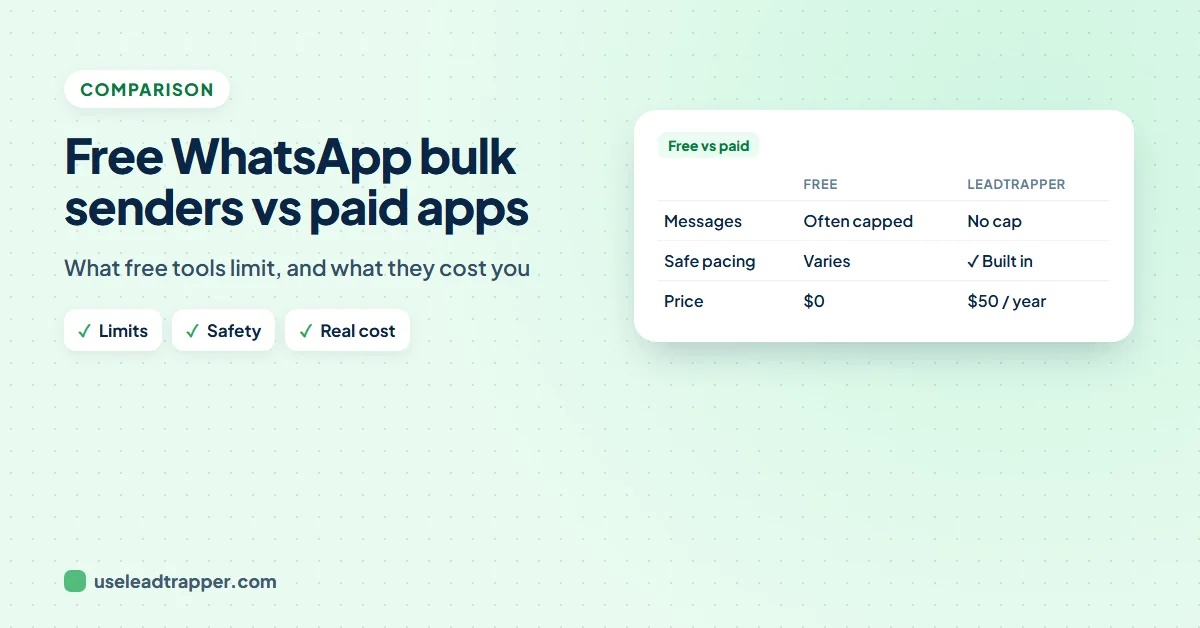
The only fully free way to message many people on WhatsApp is its own broadcast list: up to 256 contacts per list, received only by people who saved your number. Free sender extensions usually limit messages, features or time. Paid apps such as LeadTrapper ($50 a year, 14-day free trial) add names, pacing and number checks.
- WhatsApp's own broadcast lists are free: up to 256 contacts per list, built on the phone, and delivered only to people who saved your number.
- Free bulk sender extensions and apps usually come with limits on messages per day, features or time, so check what the free plan really covers before you build on it.
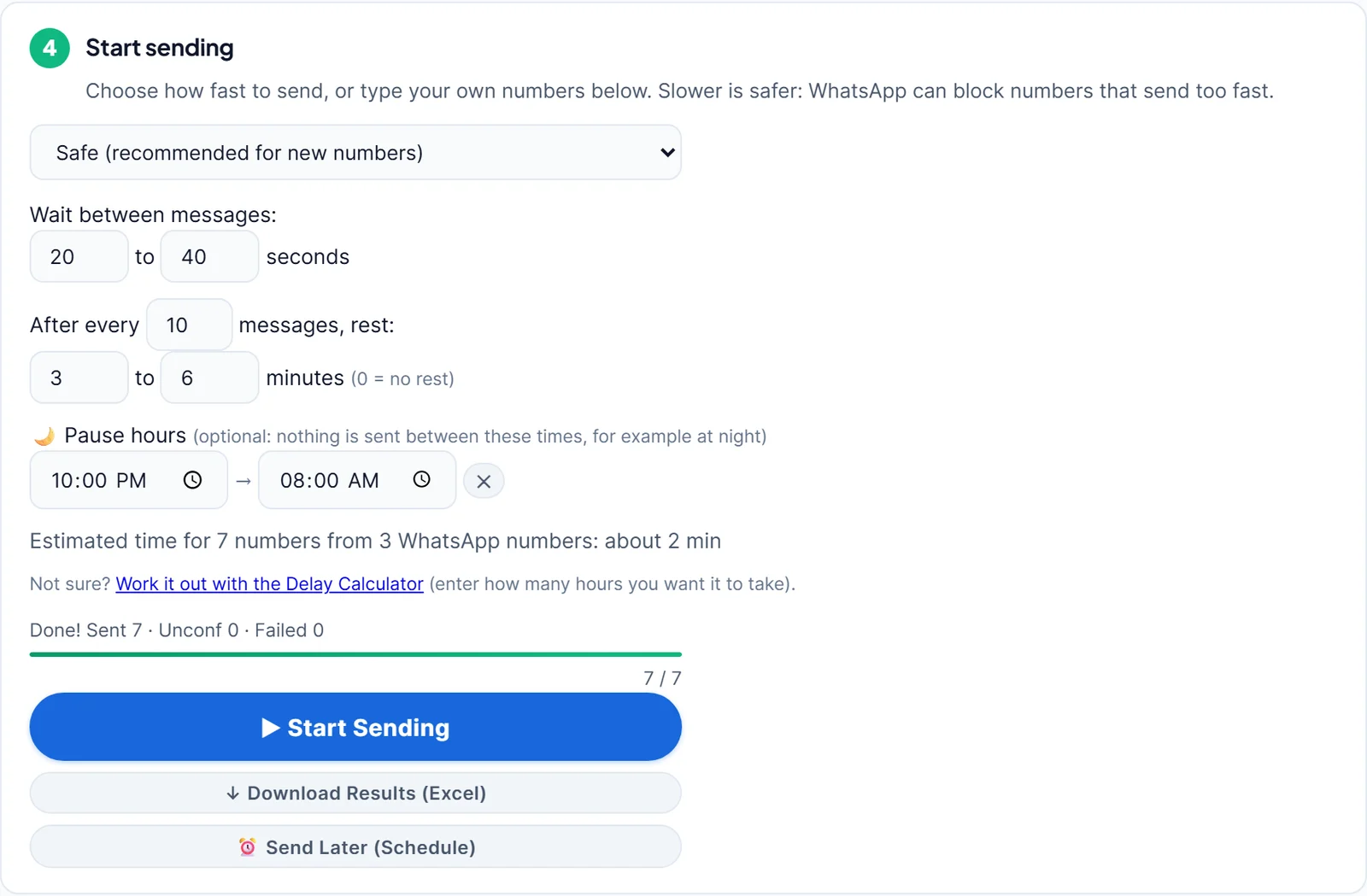
- The things that protect your number cost effort to build: random waits, rests, a check that each number has WhatsApp, and a stop when something goes wrong.
- The official WhatsApp Business API is not free: Meta charges per message for marketing conversations, on top of any provider's fee.
- LeadTrapper is not free: it costs $50 a year after a 14-day free trial with every feature, and it runs on your own Windows computer.
Search for a free WhatsApp bulk sender and you will find plenty of “free” downloads and extensions. Some are useful, some stop after a few messages, and a few ask for more access to your browser than a sender should need. This guide sorts the free options honestly, lists what free plans usually leave out, and gives a checklist to use before you trust any tool, paid or free, with your WhatsApp number.
The Free Options, Honestly
WhatsApp broadcast lists
Free and built into WhatsApp. WhatsApp’s help page on broadcast lists sets the limits: up to 256 contacts per list, lists made on the phone, and only people who saved your number in their contacts receive the message. Everyone gets the same text, with no names. For customers who already saved you, it is the right free tool. The guide to the WhatsApp broadcast list limit covers the details.
Free extensions and apps
Many bulk sender extensions and desktop apps have a free plan. Free plans usually cap something: messages per day, number of contacts, features such as attachments, or the number of days. That is a fair way to try a tool; just check what you get after the cap before you build your routine on it.
Free trials of paid tools
A trial gives you the full product for a short time. It is the best way to test a tool on your own list before paying. LeadTrapper, for example, has a 14-day free trial with every feature.
The WhatsApp Business API
Not free. Meta charges for marketing messages sent through the API, by the recipient’s country, and most providers add a monthly fee. The guide to WhatsApp Business API cost has the numbers, and do you need the WhatsApp Business API helps you decide.
What Free Plans Usually Leave Out
The features that keep a number safe and messages personal take the most work to build, so they are often the first to be limited:
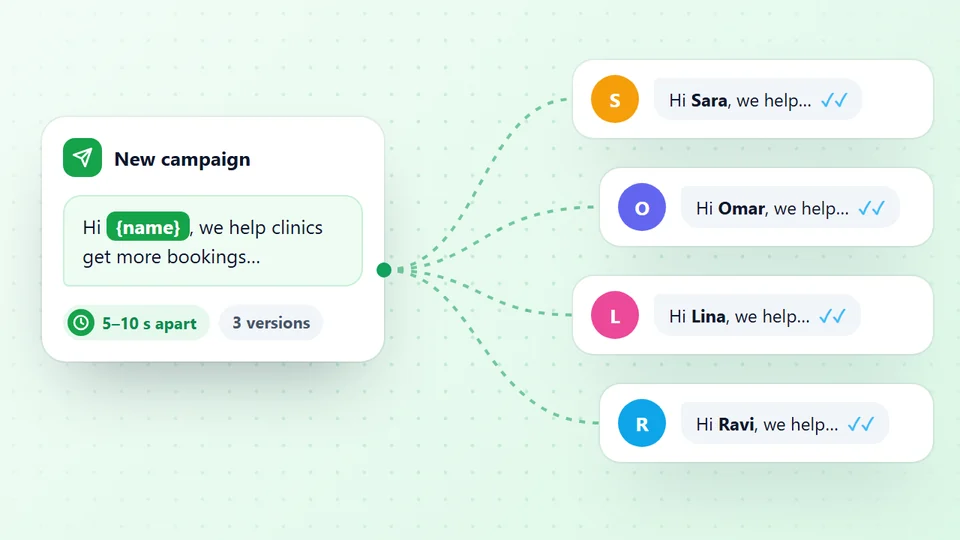
- Waits and rests between messages. Random gaps, and a longer rest after every few messages, so sending looks like a person typing.
- A number check before sending. Messages to numbers without WhatsApp are wasted, and many failures in a row are a warning sign.
- Personal names and message versions, so not every message is identical.
- A do-not-send list for people who asked you to stop.
- A results report showing who received the message and who did not.
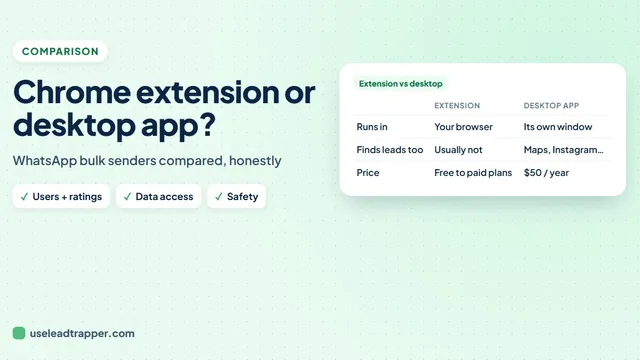
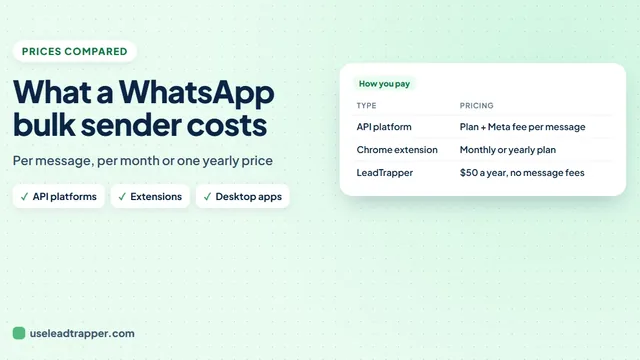
Free extensions and desktop apps also work in different ways: one browser tab and one number, or several numbers from a program on your PC. The guide to WhatsApp bulk sender Chrome extensions vs desktop apps explains the difference, and the guide to WhatsApp bulk sender prices compares what paid plans cost.
A Checklist Before You Pick a Tool
- Who makes it, and where is it listed? A real website, a support contact and a store listing are a good start.
- What access does it ask for? A browser extension that wants to read every site you visit has more access than sending needs.
- Where does your list go? Some tools upload your contacts to their server; others keep them on your computer.
- How does it pace messages? Look for random waits and rests you can set, not a fixed few seconds.
- Does it check numbers and skip the ones without WhatsApp?
- What does it cost after the free part? Monthly, yearly, per message?
Free vs Paid at a Glance
| Compared | Broadcast list | Typical free plan | LeadTrapper |
|---|---|---|---|
| Price | Free | Free with limits | $50 a year, 14-day free trial |
| Recipients must save your number | Yes | No | No |
| Each person’s name in the message | No | Varies | Yes, plus any Excel column |
| Random waits and rests | No | Varies | Yes, Safe, Normal, Fast or your own |
| Checks numbers before sending | No | Varies | Yes |
| Several sending numbers | No | Varies | Yes |
| Where your list stays | Your phone | Varies | Your computer |
Where LeadTrapper Fits
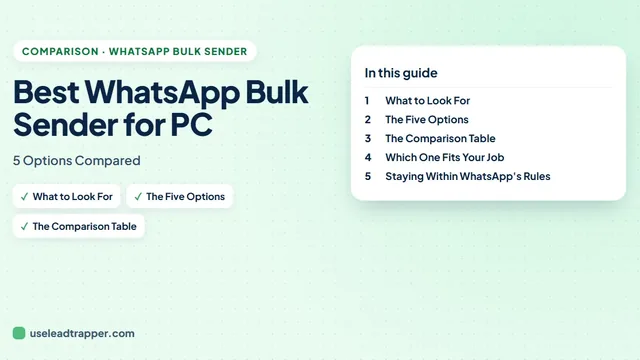
LeadTrapper is not free, and this page will not pretend it is. It is a Windows app for $50 a year that includes the WhatsApp bulk sender, a WhatsApp number checker, a WhatsApp warmer and a Google Maps scraper. The 14-day trial has every feature, so you can send a real campaign to your own list before deciding. If you are comparing paid tools, the guide to the best WhatsApp bulk sender for PC compares them side by side.
Whichever tool you choose, WhatsApp’s rules apply to it: send to people who expect to hear from you, at a calm pace. LeadTrapper is not affiliated with or endorsed by WhatsApp.
Try LeadTrapper Free for 14 Days →
Before you send: warm up new or quiet numbers first with the WhatsApp warmer (LeadTrapper's Account Warmer), which runs in the same app.
Frequently Asked Questions
WhatsApp's own broadcast list is free and sends one message to up to 256 contacts per list, but only people who saved your number receive it. Most bulk sender extensions and apps offer a free plan or trial with limits. Truly unlimited free tools are rare, so check the limits and how the tool protects your number.
It depends on the extension. Check who makes it, what permissions it asks for in the browser, whether it adds random waits between messages, and whether it checks numbers before sending. Any tool that sends messages can get a number restricted if people block or report it.
No. LeadTrapper has a 14-day free trial with every feature, then costs $50 a year. It is a Windows app that also includes a Google Maps scraper, a WhatsApp number checker and a warmer.
No. Meta charges for marketing messages sent through the API, and the price depends on the recipient's country. Providers that connect you to the API usually add their own monthly fee.
Personal names in each message, random waits and rests between messages, a check that each number is on WhatsApp, a do-not-send list, attachments, a results report, and the option to share a campaign across several numbers.
About LeadTrapper
LeadTrapper is a Windows app for finding business leads and contacting them on WhatsApp. It collects business contacts from Google Maps, Instagram, Facebook, TikTok, LinkedIn and business websites, checks which numbers are on WhatsApp with its Number Filter, and sends personalised campaigns with automatic delays from one or more WhatsApp accounts. It also has a chatbot, a shared inbox for every account, and Store Orders for online shops. It installs from the Microsoft Store, and the full app is free for 14 days, then $50 a year. Free web tools, browser extensions and a Wix app are listed on the Free Tools page.
Try a Full Bulk Sender Free for 14 Days
LeadTrapper for Windows: bulk sender, number checker, warmer and Google Maps scraper. 14-day free trial with every feature, then $50/year.