In this article 7 sections
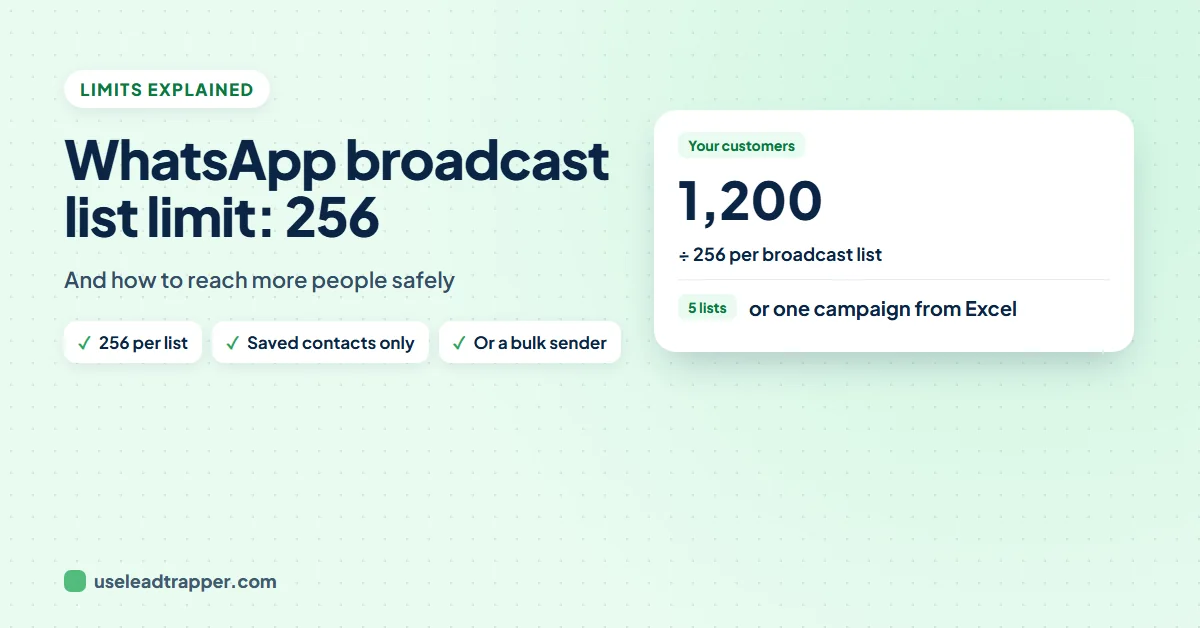
The WhatsApp broadcast list limit is 256 contacts per list, and only people who saved your number receive it. You can make as many lists as you like, and some countries also have a monthly limit of 35 free broadcast messages. To reach more people, use several lists, a channel, the Business API, or a bulk sender.
- Each broadcast list holds up to 256 contacts, and you can create as many lists as you like.
- Only people who saved your number receive a broadcast; everyone else silently gets nothing.
- In some countries WhatsApp is rolling out a monthly limit of 35 free broadcast messages; check Settings > Broadcasts.
- Broadcast lists only work on the phone app, not on WhatsApp for Windows, Mac or Web.
- To reach more people: several lists, a channel or status, the WhatsApp Business API with opt-in, or a bulk sender that opens a personal chat with each number.
Broadcast lists are the free way to send one WhatsApp message to many people. They also come with limits that catch most businesses out: a cap per list, a rule about who receives it, and in some countries a monthly limit. Here is what each limit means, taken from WhatsApp’s own help pages, and what to do when you need to reach more people.
The Limits in One Place
| Limit | What WhatsApp says |
|---|---|
| Contacts per list | Up to 256 |
| Number of lists | As many as you like |
| Who receives it | Only people who saved your number in their contacts |
| Monthly limit | 35 free broadcast messages a month, rolling out in some countries |
| Where it works | The phone app only, not WhatsApp for Windows, Mac or Web |
Sources: How to use broadcast lists and About broadcast limits.
The Saved-Number Rule
The 256 cap is rarely the real problem. The saved-number rule is. A broadcast only reaches people who have your number in their phone’s contacts; everyone else gets nothing, and WhatsApp doesn’t tell you who missed it. A list of 256 new leads who have never saved your number can deliver to almost none of them. The guide to why a WhatsApp broadcast was not received covers this and the other reasons in detail.
Replies come back to you as normal one-to-one chats; other people on the list don’t see them.
The Monthly Broadcast Limit
WhatsApp is gradually introducing a monthly limit of 35 free broadcast messages in some countries. If it applies to you, WhatsApp notifies you as you get close, and you can check your count in Settings > Broadcasts. WhatsApp suggests status updates and channels for reaching many people.
Broadcast List, Group or Channel?
People often mix up the three ways WhatsApp sends one message to many people. They behave very differently:
| Compared | Broadcast list | Group | Channel |
|---|---|---|---|
| Who receives it | Saved contacts on the list, up to 256 | Every member of the group | Anyone who follows the channel |
| Do people see each other? | No, each gets a private chat | Yes, names and numbers are visible | No |
| Can they reply? | Yes, privately to you | Yes, to the whole group | Only with reactions or polls |
| Feels like | A personal message | A shared room | A news feed |
| Good for | Offers and updates to customers | Communities and teams | Announcements to followers |
For a business, a broadcast list keeps customers’ numbers private and replies personal, which is why it’s the usual choice for offers. A group exposes every member’s number to everyone else, which many customers dislike. A channel is public and one-way. When the saved-number rule or the limits get in the way, that’s the point where businesses move to the Business API or a bulk sender, as described above.
Four Ways to Message More People
1. Several broadcast lists. Split your contacts into lists of up to 256. It’s free and simple, but the saved-number rule and the monthly limit still apply. The free WhatsApp broadcast list maker cleans an Excel list and splits it into batches of 256; the guide to making a WhatsApp broadcast list from Excel walks through it.
2. A channel or your status. One-way updates for anyone who follows you. Good for news; nobody gets a personal message, and people have to find you first.
3. The WhatsApp Business API. Through a provider, with message templates Meta approves, and people must have opted in. You pay per message. See whether you need the WhatsApp Business API.
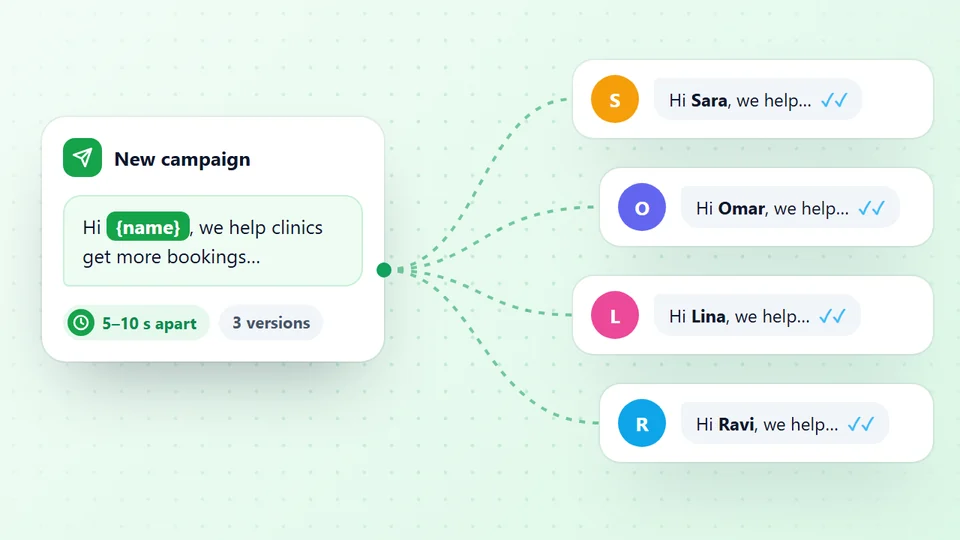
4. A bulk sender. A tool like the WhatsApp bulk sender in LeadTrapper opens a personal chat with each number on your Excel or CSV list, so nobody needs to have saved your number. Each message can carry the person’s name and one of several versions of your text, every number is checked on WhatsApp first, and the sends are paced with random waits and rests.
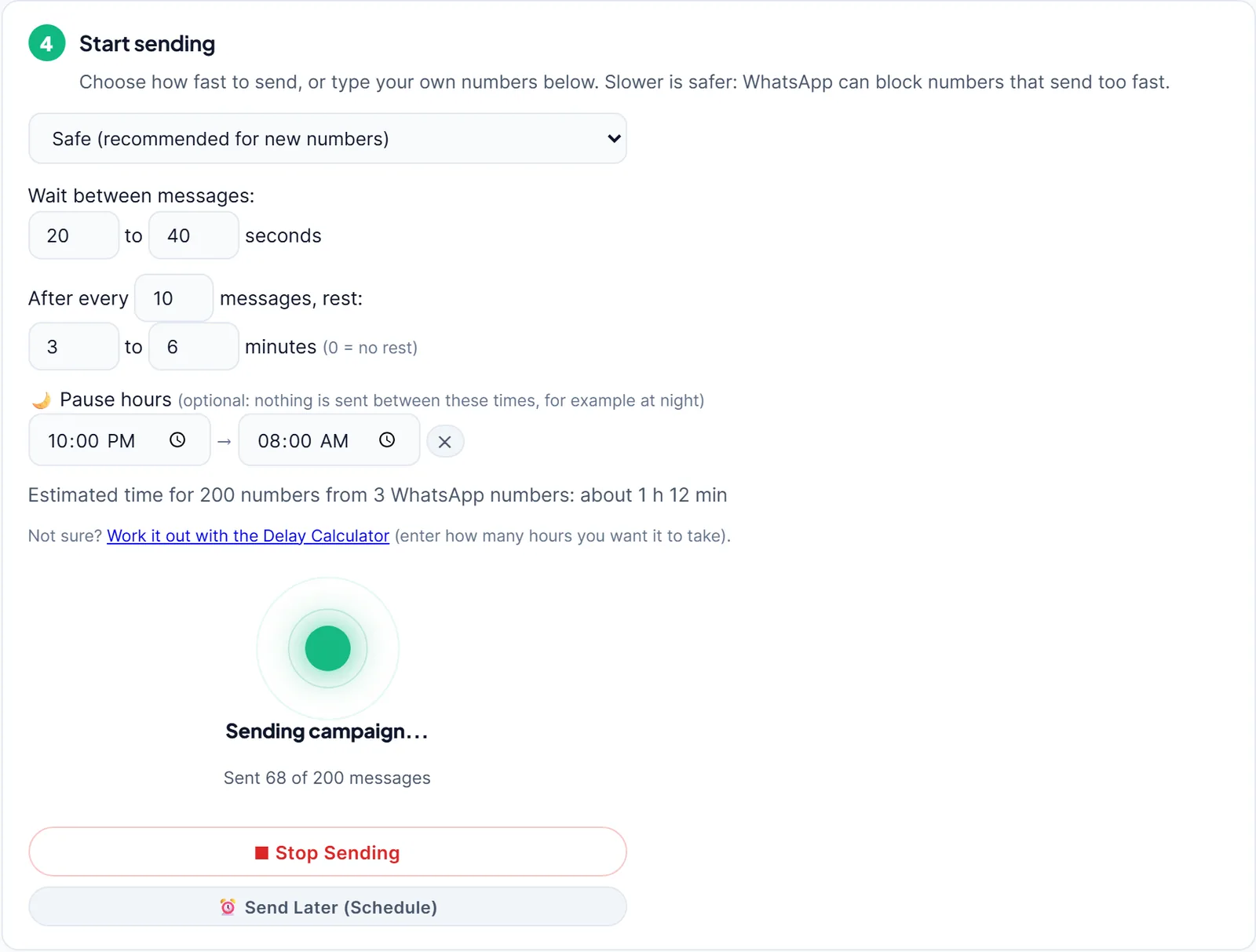
A bulk sender is not a loophole. WhatsApp’s terms don’t allow impermissible bulk or automated messaging, and messaging people who don’t expect you gets numbers banned. Use it for people who know you, warm up new numbers first, and read what to do if WhatsApp bans your number before you start.
Example: Messaging 1,000 Customers
Say a shop has 1,000 customer numbers in a spreadsheet and wants to announce a sale.
With broadcast lists, that’s four lists: three of 256 and one of 232. Each list goes out from the phone. Only customers who saved the shop’s number receive it, so if half of them never did, about 500 people get nothing, and the shop isn’t told who. Where the monthly limit applies, those four broadcasts also count against it.
With a bulk sender, the same 1,000 numbers go into one campaign from an Excel file. Each number is checked on WhatsApp first, and those without WhatsApp are skipped. Everyone else gets a personal chat with their name in it, whether they saved the number or not. At a careful pace, with random waits and rests, a list that size takes many hours, so it’s usually spread over several days or several warmed-up numbers.
Get more people to save your number. Whatever you use, saved contacts help: they receive broadcasts, they’re less likely to report you, and they recognise your name. Three easy ways:
- A WhatsApp link on your website, receipts and emails; the guide to creating a WhatsApp link shows how.
- A QR code at the till, on packaging and on business cards; see how to create a WhatsApp QR code.
- Ask at checkout. “Save our number to get order updates” works better than any automation.
Which Way Fits You
| You want to | Best fit |
|---|---|
| Send a free update to customers who saved your number | Broadcast lists |
| Post news to anyone who follows you | A channel or status |
| Send templates to opted-in customers at scale, with a provider | WhatsApp Business API |
| Send a personal message to an Excel list, from your own number | A bulk sender |
Most small businesses use two: broadcast lists for customers who saved their number, and a bulk sender for everyone else on their list, at a careful pace. The best WhatsApp bulk senders for PC are compared in their own guide.
In short: a broadcast list reaches up to 256 people who saved your number, and in some countries only 35 broadcasts a month are free. That is enough for a small shop telling regular customers about a sale. It is not enough for a business that wants to reach a long list of new leads, because most of them never saved the number and so never see the message. For that job you need a different way of sending, and the right one depends on who your contacts are, whether they opted in, and how personal each message has to be. Whichever you pick, send to people who expect to hear from you.
Frequently Asked Questions
Up to 256 contacts per list, according to WhatsApp's help page on broadcast lists. You can create as many lists as you like.
No. The 256-contact limit per list can't be raised. You can split your contacts across several lists, or use another way of sending, such as the WhatsApp Business API or a bulk sender.
In some countries, yes. WhatsApp says it is gradually rolling out a limit of 35 free broadcast messages per month. You can see whether it applies to you in Settings > Broadcasts, and WhatsApp notifies you when you are close to it.
Only people who have saved your number in their phone's contacts receive a broadcast. Others get nothing and you aren't told. Ask customers to save your number first.
No. WhatsApp says broadcast lists aren't supported on Windows, Mac or Web, so broadcasts are sent from the phone.
About LeadTrapper
LeadTrapper is a Windows app for finding business leads and contacting them on WhatsApp. It collects business contacts from Google Maps, Instagram, Facebook, TikTok, LinkedIn and business websites, checks which numbers are on WhatsApp with its Number Filter, and sends personalised campaigns with automatic delays from one or more WhatsApp accounts. It also has a chatbot, a shared inbox for every account, and Store Orders for online shops. It installs from the Microsoft Store, and the full app is free for 14 days, then $50 a year. Free web tools, browser extensions and a Wix app are listed on the Free Tools page.
Message Your Whole List, Not Just 256 Saved Contacts
LeadTrapper sends a personal WhatsApp message to every number on your Excel list, checks each one first and paces itself. $50/year after a 14-day free trial.