In this article 7 sections
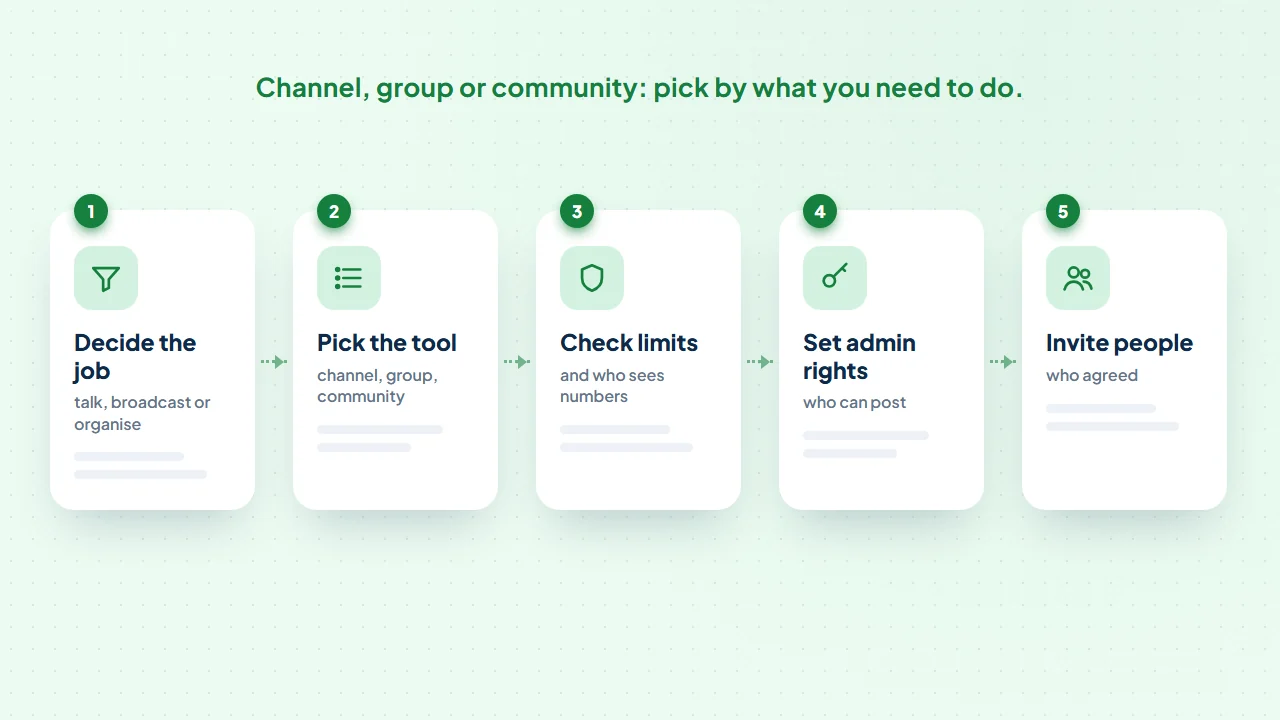
Use a channel to broadcast to any number of followers who stay anonymous, a group for a conversation of up to 1,024 people who see each other's numbers, and a community to link up to 100 groups under one admin-only announcement feed. Example: a yoga studio uses a community for members and a channel for the public.
- A channel is a one-way broadcast to an unlimited audience; followers can't see each other, your name, or your phone number, and can only react or vote in polls.
- A group is a conversation for up to 1,024 members. A community links up to 100 groups, and only admins can post in its announcement group.
- WhatsApp's help page says a community can have up to 2,000 members in total (checked 23 November 2026); some guides still say 5,000, so confirm the figure in your app.
- The WhatsApp Business app can create channels but can't create a new community, so a business that wants a community needs the regular app or the API.
- None of the three is a lead-generation or sales tool by itself. They are places to keep people who already chose to follow or join you.
WhatsApp now has three ways to talk to many people at once, and they are easy to mix up. The right one depends on whether you want a conversation, a broadcast or a structure. This guide compares them using WhatsApp’s own Help Center pages, checked on 23 November 2026, and adds what other guides and business owners say where WhatsApp is silent.
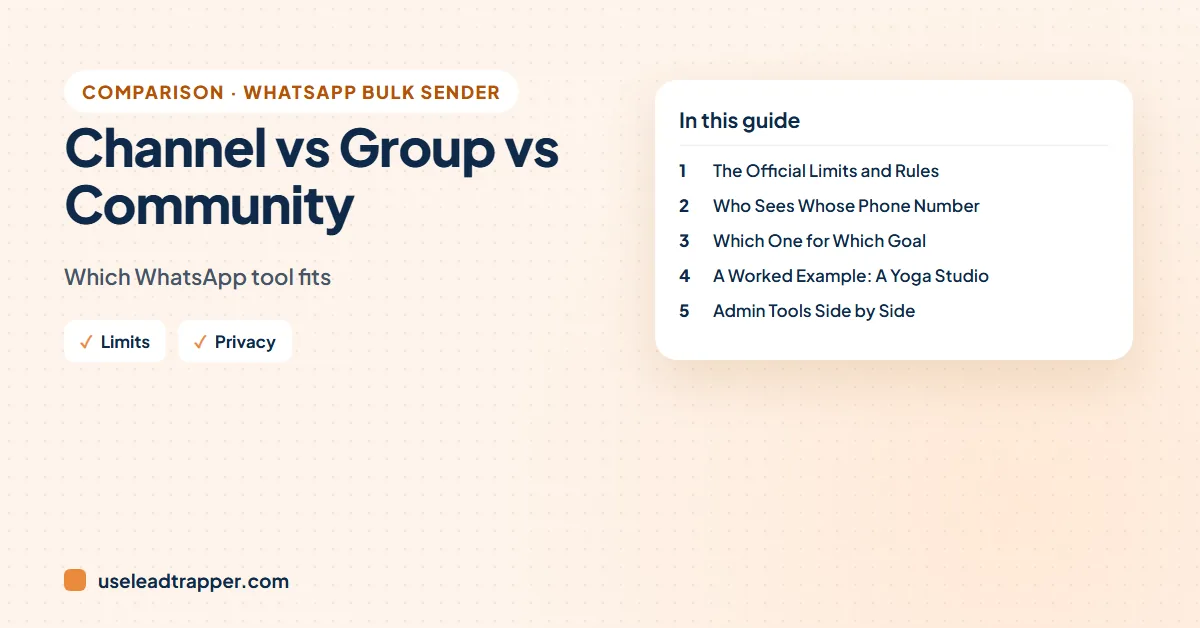
The Official Limits and Rules
A group holds up to 1,024 people, a community links up to 100 groups, and a channel has no follower limit. These figures come from WhatsApp’s Help Center, checked on 23 November 2026.
| Compared | Channel | Group | Community |
|---|---|---|---|
| Direction | One-way: admins post, followers react or vote | Two-way chat | Two-way inside groups, one-way announcements |
| Size limit | “An unlimited audience” per WhatsApp’s About creating a channel | Up to 1,024 members per WhatsApp’s group creation page | Up to 100 groups and 2,000 members in total per How to create a community |
| Who posts | Admins only | Everyone, unless admins restrict it | Everyone in each group; only admins in the announcement group |
| Can followers reply? | No, reactions and poll votes only | Yes | Yes in groups; members can reply to announcements |
| Public or private | All channels are public, per the channel admin controls page | Private, join by invitation or link | Private, join by invitation |
| Update history | Anyone can see 30 days of update history, per the channel privacy page for admins | Stays until deleted | Stays until deleted |
| In the WhatsApp Business app | Yes, where rolled out | Yes | Can’t create; can use one transferred or created elsewhere |
Two notes on the figures. First, WhatsApp’s own marketing page for groups has quoted a round 1,000, while the Help Center says 1,024; the Help Center is the one to trust. Second, some third-party guides, such as Guiding Tech’s comparison, list 5,000 members for a community. WhatsApp’s current help page says 2,000. If it matters, check the number on your own app’s community creation screen.
For the Business app, WhatsApp’s page About communities on the WhatsApp Business app says it isn’t currently possible to create a community there. Its page on channels on the WhatsApp Business app says channels are rolling out gradually and some features, such as creating a channel, might not be available to everyone yet.
Who Sees Whose Phone Number
In a channel nobody sees anybody’s number, while in a group people can see each other, and a community sits in between. Privacy is the biggest practical difference for a business.
- Channel. WhatsApp’s About WhatsApp Channels says people viewing a channel can’t see who follows it, or your name, phone number or profile picture. Admins may see a follower’s profile name, and the picture depending on privacy settings, next to a reaction or poll vote. Followers can’t be removed.
- Admins of a channel. The channel privacy page says the owner and all admins can see each other’s phone number, and the invitation to become an admin shares the owner’s number. Admins can use a custom name and photo, and their numbers stay hidden from followers.
- Group. Guides from other publishers, including Guiding Tech and BotSpace, say every member of a group can see the other members’ numbers. That is how groups have always worked on WhatsApp, so treat a group as a room where people can see each other.
- Community. WhatsApp’s page on private, safe and secure communities says a member’s number is visible to community admins, people who have it saved or from other chats, and hidden from everyone else. Members of different groups in the same community don’t see each other, according to the guides above.
For a business this means a channel protects the customers and the owner, a group exposes customers’ numbers to each other, and a community limits that exposure to one group at a time. If you promise customers privacy, don’t put them in one large group.
Which One for Which Goal
Pick by what you want people to do: read, talk, or belong to something with several parts. The table maps common business goals to the best fit.
| Your goal | Best fit | Why |
|---|---|---|
| Announce offers or news to anyone who follows | Channel | Unlimited audience, followers stay anonymous, updates support polls and links |
| Answer questions from a small set of customers | Group | Two-way chat, up to 1,024, but members see each other |
| Run classes, branches or teams with one news feed | Community | One group per class or branch, one announcement group for everyone |
| Collect feedback quickly | Channel with polls | Followers can vote in polls without replying |
| Support and sales conversations | Neither: a one-to-one chat or the WhatsApp Business app | Private threads, not shared rooms |
| Reach people who never followed you | None | All three are for people who chose to join; unsolicited adds are what WhatsApp’s spam rules target |
| Keep a permanent record of messages | Group or community | Channel history is visible for 30 days |
| A business that wants a community but uses the Business app | Create it in the regular app, or use the API | The Business app can’t create one |
Several guides suggest combining them: a channel for open reach and a community or group for people who want to take part. BotSpace’s guide adds a warning worth repeating: channels can’t handle replies, so give followers somewhere else to ask questions, such as your business number or a website form. BotSpace sells software, so read its performance claims with care.
A Worked Example: A Yoga Studio
A yoga studio has 380 members and three levels: beginner, intermediate and advanced. The owner uses the regular WhatsApp app on her own phone. This is an illustration.
- One community, three groups. She creates a community called “Lotus Yoga” with a group for each level: about 140, 150 and 90 members. The total, 380, is far below the 2,000-member limit on WhatsApp’s help page.
- The announcement group carries timetable changes and holiday closures. Only admins can post, so it stays quiet. Members can react and reply.
- A channel called “Lotus Yoga Tips” carries a weekly 60-second stretch video, the new-term timetable and a poll on which class to add. It is public, so strangers can find and follow it without anyone seeing their numbers.
- Questions from channel followers go to the studio’s business number, which is on the channel description.
- Membership and invoices stay in one-to-one chats and email, not in any of the groups.
The studio stays inside the rules by inviting only people who joined the class or asked to follow. It doesn’t add people to groups without asking.
Admin Tools Side by Side
Groups have the most admin settings, channels have insights, and communities add control over which groups sit inside them. WhatsApp’s help pages list these.
- Group. On the page about group admin settings, admins control who can edit group settings, who can send messages, who can add members, who can invite by link or QR code and whether new members need approval. Invite links can be made only in groups with fewer than 33 members by members; in larger groups only admins can create them, unless an admin allows members to add others.
- Community. WhatsApp says community admins can unlink groups from the community and remove individual members entirely, and group admins can delete harmful messages for everyone in their group.
- Channel. Admins can edit or delete updates for up to 30 days after sending, see metrics such as follower count, top regions and accounts reached, and use a custom admin name and photo. The owner invites and dismisses admins, and can delete the channel or transfer ownership. WhatsApp’s Business page says insights cover the last 30 days.
Using Them With Business Accounts and Lists
None of these formats lets you message a list of people who never joined. That is deliberate. WhatsApp’s Messaging Guidelines (updated 23 September 2026) forbid using unofficial clients, bulk messaging, auto-messaging or automation to harm WhatsApp or its users, and list repeated unwanted contact as spam.
If you have a list of customers who agreed to hear from you, three routes exist: a channel they follow, a group or community they join, or one-to-one messages from your own number. For the last, WhatsApp’s broadcast list has a limit of 256 contacts and reaches only people who saved your number; our guide to the WhatsApp broadcast list limit covers it. Our guide to whether you need the WhatsApp Business API covers the official route for larger lists.
What LeadTrapper Does and Doesn't Do Here
LeadTrapper isn’t a channel, group or community tool. We make it, so here is what we checked in the app’s code:
- It can’t read channel followers. WhatsApp doesn’t show a channel’s admins who follows it, so there is no follower list to export. When we tested WhatsApp Web in September 2026 we found no channel data in it. The app’s group picker for the group warmer also says “Communities and channels are excluded.”
- It can read the members of groups you are in. The Get Group Members tool lists your account’s groups and exports each member’s number; see our guide to the WhatsApp group member extractor. Use it for your own groups, with the members’ knowledge.
- It can add numbers to a group. The Bulk Add Group Members tool adds contacts from a file to a group you choose. Add only people who agreed, and expect WhatsApp’s controls on who can add you to a group to limit it.
- Its main job is different. The WhatsApp bulk sender sends personalised one-to-one messages to a list from your PC, after checking each number is on WhatsApp. WhatsApp’s guidelines apply to it too, and the risk of any unofficial tool is yours.
Message your opted-in list from your PC, free for 14 days
Before you send: warm up new or quiet numbers first with the WhatsApp warmer (LeadTrapper's Account Warmer), which runs in the same app.
Frequently Asked Questions
A channel is one-way: only admins post, followers can react or vote in polls but can't reply, and nobody sees who follows. A group is two-way: up to 1,024 members chat together and see each other's participation. Pick a channel to broadcast and a group to talk.
A community is a container for several groups, up to 100 on WhatsApp's help page, with an announcement group that every member joins and only admins can post in. A group is a single chat of up to 1,024 members. A community suits an organisation with several teams or classes.
No. WhatsApp's help page says channel followers can't see the admins' name, phone number or profile picture, and can't see who else follows. The owner and other admins can see each other's numbers, and an invited admin sees the owner's number.
Yes. The WhatsApp Business app lets you create channels where the feature has rolled out, with polls, links, images and video, and insights for the last 30 days. Followers can't reply, so route questions to your business number, website or email.
WhatsApp's help page 'How to create a community', checked 23 November 2026, says up to 100 groups and up to 2,000 members in total, including members of the sub-groups and the announcement group. Older third-party guides quote 5,000, so check the figure in your own app.
No. WhatsApp's Business app help page says it isn't currently possible to create a community there. You can use or own a community that was created in the regular app or transferred to you.
About LeadTrapper
LeadTrapper is a Windows app for finding business leads and contacting them on WhatsApp. It collects business contacts from Google Maps, Instagram, Facebook, TikTok, LinkedIn and business websites, checks which numbers are on WhatsApp with its Number Filter, and sends personalised campaigns with automatic delays from one or more WhatsApp accounts. It also has a chatbot, a shared inbox for every account, and Store Orders for online shops. It installs from the Microsoft Store, and the full app is free for 14 days, then $50 a year. Free web tools, browser extensions and a Wix app are listed on the Free Tools page.
Message People One to One From Your PC
Groups, channels and communities are for people who already follow you. LeadTrapper sends personalised one-to-one messages from your PC. $50/year after a 14-day free trial.