In this article 4 sections
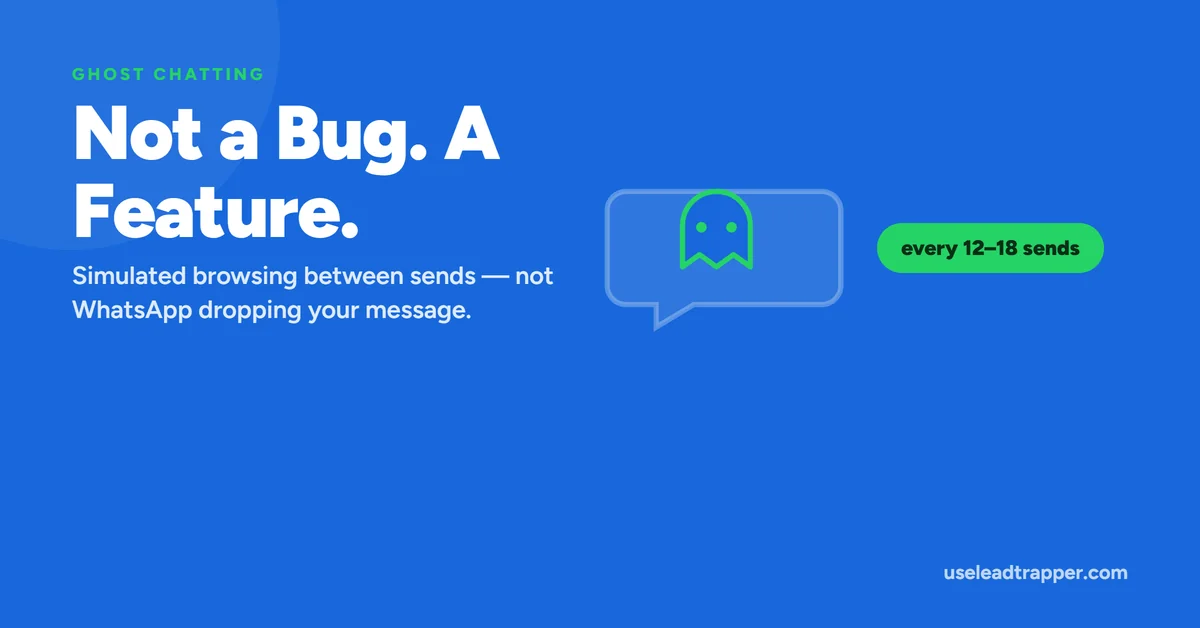
Ghost Chatting is something LeadTrapper does, not something WhatsApp reports: every 12 to 18 messages it opens an unrelated one-to-one chat and scrolls it for 3 to 5 seconds. That breaks up a purely sequential sending pattern. It has nothing to do with messages being dropped.
- Ghost Chatting is an action LeadTrapper performs — briefly opening an unrelated chat and scrolling it — not a status it detects or a report from WhatsApp.
- It fires every 12 to 18 outbound messages, with the exact count randomized each time, and dwells for 3 to 5 seconds before resuming the campaign.
- The chat it opens excludes the current send target and every group conversation, selecting only from other one-on-one chats already in the account's history.
- The purpose is to break up a purely sequential outbound pattern with the kind of incidental browsing activity a real person's WhatsApp Web session naturally has.
- The name is a common source of confusion — it has nothing to do with WhatsApp 'ghosting' or silently dropping a message, which isn't a real WhatsApp mechanism at all.
“Ghost last event: no events yet” sits quietly on the Account Safety Telemetry panel, and the name alone raises a reasonable question: what is being ghosted, and by whom? The honest answer has nothing to do with messages disappearing — it’s a feature LeadTrapper runs on your behalf, and here’s exactly what it does.
What It Actually Does, Step by Step
Periodically during a campaign, LeadTrapper’s automation briefly steps away from sending to do something else inside the same authenticated WhatsApp Web session: it selects a different, existing one-on-one conversation, navigates the browser view to it, performs a small scroll within that chat’s message history (moving up somewhere between 80 and 380 pixels, varied each time), and holds there for roughly 3 to 5 seconds before returning control to the campaign and resuming sends where it left off.
The conversation it picks is deliberately constrained: it excludes whichever contact the campaign is currently in the middle of messaging, and it excludes every group chat entirely, drawing only from other individual conversations already present in the account’s chat list. Nothing about this action sends a message, marks anything as read that wasn’t already, or interacts with the selected chat beyond viewing and scrolling it.
Behind the scenes, actually navigating to that chat isn’t a single, fragile method — the implementation tries the most direct route first (WhatsApp Web’s own internal chat-opening function), and falls back to alternate approaches, including a plain click on the chat entry in the interface, if the first attempt doesn’t succeed. This matters practically because WhatsApp Web’s own internal structure changes over time; a feature built around one single, brittle method of opening a chat would be more likely to silently stop working after an unrelated WhatsApp update than one built with a couple of fallback strategies in place.
Why It Fires Every 12 to 18 Sends
The interval isn’t fixed at a single number — it’s randomized within a 12-to-18-message window each time, so the pattern of when it happens doesn’t itself become a new, predictable pattern. A feature that fired at exactly every 15th message, with no variation, would just replace one mechanical rhythm with another, slightly different mechanical rhythm. Randomizing the interval avoids that.
The dwell time follows the same logic — a few seconds of pause that varies slightly each occurrence, long enough to resemble someone actually glancing at a conversation, short enough not to meaningfully slow down the overall campaign.
The Name Is Misleading — Here's the Real Meaning
“Ghost” here doesn’t refer to a message being silently dropped, ignored, or “ghosted” in the conversational sense the word usually carries — and to be direct about it, that’s not something WhatsApp actually does to outbound messages as a distinct, observable mechanism in the first place. The name describes the feature’s own behavior: it’s LeadTrapper’s automation quietly, briefly acting like a ghost inside the interface — present, moving through a chat, then gone — not a report of anything WhatsApp communicated back about a message’s fate.
The “Ghost last event” timestamp on the panel reflects exactly this: it updates only when one of these simulated browsing actions completes successfully, giving a simple way to confirm the feature actually ran recently. Like the ratio counters covered in the Governor article, this timestamp lives in memory for the current session and resets on restart — seeing “no events yet” right after reconnecting an account just means it hasn’t reached the next randomized interval yet, not that anything has failed.
Why Activity Pattern Matters at All
The underlying idea is about what a browser session’s behavior looks like from the outside, independent of message content. A session that does nothing except send, send, send, in unbroken sequence, has a distinctive shape to it — every action is the same type of action, evenly spaced, with no variation in what’s being done. A real person using WhatsApp Web rarely behaves this way even during a busy stretch of typing and sending messages; browsing away to check another conversation, scrolling up to reread something, pausing for reasons that have nothing to do with the task at hand — these are the ordinary texture of real use.
This general concept — that patterns of activity, not just content, can distinguish automated behavior from human behavior — is well documented outside of WhatsApp specifically. Projects like the Electronic Frontier Foundation’s browser fingerprinting research exist precisely because behavioral and technical patterns, not just what a session says or sends, are a meaningful signal in how automated activity gets distinguished from genuine use. Ghost Chatting applies that same general principle to a WhatsApp Web session specifically: introducing the kind of incidental, non-sending activity a real session would naturally have, rather than leaving a campaign to run as one long, uninterrupted, mechanically uniform loop.
It’s worth being clear about what this is and isn’t a substitute for. Ghost Chatting addresses the shape of a session’s activity — how uniform or varied it looks over time — which is a genuinely different concern from the IO Balance Governor’s focus on the proportion of outbound to inbound messages. A campaign could have a perfectly healthy reply ratio and still look mechanically uniform in its browsing pattern without Ghost Chatting running, and it could have varied, human-looking browsing activity while still being badly outbound-heavy in its message ratio. The two mechanisms exist side by side because they’re reducing two different, unrelated risk patterns, not two versions of the same one.
For where this fits alongside the ratio-based Governor and the per-account network proxy, see the full Account Safety Telemetry overview.
Ghost Chatting is often mistaken for warm-up, the job of LeadTrapper’s WhatsApp warmer, since both add non-campaign activity. The difference, and how each sits alongside delays, is set out in warm-up vs Ghost Chatting vs delays.
Frequently Asked Questions
It's a feature that briefly opens a different, unrelated one-on-one chat inside the same WhatsApp Web session during a campaign, scrolls it slightly, and pauses for a few seconds before resuming sending. It happens roughly every 12 to 18 messages sent.
No — this is a naming coincidence, not a description of what happened to a message. Ghost Chatting is an action LeadTrapper's own automation performs on your behalf; it has no connection to whether a specific message was delivered or read.
To break up an otherwise perfectly sequential, mechanical sending pattern. A browser session that does nothing but send message after message in a strict loop looks different, behaviorally, from a real person's WhatsApp Web session, which naturally includes browsing other conversations. Ghost Chatting adds that kind of incidental activity back in deliberately.
Yes — the Account Safety Telemetry panel shows 'Ghost last event' with a timestamp of how long ago it last successfully fired. It only updates after a Ghost Chatting action completes, and it resets when the app or server restarts.
No. It specifically excludes group conversations and the current message's own target contact, choosing only from other existing one-on-one chats in the account's history.
About LeadTrapper
LeadTrapper is a Windows app for finding business leads and contacting them on WhatsApp. It collects business contacts from Google Maps, Instagram, Facebook, TikTok, LinkedIn and business websites, checks which numbers are on WhatsApp with its Number Filter, and sends personalised campaigns with automatic delays from one or more WhatsApp accounts. It also has a chatbot, a shared inbox for every account, and Store Orders for online shops. It installs from the Microsoft Store, and the full app is free for 14 days, then $50 a year. Free web tools, browser extensions and a Wix app are listed on the Free Tools page.
Sending That Doesn't Look Like a Pure Bot Loop
Ghost Chatting runs automatically during every LeadTrapper campaign. $50/year — all features included.