In this article 7 sections
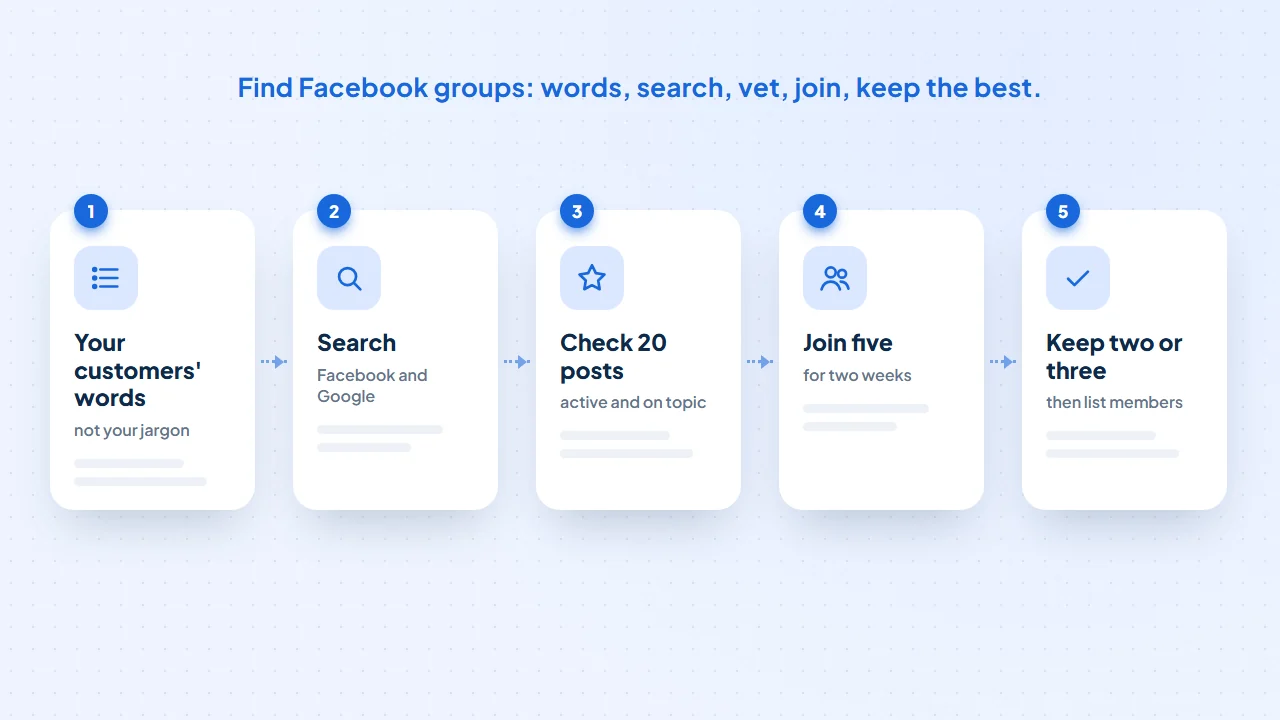
Search Facebook for the words your customers use and filter to Groups, then repeat on Google with site:facebook.com/groups plus your keyword and town. Join five, check the last 20 posts, and keep the two or three that are active and well moderated. LeadTrapper cannot discover groups, but it lists members of groups you have joined.
- Search for the words your customers use, not your own job title, and filter the results to Groups. Add a town name to find smaller local groups.
- On Google, site:facebook.com/groups plus your keyword in quotes finds public groups that Facebook's own search can bury.
- Judge a group on recent activity and moderation, not member count. Read the last 20 posts before you join, and trial about five groups for two weeks.
- Facebook has public, private visible and private hidden groups. Hidden groups never appear in search; you can only join them by invitation.
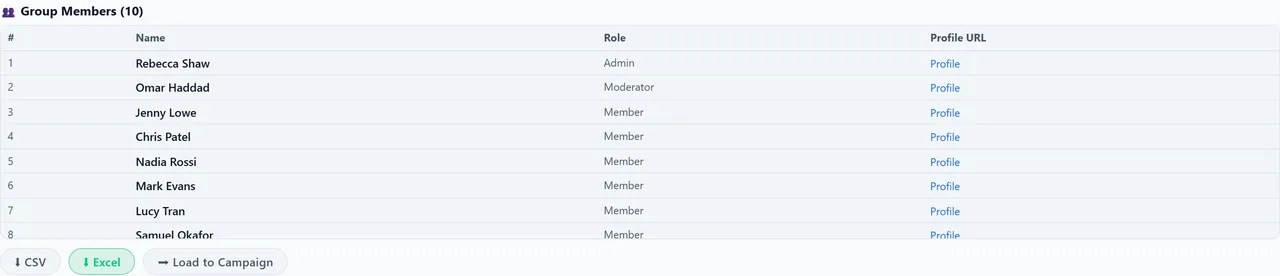
- LeadTrapper does not find groups. Once you are a member, its Group Members tool lists names, roles and profile links, with no emails or phones.
Facebook groups are where people ask each other what to buy, who to hire and what went wrong last time. That makes them a good place to find customers. It also makes them easy to waste time in, because most groups for any niche are dead, full of spam, or run by someone who bans every seller.
This guide shows how to find the groups for your niche and how to pick the few that deserve your time. One honest note first: LeadTrapper does not search for groups. It helps after you have joined them, and that part comes later.
Start With Your Customers' Words
Search with the words your customers type, not the words on your business card. A bookkeeper searches “bookkeeping”, but her customers post “my VAT return is due and I’m lost” or “self employed tax help”. Write ten phrases in three groups:
- The problem: “can’t keep up with invoices”, “lost my first customer”
- The person: “small business owners”, “new landlords”, “first-time mums”
- The place: your town, county or country
You will reuse this list on Facebook, on Google and later when you check a group’s posts.
Seven Ways to Find Groups
There are seven reliable ways, and each finds groups the others miss. Use at least three.
| Method | How | Finds | Weak spot |
|---|---|---|---|
| 1. Facebook search | Type a keyword, open the Groups filter | Public and visible private groups | Results are ranked by Facebook, large groups first |
| 2. Facebook’s own suggestions | Menu, Groups, then Find New Groups | Groups matched to your interests | Only as good as your activity |
| 3. Google operator | site:facebook.com/groups "your keyword" town |
Public groups Facebook’s search buries | Misses groups Google has not indexed |
| 4. Exclude sellers | Add "no self promotion" to the Google search |
Tidier, less salesy groups | Also hides some good ones |
| 5. Look inside groups you are in | Search a group for “recommend a group” or “other groups” | Groups members really use | Needs you to be a member |
| 6. Follow people you respect | Check their bio, newsletter or website for a group link | Groups run by trusted names | Slow |
| 7. Events and directories | Conference, meetup and trade association pages list their groups | Tightly moderated groups | Often small |
Google’s method and the sellers filter come from marketing writers such as Lilach Bullock’s guide to finding groups, not from Facebook. They are tips that work for many people, not official features, so test them on your niche.
Add a town to find local groups. “Leeds small business” or “Lagos mums” finds smaller groups than the national ones, and these usually answer faster.
Public, Private and Hidden
Facebook has three kinds of group, and the kind decides whether you can find it. According to Facebook’s Help Center page on the differences between public and private groups, anyone can see a public group’s posts and find the group, while a private group shows its content only to members. A private group can be visible, so anyone can find it, or hidden, so only members and people who were invited can find it.
| Type | Who can find it | Who can join | Who sees the posts |
|---|---|---|---|
| Public | Anyone, on or off Facebook | Anyone, no approval | Anyone |
| Private, visible | Anyone on Facebook | Usually after an admin approves | Members only |
| Private, hidden | Members and invited people | By invitation | Members only |
Facebook’s page on how to join a group covers the steps, including answering the admin’s membership questions. Answer them honestly. Admins use those questions to keep sellers and bots out. Facebook’s help pages are updated often, so check the current wording.
Vet a Group Before You Join
A group is worth your time when people are talking today, someone is moderating, and your customers are in it. Look at six things before you join, using what you can see on the group’s front page:
- Posts in the last day. A group that shows daily posts is alive. One that only shows a member count is probably quiet.
- The last 20 posts. Look for real questions, replies and disagreement. A wall of “follow me” and income screenshots is a warning.
- Moderation. Pinned rules, membership questions and admins who reply mean less spam.
- Who is in it. Are the people asking questions your buyers, or other sellers like you?
- Rules on selling. Many groups ban promotion outright. Read the rules before you post anything.
- Size. One writer’s rule of thumb is that niche groups under about 5,000 members are easier to take part in. Treat it as a guide, not a standard.
Then trial about five groups for two weeks each, and keep the two or three that give you real conversations. If a group’s welcome message mostly pushes a paid programme, leave.
List your groups' members free for 14 days
No card needed. Free for 14 days, then $50 a year. Windows 10 and 11.
A Worked Example
A self-employed bookkeeper in Leeds wants small business customers. These numbers are an example, not a measured result.
- Her phrases: “self employed tax help Leeds”, “small business Yorkshire”, “VAT return”, “sole trader”.
- Facebook search for “small business Leeds” with the Groups filter shows 14 groups. A Google search for
site:facebook.com/groups "small business" Leedsadds 6 more, 3 not seen before. - She checks the front pages of 9, drops 4 that show only a member count, and joins 5.
- After two weeks: one group of 2,300 members has about 15 posts a day and a pinned rule that allows advice but not adverts. A second has 800 members and a monthly “introduce your business” thread. The other three are quiet or full of adverts, so she leaves.
She now has two groups. She answers VAT questions in each, and on the monthly thread she posts what she does and who she helps. Within the group’s rules, that is how replies turn into customers.
What LeadTrapper Can Do Once You Join
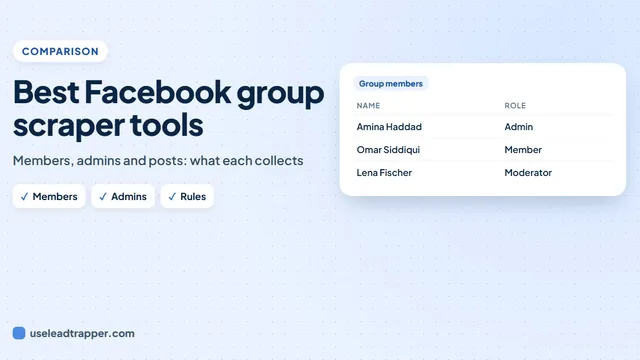
LeadTrapper does not find groups. Its Facebook scraper has a Find Pages tool, which searches Facebook’s pages directory, not groups, and a Group Members tool that needs the link of a group you belong to. Group Members lists member names, roles and profile links. It returns no emails or phone numbers, and you must be a member of the group. Our guide to scraping Facebook group members shows the steps and what comes back.
What this gives you is a list of names and profile links, which helps you spot the most active people in a group and who your admins are. It does not give you a way to message them. For comparisons of what each tool reads, see the best Facebook group scraper comparison.
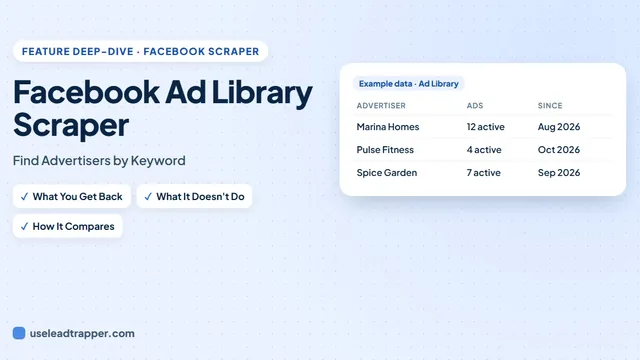
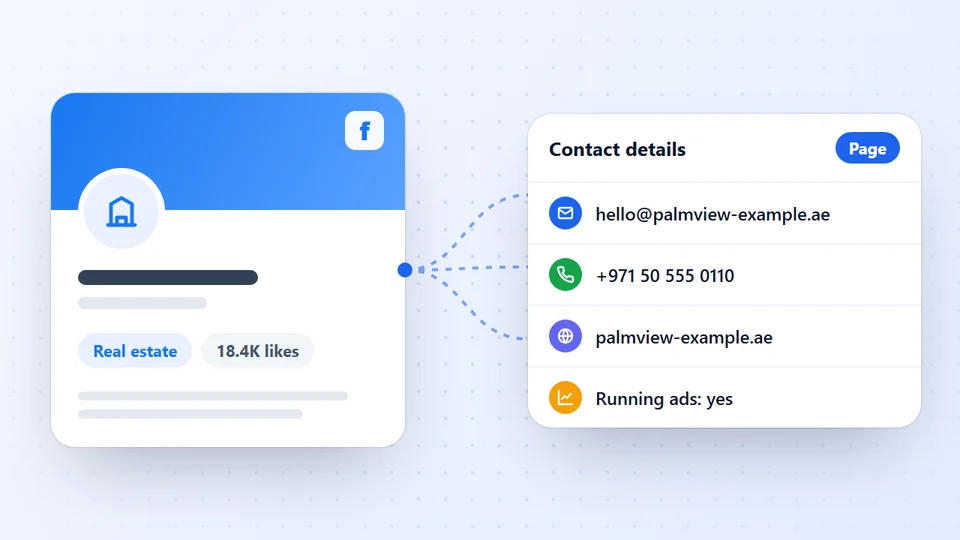
Groups are one source. Businesses in your niche also have pages with websites, phones and emails, which the Facebook business page scraper collects, and some run adverts you can see with the Facebook Ad Library scraper. If your customers are firms rather than individuals, those are usually a better list than a group’s members.
Rules and Risk
Facebook does not allow automated collection of its data without permission, and the Group Members tool runs in a browser signed in to your own account, so the risk is yours. Meta’s Automated Data Collection terms say you may not access or collect data from Meta’s products by automated means without prior permission. Facebook can limit an account it thinks breaks that, and LeadTrapper cannot promise it will not.
Three habits keep you safe:
- Use groups to take part, not to harvest. Answering questions builds trust. Messaging a list of members does not.
- Follow each group’s rules. Many ban promotion and private messages, and admins remove people quickly.
- Remember that names and profile links are personal data in many countries. Keep only what you need, and check local privacy and marketing law before you contact anyone. This is general information, not legal advice.
Where LeadTrapper Finds Leads
LeadTrapper collects leads from each of these sources in one Windows app, then checks the numbers and sends the WhatsApp messages from the same place.
- Google Maps Scraper: Business leads from any city.
- Facebook Scraper: Advertisers, pages and group members.
- Instagram Scraper: Leads from profiles and hashtags.
- TikTok Scraper: Creators, hashtags and commenters.
- LinkedIn Scraper: Profiles by role and city.
- Email Finder: Emails from business websites.
Frequently Asked Questions
Type your customers' words into Facebook search, open the Groups filter, and read the results. Then search Google for site:facebook.com/groups plus your keyword and location. Check each group's activity before you join. Facebook's own Groups menu also suggests groups based on your interests.
It may be hidden. Facebook's Help Center says a hidden private group can only be found by people who are members or have been invited, and does not appear in search results. Ask a member for an invite or the direct link.
No. Its Find Pages tool searches Facebook pages, not groups, and Group Members needs the link to a group you already belong to. Use Facebook search and Google to find the groups, then use the app on the ones you joined.
Start with about five and give each two weeks, then keep the two or three that give real value. A few active groups where you take part beat dozens you never open. This is practical advice from marketing writers, not a Facebook rule.
Check the group's rules first. Many ban promotion and unsolicited private messages, and admins remove members for it. Answering questions in the group in a useful way is safer than contacting people one by one. Facebook's own terms limit automated collection of its data.
Not usually. In a group with tens of thousands of members your post can be buried in minutes. A smaller group with daily, on-topic posts and active admins is often worth more. Look at how many posts appeared in the last day and read a few threads.
About LeadTrapper
LeadTrapper is a Windows app for finding business leads and contacting them on WhatsApp. It collects business contacts from Google Maps, Instagram, Facebook, TikTok, LinkedIn and business websites, checks which numbers are on WhatsApp with its Number Filter, and sends personalised campaigns with automatic delays from one or more WhatsApp accounts. It also has a chatbot, a shared inbox for every account, and Store Orders for online shops. It installs from the Microsoft Store, and the full app is free for 14 days, then $50 a year. Free web tools, browser extensions and a Wix app are listed on the Free Tools page.
List the Members of the Groups You Join
The Facebook scraper, Email Finder and WhatsApp tools all come with LeadTrapper. $50/year, all features included.