In this article 6 sections
To send bulk WhatsApp messages in the UK, write numbers as 44 plus the mobile number without the leading 0, and follow PECR: marketing messages to individuals need consent, unless they are your own customers under the soft opt-in, and every message needs a way to opt out. LeadTrapper sends from your own number with safe pacing.
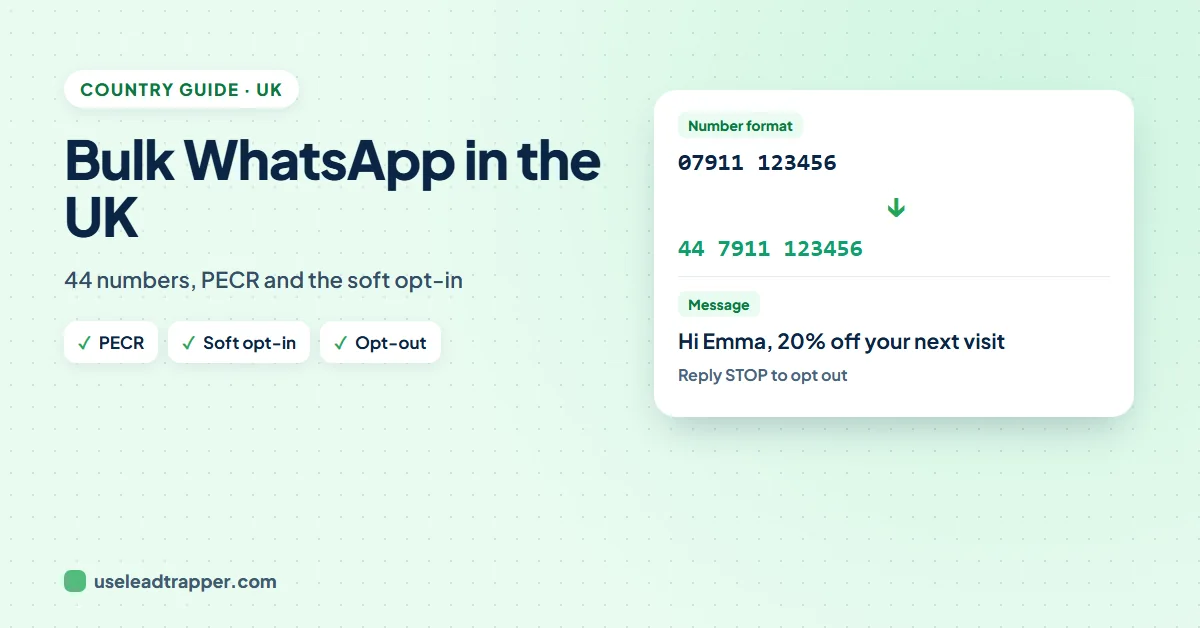
- UK mobile numbers start with 07; for WhatsApp, drop the 0 and add 44: 07911 123456 becomes 447911123456.
- PECR requires consent before sending marketing messages to individuals by electronic means, with one exception: the soft opt-in for your own customers.
- The soft opt-in needs all of: you got the details in a sale or negotiation, you market similar products, and they could opt out then and can in every message.
- The ICO fines firms that rely on vague or bought-in consent.
- LeadTrapper sends from your own WhatsApp number for $50 a year, with no per-message fees.
Businesses in the UK use WhatsApp to reach customers every day. Sending one offer to your whole list saves hours, as long as the numbers are in the right format and the message follows the local rules. This guide covers both, with an example campaign.
Format UK Numbers Correctly
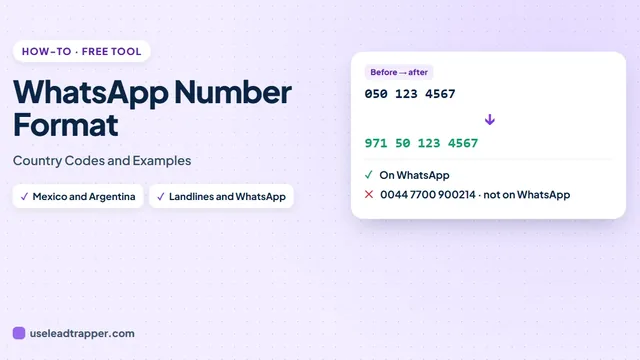
UK mobile numbers have 11 digits locally and start with 07, such as 07911 123456. For WhatsApp, write them with the country code 44, without the leading 0, spaces or brackets:
| In your sheet | For WhatsApp |
|---|---|
| 07911 123456 | 447911123456 |
| 07700 123456 | 447700123456 |
| +44 7812 345678 | 447812345678 |
| 07987 654321 | 447987654321 |
The free WhatsApp number formatter fixes a whole column at once. In LeadTrapper, Check Numbers formats local numbers when you choose the UK, and removes numbers that aren’t on WhatsApp before you send. Our guide to the WhatsApp number format covers other countries.
Writing the Message
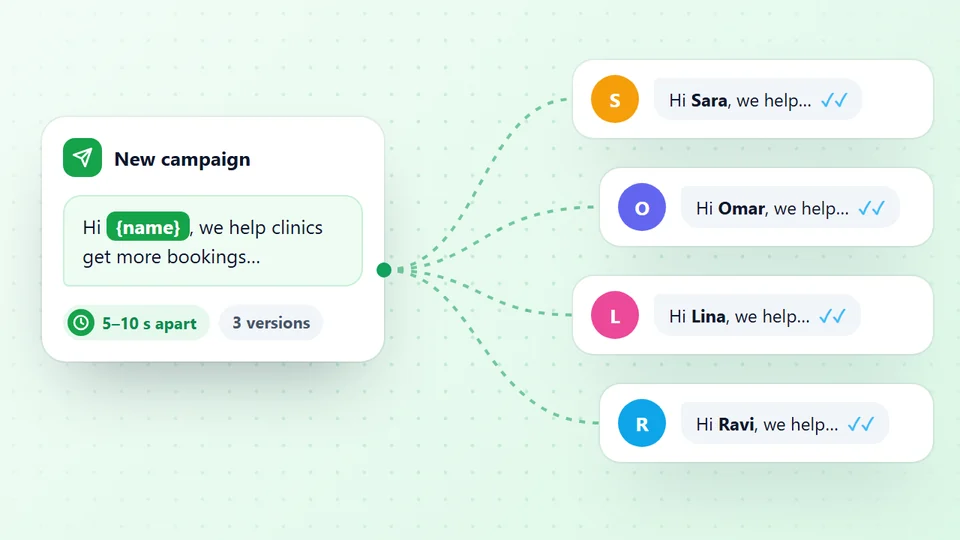
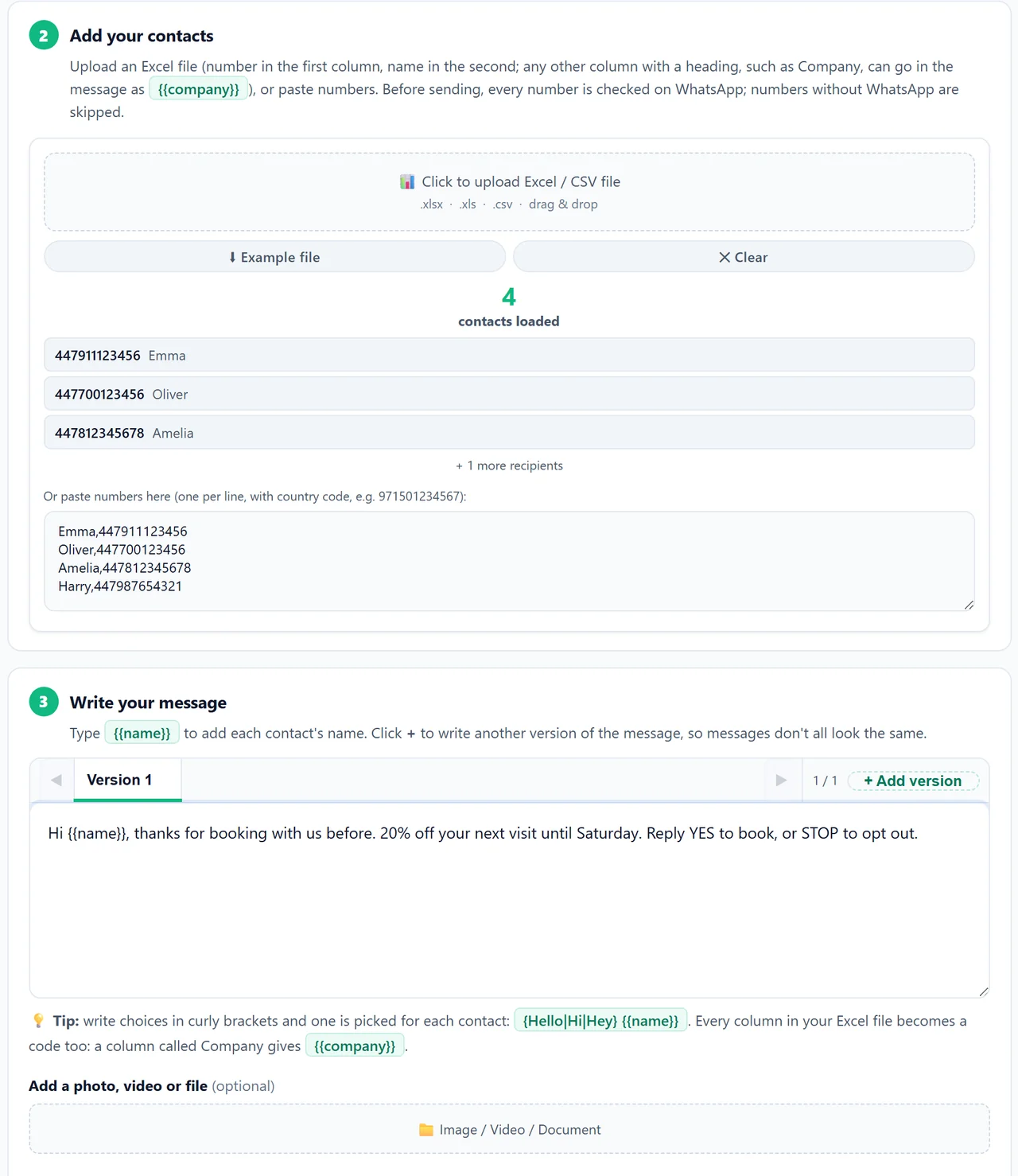
Write in plain English, say who you are, and put the opt-out in every message. Add the customer’s name with {{name}}:
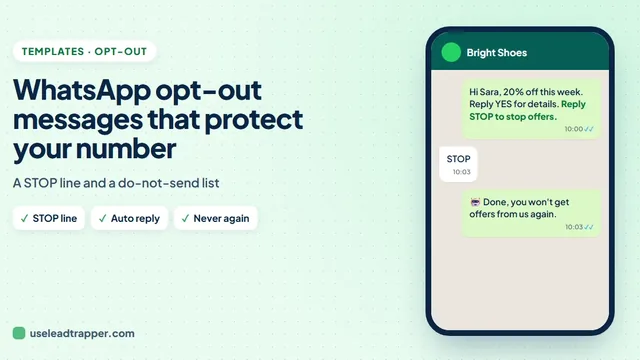
Hi {{name}}, thanks for booking with us before. 20% off your next visit until Saturday. Reply YES to book, or STOP to opt out.
Send your first campaign free for 14 days
Write two or three versions so not every customer gets the same words, as the WhatsApp spintax guide explains, and add the replies people send to stop to your auto reply rules.
The Rules for Marketing Messages
- Consent by default. The ICO's guidance on electronic mail marketing says you must not send marketing emails or texts to individuals without their specific consent, except under the soft opt-in. Treat a WhatsApp marketing message like a text.
- The soft opt-in. Your own customers, whose details you got in a sale or negotiation, about similar products, with a chance to opt out at the time and in every message.
- Who counts as an individual. Sole traders and some partnerships are individuals under PECR; limited companies and LLPs are corporate subscribers.
- Enforcement. In 2026 the ICO fined two claims firms a combined £225,000 for unlawful marketing texts, rejecting vague and third-party consent, as RPC reports.
- WhatsApp's own rules. WhatsApp's Business Messaging Policy asks businesses to message only people who gave their number and agreed to be contacted.
This is a summary, not legal advice.
When to Send
- Weekdays. Office hours, UK time (GMT, or BST in summer).
- Payday. Many people are paid at the end of the month; offers land better then.
- Pause hours. Set pause hours in LeadTrapper so nothing goes out in the evening or at night.
Send Your First Campaign
- Open Check Numbers, upload your Excel list and choose United Kingdom. Local numbers get 44; numbers without WhatsApp are removed.
- Press Send messages to these: the list moves to Send Bulk Messages with names from your file.
- Write the message, with codes from your columns such as
{{name}}. - Choose the Safe speed, set pause hours, and press Start Sending or Send Later.
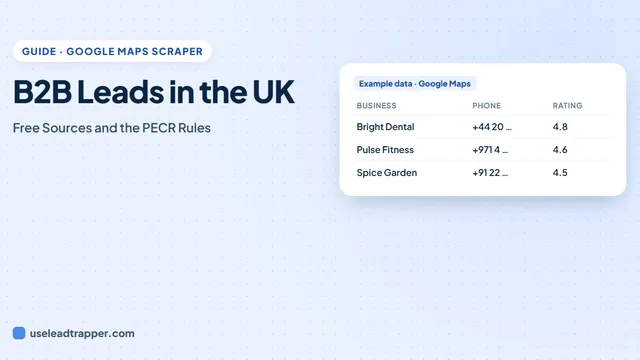
LeadTrapper costs $50 a year with no per-message fees. For what other tools cost, see the guide to WhatsApp bulk sender prices. To build a list of businesses there first, see B2B leads in the UK. After sending, track who replied in the results file.
Sources
- ICO. Electronic mail marketing (guide to PECR).
- RPC. ICO issues fines over electronic marketing breaches.
- WhatsApp. WhatsApp Business Messaging Policy.
The WhatsApp bulk sender is part of LeadTrapper for Windows, which costs $50 a year with a 14-day free trial. LeadTrapper is not affiliated with or endorsed by WhatsApp.
Before you send: warm up new or quiet numbers first with the WhatsApp warmer (LeadTrapper's Account Warmer), which runs in the same app.
Frequently Asked Questions
Yes, within PECR. Marketing messages to individuals need their consent, unless the soft opt-in applies to your own customers. Sole traders count as individuals; limited companies are corporate subscribers. Every message must say who you are and give a simple way to opt out. This is a summary, not legal advice.
An exception in PECR that lets you send marketing to your own customers without fresh consent, if you got their details during a sale or negotiation, you market similar products or services, and you gave them a chance to opt out when you collected the details and in every message since.
Drop the leading 0 and add 44: 07911 123456 becomes 447911123456. In LeadTrapper, choose the United Kingdom in Check Numbers and local numbers get 44 added automatically.
LeadTrapper is $50 a year with no per-message fees. Official API platforms charge a monthly plan plus Meta's fee for each marketing message.
About LeadTrapper
LeadTrapper is a Windows app for finding business leads and contacting them on WhatsApp. It collects business contacts from Google Maps, Instagram, Facebook, TikTok, LinkedIn and business websites, checks which numbers are on WhatsApp with its Number Filter, and sends personalised campaigns with automatic delays from one or more WhatsApp accounts. It also has a chatbot, a shared inbox for every account, and Store Orders for online shops. It installs from the Microsoft Store, and the full app is free for 14 days, then $50 a year. Free web tools, browser extensions and a Wix app are listed on the Free Tools page.
Send Your Next Offer Across the UK
LeadTrapper for Windows sends WhatsApp campaigns from your own number, with pause hours and safe pacing. $50/year, 14-day free trial.