In this article 6 sections
Work from their employer: find the company's website, look for the person on its team or contact page, and read the email pattern it publishes. Otherwise ask for an introduction or use their public profile. LeadTrapper's Email Finder reads published emails from websites but cannot search by name.
- A name alone is rarely enough. The company or website the person works for is the key, because most work emails are published there or follow a pattern the company shows.
- Check in order: the person's own website and profiles, the company's team and contact pages, a quoted Google search, then a polite request through a mutual contact or the general inbox.
- Email finder tools usually guess common patterns such as first.last@company.com and test them. A guess can be wrong, and sending to guessed addresses carries legal and deliverability risk.
- LeadTrapper's Email Finder reads emails that a website publishes, labels them and links one to a person only when the address plainly is theirs. It cannot search by name and never guesses.
- Rules apply to what you send: CAN-SPAM in the US, PECR and UK GDPR in the UK, with sole traders treated as individuals.
You have a name and you want a way to reach that person. An email address is findable when someone published it, and only guessable when they did not. This guide lists the methods in order of reliability, explains what email finder tools do behind the scenes, and says plainly what LeadTrapper can and cannot do. We make LeadTrapper and say so where it appears.
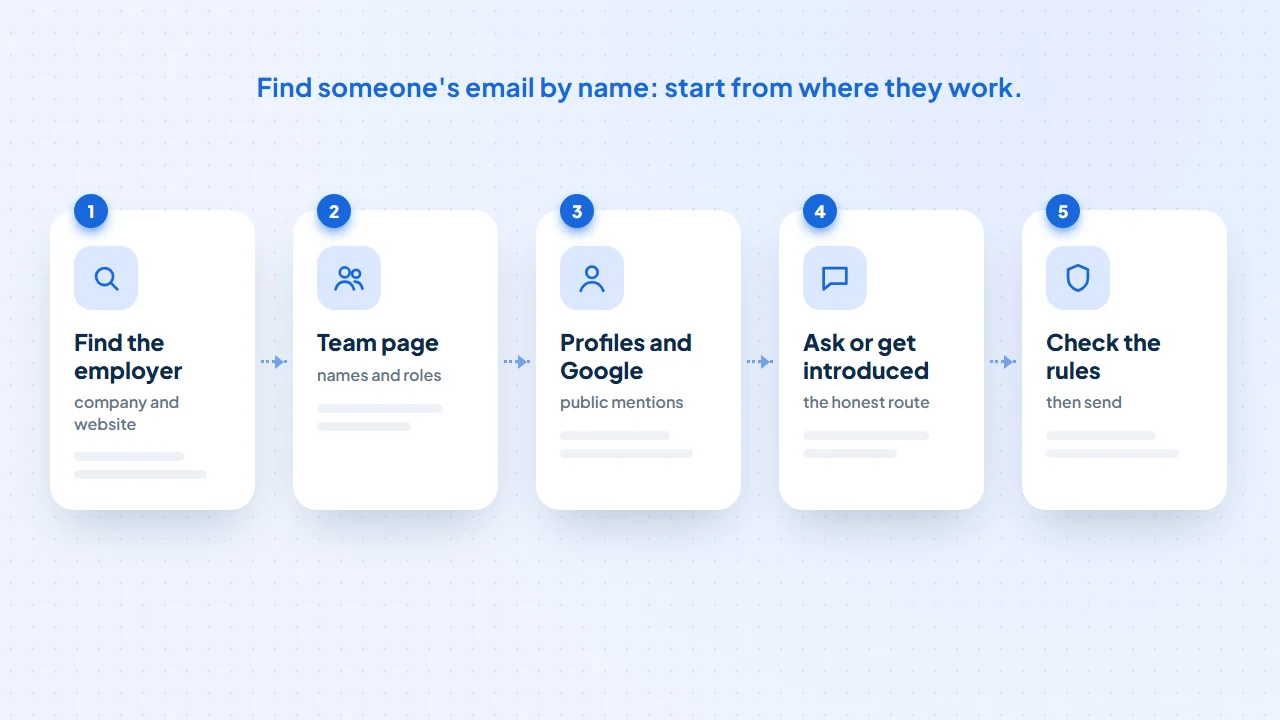
Start From the Company, Not the Name
A name on its own rarely finds an email, because thousands of people share common names. The reliable starting point is the person’s employer or website, since a work email is usually published there or follows a pattern the company shows. Ahrefs’ guide to finding an email address makes the same point: finder tools take a name plus a domain.
So the first job is to learn where the person works. A quick search of the name with a city or job title, their profile on a professional network, or a conference speaker page usually gives you the employer. Write down the company’s website address. Everything below starts from it.
Once you have the website, LeadTrapper’s email finder reads its pages and lists each named person with their own address and role, where the site publishes them.
Methods in Order of Reliability
The methods that find a published address come first, and a polite request comes before any guess. The table shows what each one gives you. The ideas draw on Ahrefs’ guide to finding anyone’s email, which is a third-party source; the accuracy figures in such guides come from their authors’ own tests.
| Method | Where to look | Reliability | Note |
|---|---|---|---|
| Their own website or profile | “Contact” page, social bios, a GitHub or portfolio page | High | Written to be found |
| The company’s team and contact pages | Team, About, Press, Contact; legal notices in some countries | High | Often a general inbox with the person’s name beside it |
| The company’s email pattern | An email shown for a colleague, such as anna.lee@company.com | Medium | Shows the pattern; do not send to a guess without a good reason |
| A quoted Google search | "Full Name" "company" email or site:company.com "Full Name" |
Medium | Check the date of the page |
| A professional network’s contact info | The profile’s Contact info section | Medium | Often visible only to connections; see our guide to finding an email from a LinkedIn profile |
| Reply to their newsletter | The sender address of a mailing list they run | Medium | Often a shared inbox |
| An introduction | A mutual contact, or the general inbox | High for a reply | Slower but welcome |
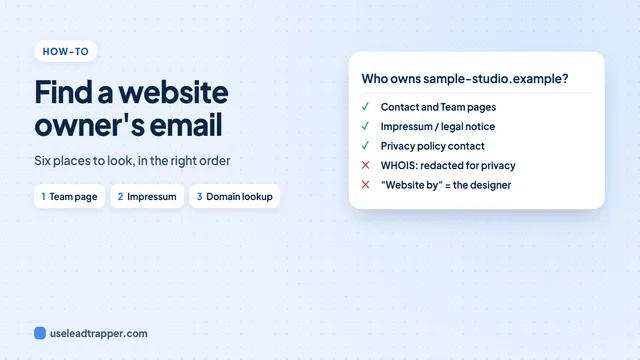
| A website owner lookup | Domain records | Low | Most are hidden; see finding a website owner’s email |
Google’s guide to refining web searches confirms that quotation marks return exact matches and that site: limits results to one website, which is all you need for the Google method.
If a business names its owner or team, our guide to finding the decision makers in a company shows how to read those pages quickly.
For the pattern method in detail, see how to find a company’s email format.
What Email Finder Tools Really Do
Most name-based email finders combine your person’s name and the company domain into likely patterns, then test whether the address exists. Typical patterns are first.last@, first@ and the first initial plus last name. Some also draw on databases of addresses collected elsewhere.
That works often enough to be useful, and it has three weak points. First, a pattern is a guess: the address may belong to nobody, to a different person, or to a “catch-all” inbox that accepts everything, so a positive test proves little. Second, results age as people change jobs. Third, the law notes the risk: the FTC’s CAN-SPAM compliance guide lists harvesting addresses, or generating them through a dictionary attack, among aggravated violations that carry heavier penalties when you then send commercial email. Whether a particular finder falls under that is a question for a lawyer, but it is a reason to prefer addresses that are actually published.
What LeadTrapper Can and Cannot Do
LeadTrapper’s Email Finder reads published emails from websites; it does not look people up by name. Its starting points are a list of websites you paste or load from a file, or a business type with one or more cities, such as “dental clinic” in Dubai.
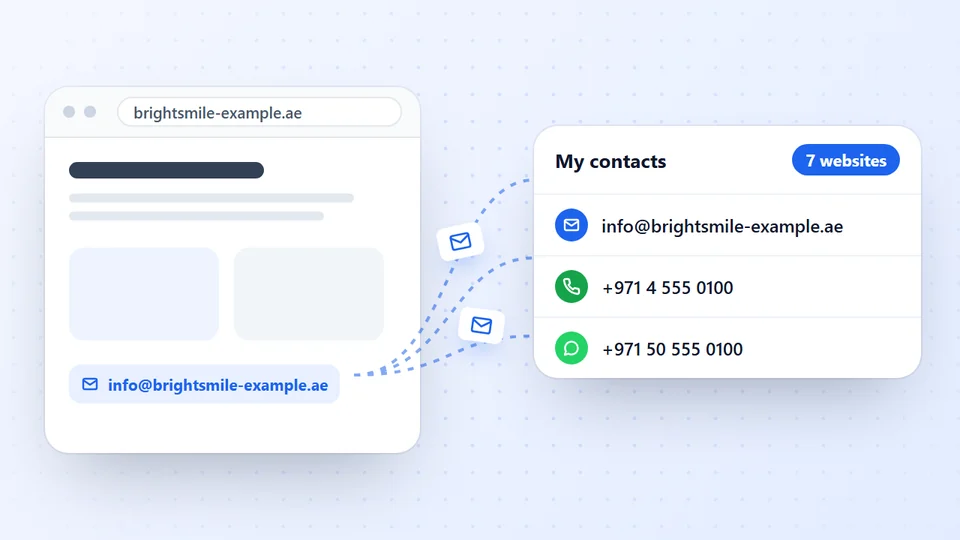
For each website it reads the home page and the pages where contacts usually sit, collects the emails, phone and WhatsApp numbers, addresses and social links the business publishes, and labels each email as a general inbox, a department, a team member or a branch. When the site names people with job titles, it marks owners, founders and managing directors as decision makers.
It links an email to a person only when the address is plainly theirs, such as max.weber@ for Max Weber, and it does not guess an address from a name. It also reads addresses written as “name [at] site [dot] com”. The Check emails button asks a public DNS service whether each address’s domain can receive mail, sending only the domain name; it cannot confirm that one inbox exists.
So the Email Finder is the right tool for the step “read the company’s team and contact pages”, at scale: 200 websites in one run instead of 200 tabs. It is the wrong tool if all you have is a name and no company. LeadTrapper’s LinkedIn scraper lists profiles by keyword, title and city, which can tell you where a person works, but LinkedIn’s terms ban scraping, so the risk is yours. See the Email Finder page for the full list of what it collects.
Read your first websites free for 14 days
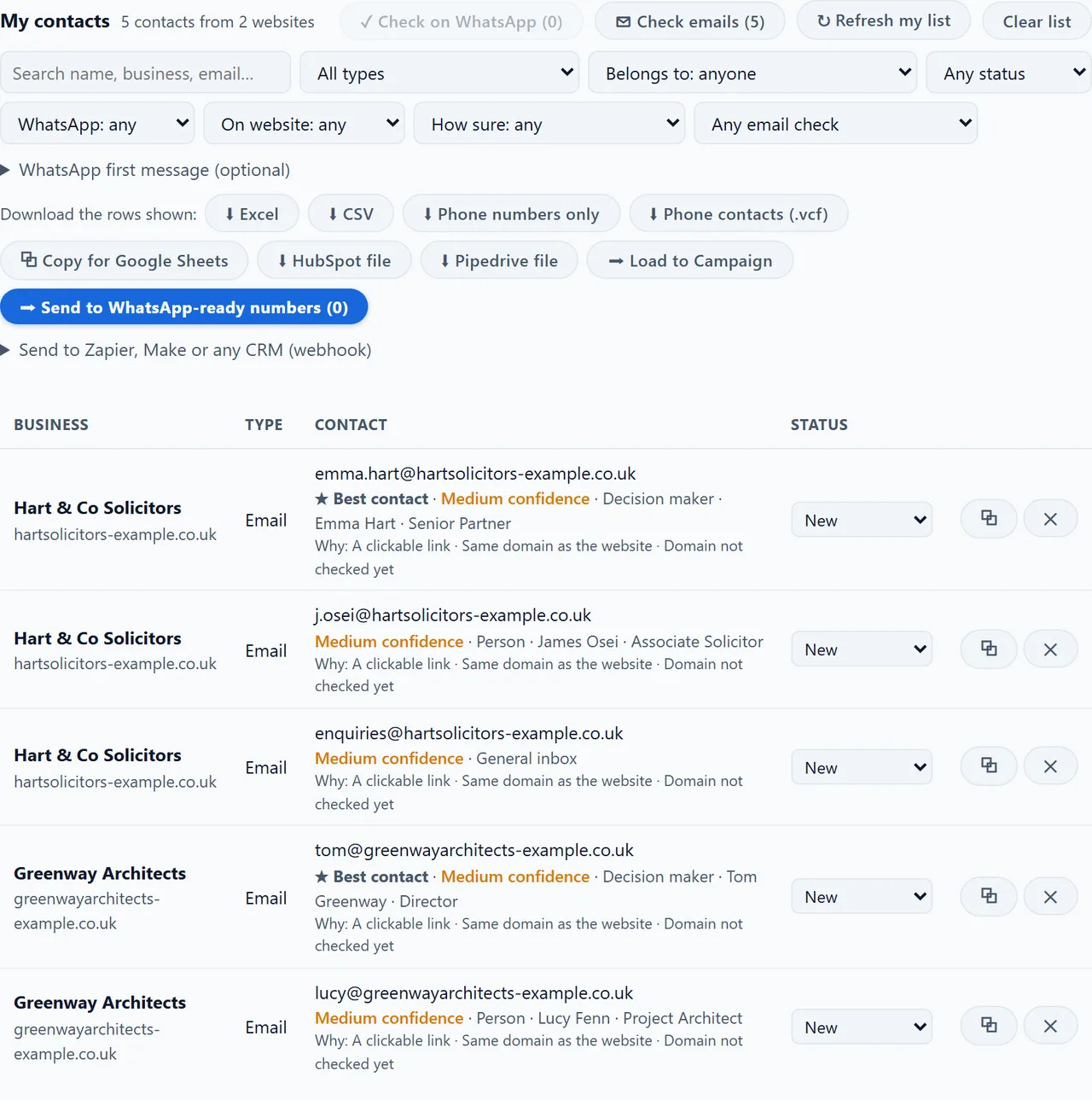
A Worked Example
The details below are invented to show the steps. You want to reach Maria Lopez, who you believe is operations manager at a regional logistics firm.
You search "Maria Lopez" operations manager logistics. A trade-press article names her at “Northway Freight” in Leeds. You open northwayfreight.example, find the Team page and see “Maria Lopez, Operations Manager” with no email, and a Contact page that lists info@ and a form. Another staff card shows tom.reed@northwayfreight.example, so you now know the pattern, but you do not send to a guess.
You paste the website into the Email Finder: it returns the general inbox and tom.reed@ as a team member, and marks the managing director as a decision maker. You email the general inbox: “Hello, I’d like to reach Maria Lopez about warehouse staffing. Could you pass this on or tell me the best way to contact her?” She replies from her own address two days later, and now you have it from her.
Rules Before You Send
Finding an address is the easy part; the law governs the sending. The FTC’s guide says CAN-SPAM makes no exception for business-to-business email, requires an honest subject line, a valid postal address and a working opt-out, and as of 23 November 2026 lists penalties of up to $53,088 per violating email.
In the UK, the ICO’s guidance on electronic mail marketing says companies are corporate subscribers who need no prior consent, while sole traders and some partnerships are treated as individuals, where consent is generally required. It advises that if you are unsure, treat the contact as an individual. Many EU countries are stricter. Our guide on whether email scraping is legal covers the main rules. This is not legal advice.
A safe pattern: use published business addresses, write one specific message, say who you are, include an opt-out and honour it the same day.
Where LeadTrapper Finds Leads
LeadTrapper collects leads from each of these sources in one Windows app, then checks the numbers and sends the WhatsApp messages from the same place.
- Google Maps Scraper: Business leads from any city.
- Facebook Scraper: Advertisers, pages and group members.
- Instagram Scraper: Leads from profiles and hashtags.
- TikTok Scraper: Creators, hashtags and commenters.
- LinkedIn Scraper: Profiles by role and city.
- Email Finder: Emails from business websites.
Frequently Asked Questions
Find where they work, then open that company's website and look at its team, contact and press pages. Check the person's own site and professional profiles, run a quoted Google search of their name with the company, and read the email pattern other staff use. If nothing is published, ask for an introduction.
Rarely. A common name like John Smith matches thousands of people. You need a second detail, ideally the employer, city or website. With a company domain, many people's published business email can be found; with a name alone, the honest answer is often no.
Finding a published address is not illegal in itself, but how you use it is regulated. In the US, CAN-SPAM covers commercial email, with no business-to-business exception. In the UK, company addresses need no prior consent but sole traders and partnerships count as individuals. EU countries vary. This is not legal advice.
Many do. They combine a name and domain into common patterns, such as first.last@company.com, and test them against the mail server. That can be right, but it can also hit a different person or a catch-all inbox. LeadTrapper's Email Finder does not guess: it collects addresses a website publishes.
No. The Email Finder starts from websites, or from a business type and city, not from a person's name. When a business names its team and publishes an address plainly belonging to a person, such as max.weber@ for Max Weber, it links the two. Otherwise it shows the general inbox.
Use another route: the company's general inbox or contact form, a message on the platform where they are active, a mutual contact, or a letter. Say who you are and why you are writing in two sentences. Do not guess addresses and send to several variations.
About LeadTrapper
LeadTrapper is a Windows app for finding business leads and contacting them on WhatsApp. It collects business contacts from Google Maps, Instagram, Facebook, TikTok, LinkedIn and business websites, checks which numbers are on WhatsApp with its Number Filter, and sends personalised campaigns with automatic delays from one or more WhatsApp accounts. It also has a chatbot, a shared inbox for every account, and Store Orders for online shops. It installs from the Microsoft Store, and the full app is free for 14 days, then $50 a year. Free web tools, browser extensions and a Wix app are listed on the Free Tools page.
Read the Contacts a Website Publishes, in Bulk
The Email Finder, Google Maps scraper, LinkedIn scraper and WhatsApp sender all come with LeadTrapper. $50/year, all features included.