In this article 7 sections
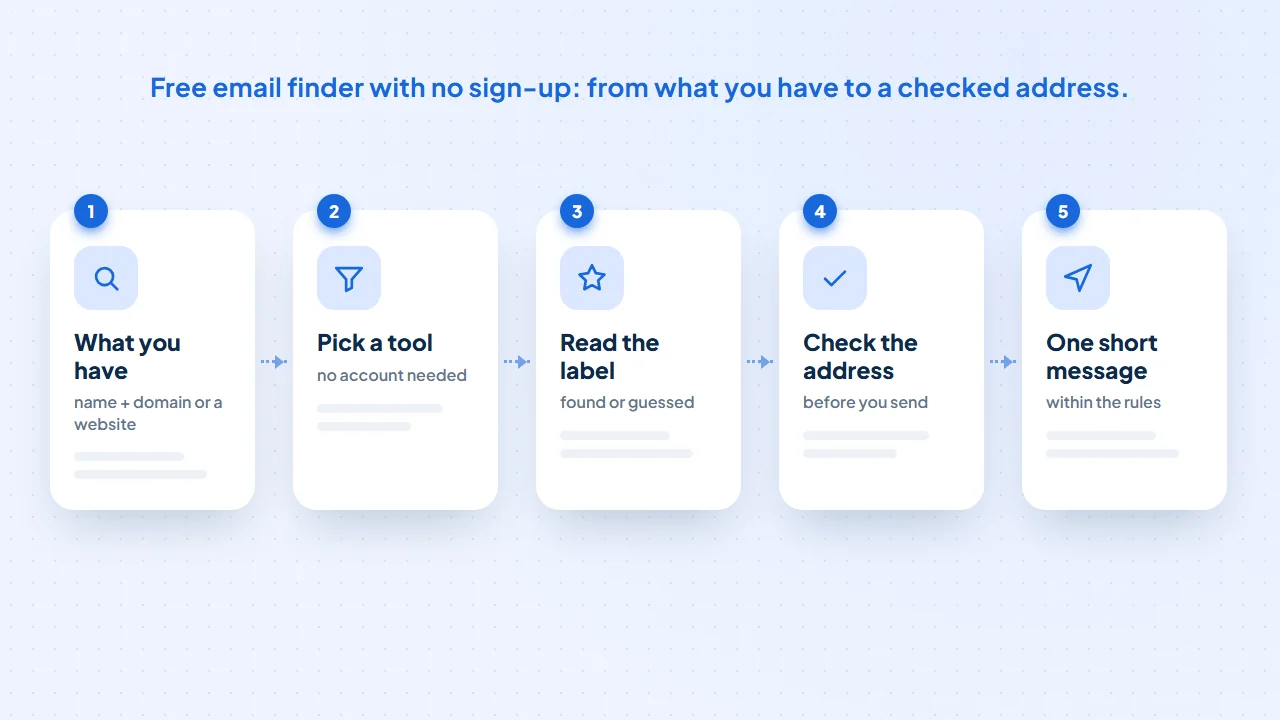
Four free finders worked without an account on 23 November 2026: Mailmeteor (no daily quota stated), Experte, Emailchaser (3 a day) and Datablist (1 a day). Each needs a person's name and a company domain. To read a business's own website instead, the free Contact Finder extension needs no name and no account.
- On 23 November 2026, Mailmeteor, Experte, Emailchaser and Datablist all let you search without an account. The limits differ: Mailmeteor states no daily quota for individuals, Emailchaser 3 a day, Datablist 1 found email a day.
- Most no-sign-up finders need a full name and a company domain. They build likely addresses and ask the mail server whether each exists; they don't read the person's data from anywhere.
- Hunter, Tomba and Snov.io offer free credits (50, 25 and 50 a month) but point you to a free account to use them.
- A result from a mail server check can be 'Unknown' or 'Likely', because some servers accept every address. Check any address before you send.
- If you don't know a person's name, read the business's own website instead. LeadTrapper's free Contact Finder extension does that with no account, and the Email Finder in the paid app does it for any number of sites.
“No sign-up” is the first thing people add to this search, and it narrows the field a lot. We opened each tool’s page on 23 November 2026 and wrote down what it says about accounts, inputs and limits. This guide gives the table first, then how these tools work, and what to do when none of them fits. We make LeadTrapper, which appears in the comparison, and we say where.
The Tools Checked, With Real Limits
Four name-and-domain finders worked without an account on 23 November 2026, three well-known finders want a free account, and one extension reads websites instead. Every row comes from the tool’s own page that day.
| Tool | Account needed? | What you enter | Free limit stated on its page | Source |
|---|---|---|---|---|
| Mailmeteor | No | Full name + company domain | “No daily quota for individual use”; fair-use limits; bulk by contacting them | its page |
| Experte | No | Name + company domain | No limit stated | its page |
| Emailchaser | No | First name, last name, company website (or a LinkedIn link) | 3 searches a day; the LinkedIn tab has its own 3 | its page |
| Datablist | No for the free tool | Name + company or domain, or a LinkedIn URL | 25 credits per UTC day, “enough for one found work email”; a free account adds 500 credits | its page |
| Hunter | Page points to a free account | Name + domain | Free plan 50 credits a month; a search that finds nothing is free | its page |
| Tomba | Page points to a free account | Name + company domain | Free plan 25 search credits every 30 days | its page |
| Snov.io | Page points to a free account | Name + domain | 50 free monthly credits on registration | its page |
| Contact Finder (ours) | No | A website, a list of websites or your open tabs | None stated; the pause between sites is set by you | Chrome Web Store, version 1.2.4, updated 19 November 2026 |
Two cautions. “Page points to a free account” means the page didn’t say whether you can search without one; its sign-up buttons suggest you can’t. Saleshandy’s comparison of 14 finders says Hunter lets you run a single search without an account and Tomba allows 3; we couldn’t confirm either on the tools’ own pages, so test them yourself. Saleshandy sells its own finder and ranks itself first, so treat its tables as its view. Enrich also advertises a no-sign-up finder, but its page returned an error when we checked, so we left it out.
How No-Sign-Up Finders Work
Most free finders guess the pattern and ask the mail server. You give a name and a company domain, the tool builds likely addresses, and it asks the company’s mail server whether each mailbox exists, without sending anything.
Experte’s page says it generates patterns such as first.last@ and firstlast@ for the domain, then checks each by connecting to the mail server, and that “we do not store any of the requested data”. Emailchaser describes the same method. The weak spot is the catch-all server: some companies set theirs to accept every address. Experte says it “cannot determine” whether an address is valid in that case; Emailchaser marks such results “Likely” instead of “Verified”; Datablist says an unverified address “needs further checking before outreach”.
Mailmeteor goes a step further. Its FAQ says it tests common patterns, verifies candidates over SMTP in real time and cross-references public databases and profiles. Its own accuracy claim is “97%+ accuracy for active professional emails at companies with standardized patterns”, and it adds that accuracy “can drop for very small companies, freelancers with custom setups, or people who recently changed jobs”. Those are the businesses most buyers of local leads actually target.
Each Tool in a Few Lines
Each free tool suits one job: single lookups for a named person, with different ceilings. Here is the short version.
- Mailmeteor. The most generous free limit we saw, with no sign-up and no daily quota stated for individuals. Built for one lookup at a time; bulk means contacting Mailmeteor. Accuracy claims are its own.
- Experte. No sign-up, no limit stated, and says it doesn’t store what you type. It needs a name and a domain; a domain alone isn’t enough. Its separate email verifier checks a specific address.
- Emailchaser. Three searches a day with a mail server check and a “Likely” or “Verified” label. Its page reports 88 of 100 work emails found in its own test against 67 for Hunter, published 2 August 2026. That is a vendor test with no independent check.
- Datablist. One found email a day free. A free account adds 500 credits. Its page quotes $45 per 1,000 emails found in its own comparison. It says it uses a waterfall of providers and doesn’t say which ones the free tool uses.
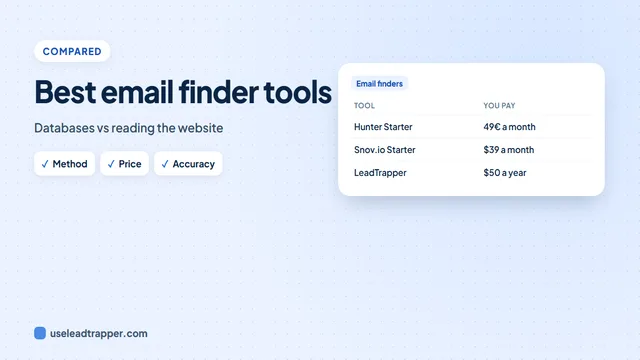
- Hunter, Tomba, Snov.io. Free credits each month (50, 25 and 50) but with an account. Hunter’s page says each search that returns an email uses one credit and an empty search is free. Snov.io’s paid plans start at $39 a month for 1,000 credits, per its page.
- Contact Finder. Reads the website, not a person. See the next sections.
For a wider look at paid finders and prices, see our guide to the best email finder tools, and for extensions our comparison of the best email extractor Chrome extensions.
A Worked Example: Two Ways to Find One Email
You want to contact the owner of a landscaping business and you have two starting points. This is an illustration, not a test.
Starting point 1: you know the name. You know the owner is Maria Lopez and the site is greenleaf-landscaping.example. You enter “Maria Lopez” and the domain into a name-and-domain finder. It builds maria.lopez@, mlopez@ and maria@ for the domain and asks the mail server. One of two things happens: it returns maria@greenleaf-landscaping.example marked Verified, or the server accepts everything and the result says Likely or Unknown. In the second case you still don’t know whether the mailbox exists, so you check the address before sending and keep the message short.
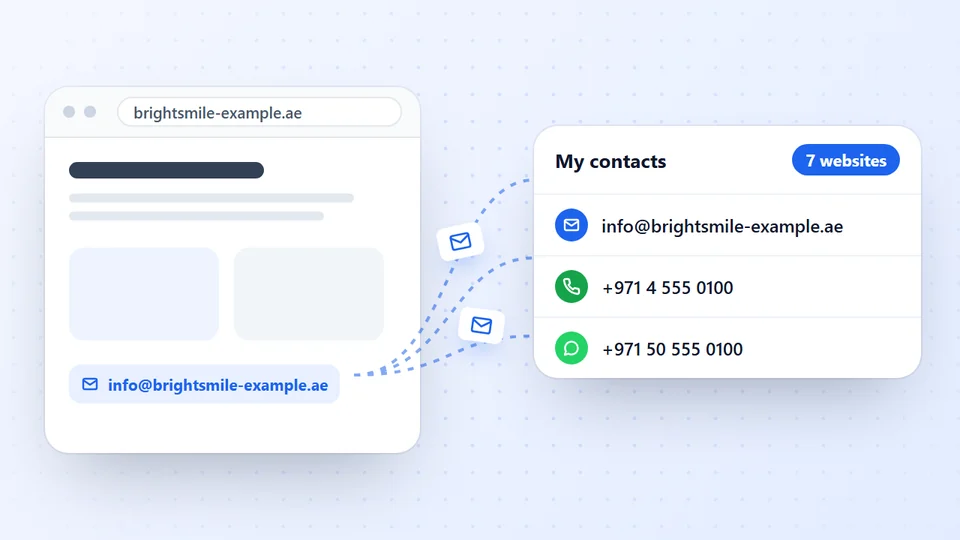
Starting point 2: you only have the website. You open greenleaf-landscaping.example and click the Contact Finder icon. It reads the home page plus its contact, team and about pages and lists what the site publishes: an info@ address labelled general inbox, a phone number labelled mobile, and a WhatsApp number. No guessing is involved. If the site shows only a contact form, the extension saves the link to the form.
Which is better depends on the target. For a named person at a mid-sized company, the name-and-domain route is quicker. For a small local business with no named contact, reading the site is more reliable, because the published inbox is the address the owner actually reads.
When You Don't Know the Person
If you have a business but no contact name, read its website. Most small businesses publish an inbox, a phone number and often a WhatsApp number there, and no guessing is needed.
LeadTrapper’s free Contact Finder extension for Chrome and Edge does this. Its manifest describes it as finding emails, phones, WhatsApp and social profiles on business websites, scanning unlimited websites in bulk, with no sign-up. The Chrome Web Store page we read on 23 November 2026 showed version 1.2.4, 89 users and no ratings yet. In our own test on 17 November 2026, on 148 business websites with contacts recorded by hand, the extension found 62% of the published emails and 2.3% of the emails it returned were wrong. We haven’t run the other tools on that test, so don’t read it as a ranking.
Its limits are plain. It reads only what a site publishes, so a site that shows no email gives you none. It leaves alone pages a website’s robots.txt asks robots not to read. It doesn’t verify that an address accepts mail unless you click “Check emails”, which asks Cloudflare’s public DNS service about email domains. And it can’t tell you a person’s private address.
For hundreds of websites at a time, or to start from a business type and a city, the paid app’s Email Finder reads each business’s contact, team and about pages and labels every email as a general inbox, a department, a team member or a branch. In our accuracy test on the same 148 sites it found 85.7% of the published emails; the guide to email finder accuracy shows the method. It costs $50 a year after a 14-day free trial, so it isn’t free.
Check an Address Before You Send
Guessed addresses can bounce, and a bounce hurts your sending reputation. Check any address a finder marks Likely or Unknown before you use it, and keep your first message short and honest.
- Use a verifier for single addresses; see our guide to checking if an email is valid.
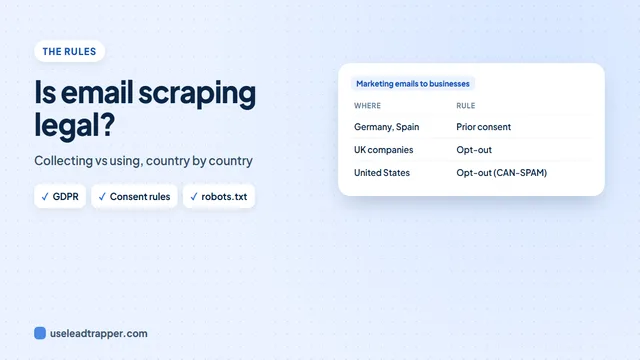
- Mind the rules. The FTC’s CAN-SPAM guide requires real sender details, an honest subject line and a working opt-out for commercial email in the US. The UK ICO’s guidance on electronic mail marketing says sole traders and some partnerships are treated as individuals who need to consent first. Our guide to whether email scraping is legal covers more countries. This isn’t legal advice.
What LeadTrapper Can and Can't Do
LeadTrapper reads what businesses publish. It doesn’t guess addresses from names, doesn’t search a database of people, and doesn’t sell contact data. We checked these points in the extension’s own code.
- No account, no cap on websites. The extension’s description says “No sign-up”, and its code has no login step or request limit. The table of results shows 500 rows at a time, with “Show more”, and the download includes every row.
- Output: Excel or CSV, or a phone-numbers-only file for WhatsApp tools.
- Paid app: the full Email Finder is part of the Windows app licence, not free.
- Not a person-finder. If you need the work email of a named executive at a large company, a name-and-domain finder from the table above is the better free tool.
Try the Email Finder free for 14 days
Where LeadTrapper Finds Leads
LeadTrapper collects leads from each of these sources in one Windows app, then checks the numbers and sends the WhatsApp messages from the same place.
- Google Maps Scraper: Business leads from any city.
- Facebook Scraper: Advertisers, pages and group members.
- Instagram Scraper: Leads from profiles and hashtags.
- TikTok Scraper: Creators, hashtags and commenters.
- LinkedIn Scraper: Profiles by role and city.
- Email Finder: Emails from business websites.
Frequently Asked Questions
Yes. On 23 November 2026 Mailmeteor, Experte, Emailchaser and Datablist each worked without an account. Emailchaser's page says 3 free searches a day, and Datablist's allows one found email a day. Each asks for a name and a company domain. Always check the address before you send.
They take a first name, last name and company domain, generate common patterns such as first.last@company.com, and ask the company's mail server whether each mailbox exists, without sending a message. Experte and Emailchaser describe it that way. Catch-all mail servers accept everything, so those results are 'Unknown' or 'Likely'.
Their own numbers are marketing: Mailmeteor claims 97% for active professional emails at companies with standard patterns, and Emailchaser reports 88 of 100 in its own test on 2 August 2026. Neither is independent. Accuracy drops for small companies, freelancers and people who recently changed jobs.
Yes, if the business publishes one. Contact Finder reads a business website and its contact, team and about pages and lists the emails, phones and WhatsApp numbers shown. It finds only what the site publishes and never guesses. If the site shows none, it has none to give.
No. The Email Finder in the LeadTrapper Windows app is part of a $50 a year licence with a 14-day free trial. The free tool is the Contact Finder browser extension for Chrome and Edge, which needs no account.
Finding an address is one thing and emailing it is another. In the US, CAN-SPAM requires honest sender details and an opt-out; in the UK, sole traders count as individuals and need consent first. Guessed addresses for named people can also raise data protection questions. This isn't legal advice.
About LeadTrapper
LeadTrapper is a Windows app for finding business leads and contacting them on WhatsApp. It collects business contacts from Google Maps, Instagram, Facebook, TikTok, LinkedIn and business websites, checks which numbers are on WhatsApp with its Number Filter, and sends personalised campaigns with automatic delays from one or more WhatsApp accounts. It also has a chatbot, a shared inbox for every account, and Store Orders for online shops. It installs from the Microsoft Store, and the full app is free for 14 days, then $50 a year. Free web tools, browser extensions and a Wix app are listed on the Free Tools page.
From One Email to a Whole List
LeadTrapper finds businesses by type and city and reads their websites for emails, phones and WhatsApp numbers. $50/year, 14-day free trial.