In this article 5 sections
Google Maps listings almost never show an email, so a Google Maps email extractor has to visit each business's website. Scrape the listings for names, phones and websites, then read each website's pages for emails. In our test 15% of Maps businesses had an email on their homepage; reading contact pages too finds more.
- Google Maps listings show phone, address, website and hours, but almost never an email. Every 'Google Maps email extractor' gets emails from the business websites.
- In our test of 160 dentists in Amman, 15% had an email on the homepage the scraper read, while phones were filled for 99%.
- Contact, About and footer pages hold far more emails than homepages; reading them is the biggest single improvement.
- Businesses with no website rarely have a findable email; call or message them instead.
- Never guess addresses like info@ and send blind: check them first, or your sending address gets flagged.
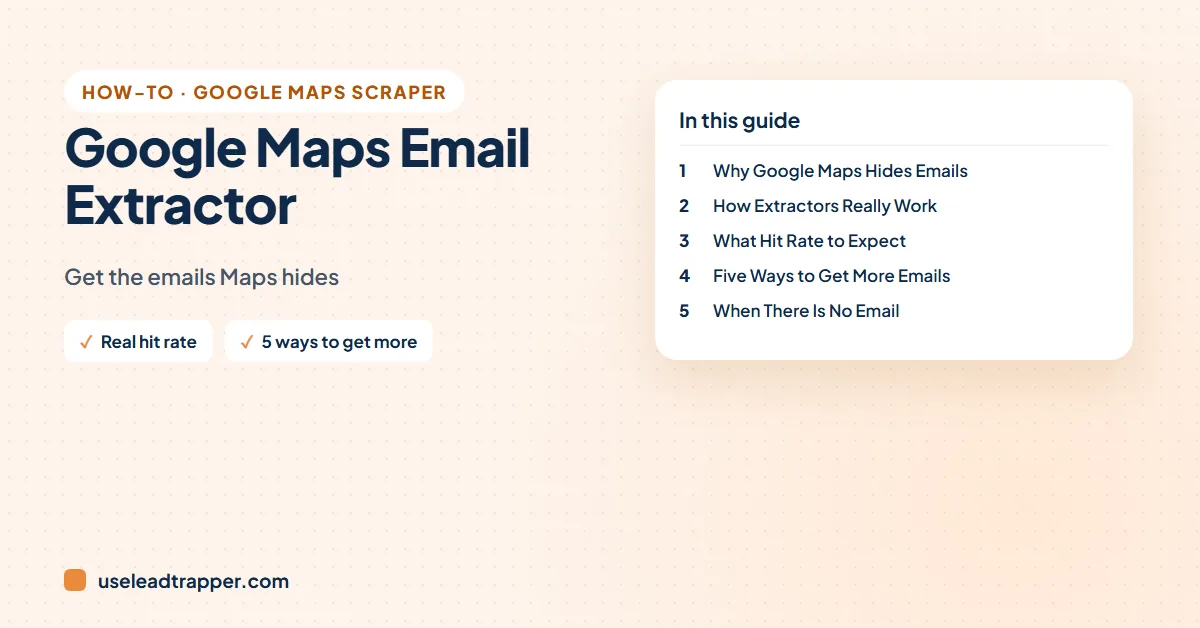
People search for a Google Maps email extractor expecting emails to sit in Maps like phone numbers do. They don’t, and that one fact explains why some tools return almost no emails and others return many. This guide explains where the emails really come from, what share to expect, and the tricks that raise it.
Why Google Maps Hides Emails
A Google Business Profile has standard fields for the name, phone, website, address, hours and category. It has no standard email field, so almost no listing shows one. That’s why a tool that only reads the Maps results, such as most free browser extensions, returns names and ratings but no emails.
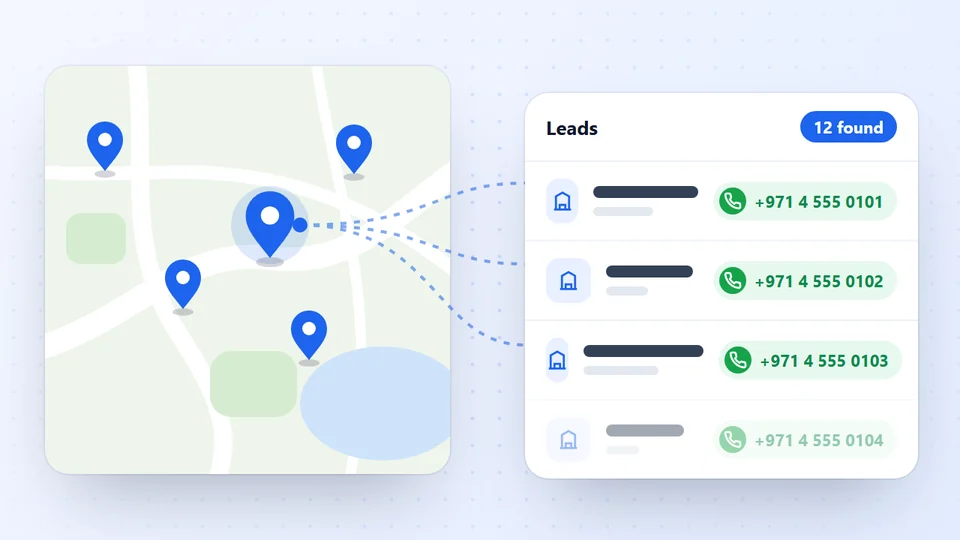
Phones are the opposite. They come from the listing itself, so they’re nearly always there: in our test of dentists in Amman, 158 of 160 had a phone.
How Email Extractors Really Work
Every tool that does return emails follows the same two steps, whatever its marketing says:
- Collect the website from each Maps listing.
- Open that website and read it for email addresses.
The difference between tools is how much of the website they read. Some read only the homepage. Better ones also open the contact page, the about page and the footer, where most businesses actually put their email. Cloud services usually sell this as an “email enrichment” add-on charged per record; desktop tools run it on your own computer.
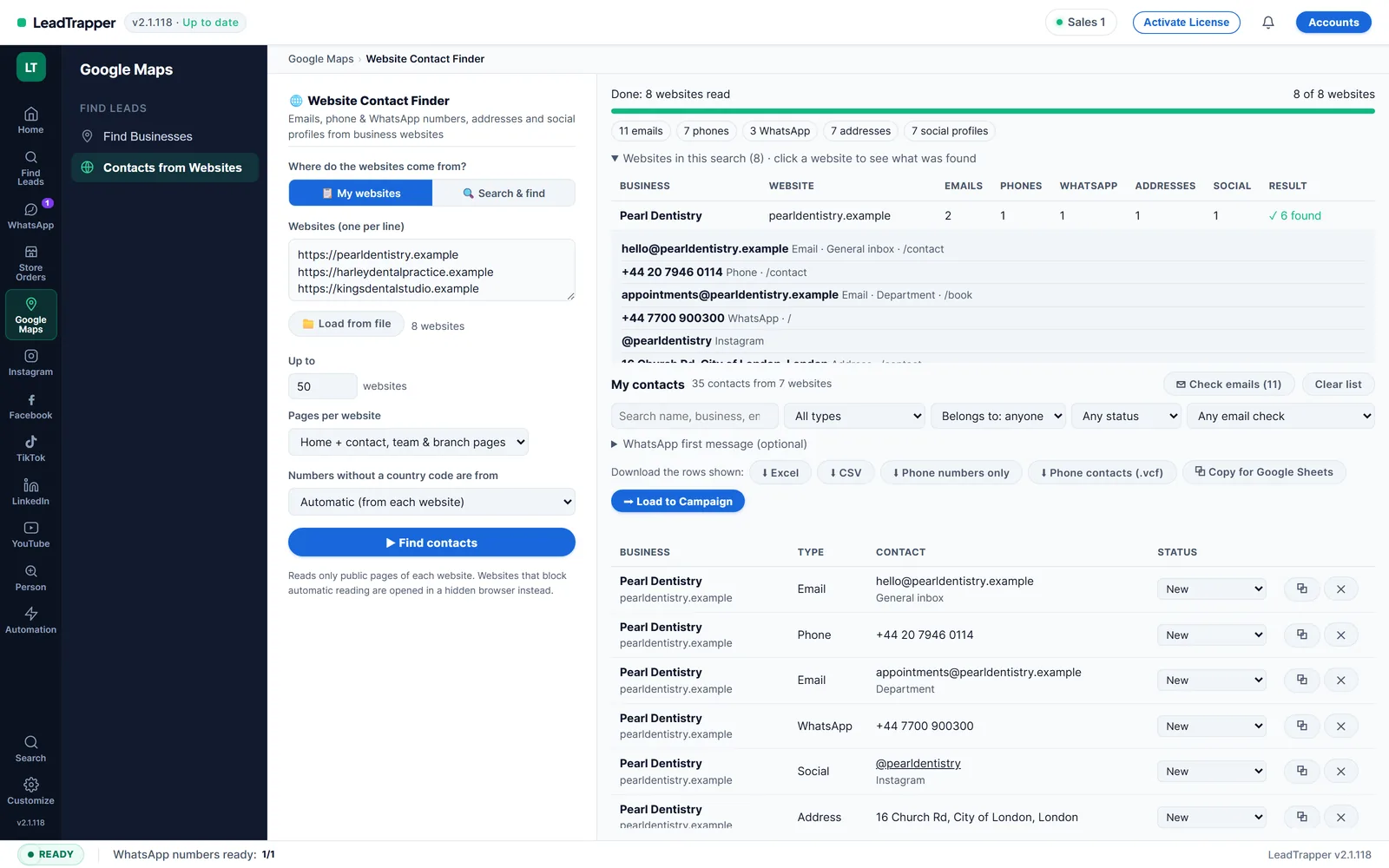
LeadTrapper’s Google Maps scraper reads each business’s homepage for emails, social links and WhatsApp numbers as it scrapes. The Email Finder then goes deeper: it reads the contact, team and branch pages of the websites you give it, which is where the extra emails are.
What Hit Rate to Expect
From our own runs on 24 September 2026, reading each business’s homepage:
| Search | Businesses | Phone | Website | Email (homepage) |
|---|---|---|---|---|
| Dentists, Amman | 160 | 99% | 69% | 15% |
| Dentists, Cairo (Nasr City) | 60 | 93% | 73% | 18% |
| Real estate agencies, Downtown Dubai | 60 | 98% | 97% | 47% |
The pattern is clear: emails follow websites and office staff. Dental clinics publish few; real estate agencies publish almost half.
So expect emails for a minority of businesses from Maps alone. Trades with office staff, such as law firms, accountants, agencies and B2B suppliers, publish emails more often than restaurants, salons and trades. If a tool promises emails for most local businesses, ask how it gets them: reading more pages, verifying, or guessing generic addresses such as info@.
Five Ways to Get More Emails
- Read the contact pages. Run the websites from your Maps export through a contact finder that opens contact and about pages. It’s the largest gain.
- Check the Social column. Facebook pages and Instagram bios often show an email when the website doesn’t. The Instagram email extractor guide shows how to collect them.
- Use the contact form when there is no email. Many businesses keep only a form on their contact page. It still reaches them, and a personal message through a form often gets read.
- Check guessed addresses before using them. info@ and contact@ exist on many domains, but sending blind to addresses that don’t exist hurts your sender reputation. Check the format and that the domain receives email (its MX record) for free, and never “test” by sending; the guide to checking if an email is valid explains how.
- Find the decision maker. A general inbox is a start; a named owner or manager gets more replies. See how to find decision makers in a company.
- Search one more trade word. “Dentist” and “dental clinic” bring different businesses. More businesses with websites means more emails.
When There Is No Email
Some businesses have no website at all (31% of Amman dentists and 27% of Cairo dentists in our runs), and those rarely have a findable email. Don’t drop them: they have phones. Call them, or check which numbers are on WhatsApp with the WhatsApp Number Filter and send a short, personal message. Businesses without a website are a lead list of their own, too; see how to find businesses without a website.
Whatever the channel, contact businesses rather than private people, keep a clear way to opt out, and read is scraping Google Maps legal for the rules in your country.
Frequently Asked Questions
Rarely. Google Business Profiles have fields for phone, website, address and hours, but no standard email field, so most listings show none. Email extractors find emails on the business's own website.
They collect each business's website from its Maps listing, open the website and read its pages for email addresses. The better ones read the contact, about and footer sections, not only the homepage.
It depends on the trade and country. In our September 2026 test of 160 dentists in Amman, 15% had an email on their homepage. Reading contact pages raises that, and trades with more office staff usually publish emails more often.
Many free Chrome and Edge extensions read only the Maps results list, which has no emails. Some free tiers of cloud tools include email enrichment for a few hundred records. For whole cities, a paid tool that reads websites is the realistic option.
About LeadTrapper
LeadTrapper is a Windows app for finding business leads and contacting them on WhatsApp. It collects business contacts from Google Maps, Instagram, Facebook, TikTok, LinkedIn and business websites, checks which numbers are on WhatsApp with its Number Filter, and sends personalised campaigns with automatic delays from one or more WhatsApp accounts. It also has a chatbot, a shared inbox for every account, and Store Orders for online shops. It installs from the Microsoft Store, and the full app is free for 14 days, then $50 a year. Free web tools, browser extensions and a Wix app are listed on the Free Tools page.
Get Phones, Websites and Emails from Google Maps
LeadTrapper's Google Maps scraper exports every business with its phone and website, and reads each website for emails and social links. $50/year, 14-day free trial.