In this article 7 sections
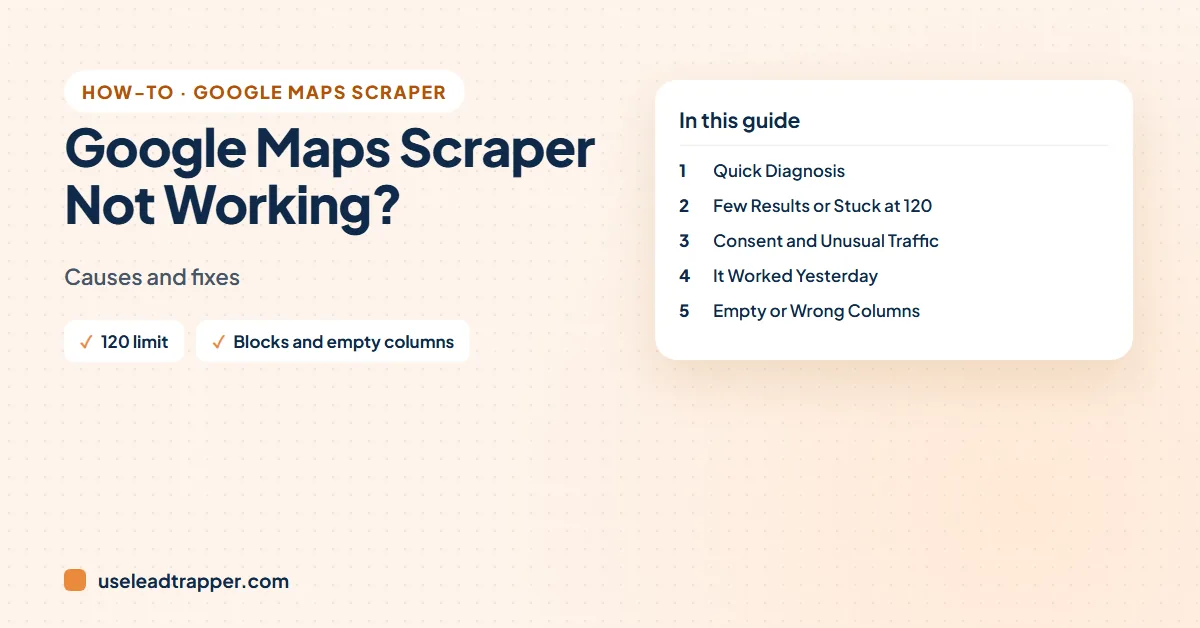
A Google Maps scraper not working usually means one of six things: Google's roughly 120-places-per-search limit, a consent or 'unusual traffic' page, a Google Maps layout change, a search that's too narrow or too broad, empty columns the business never filled in, or the scraper running too fast. Each has a simple fix.
- Stopping at about 120 places is Google Maps' own limit per search, not a bug; search area by area to cover a city.
- Consent screens and 'unusual traffic' pages appear when a scraper runs too fast or from a flagged network; slow down and run fewer parallel searches.
- Scrapers that read page elements break when Google changes the layout; update the tool rather than rerunning the same version.
- Empty emails are normal: Google Maps rarely shows emails, so they come from business websites.
- Phones are exported as Maps shows them; fix formats and add country codes before importing or messaging.
Your Google Maps scraper returns 40 businesses where you expected 400, shows a consent page instead of results, or exports a sheet where the email column is empty. These problems come up in every Maps scraper’s support forum, whatever the tool. This guide groups them by symptom and gives the fixes that work, including the ones we use in our own app.
Quick Diagnosis
| Symptom | Usual cause | Jump to |
|---|---|---|
| Stops at about 120 places | Google Maps’ own limit per search | Few results |
| Very few results | Search term or area too narrow | Few results |
| Consent page, captcha or “unusual traffic” | Too fast, too many at once, flagged network | Blocks |
| Worked yesterday, fails today | Google changed the Maps page | Changes |
| Email column mostly empty | Emails aren’t on Maps listings | Columns |
| Phones look different from each other | Exported as Maps shows them | Columns |
| Takes a long time | Each business is opened one by one | Slow runs |
What We Saw in Our Own Runs
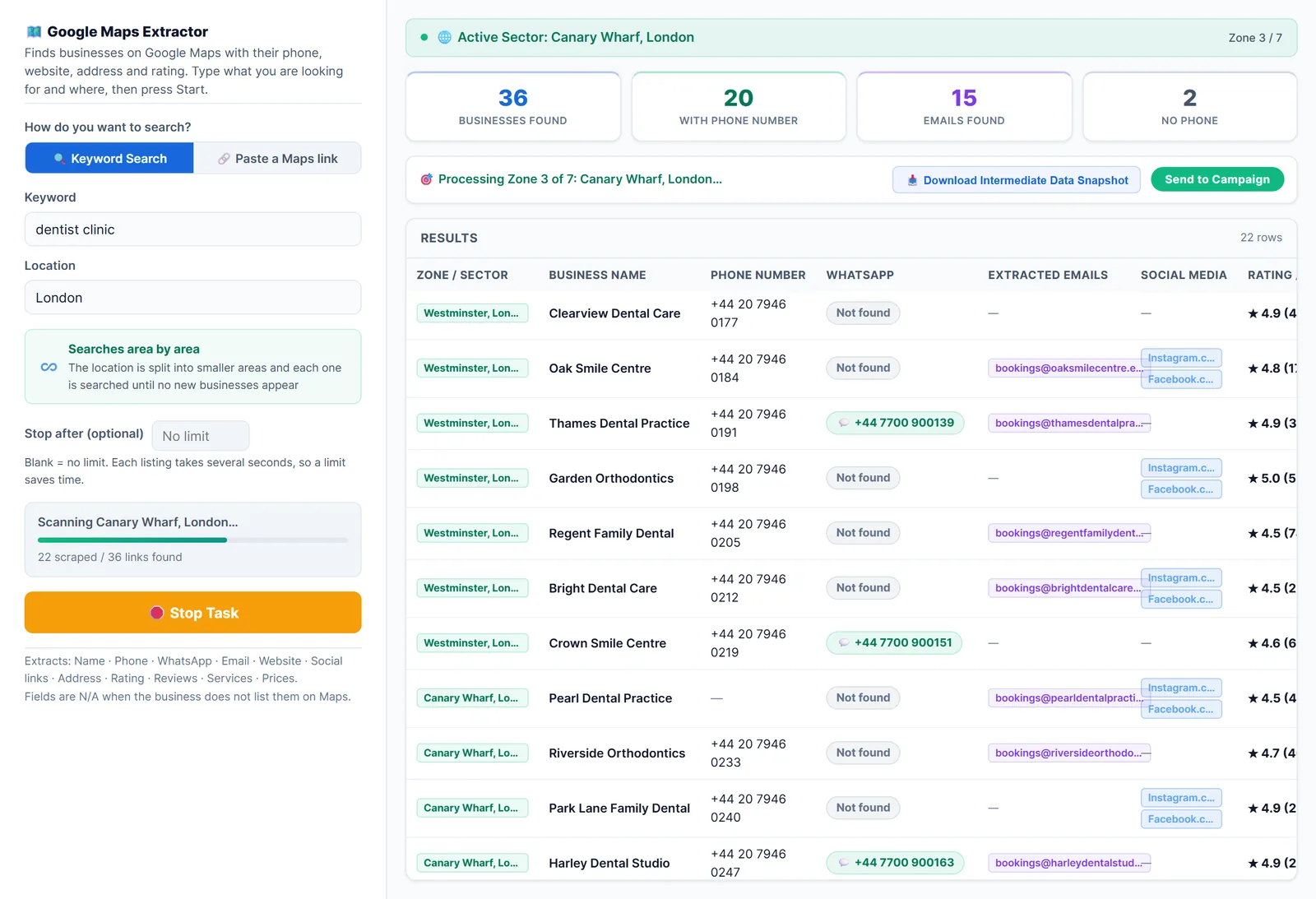
On 24 September 2026 we started four searches with LeadTrapper’s scraper on one ordinary connection. Two worked: dentists in Amman (160 businesses) and real estate agencies in Dubai. Two, dentists in Dubai and dentists in London, got “cannot find” from Google Maps on every try. The same city worked again later that day for a different search, so the refusals came from Google’s side that afternoon, not from the city or trade. The full log is in our Google Maps scan results. The lesson: if a search returns nothing, wait, then try again later rather than straight away.
Few Results, or Stuck at About 120
Google Maps shows roughly 120 places for one search in one area. Every tool that reads search results hits that wall; it’s Google’s limit, not your scraper’s. Our guide to getting more than 120 Google Maps results covers it in depth. The short version:
- Search area by area. “Dentist in Dubai” stops at about 120; “dentist in Deira”, “dentist in Jumeirah” and so on, together, don’t. LeadTrapper’s Google Maps scraper does this automatically in unlimited scan mode, splitting a city into districts and continuing until Maps shows nothing new.
- Try the words customers use. “Dentist”, “dental clinic” and “orthodontist” return different businesses. Run each and combine them.
- Check the spelling and the place name. A misspelt district can silently search somewhere else.
If you get very few results in a big city, the term may be too specific. “Vegan Ethiopian restaurant” has few matches; “restaurant” then filtering works better.
Consent Screens, Captchas and 'Unusual Traffic'
- Consent pages appear in many countries, especially in Europe, before Google shows Maps. A scraper must accept them, or it reads the consent page and returns nothing. If yours gets stuck there, update it; it may not handle the new consent layout.
- “Unusual traffic” and captchas mean Google thinks the traffic is automated. Users and tool vendors report the same triggers: many searches in a short time, several searches running in parallel, or a VPN or cheap shared proxy that others have used for scraping. Slow down, run one search at a time, turn off the VPN, and give it a break before trying again.
- Don’t fight the block with more speed. Retrying fast makes it last longer.
Google’s terms restrict automated access; read is scraping Google Maps legal and keep your use proportionate.
It Worked Yesterday and Not Today
Scrapers read specific parts of the Maps page. When Google changes the layout, which happens several times a year, a scraper may return empty rows, wrong columns or nothing. Update to the latest version of your tool, and check its changelog or issue list: maintainers usually post when Google breaks something. If you wrote your own script, its selectors need fixing; the Python and GitHub guide explains why do-it-yourself scrapers need regular upkeep.
Empty or Wrong Columns
- Emails empty. Normal: Maps listings almost never show an email. In our test of dentists in Amman, 15% had an email on their homepage. The Google Maps email extractor guide explains how to find more.
- Website empty. Often the business really has no website, which is a lead list of its own: see how to find businesses without a website.
- Phones in mixed formats. Exported as Maps shows them, often without a country code. The WhatsApp Number Filter adds the code and fixes the format before you message.
- Phones broken in Excel. Excel removes the + and leading zeros. Import the CSV with the phone column set to Text; the Google Maps to Excel guide shows how.
- Duplicates. A business near two districts can appear twice in tools that don’t merge results. LeadTrapper keeps one row per business; otherwise remove duplicates on the phone column.
- Closed businesses. Maps keeps some closed places listed. Few reviews and none recent is a warning sign.
Why we don't recommend proxies and captcha solvers
Many guides suggest rotating proxies, captcha-solving services and fake mouse movements. They are ways around Google’s protections, they add cost and risk, and residential proxy networks often route through other people’s devices. Slowing down, searching smaller areas and trying later solves most problems without them. If you need guaranteed, terms-friendly data, Google’s Places API is the official route; see scrape Google Maps with Python, GitHub or n8n.
Slow Runs
Tools that open each business to get its phone and website take time: our scraper opens about seven to eight businesses a minute; 160 dentists in Amman took about 21 minutes. A steady pace also avoids the blocks above, which fast runs tend to trigger. Set a limit so a run stops after the number you need, download a snapshot while it runs, and keep working on something else.
Frequently Asked Questions
Google Maps shows about 120 places for one search in one area, so any tool reading the results stops there. To get more, search smaller areas one by one, such as districts or postcodes, or use a scraper that splits the city for you.
Google shows it when it sees automated-looking traffic: many searches very fast, several at once, or traffic from a flagged network or VPN. Slow the scraper down, run one search at a time, and avoid shared proxies.
Google Maps listings almost never show an email. Emails come from each business's website, and many local businesses don't publish one. Read the websites' contact pages with a contact finder to fill more.
Most often Google changed the Maps page and the scraper can't find the fields it reads. Update the tool. If you wrote your own script, its selectors probably need fixing.
About LeadTrapper
LeadTrapper is a Windows app for finding business leads and contacting them on WhatsApp. It collects business contacts from Google Maps, Instagram, Facebook, TikTok, LinkedIn and business websites, checks which numbers are on WhatsApp with its Number Filter, and sends personalised campaigns with automatic delays from one or more WhatsApp accounts. It also has a chatbot, a shared inbox for every account, and Store Orders for online shops. It installs from the Microsoft Store, and the full app is free for 14 days, then $50 a year. Free web tools, browser extensions and a Wix app are listed on the Free Tools page.
A Google Maps Scraper That Covers the Whole City
LeadTrapper's Google Maps scraper searches district by district and keeps one row per business. $50/year after a 14-day free trial.