In this article 6 sections
You can scrape Google Maps with Python through Google's Places API (structured, paid per request, 60 results per search), browser automation with Playwright or Selenium (free but fragile), an open-source GitHub scraper run in Docker, or an n8n workflow calling an API. Each needs setup and upkeep; a ready app trades that for a fee.
- The Places API is the official route: structured data, an API key, up to 20 results a page and 60 per text search, billed per request after the free monthly usage.
- Browser automation with Playwright or Selenium is free to run but breaks when Google changes the page, needs scrolling and waits, and can trigger blocks.
- Open-source scrapers on GitHub, such as gosom/google-maps-scraper, run in Docker and export CSV; you maintain the setup.
- n8n workflows usually call the Places API or a paid scraping service, so the cost moves rather than disappears.
- Do it yourself if you code and enjoy it; use a ready tool if the goal is leads by Friday.
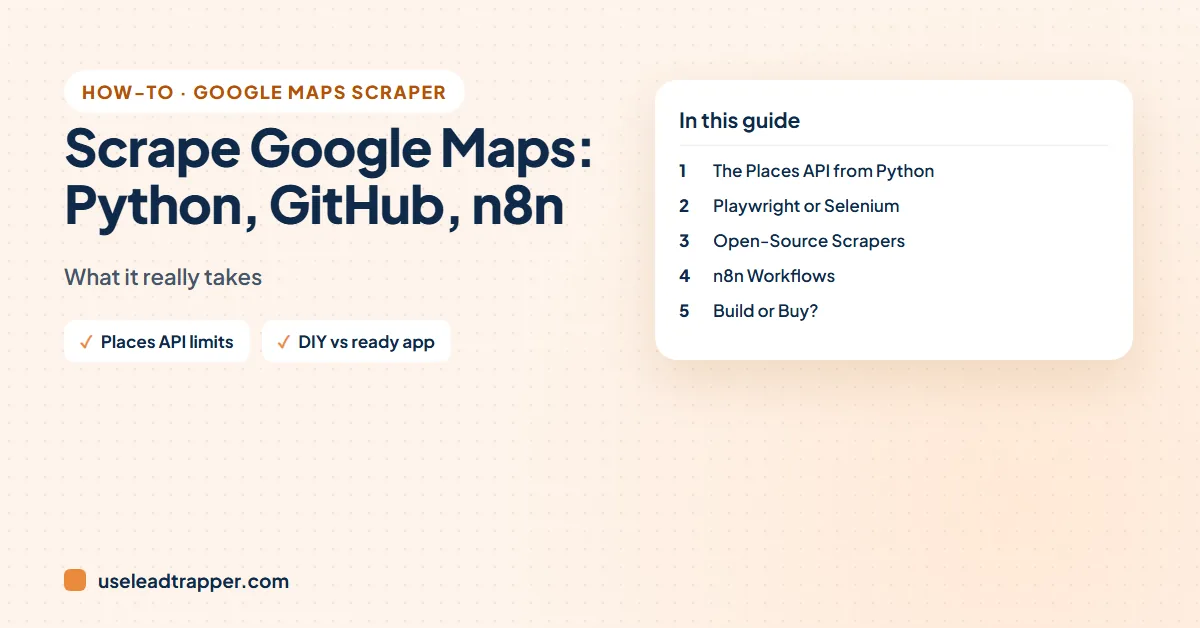
Search “google maps scraper github” or “scrape google maps n8n” and you’ll find tutorials promising unlimited leads in ten lines of code. Some work, for a while. This guide compares the four do-it-yourself routes developers actually use, with the limits and costs the tutorials skip, so you can decide whether to build or buy.
Four Ways to Do It Yourself
| Route | Cost | Results per search | Upkeep |
|---|---|---|---|
| Places API (Python) | Free monthly usage, then per request | 60 per text search | Low, but billing to watch |
| Playwright / Selenium | Free | What the page shows, about 120 | High: breaks on page changes |
| GitHub open-source scraper | Free | Depends on the project | Medium: Docker, updates |
| n8n workflow | n8n plus the API or service it calls | Depends on the service | Medium |
1. The Places API from Python
The official route. You create a Google Cloud project, enable the Places API, add billing and call it with an API key, for example with the requests library or Google’s client library.
- Limits. Google’s documentation says a text search returns up to 20 results per page and at most 60 across all pages, linked by a page token. To cover a city you split it into small areas and search each one.
- Price. Billing is per request, not per business. In November 2026 Google’s pricing page listed Text Search Pro with 5,000 free requests a month, then $32 per 1,000; richer fields such as phone numbers and websites sit in higher, more expensive tiers. Details calls for each place add more requests.
- Reviews. The API returns only a handful of reviews per place, which is why review projects use other tools; see the Google Maps reviews scraper guide.
Good for: developers who want clean, terms-friendly data and can budget for it.
A minimal Places API (New) text search in Python looks like this. Ask only for the fields you need in the field mask, because richer fields cost more:
import requests

r = requests.post(
    "https://places.googleapis.com/v1/places:searchText",
    headers={
        "X-Goog-Api-Key": "YOUR_KEY",
        "X-Goog-FieldMask": "places.displayName,places.formattedAddress,"
                            "places.nationalPhoneNumber,places.websiteUri,nextPageToken",
    },
    json={"textQuery": "dentist in Amman", "pageSize": 20},
)
for p in r.json().get("places", []):
    print(p["displayName"]["text"], p.get("nationalPhoneNumber"), p.get("websiteUri"))
Pass the returned nextPageToken in the next request for pages two and three, the 60-result ceiling.
2. Browser Automation: Playwright or Selenium
The “free” route most YouTube tutorials show: a script opens Google Maps in a browser, types a search, scrolls the results panel, opens each place and reads the phone, website and address from the page.
What the tutorials leave out:
- It breaks. Google changes the page layout and class names regularly, and selectors stop matching. Expect to fix the script every few weeks; the symptoms are listed in Google Maps scraper not working.
- It’s slow. Each place needs a click and a wait. Run it too fast and you get consent screens, “unusual traffic” pages or empty results.
- It stops at about 120 places per search, because that’s what the Maps results panel shows. Covering a city means searching it area by area, which our guide to getting more than 120 Google Maps results explains.
- Terms. Google’s terms restrict automated access; read is scraping Google Maps legal.
The tutorials that work longest share a few habits: scroll the results feed until the “end of the list” message appears, read stable labels such as aria-label text instead of generated class names, identify places by the ID in their Maps link to remove duplicates, skip loading map tiles and photos to save bandwidth, and stop politely when the URL turns into a consent or “sorry” page.
To cover a city, they split it into a grid of small search areas:
import math

def grid(lat, lng, radius_km=10, step_km=2.5):
    pts, n = [], int(radius_km // step_km)
    dlat = step_km / 111.0
    dlng = step_km / (111.0 * math.cos(math.radians(lat)))
    for i in range(-n, n + 1):
        for j in range(-n, n + 1):
            pts.append((round(lat + i * dlat, 5), round(lng + j * dlng, 5)))
    return pts

print(len(grid(31.95, 35.93)))  # Amman: 81 small areas to search
Each point becomes one search; areas that still hit the cap get split again.
Good for: learning, small one-off lists.
3. Open-Source Scrapers from GitHub
Projects such as gosom/google-maps-scraper, written in Go, package the browser automation for you. Many forks and “kits” wrap it with a Docker setup and scripts that crawl each business’s website for emails and social links. You run it locally, give it search terms and get a CSV.
- Pros: free, runs on your machine, no API key, active communities.
- Cons: Docker and command-line setup, updates when Google changes Maps, and no support if a run silently returns half the data. Check the original project, not a random fork, before running someone’s code.
Some of these kits now include an AI assistant skill so you can run them by chatting; the Google Maps scraper with Claude guide covers that trend.
4. n8n and Other No-Code Workflows
n8n, Make and Zapier don’t scrape Google Maps themselves. A typical “scrape Google Maps with n8n” workflow uses an HTTP node to call the Places API or a paid scraping service, loops through the results, and writes rows to Google Sheets or a CRM. The cost moves from code to the service it calls, and the 60-result or per-record limits come with it.
Good for: teams that already run n8n and want leads to flow straight into a sheet or CRM.
Do It Yourself or Use a Ready Tool?
Build it yourself if you code, enjoy maintaining scripts, and need something custom, such as one field nobody else collects.
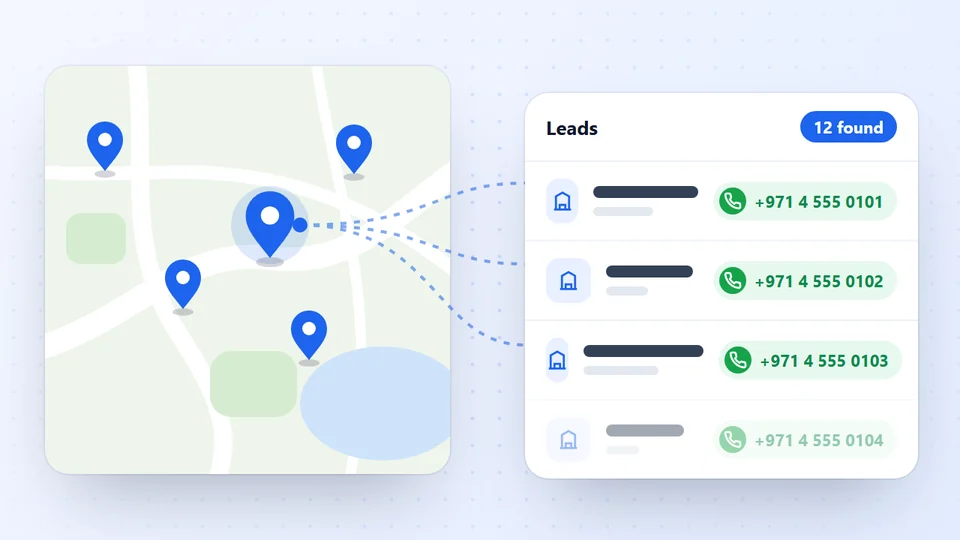
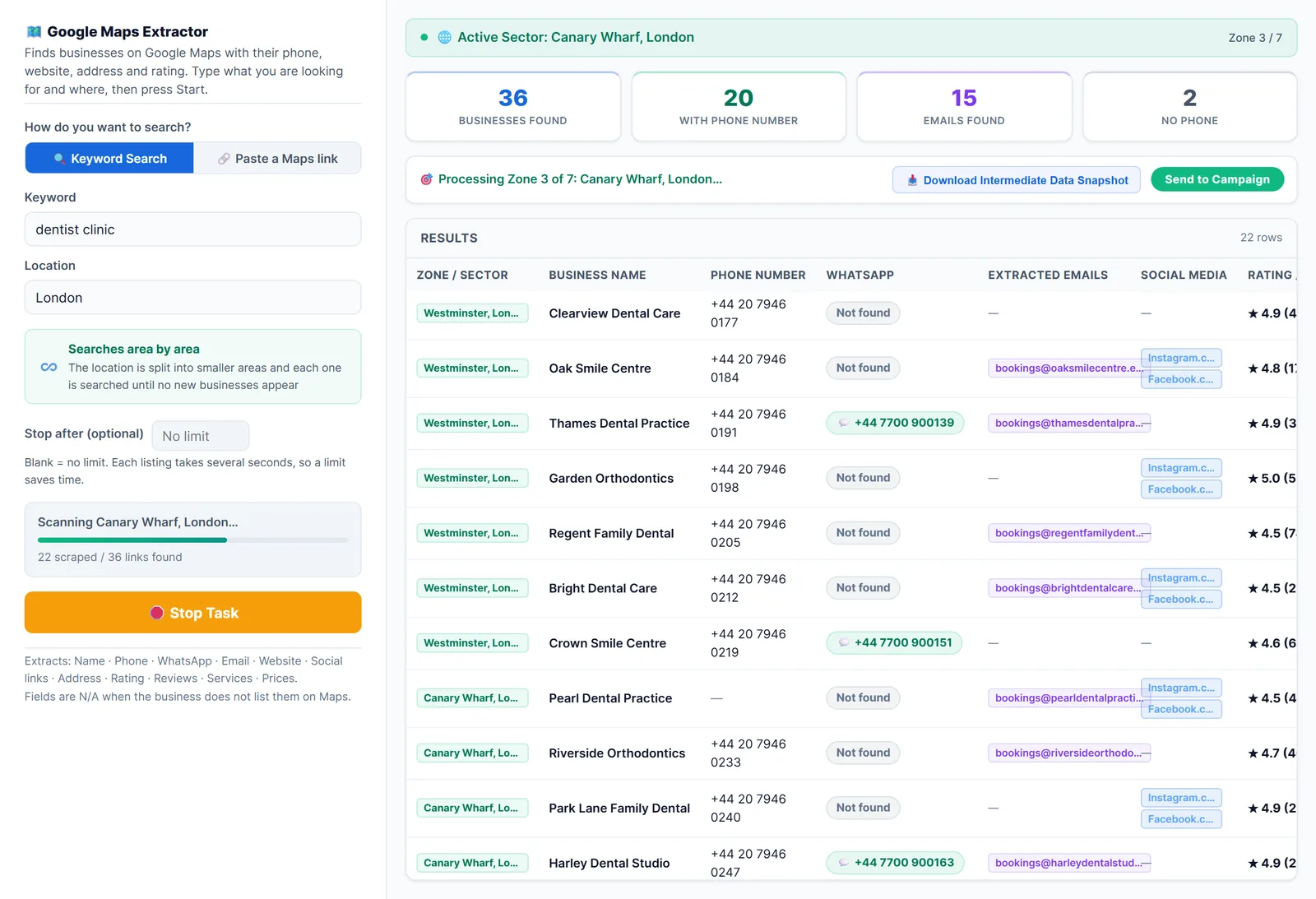
Use a ready tool if the goal is a lead list this week. LeadTrapper’s Google Maps scraper is a Windows app: type a business type and a city, and it searches the city district by district, opens each business and exports name, phone, address, rating, review count, website and Maps link, plus emails, WhatsApp numbers and social links when the business lists them. In our test, 160 dentists in Amman took about 21 minutes. It costs $50 a year with unlimited searches, and the same app checks numbers on WhatsApp and sends messages. For a comparison with cloud tools, see best Google Maps scrapers compared, and for one-time-price desktop tools, the Leads Sniper alternative comparison.
Frequently Asked Questions
Either call Google's Places API from Python with an API key, which returns structured results but caps a text search at 60 places and is billed per request after the free usage, or automate a browser with Playwright or Selenium to open Google Maps, scroll the results and read each listing, which is free but fragile.
Yes. Open-source projects such as gosom/google-maps-scraper are free, run locally, often in Docker, and export results to CSV. You install and update them yourself, and Google's terms still restrict automated access.
n8n doesn't scrape Maps by itself. Workflows usually call the Places API or a paid scraping service through an HTTP node, then write the results to Google Sheets or a CRM.
Google's documentation says a text search returns up to 20 results per page and at most 60 across all pages. In November 2026 Google listed Text Search Pro with 5,000 free requests a month, then $32 per 1,000 requests.
About LeadTrapper
LeadTrapper is a Windows app for finding business leads and contacting them on WhatsApp. It collects business contacts from Google Maps, Instagram, Facebook, TikTok, LinkedIn and business websites, checks which numbers are on WhatsApp with its Number Filter, and sends personalised campaigns with automatic delays from one or more WhatsApp accounts. It also has a chatbot, a shared inbox for every account, and Store Orders for online shops. It installs from the Microsoft Store, and the full app is free for 14 days, then $50 a year. Free web tools, browser extensions and a Wix app are listed on the Free Tools page.
Skip the Code: Scrape a Whole City from Google Maps
LeadTrapper's Google Maps scraper is a Windows app: type a business and a city, get phones, websites and ratings in a CSV. $50/year, 14-day free trial.