In this article 5 sections
WhatsApp hacked? Log back in on your own phone with your number and a new SMS or call code: that logs the hacker's phone out. If they set a two-step PIN, WhatsApp says you may wait 7 days. Then turn on two-step verification with an email, remove unknown linked devices and warn your contacts.
- Logging back in on your own phone with a new SMS or call code logs the other phone out; it's the first and most important step.
- A two-step PIN set by the hacker can lock you out for 7 days, counted from the account's last connection, and WhatsApp can't shorten it.
- Someone can also read your chats through a linked computer without taking the account; check Linked devices and log out anything unknown.
- If your SIM stopped working, the number itself was taken: get a replacement SIM from your mobile provider first.
- Warn your contacts at once: hacked accounts are mostly used to ask friends for money and for their codes.
WhatsApp suddenly logs you out, friends call to ask why you need money, or there are messages in your chats you never wrote. A hacked WhatsApp feels like losing your phone and your contacts at once, but most accounts can be taken back within minutes. This guide covers the signs, the steps in order, what to do when something blocks you, and how to make sure it doesn’t happen again.
Signs Your WhatsApp Is Hacked
- A screen saying your number is now registered on another phone. The account has been moved to someone else’s phone.
- Friends ask about messages you didn’t send, usually urgent money requests or requests for a “code sent by mistake”.
- Chats, groups or messages you don’t recognise, or messages marked as read that you never opened.
- Unknown computers under Linked devices. Someone may be reading your chats without taking the account.
- Your SIM suddenly has no service. The number itself may have been moved to another SIM, a “SIM swap”.
The newest trick: "verify your account" pages
Security firm ESET has warned about fake “verify” pages, often shared through social media messages, that ask you to enter a pairing code. Doing so links the attacker’s browser to your WhatsApp as a new device, with no SMS code needed. If you ever entered a code on a page you reached from a link, check Linked devices now.
Get It Back: The First Hour
- Log back in on your own phone. Open WhatsApp, enter your number and verify it with the new 6-digit code by SMS or call. WhatsApp’s page on recovering a compromised account explains that this logs the other phone out. Changing settings while the hacker is still in doesn’t remove them; the new code does.
- Log out unknown linked devices. In Settings, Linked devices, tap every computer or tablet you don’t recognise and log it out.
- Turn on two-step verification with an email address (Settings, Account, Two-step verification), so a stolen code can’t be used again.
- Warn your contacts by SMS, email or social media: “My WhatsApp was hacked. Don’t send money or codes to anyone using my number.”
- Check what was sent. Read through recent chats and groups to see who the hacker contacted, and warn those people directly.
If Something Blocks You
WhatsApp asks for a two-step PIN you never set
The hacker turned on two-step verification to keep you out. WhatsApp’s help page on resetting two-step verification says that without the PIN or a reset email you must wait 7 days, counted from the last time the account connected, and that WhatsApp can’t shorten it. Keep the SIM active, warn your contacts now, and log back in when the time is up. When you log back in after the wait, the hacker’s session ends.
Your SIM has no service
If calls and texts stopped working, the number may have been moved to a new SIM. Recovery guides agree that WhatsApp can’t help until you have your number back. Contact your mobile provider, report the SIM swap, get a replacement SIM, then log back in to WhatsApp.
The code never arrives
Wait for the timer, then use Call me; enter the number with its country code; make sure the SIM can receive texts. WhatsApp’s help page on registration warns that guessing codes can lock you out for a while. The verification code guide covers the scam side of codes in more detail.
Your phone was lost or stolen
WhatsApp has a separate help page on recovering an account from a lost or stolen phone. Block the SIM with your provider first, get a replacement SIM, and log in on a new phone. Several recovery guides also describe emailing WhatsApp support with “Lost/Stolen: Please deactivate my account” and your number; they disagree on the address, so use the contact option in WhatsApp’s own help pages (Settings, Help) rather than an address copied from a blog.
Your chats are gone after you log back in
Logging back in brings the account back, not necessarily the chats. If you had a Google Drive or iCloud backup, WhatsApp offers to restore it when you verify the number. The guide to WhatsApp messages not showing on a new phone covers restores that fail.
Lock It Down So It Doesn't Happen Again
- Two-step verification with an email. It’s the single most effective protection, and the email lets you reset a forgotten PIN at once instead of waiting 7 days.
- A PIN on your voicemail. Scammers can request codes by phone call and listen to them in an unprotected voicemail.
- A SIM PIN or carrier account PIN. Ask your provider how to stop anyone moving your number without your permission.
- Never share codes or PINs, even with friends. WhatsApp doesn’t ask for them.
- Check Linked devices monthly, especially after using a shared or work computer.
- Turn on passkeys and security notifications. Newer WhatsApp versions offer passkeys under Settings, Account, Passkeys, so your phone’s fingerprint or face unlock protects sign-ins, and security notifications that tell you when a contact’s security code changes.
- Protect your backups. Anyone with your Google or iCloud password may be able to restore old chats; change those passwords if you think they leaked.
- Scan and update the phone. Update the phone’s system and remove apps you don’t recognise before you log back in.
- Show less to strangers. In Settings, Privacy, limit who sees your profile photo, last seen and about text.
- Use only the official WhatsApp app. Modified apps such as GB WhatsApp can’t be checked for security; see the GB WhatsApp banned problem solution for how to switch safely.
If It's Your Business Number
A hacked business number can message every customer in your name. On top of the steps above:
- Post a short warning on your website, social media and Google Business Profile so customers who search for you see it.
- Ask your bank to watch for payment requests made in your name, and tell customers you never ask for payment details by WhatsApp.
- Keep the two-step PIN and reset email with the owner, not with whoever happens to hold the phone.
- Share a link you control rather than the raw number, so if a number is ever lost you can point customers to a new one in a minute; the banned number guide shows how.
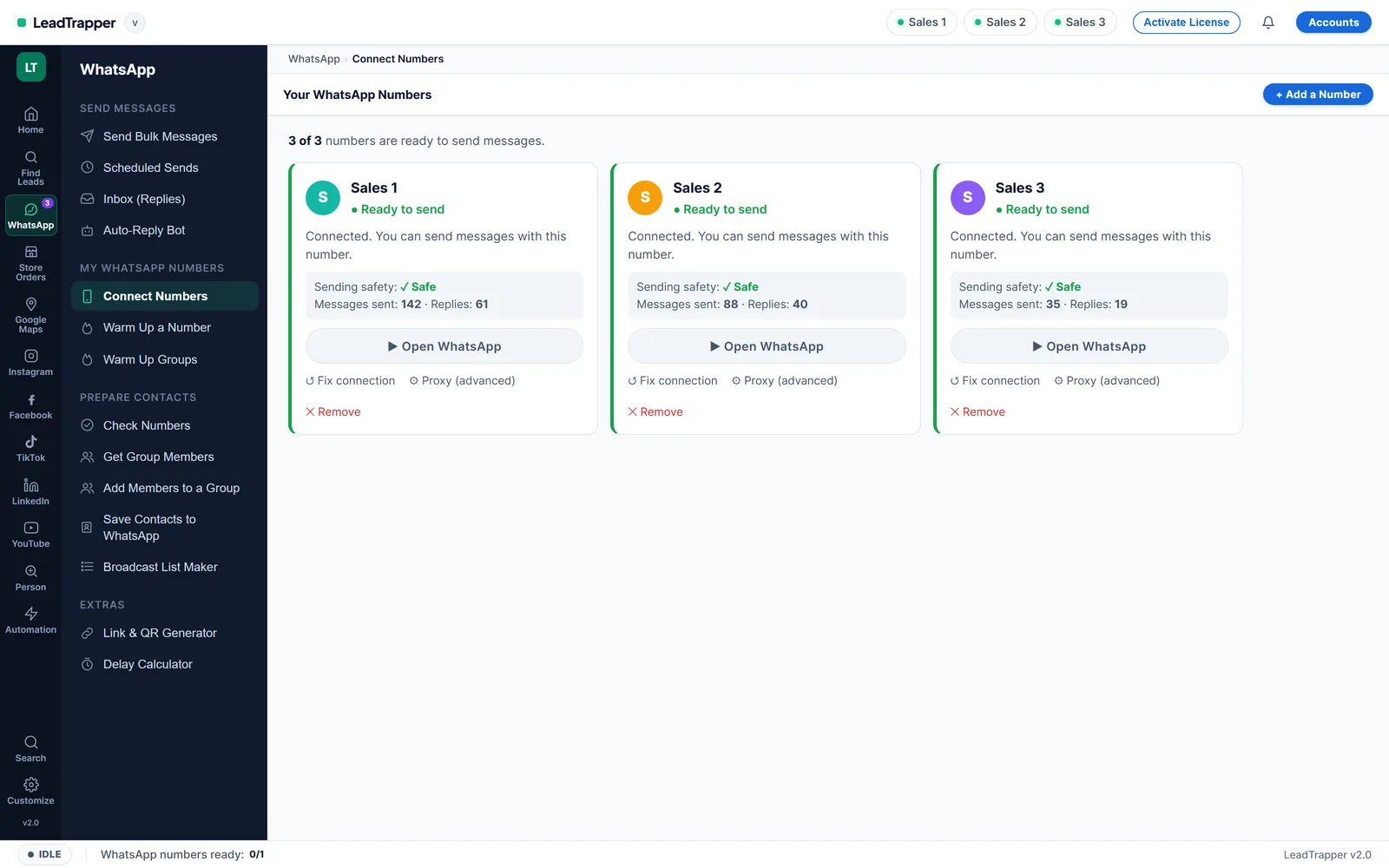
- If you send to customers from a PC, keep an eye on Linked devices: every desktop tool, including LeadTrapper’s WhatsApp bulk sender, connects as a linked device, and you should recognise each one. For what LeadTrapper monitors on each connected number, see the Account Safety Telemetry overview.
Frequently Asked Questions
Open WhatsApp on your phone, enter your number and verify it with the new 6-digit code sent by SMS or call. WhatsApp's help page on compromised accounts explains that this logs out the other phone. Then turn on two-step verification and warn your contacts.
Without the PIN or a reset email you have to wait 7 days before you can reset it. WhatsApp's help page says the 7 days count from the last time the account connected to WhatsApp and that it can't speed this up. Keep your SIM working and log back in when the time is up.
Common signs are a screen saying your number is registered on another phone, messages you didn't send, contacts asking about money requests, new chats or groups you don't recognise, and unknown computers under Linked devices.
Yes, through a linked device. Anyone who scanned your QR code once, on a shared or work computer for example, can read new messages there until you log that device out. Check Settings, Linked devices regularly.
No. Recovery goes through your own phone, your SIM and WhatsApp's verification. Paid recovery services can't do anything you can't do yourself, and many are scams aimed at people who've just been hacked.
About LeadTrapper
LeadTrapper is a Windows app for finding business leads and contacting them on WhatsApp. It collects business contacts from Google Maps, Instagram, Facebook, TikTok, LinkedIn and business websites, checks which numbers are on WhatsApp with its Number Filter, and sends personalised campaigns with automatic delays from one or more WhatsApp accounts. It also has a chatbot, a shared inbox for every account, and Store Orders for online shops. It installs from the Microsoft Store, and the full app is free for 14 days, then $50 a year. Free web tools, browser extensions and a Wix app are listed on the Free Tools page.
Run Your Business Numbers Safely from Your PC
LeadTrapper runs your WhatsApp numbers on your PC with warm-up, number checks and safe pacing. $50/year after a 14-day free trial.