In this article 6 sections
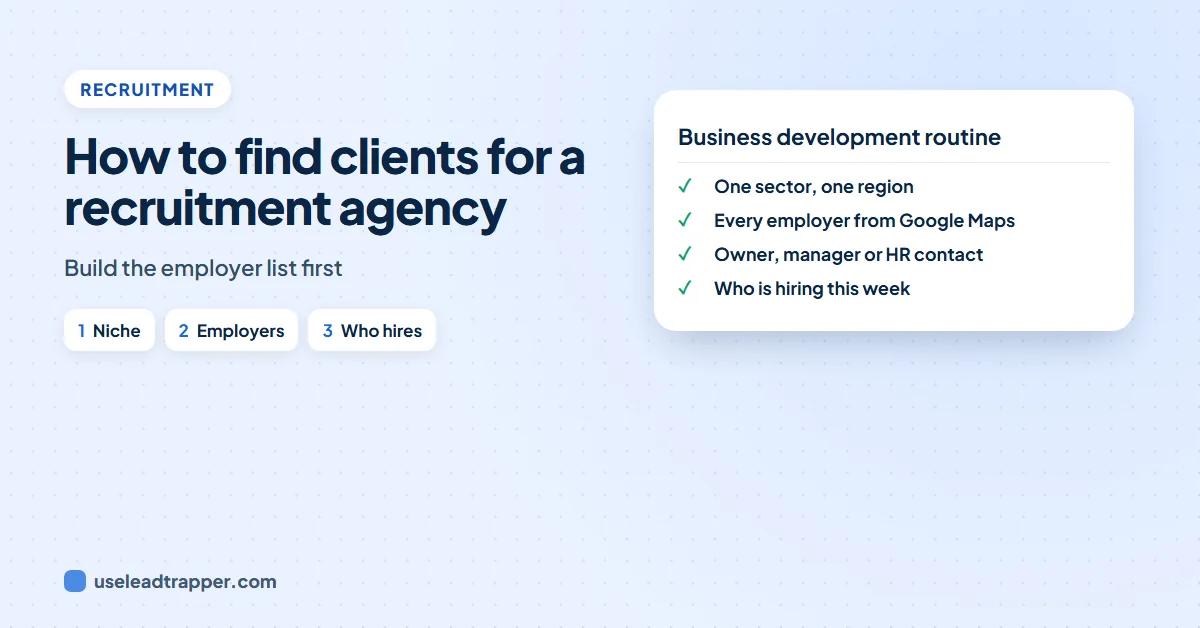
Pick one sector and one region, list every employer in it from Google Maps, find the owner, manager or HR contact each employer names on its own website, and watch for signs they're hiring. Then contact a short list with a specific, useful message, within the email and calling rules of that country.
- Specialise first. An agency that places warehouse supervisors in one region can name every possible client; one that places anyone anywhere can't.
- Build the full list of employers in your niche from Google Maps by business type and city, then sort by size signals such as branches and review counts.
- Find the person who hires. Small employers usually name an owner or managing director on their website; larger ones have an HR or careers inbox and HR managers on LinkedIn.
- Hiring signals tell you who to call this week: jobs on their careers page or job boards, new branches, and job titles that sit unfilled for weeks.
- Keep outreach short, specific and legal: one relevant candidate or market fact, a clear opt-out, and the rules of the country you're calling or emailing.
Most new recruitment agencies have candidates before they have clients. Job boards bring CVs in easily; employers willing to sign terms are harder to find. The agencies that grow steadily do business development as a routine: they know every employer in their niche, who hires there, and which ones are hiring right now. This guide shows how to build that, step by step. We make LeadTrapper, which we use in some steps below, and we say so where it appears.
Choose a Niche You Can List
“We recruit for all industries” is hard to sell and impossible to prospect. A niche is a sector, a type of role and a region small enough that you could, in principle, name every employer in it:
- Sector and role: chefs and kitchen staff for restaurant groups, dental nurses for private clinics, drivers and warehouse staff for logistics firms, accountants for small accounting practices.
- Region: one city or one county to start, so you can meet clients and know local salaries.
- Business you’ve done before: past placements, or roles you’ve hired for yourself, give you credibility on the first call.
The test is simple: if you searched Google Maps for that type of business in that region, would the results be your client list? If yes, the niche works.
List Every Employer in It
Job boards only show employers who are advertising today. Your client list should include the ones who will be hiring next quarter too, so start from every employer of that type.
Use Google Maps. Search the business type and the area, such as “logistics company in Birmingham” or “dental clinic in Leeds”. Each listing shows the phone number, address, website, rating and review count. One search shows about 120 places, so a bigger area needs several searches by district.
LeadTrapper’s Google Maps scraper does this for you on Windows: type the business type and city, and unlimited scan mode splits the city into districts and keeps going until Google Maps shows nothing new, with one row per business. It exports a CSV.
Sort by size signals. A recruitment agency needs employers big enough to hire more than once a year:
- Review counts. A clinic or restaurant with hundreds of reviews is busy and probably has staff turnover.
- Branches. The same name at several addresses means several sites to staff.
- Websites with a careers or team page. Employers who publish their team usually have one big enough to need hiring help.
Run the search with the words employers use too: “haulage”, “freight” and “logistics” can return different firms. Combine the lists and remove duplicates.
Find the Person Who Hires
Who signs a recruitment agency’s terms depends on the size of the employer:
| Employer size | Who usually decides | Where to find them |
|---|---|---|
| Up to about 20 staff | The owner or managing director | The about, team or legal notice page of their website |
| 20 to 250 staff | Owner, operations manager or an HR manager | Website team page, HR or careers inbox, LinkedIn |
| Larger | HR or talent acquisition, often with a list of approved agencies | LinkedIn, careers page, and a call to ask how they add agencies |
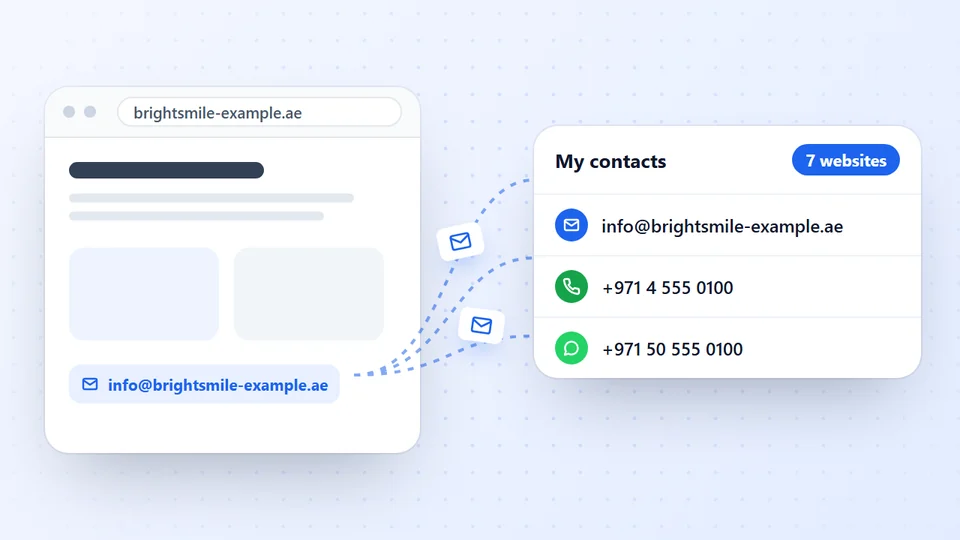
On their website. LeadTrapper’s Email Finder reads each employer’s contact, team, about and branch pages and collects the emails, phone and WhatsApp numbers the business publishes. It labels each email as a general inbox, a department, a named team member or a branch, and marks owners, founders, managing directors and general managers as decision makers with their job titles. Our guide to finding the decision makers in a company shows the method in detail.
On LinkedIn. For HR and operations managers by title, LeadTrapper’s LinkedIn scraper lists profiles by keyword, job title and city, such as “HR Manager” in Manchester, with name, headline and location. It collects no contact details, and LinkedIn’s own rules ban scraping, so the risk is yours; our guide on whether LinkedIn allows scraping covers it. Pair a profile with the company’s own website to reach the business. Our guide to finding an email from a LinkedIn profile covers the legitimate routes.
Build your employer list free for 14 days
Spot Who Is Hiring Now
Your full list is the map. Hiring signals tell you who to contact this week:
- Open jobs. Check the employers on your list against job boards and their own careers pages. A role advertised for four weeks or more is a role they’re struggling to fill.
- The same job again. A role that reappears every few months points to turnover, which is steady work for an agency.
- New sites. A new branch, warehouse or clinic on Google Maps means a team to hire. A listing with only a handful of reviews is often a new site, so compare it with your last search.
- Growth news. Contracts won, funding, expansions and new managers in the local business press.
- Your candidates. Candidates you speak to know which employers are hiring, growing or losing staff. Ask, and note it.
Keep the signals in the same spreadsheet as the list, with the date you saw them, so you can see who moves from “no need” to “hiring” over time.
Reach Out Within the Rules
Employers get many agency emails. The ones that get answered are short, specific to their business, and offer something useful:
Hi , I noticed you’ve been advertising for a warehouse supervisor in Wolverhampton for about a month. I place supervisors with logistics firms in the West Midlands, and I’m speaking to two with forklift and team-lead experience this week. Would a short call help? If this isn’t useful, reply STOP and I won’t contact you again.
The `` field is filled in from your list for each message. Then:
- Call. A call after a relevant email works better than a second email. Ask how they normally recruit and whether they use agencies.
- Message where it’s normal. In the Gulf, South Asia, Latin America and much of Africa, businesses answer WhatsApp. LeadTrapper’s WhatsApp Number Filter shows which numbers are on WhatsApp, and our guide to WhatsApp B2B outreach covers how to message businesses without getting your number restricted.
- Follow the rules of the country. In the US, CAN-SPAM requires your identity, an honest subject and an opt-out. In the UK, emailing company addresses is generally allowed with an opt-out, while countries such as Germany expect prior consent. Many countries also keep do-not-call lists. Our guide to whether email scraping is legal sets out the rules by country. This is not legal advice.
A Weekly Routine
Business development works when it’s regular. A routine one recruiter can keep:
- Monday: refresh the hiring signals for your list: new jobs, new branches, news.
- Tuesday to Thursday: contact 10 to 20 employers who show a signal, by email or WhatsApp and then by phone.
- Friday: add any new employers in your niche, note who replied, and plan follow-ups.
- Each quarter: rerun the Google Maps search to catch new businesses and closed ones.
If you also sell to agencies or service firms rather than employers, our guide on how to find clients for a marketing agency covers that side, our B2B leads in the UK guide covers where UK businesses publish their contacts, and our guide on how to find clients for a commercial cleaning business applies the same routine to offices and clinics.
Where LeadTrapper Finds Leads
LeadTrapper collects leads from each of these sources in one Windows app, then checks the numbers and sends the WhatsApp messages from the same place.
- Google Maps Scraper: Business leads from any city.
- Facebook Scraper: Advertisers, pages and group members.
- Instagram Scraper: Leads from profiles and hashtags.
- TikTok Scraper: Creators, hashtags and commenters.
- LinkedIn Scraper: Profiles by role and city.
- Email Finder: Emails from business websites.
Frequently Asked Questions
Choose one sector and region, list every employer in it, find the owner, manager or HR contact each one names, and watch for hiring signals such as job ads and new branches. Contact the employers who are hiring with a short, specific message, and follow up by phone.
From their niche's employer list, job boards and careers pages that show who is hiring, LinkedIn for the HR and hiring managers, past candidates who are now managers, and referrals from clients. Google Maps is the quickest way to list every employer of a type in a city.
The same way, with more focus on volume employers such as warehouses, care homes, hotels, construction firms and manufacturers. Their sites and Maps listings usually show branches, which tell you how many locations may need temporary staff.
It depends on the country. In the US, CAN-SPAM allows it with your identity, an honest subject and an opt-out. In the UK, emailing company addresses is generally allowed with an opt-out, while some EU countries such as Germany expect prior consent. Phone calls have their own do-not-call rules. This is not legal advice.
Only those a business publishes on its own website. The Email Finder labels each email as a general inbox, a department, a named team member or a branch, and marks owners, founders and managing directors as decision makers. The LinkedIn scraper lists HR managers by title and city with name, headline and location, but no contact details.
About LeadTrapper
LeadTrapper is a Windows app for finding business leads and contacting them on WhatsApp. It collects business contacts from Google Maps, Instagram, Facebook, TikTok, LinkedIn and business websites, checks which numbers are on WhatsApp with its Number Filter, and sends personalised campaigns with automatic delays from one or more WhatsApp accounts. It also has a chatbot, a shared inbox for every account, and Store Orders for online shops. It installs from the Microsoft Store, and the full app is free for 14 days, then $50 a year. Free web tools, browser extensions and a Wix app are listed on the Free Tools page.
Your Niche's Employers, in One List
The Google Maps scraper, Email Finder, LinkedIn scraper and WhatsApp tools all come with LeadTrapper. $50/year, all features included.