In this article 6 sections
To find a business phone number for free, check its Google Maps listing first: in our scans 93% to 99% of businesses showed one. Then check the business's own website, especially the footer and Contact page, for branch and direct numbers. For a list of businesses, free tools read the numbers for you in international format.
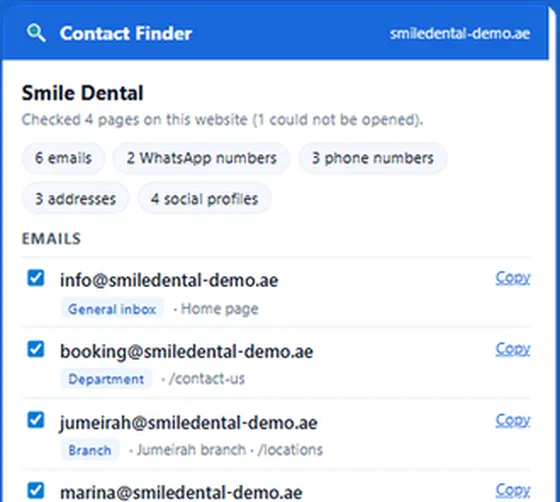

Reads business websites and lists every phone and WhatsApp number in international format, labelled by branch or person, plus emails and social profiles.
- Phones in international format, country detected
- Branch and team numbers labelled, fax numbers left out
- Scan a pasted list of websites or your open tabs
- Google Maps is the most complete free source: in our scans of 24 September 2026, 93% to 99% of businesses listed a phone number.
- The business's own website often has more: branch numbers, a booking line, direct numbers of team members and a WhatsApp number.
- Directories, chamber of commerce lists and social pages fill gaps but go out of date faster.
- Write the number in international format before you save it, or it will not work for WhatsApp or a dialler abroad.
- Many listed numbers are landlines. Check which are mobiles on WhatsApp before you plan a WhatsApp campaign.
- For a list of businesses, Contact Finder reads the numbers from their websites for free, and the LeadTrapper app collects them from Google Maps by business type and city.
Finding one business’s phone number takes a minute if you check the right places in the right order. Finding a hundred is a different job, and the free tools for it are better than most people expect. This guide covers both, plus the two steps people skip: writing the number in a format that works abroad, and checking whether it is a mobile before planning a WhatsApp campaign.
Google Maps First
Search the business by name and city on Google Maps and open its listing. The phone number sits under the address, next to the website and opening hours.
It is the most complete free source we know. In three scans we ran on 24 September 2026, the share of businesses with a phone number on their listing was 99% for dentists in Amman, 98% for estate agencies in Dubai and 93% for dentists in Cairo. The full figures are in our Google Maps scan results.
The catch is that Google shows one number per listing, usually the main line. A clinic chain in Mexico City with five branches may have five listings, or one listing and five numbers on its own website.
The Business's Own Website
The website is where a business publishes everything Google does not: a separate number per branch, a booking line, a sales line, sometimes the direct numbers of team members, and often a WhatsApp number behind a chat button.
Check, in order:
- The footer, on any page. Most businesses repeat their main number there.
- The Contact page, which often lists departments: bookings, sales, support.
- Locations, Branches or Find Us, for businesses with more than one site.
- The Team or About page, where agents, doctors or partners sometimes have direct lines.
On a computer, numbers are often links. Hover over one and the browser shows tel: followed by the number in the bottom corner, sometimes already with the country code.
Watch for fax numbers next to phone numbers, and for numbers inside dates or reference codes. Our free Contact Finder extension leaves fax numbers and dates out for you, as described below.
Chains publish one number per branch on a store locator, which often loads its list with scripts; see how to read a store locator for every branch.
Directories and Social Pages
When a business has no website, try directories (Yelp, local Yellow Pages sites, trade association member lists, chamber of commerce lists), its Facebook page, Instagram profile or LinkedIn company page. These are useful for gaps, but a directory listing is only as current as the last time someone updated it. If the number on the directory differs from the one on Google Maps, trust Google Maps or the website. Our article on how reliable phone numbers from B2B lead tools are looks at why purchased lists age badly.
Save It in International Format
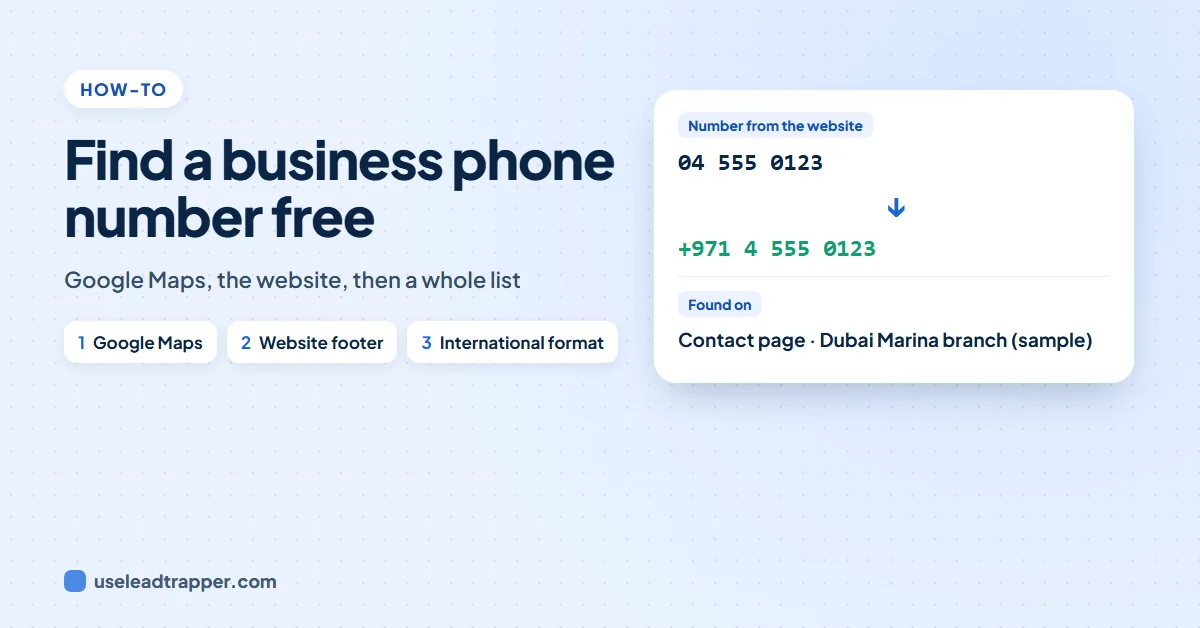
A number written the local way, such as 020 7946 0958 in London or 04 555 0123 in Dubai, works only when dialled inside that country. Save it with the country code instead: +44 20 7946 0958, +971 4 555 0123. Drop the leading zero after the country code.
This matters most for WhatsApp, which needs the international format, and for any list you will load into a sending tool. The WhatsApp number format guide covers the rules by country.
Mobile, Landline or WhatsApp?
Most numbers on Google Maps belong to the business’s main line, and many are landlines. If you plan to reach businesses on WhatsApp, a landline is a dead end.
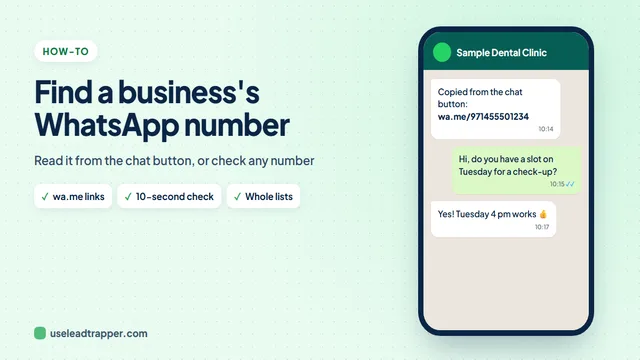
The prefix gives a first hint: UK mobiles start with 07, UAE mobiles with 05, Indian mobiles with 6, 7, 8 or 9. To be sure for WhatsApp, check the number itself. Our guide on finding a business’s WhatsApp number shows the 10-second check for one number, and the WhatsApp Number Filter in the LeadTrapper Windows app checks a whole list and marks which numbers are on WhatsApp.
To tell a mobile from a landline before you call or message, see how to tell if a number is mobile or landline, with the first digits for each country.
Numbers for a Whole List
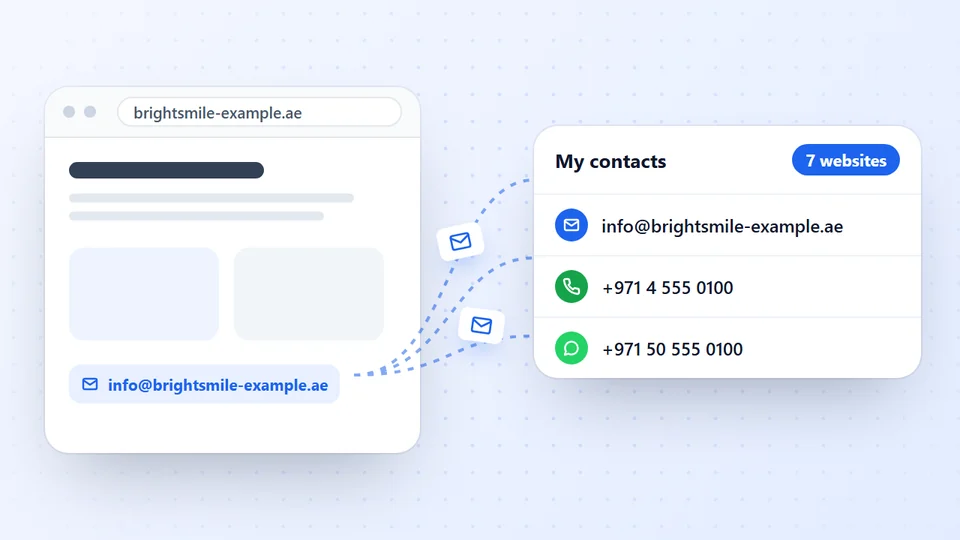
If you already have the websites, Contact Finder, our free Chrome extension, reads each site and up to six of its contact, team and branch pages. It lists every phone number in international format, with the country worked out from the website, and labels each one as the company’s, a branch’s or a team member’s. WhatsApp numbers from chat buttons are listed separately. Paste a list of websites or scan your open tabs, then download to Excel, CSV or a send-ready list of numbers. The guide to extracting contact details from a website shows each step.
If you only have a business type and a city, you need the businesses first. The free Google Maps lead extractor for Edge reads the results page you are looking at. The Google Maps scraper in the LeadTrapper Windows app collects a whole area, with phone numbers, websites and ratings, and its email finder then reads each business’s website for more numbers and emails, across several cities in one run, and marks which numbers are WhatsApp-ready. The lead extractor software guide walks through it. The guide to scraping phone numbers from Google Maps walks through a full run.
Before you call or message a list, check the rules where you are calling. Many countries keep do-not-call registers, and marketing messages need to be relevant, identify you and offer a way to stop.
Frequently Asked Questions
Search the business on Google Maps and open its listing: most show a phone number. Then open its website and check the footer, the Contact page and the Locations or Branches page, which often list more numbers than Google does.
The business's own website and its Google Maps listing, because the business maintains them itself. Directories and old listings are often out of date. In our Google Maps scans, 93% to 99% of businesses had a phone number on their listing.
The number's prefix usually tells you: in most countries mobiles start with their own codes, such as 07 in the UK or 05 in the UAE. Writing the number in international format and checking it against WhatsApp settles it for messaging, because landlines are rarely on WhatsApp.
If you have their websites, Contact Finder by LeadTrapper reads each one and its contact and branch pages for free and lists every number in international format. If you only have a business type and a city, the LeadTrapper Windows app collects the businesses and their phone numbers from Google Maps.
Collecting numbers a business publishes for contact is generally allowed. Calling or messaging them for marketing is regulated: many countries have do-not-call registers and anti-spam rules for messages. Check the rules of the country you are contacting before a campaign.
About LeadTrapper
LeadTrapper is a Windows app for finding business leads and contacting them on WhatsApp. It collects business contacts from Google Maps, Instagram, Facebook, TikTok, LinkedIn and business websites, checks which numbers are on WhatsApp with its Number Filter, and sends personalised campaigns with automatic delays from one or more WhatsApp accounts. It also has a chatbot, a shared inbox for every account, and Store Orders for online shops. It installs from the Microsoft Store, and the full app is free for 14 days, then $50 a year. Free web tools, browser extensions and a Wix app are listed on the Free Tools page.
Get the Phone Numbers of a Whole Area
LeadTrapper for Windows collects businesses and their phone numbers from Google Maps, checks which are on WhatsApp and messages them with safe delays. $50/year, 14-day free trial.