How-To
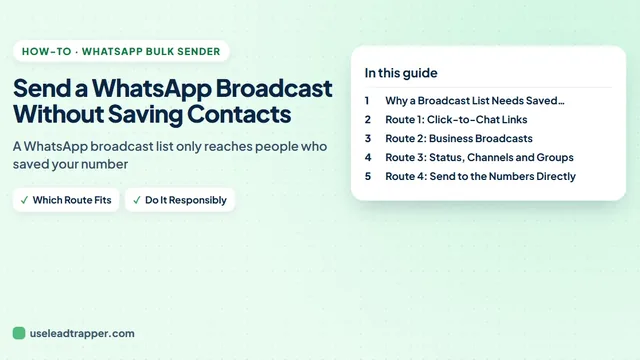
Send a WhatsApp Broadcast Without Saving Contacts
No: a WhatsApp broadcast list only reaches people who saved your number. Four ways that work without saving contacts, what each costs and when to use it.
One job per guide, in the order you click: sending to people you have not saved, scheduling, sending from several numbers, sending from Google Sheets, and adding or exporting group members.
9 guides
The tool: WhatsApp Bulk Sender for Windows
Start here: Send a WhatsApp Broadcast Without Saving Contacts · Schedule WhatsApp Messages to Many People from Your PC
No: a WhatsApp broadcast list only reaches people who saved your number. Four ways that work without saving contacts, what each costs and when to use it.
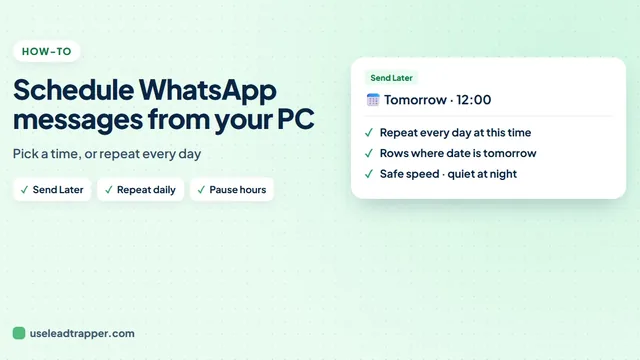
Schedule a WhatsApp message to a whole list from your PC: set the date and time, keep each person's name and the attachment, and choose a safe sending speed.
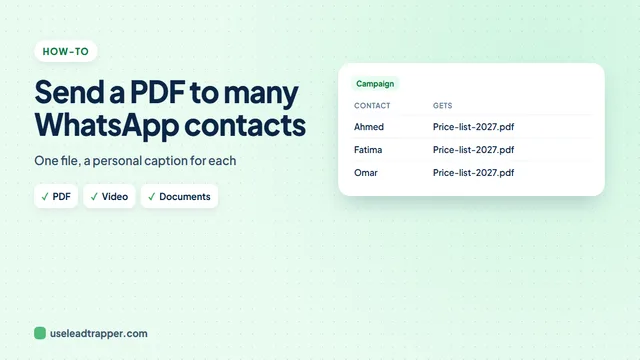
Send a PDF, price list, brochure or video to many WhatsApp contacts at once, each with a personal caption, step by step, plus tips for files that arrive well.
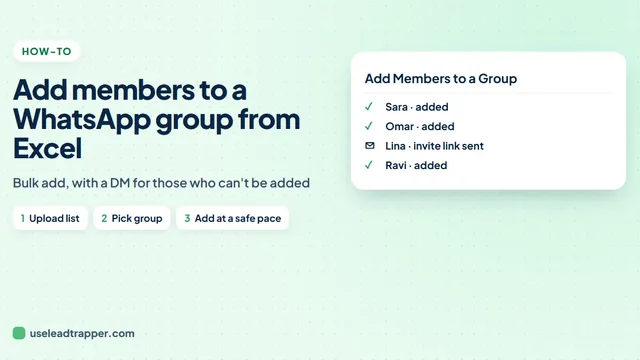
Add members to a WhatsApp group from Excel: load the numbers, pick the group, spread the adds over hours, and send an invite link to people who can't be added.
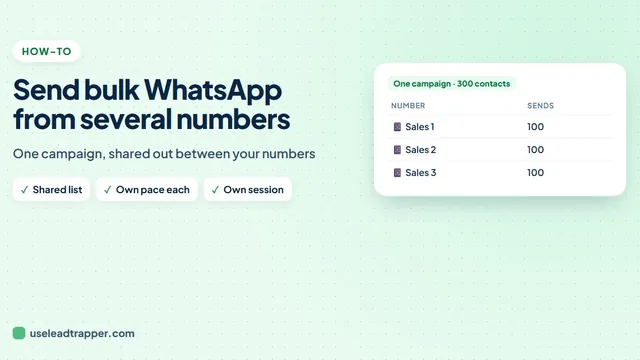
Send one bulk WhatsApp campaign from several numbers: share the list out between them, keep each number at a safe pace, and see which number sent each message.
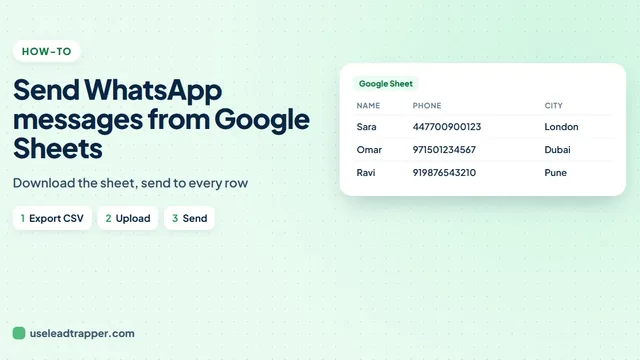
Send WhatsApp messages from Google Sheets without code: a wa.me link formula for a few rows, or download the sheet and message the whole list from your PC.
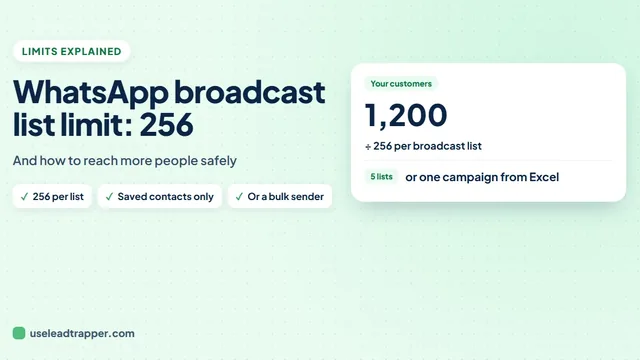
The WhatsApp broadcast list limit explained: 256 contacts per list, the saved-number rule, the new monthly limit, and four ways to message more people.
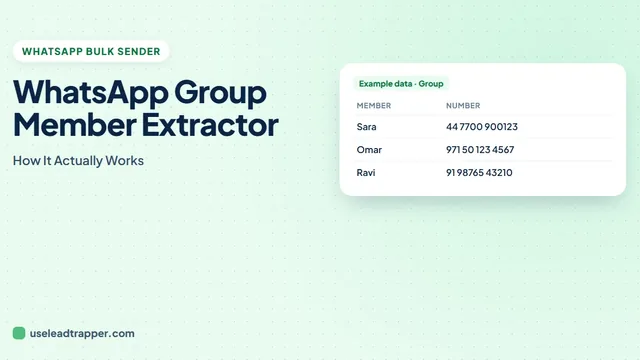
LeadTrapper pulls every member's number, name, and admin status straight from WhatsApp Web's own group data. Here's exactly how, and its real limits.
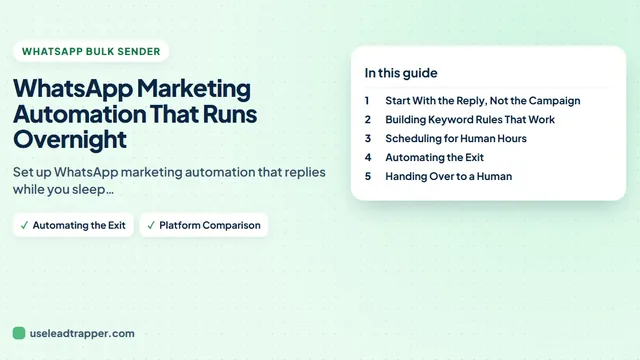
Set up WhatsApp marketing automation that replies while you sleep, schedules campaigns for working hours, and removes opt-outs on its own. No API needed.
Each guide here does one job from start to finish, with the screens you will see. Most people start with sending a broadcast to numbers you have not saved, which also explains why WhatsApp's own broadcast lists only reach people who saved your number. To send at a set time, see scheduling messages to many people; to spread a campaign across accounts, sending from several numbers at once.
If your list lives in a spreadsheet, the Google Sheets guide needs no code. For groups, there are guides to adding members from Excel and to exporting the members of a group. For the overview and the rules that apply to every campaign, start with the guide to sending bulk WhatsApp messages without a ban.
Google Maps scraper, Number Filter and WhatsApp bulk sender in one Windows app. $50/year, 14-day free trial.
Get LeadTrapper — $50/year